GUI-Week 7
|
It seems like it might be high time to actually put a proper GUI into the game. Up until now we have used placeholder menus for the game, but no more! Originally this was not my task, but I took it under my care becasue the person responsible would be unable to do it. For this, I am actually glad! Making the menus might have been the most fun assets I have made on this project. Enough babbling, let’s get to it.
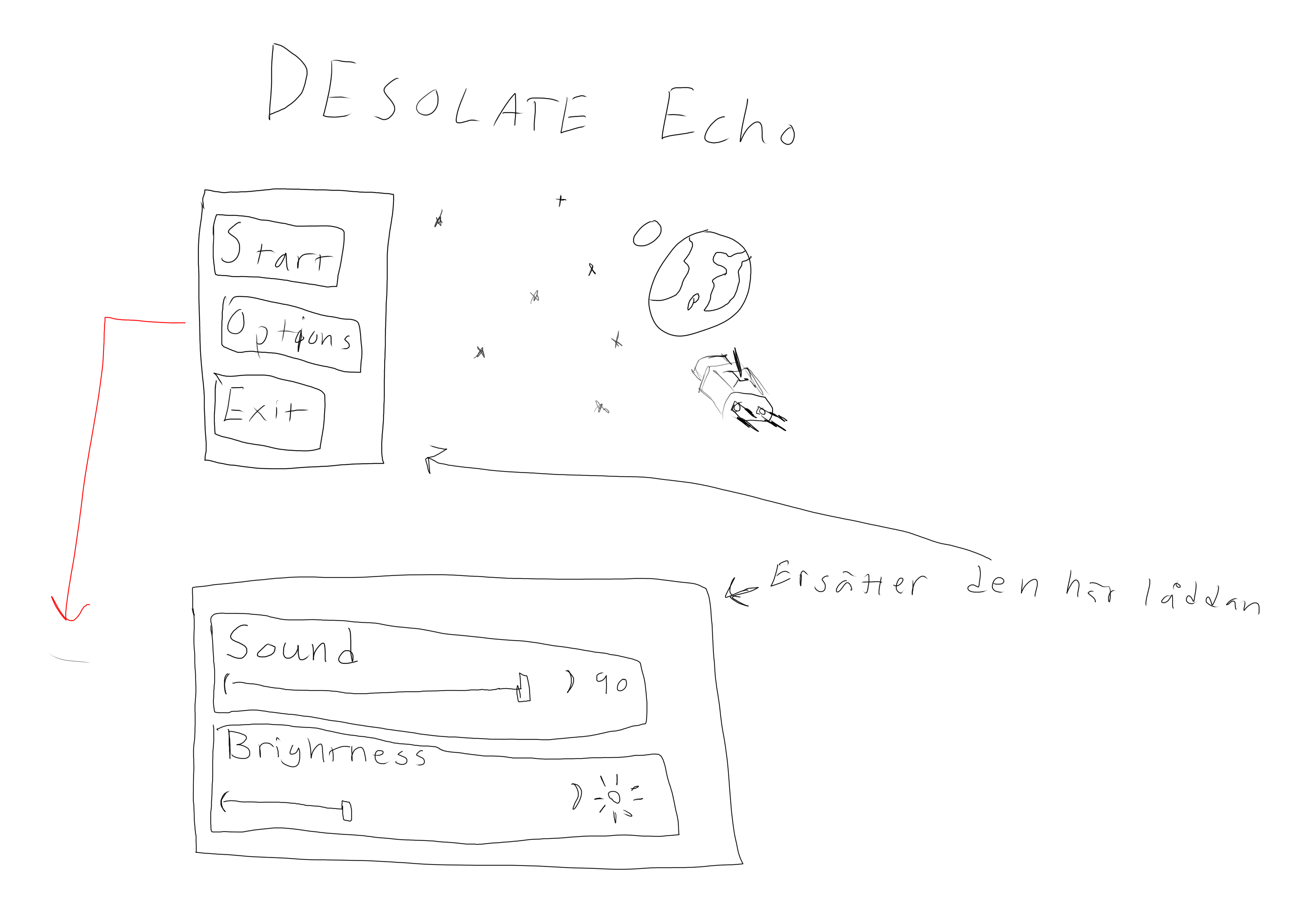
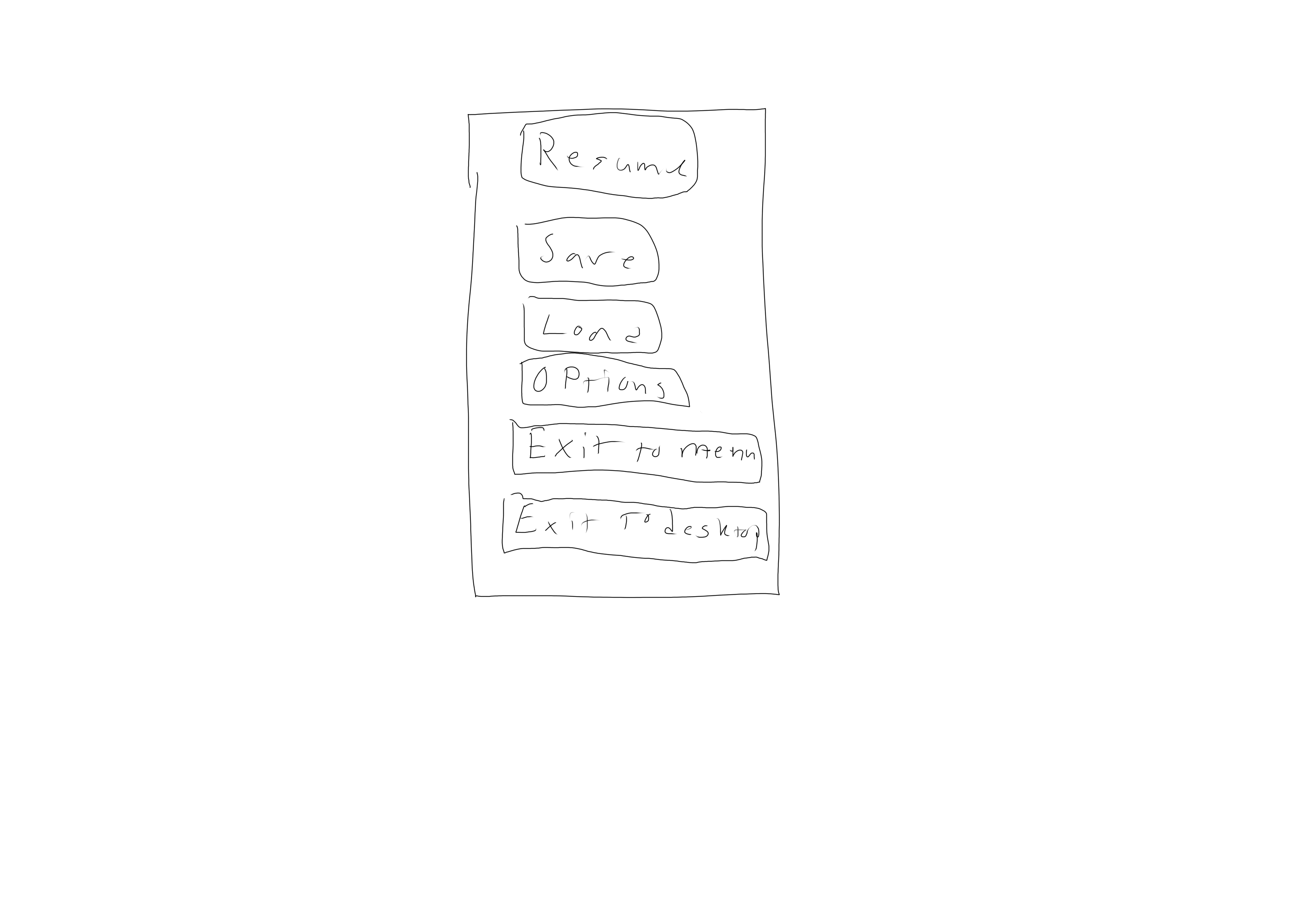
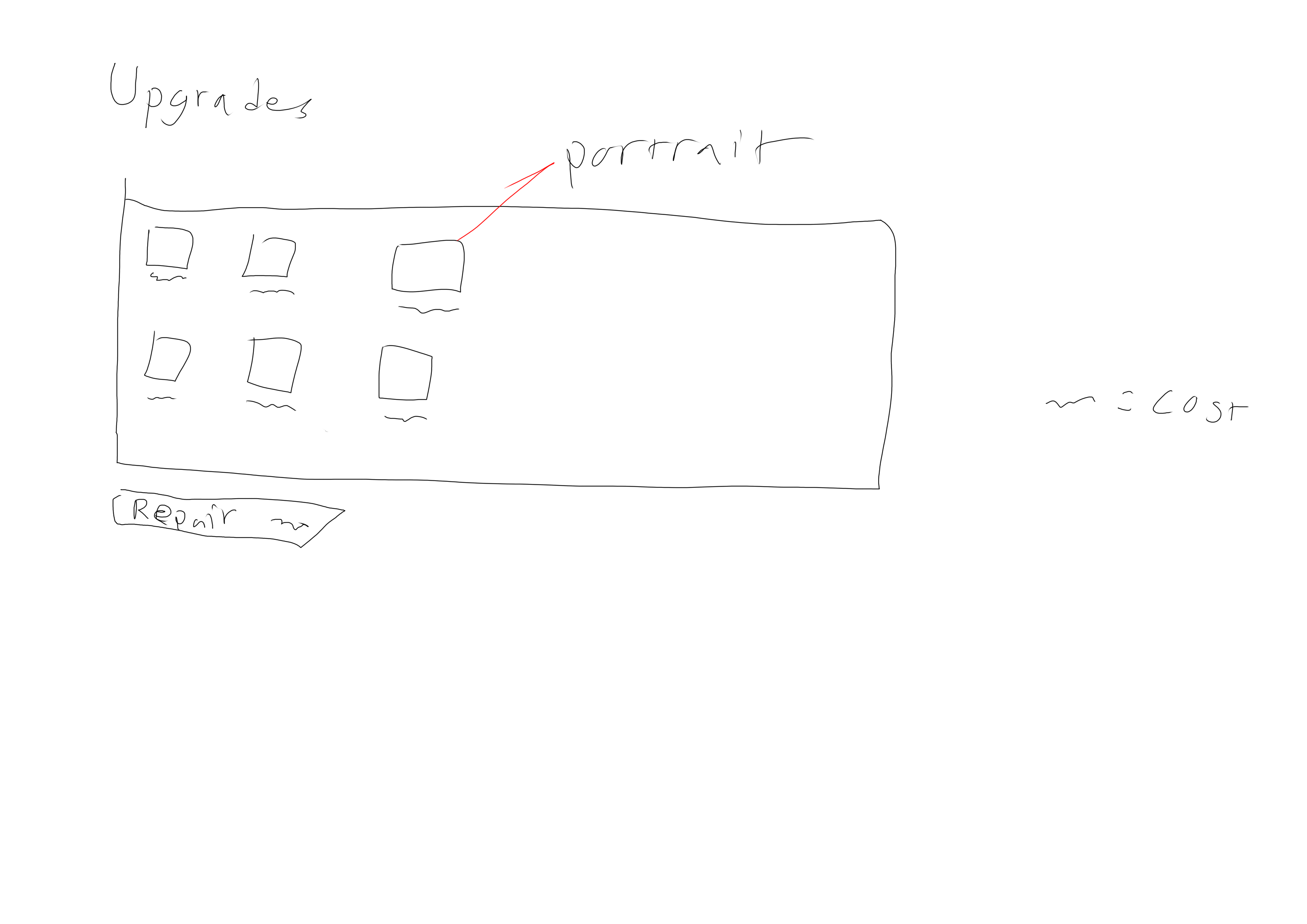
These crimes against humanity are my early concepts for the different menus we would have, so that is what I based my menus on. We had to make some changes and that was the merger of the upgrade screen with the pause menu. What I did was to design the GUI as if it were a computer system used onboard the Hovercraft avatar, as to not break immersion to much. The group had settled on a 1970s hard-scifi/retro future look. Sort of like the early Alien films. My idea was to make it look like a advanced version of DosBox.
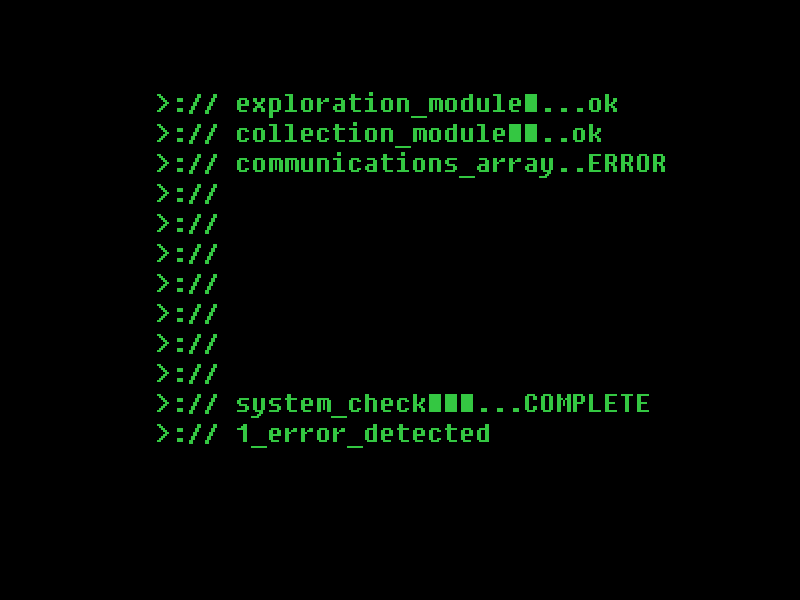
Example of the DosBox aesthetic All I used to make the menus were the box making tool (I have no idea what it is called) in Krita and the text tool using the font FixedSys. At the time of the Beta most of the GUI was completed. It took some flak for lacking any sort of context. So I added some flavour text in the screens and I hope they will make the player understand that the menus are supposed to be the Hovercraft’s onboard computer systems. Now for a overview of the the two most profilic screens; the pause menu and the game over screen.
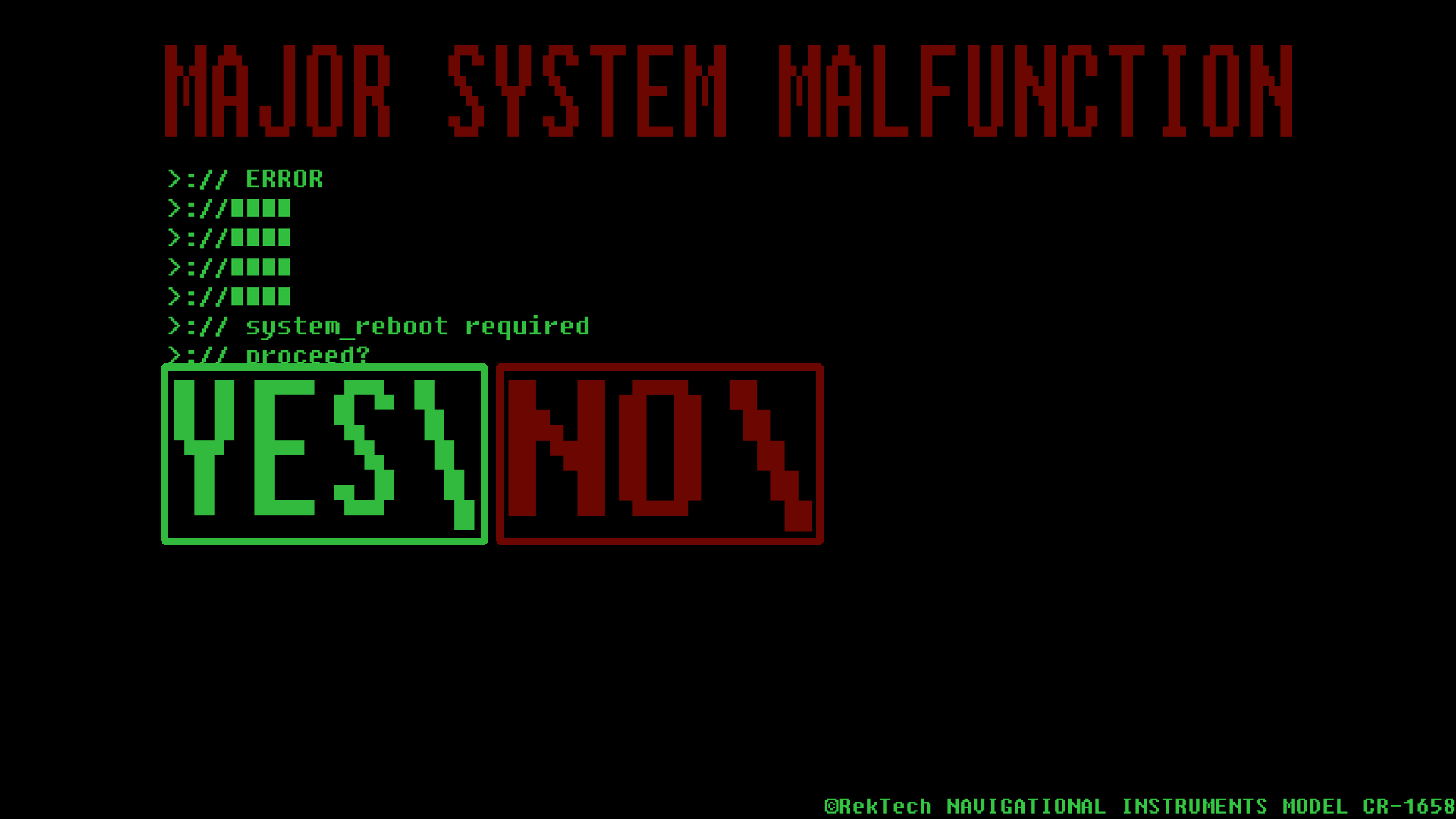
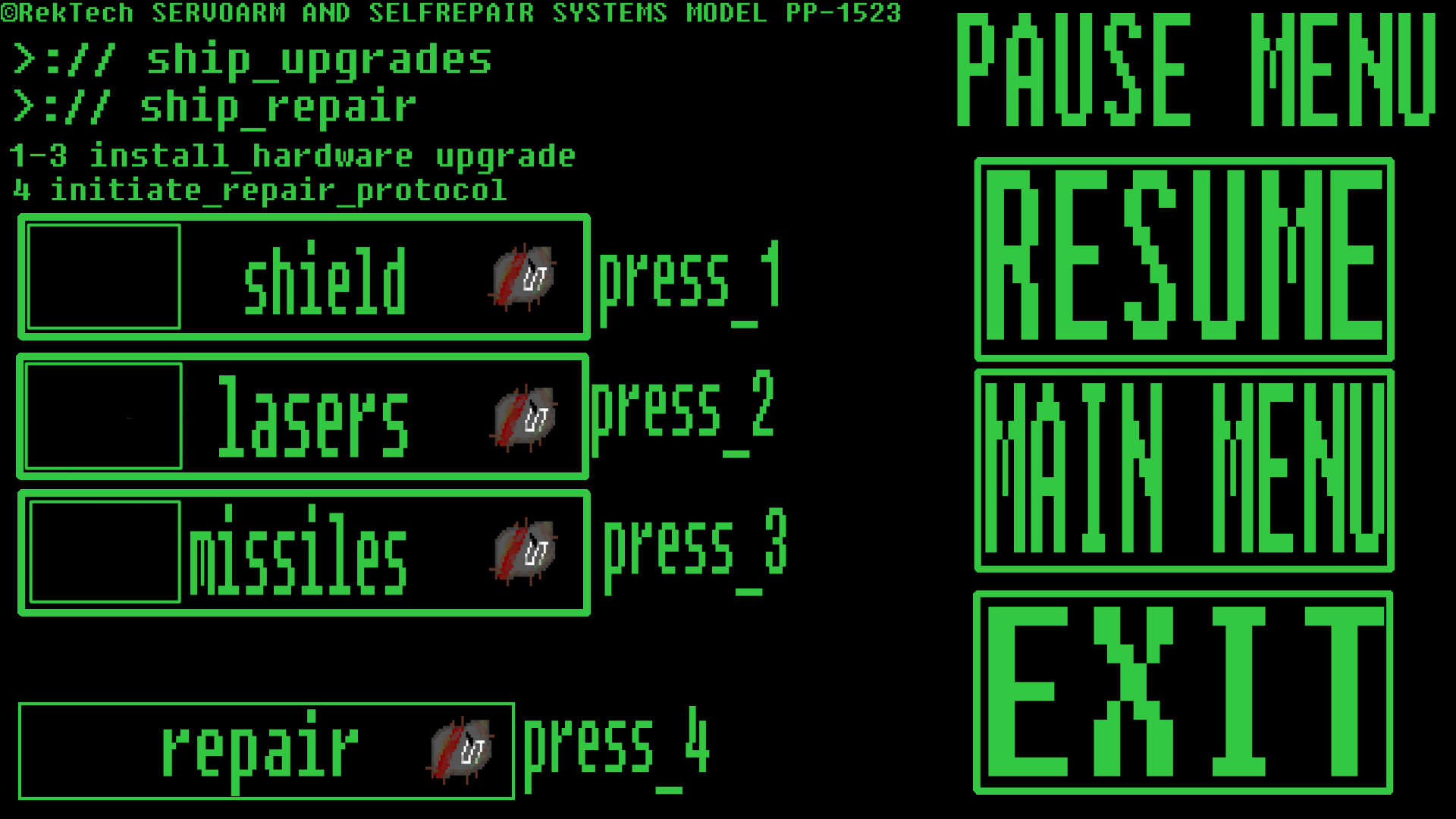
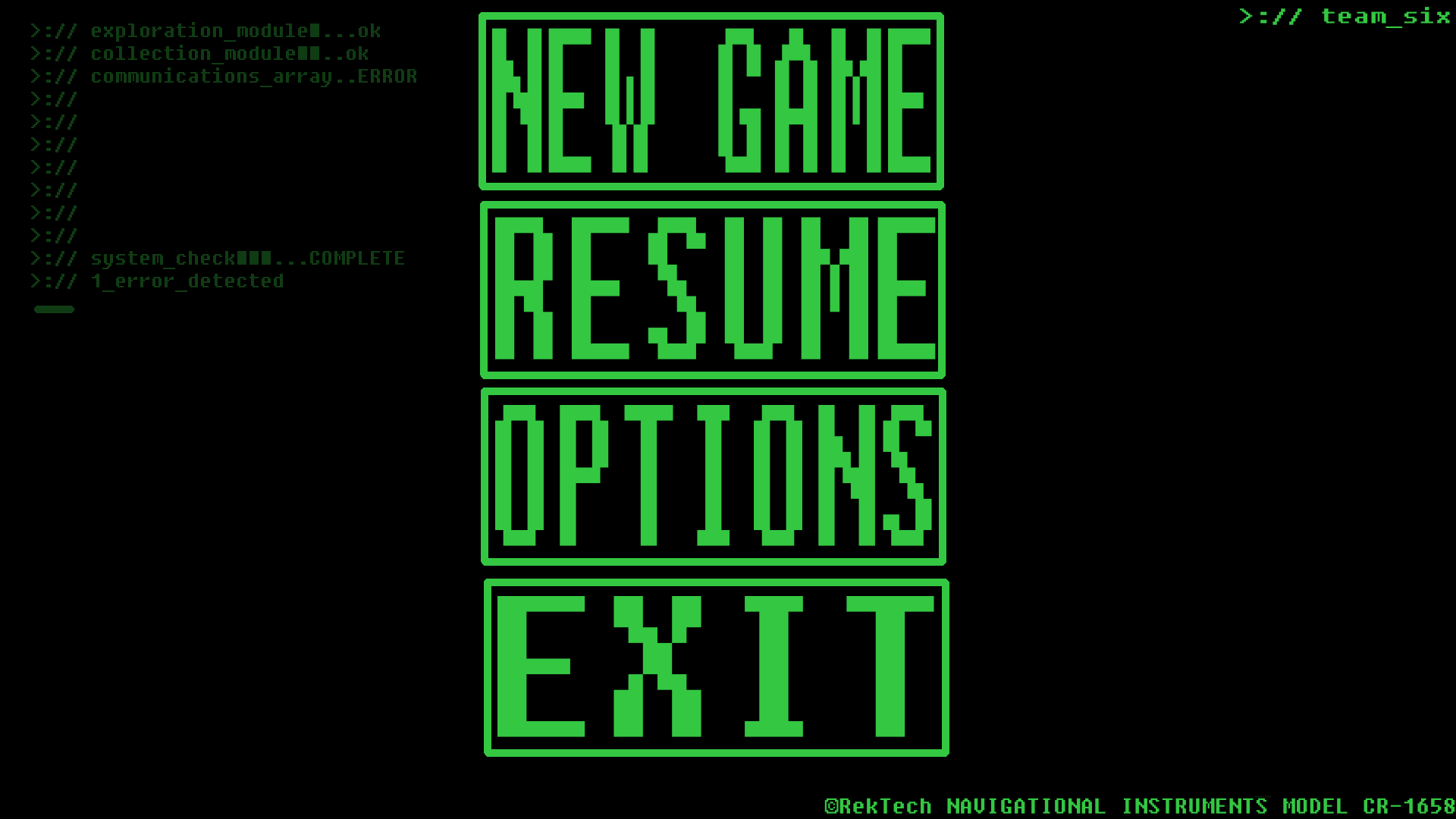
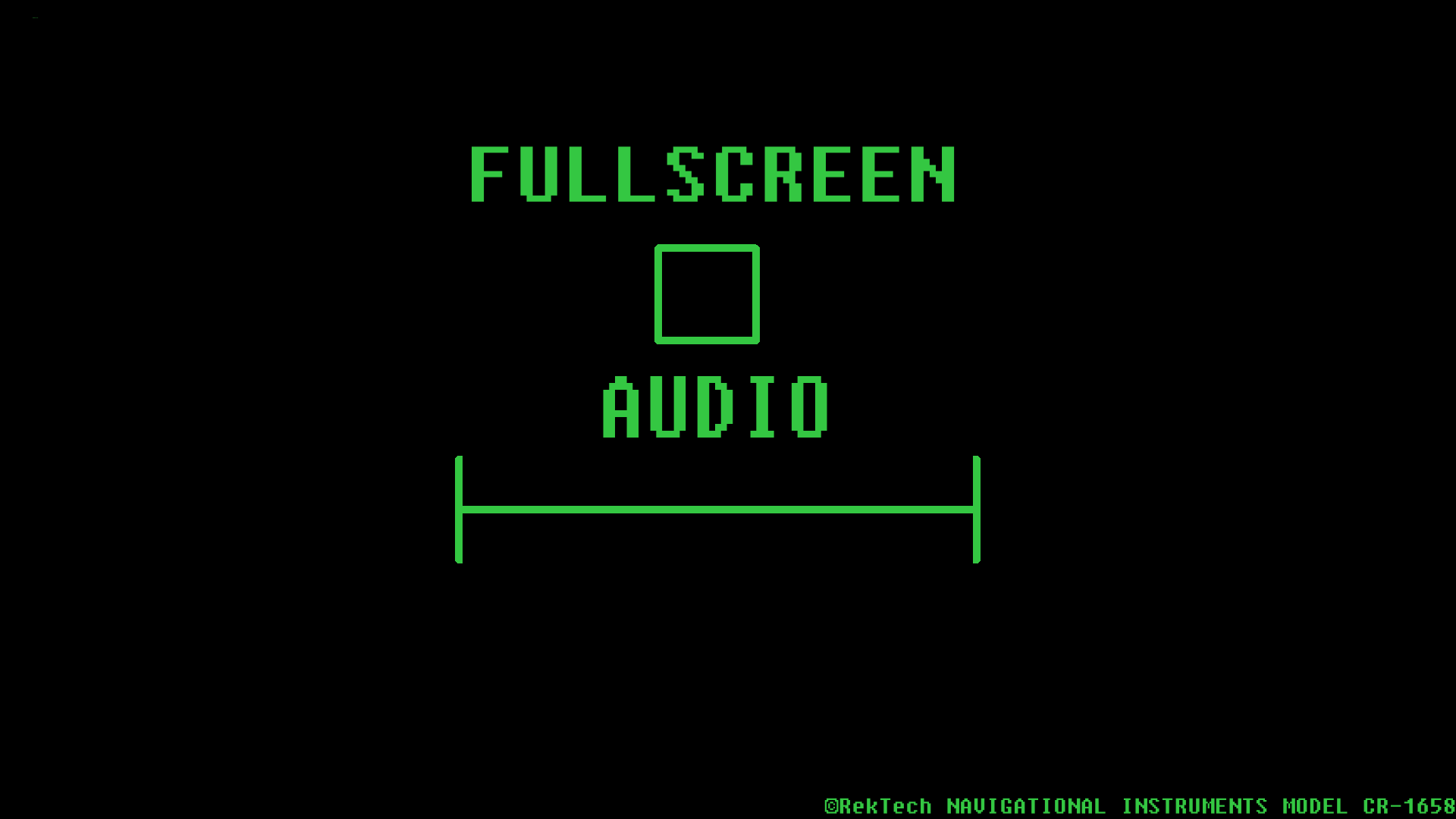
The one on the left is the game over screen. I wanted to stick with the immersion on this one, so I made it look like the OS had suffered catastrophic failure. The massive red text as well as the psuedo-code were typed out in order to matched this, ending with asking the player if it wants to ”reboot the system”. The right one is the pause/upgrade screen. My philosophy here was that it was two screens in one and to keep them seperated. The actual pause menu (on the right hand side) isn’t anything special to talk about so I’ll just talk briefly about the upgrades. First it is communicated to the player that here you will be using some sort of mechanical systems to install new hardware components i.e. the upgrades. Each upgrade as it’s on place and a little bar on the left side. This will be used to tell the player you can upgrade the various parts three times. Not pictured yet are the costs for the upgrades, when they are finalized we eill put a number between the scrap icon and the upgrade name. That was all I had this time (my longest post to date). Below I leave you with the other two GUI screens, the Main Menu and the Options screen.
 |