[5SD033] “Score!” or “How to read from and write to a .txt”
|
So as we finished our last week on a high note, with Markus seemingly enjoying our game during the beta presentations, we started drawing up the last tasks that had to be done. I took it upon myself to make a highscore-list that will display the players and previous players scores. Since we would like the game to keep scores even when the game is closed and later restarted the scores had to be written to a .txt(text) file. I thought it would be a lot easier than it actually was. The first few minutes went rather well, the program can read the contents of the .txt file and display them on the screen. So with the reading finished I moved onto the writing, I decided that it would be best to have to seperate files, one for names and one for score. Each entry in the two files were placed on its own line, it was so because when the file was read it placed every line into its own element of an array. Again, one for names and one for score. Now when I started to write to the txt is when everything went wrong. The last entry in Names was removed and the first entry in Score had taken its place. I sat with this this problem for a couple of hours looking through the .cpp file over and over again. It wasn’t until I glanced over at the header file when I noticed what I had done wrong. I had only given the arrays four elements, when they needed five. After changing this things started to work again. Now I could move on to enabling the playerer to input text, text that would become the players entry on the highscore-list. I used the TextEntered event in SFML for this. The code displayed in the tutorials on the SFML website only returned single characters so when placed into a sf::Text they would only replace eachother. I though it would be solved by using the in-built to_string() function to turn the characters into strings and then using the append() function to add the newly converted characters to the end of the string. This however only printed out the unicode value of every button instead of printing out the symbols themselves. With some quick Google-ing I found that I could use a so called stringstream to convert the characters into strings, this worked much better than my earlier attempt. I also found some code that took advantage of the unicodevalues of the TextEntered event to enable the user to use backspace and space.
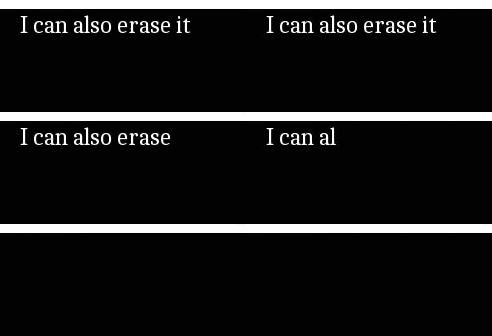
This was just the protoptyping and as no actual finished work existis all I have to show is this tiny little prototype of a textbox, if you could even call it that. A psuedo-textbox. I might return later with an update on the finished scoring-system when and if it’s implemented. So until then, good bye!  |