Week 9 – Power up
|
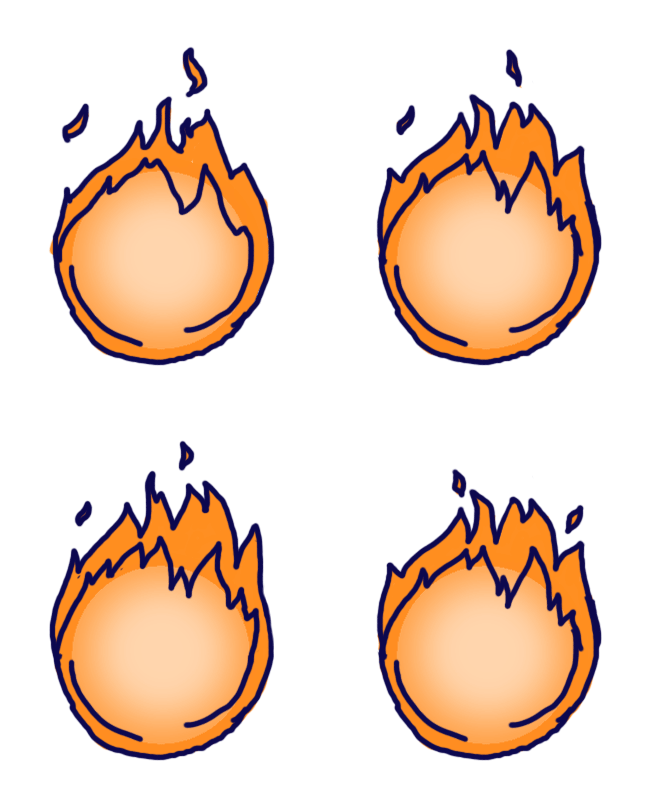
Hello hello! So during this and the past week I have been working on one of our power ups. In Magic Writer there are three power ups, one multi shot, or lightning, which kills all monsters on screen, the second one is freeze, which as it sounds, freezes all monsters and the third one called piercing, that kills all monsters in a specific lane. The later one is the one I have been working on. When activating this power up it will appear over the head on our wizard and around the item he is holding. We had been discussing a bit how this could be illustrated in an easy and understandable way. Our artist and producer made the icons for the power ups and first made a rocket, but later changed it to a burning fire to make it easier to visualize when it would appear in the wizards hands. So my job was to make an animation for the fire that will encircle the item. During last week I just made a quick and quite rough animation of the fire, just so that we would have something to show at the Beta presentation of how it could look and work. We had earlier decided on having all our items appearing in a bubble that the wizard would always be holding, so while doing the animation I used that as a base and tried illustrate some sort of a fireball. After finishing up the sketch for the fire, the idea with the bubble was rejected. Since I have been the one doing most of the animations and put in a lot of time and struggle for the bubble before, this felt a bit rough, but it it something you need to get used to and in the end we realized it actually didn’t give much to the game. Luckily, even though I had used the bubble as a base, the new power up worked anyway. Here is the sketchy version:
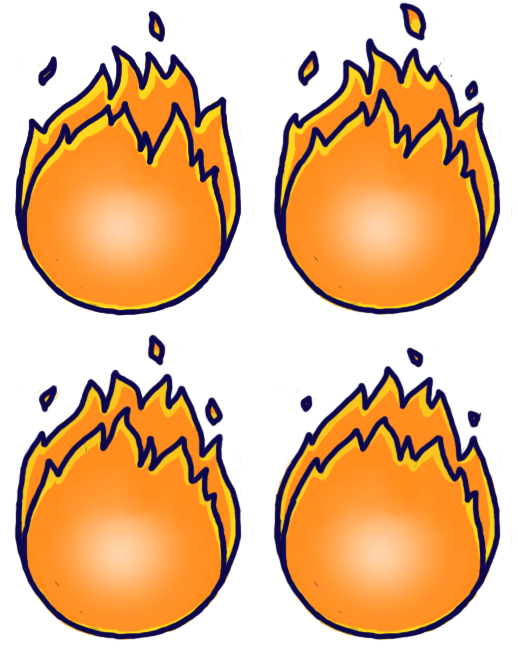
While doing the animation I tried illustrate the fire burning, moving from side to side and by adding some fire sparks. Like all other animations I worked in Photoshop. For the first and sketchy animation I used the timeline function but since I haven’t been working too much with that before, I used the animation tool during this week when I made a clean version of the animation. While making It clean I also tried to make the animation smoother by adding a frame and making each frame better in relative to the one before. Here is the final result:
 |