Lighting System
|
One of the most core elements of our game is the lighting, as such, this post is about how we managed to implement it, and the part I’ve done in getting it working. This is how the lighting system currently works, although we plan to refine it a bit more later on. The concept “Echo” requires a dark map where the player navigates around and finds stuff. To implement this in any way, a lighting system is necessary. We decided to do this by attaching a light source (controlled by scripts) to a berry, which the player can then pick up, carry around or throw. A problem here is that the 2D sprites don’t interact with lights, and you have to have a sprite diffuse shader on them for them to do so. The different states of the berry were implemented by my fellow programmer, Sebastian, through an internal state machine. I then coded the behaviour of those states: ‘not picked up’, ‘picked up’, ‘thrown’ and ‘broken’. Starting State
if ((Vector3.Distance(target.position, transform.position) < distance) && ammo == false)
{
     currentState = State.pickedUp;
     ammo=true;
}
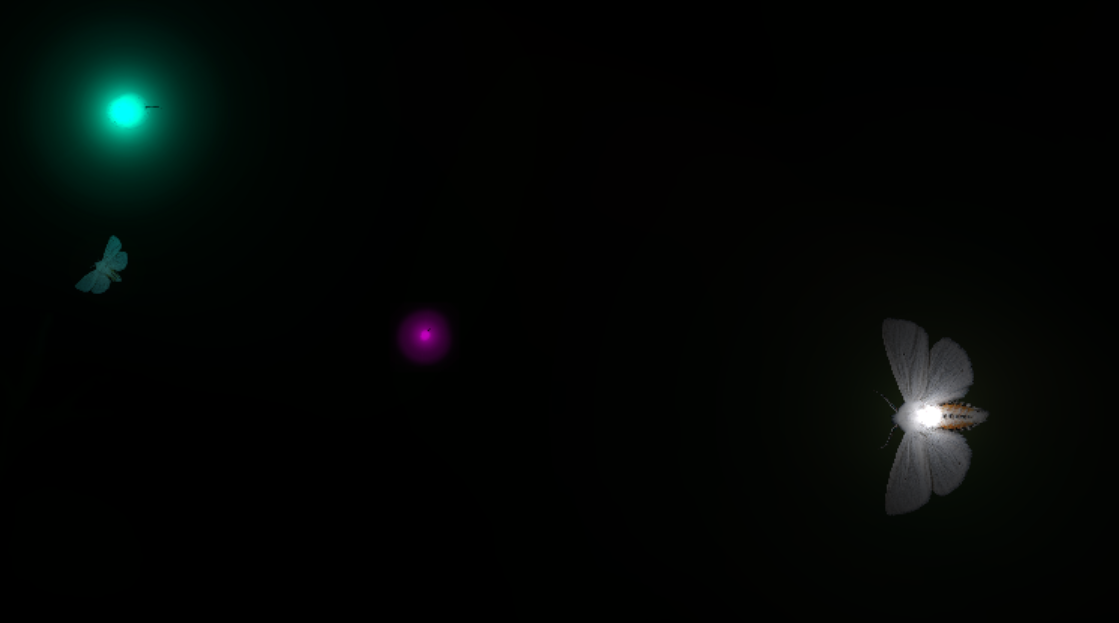
checks if the player is near the berry (with no ammo) and if they are, changes state to picked up. It is implemented like this and not through onCollision, because we didn’t want the berry to collide with the player and trigger the corresponding physics behaviors (like pushing the player off or dragging the player down). The player and berry are also on separate non-colliding layers. 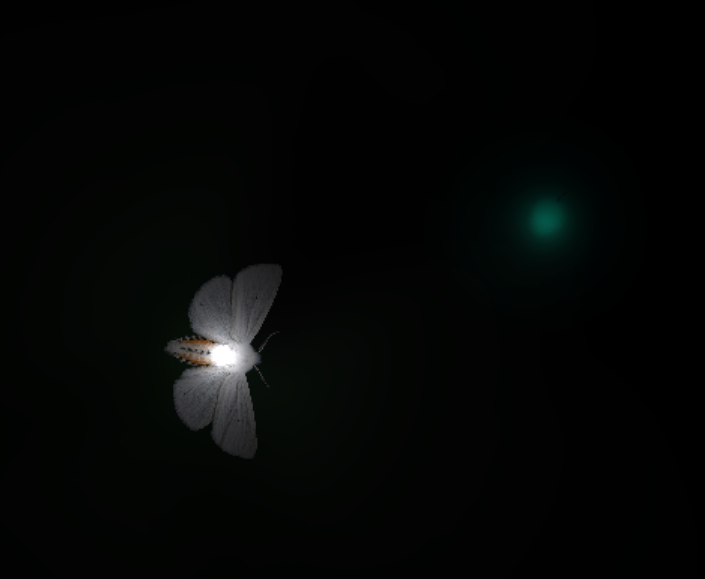 Picked State 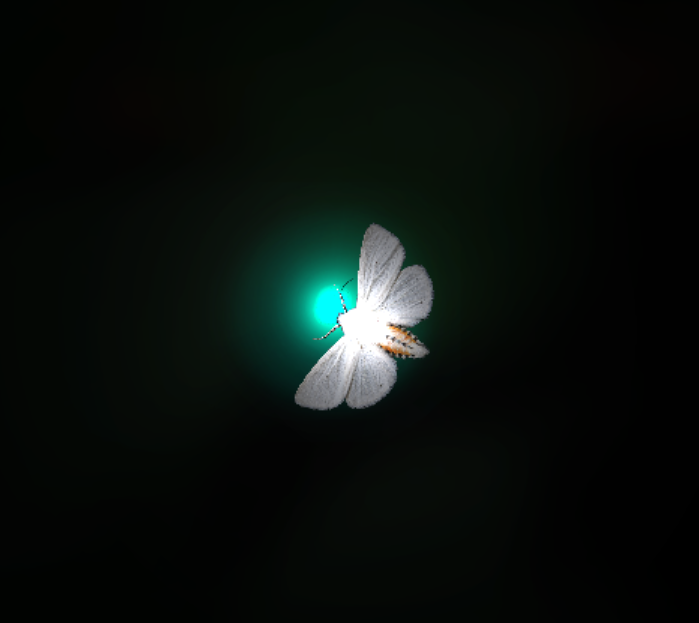 Thrown State 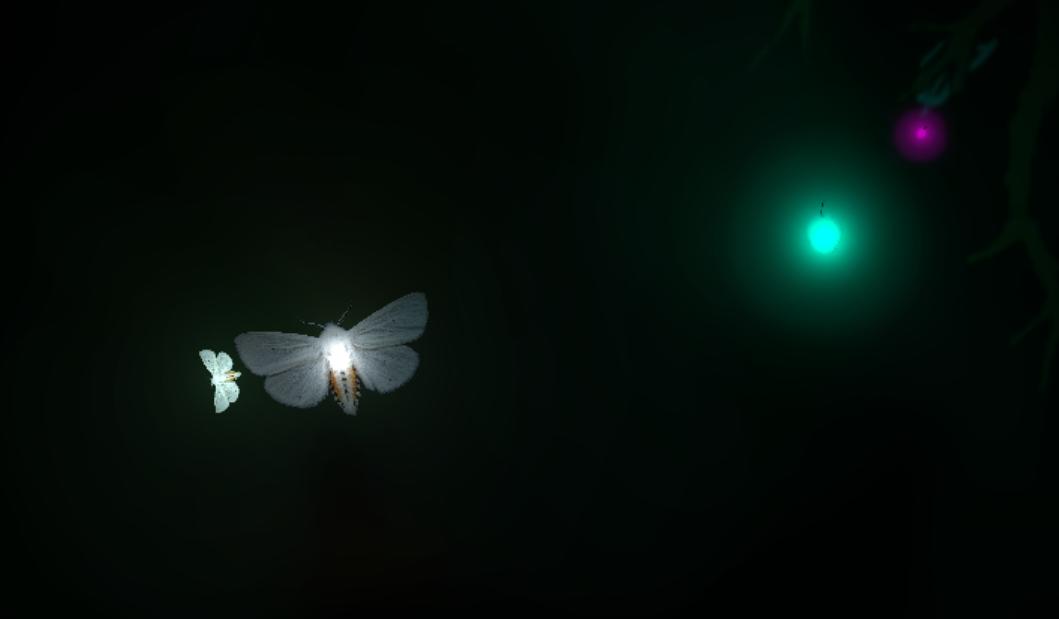 Broken State
m_light.intensity = 8;

if (isIncreasing == true)
{
     m_light.range += 5f;
     if (m_light.range > 100)
     {
           isIncreasing = false;
     }
}
else if (isIncreasing == false)
{
     m_light.range -= 0.5f;
}

if (m_light.range <= 0)
{
     Destroy(this.gameObject);
}
  |