Blog week 5 – Checkpoint
|
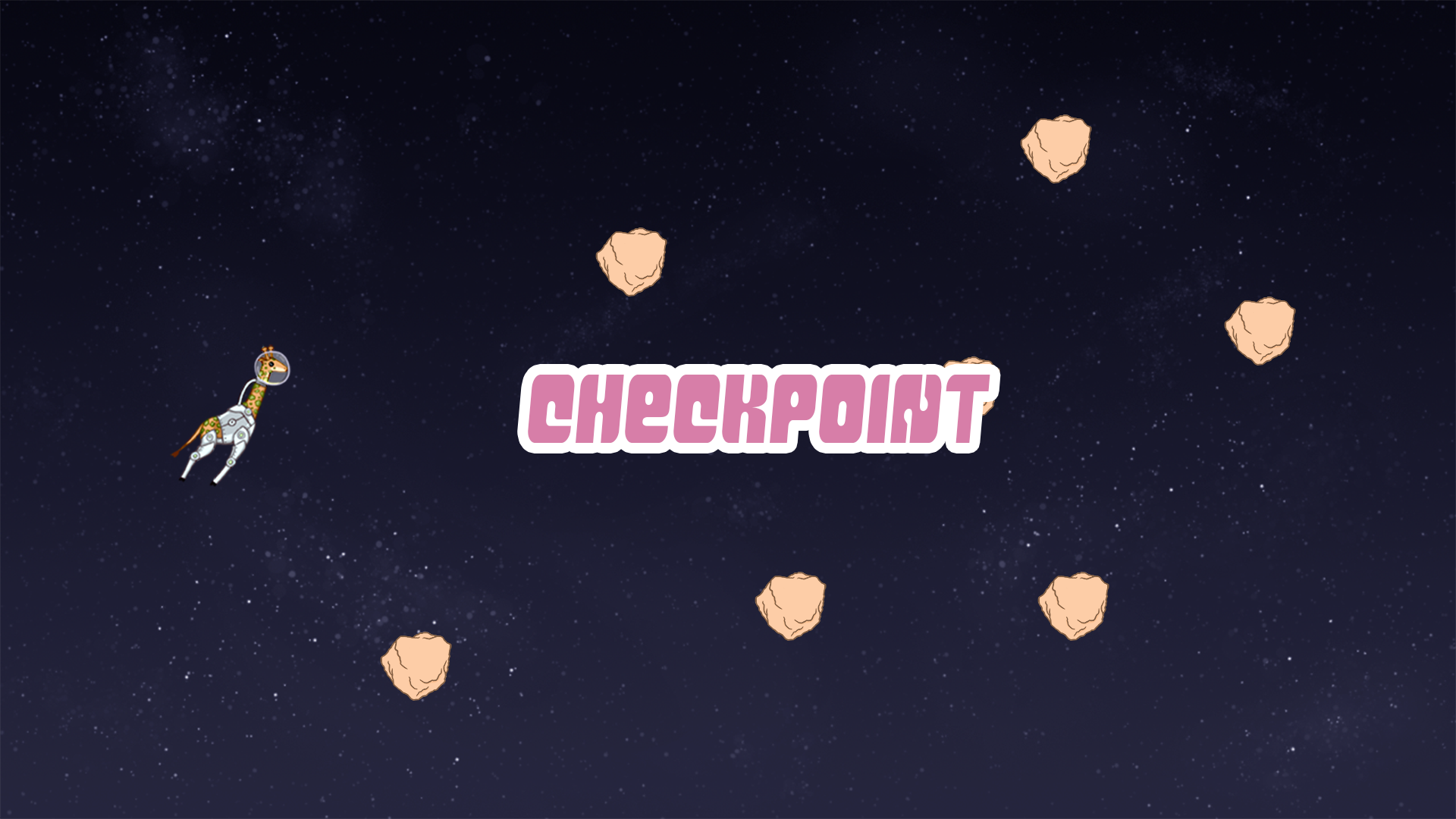
It’s the final countdown!!! …Sorry that was really bad. Joking aside, it’s only one week left until the finished product of our game is to be presented and everyone is doing their best to get the best possible result out of this project. We got a lot of good feedback both during our Beta playtesting last week and our pre Beta meeting with our teacher Marcus, which we plan to use as much as we can this final week. One of the things that we got told a lot was that our ”one hit one kill” feature might frustrate a lot of our players because of the length and difficulty of our level. Even though we are aiming for our game to be quite difficult, we don’t want the players to find the level unfair. Because of this, we decided to add a few checkpoints into our game in order to make the player motivated to keep playing and moving forward (no matter how many times they die). Our checkpoints will consist of a background visual along with some visual text feedback. Since I’d worked a lot with our text in this project I became responsible for the visual text feedback.
I started by opening a screen sized file in Photoshop, and made a quick mockup of our level. Then I added the text on the screen to adjust the size of it so it didn’t block too much of the player’s view. When I felt that I had gotten it right, I went on to the animation.
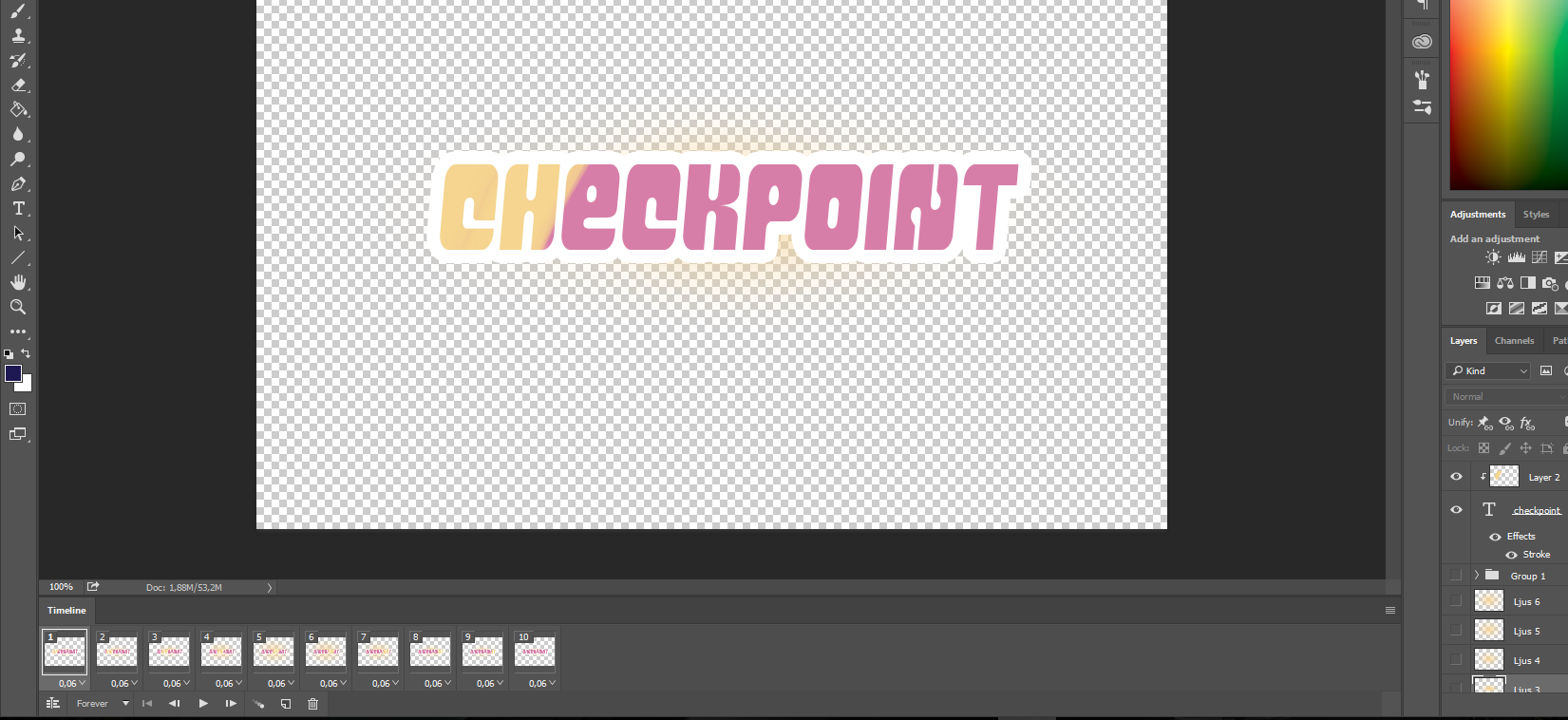
During blog week three I did a similar animation to what I did this week. I started animating with frame animation in Photoshop. What I did in this animation was creating a clipping mask to the text, and draw a yellow line. Then I moved this yellow line from left to right a little bit at a time in every frame. That created the yellow shine streak effect (shown below). Lastly I created a gradient ball, which becomes bigger and bigger frame by frame, and at the end of the frames shrinks back to small size again. This create glowing effect behind the text (see below).
Finally, all I had to was to convert it into a sprite sheet. For this I used the program ”Glue it” where you can simply add all the saved frames and save as sprite sheet. That’s everything I had for this week. Next blogpost will be the final one for this project!  |