[5SD033]Blog 3 – Tiled For Everybody!
By: Martin Carlsson
Group: 10
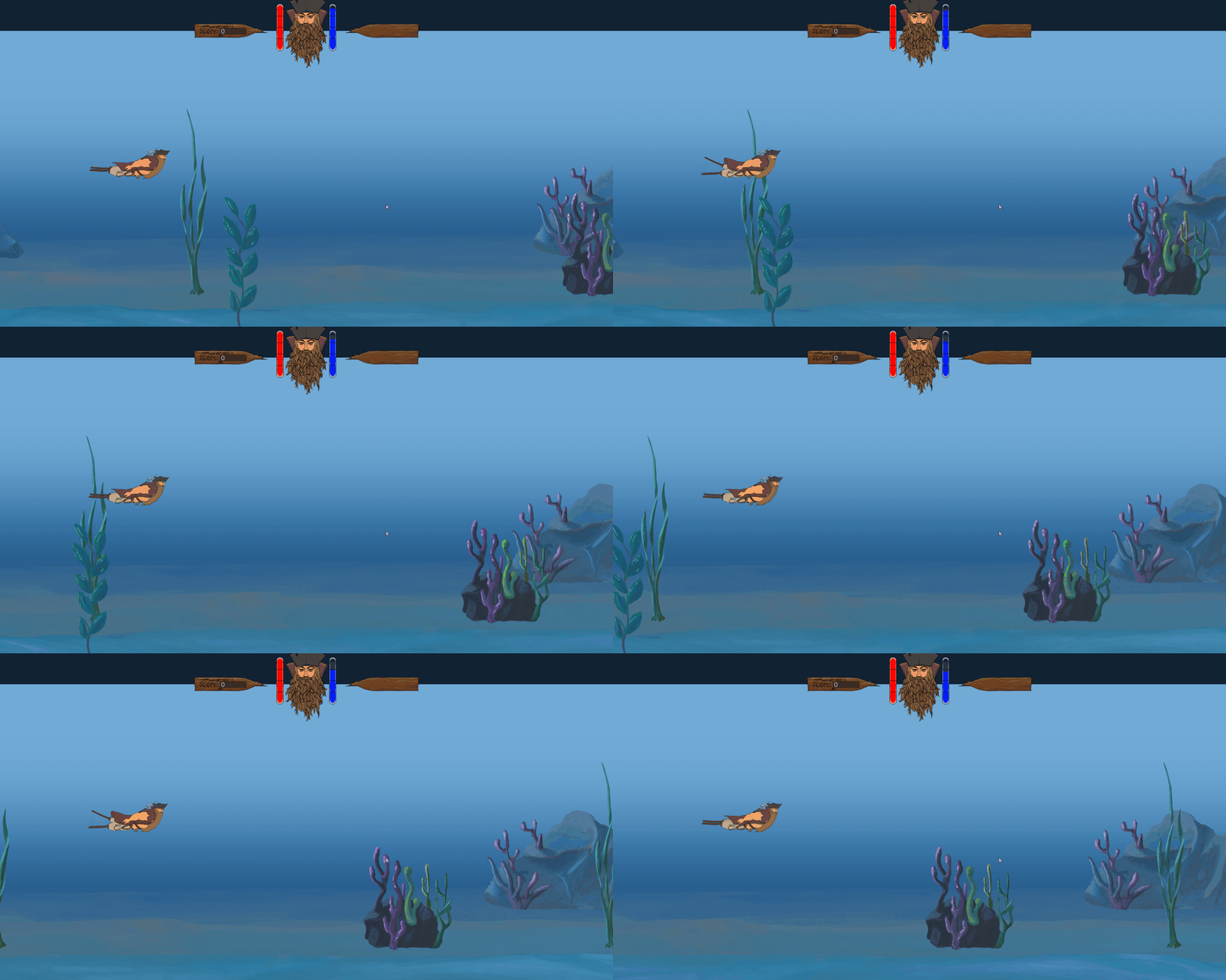
This is the second and last part of the Tile System implementation. Last week I went through some of the general ideas of the implementation when it came to reading the file. This week I finalized the implementation of the tile system. The project now opens a .tmx file and reads all the values it needs from it, makes the data into a layer, which is made into an image which then gets drawn to the screen. So let’s go through the file reading iterations. I started by reading in the file, I declare a bunch of const char pointers which will store the data from the file during the iteration. I start by getting the Tile set data. This data contains information about how large each tile is, how large the source image is and the location of the source image. I then get the layer data. This data contains information on how large the tile map is in width and height and whether the map uses offsets in x and y. Now, we need somewhere to store the tile map data for each layer. I use a std::vector which stores a pointer to an object of the class Tile. A Tile is a storage class which contains a sf::VertexArray with the primitive type Quad. The reason for using a vertex array is to be as light weight as possible, so as to not impact performance. I then set the position of each of the vertices in the quad, which makes a rectangle shape. And then set the .texCoords of the quads. Finding what part of the texture to draw can seem tricky at first, but it’s not too bad. The tile set splits the source image into tiles. Each tile then gets assigned a value known as gid, grid identification. The gid then represents that this is the tile we need to look for. To actually get the corresponding position on the tile set, we need to do some simple math: int u = gridID% (imagewidth / tileWidth);
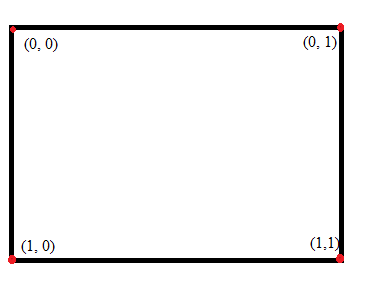
quad[0].texCoords = u * tileWidth, v * tileHeight; As demonstrated in the picture and the above code, we need to increment the u value when we want the tiles furthest points on the horizontal vertices. And increment the v value when we want the vertical vertices. Getting the real position where the tile is supposed to go is super simple, just keep a track of how many iterations we’ve done and multiply that by the tile width. When we’ve done one row of x, reset the value to 0 and add a new value which represents the y position we ‘re on, multiply by height. When we’ve gone through the layer, restart the process with a new layer. For now, this supports one tile set and five layers. This would be pretty simple to expand and time will tell if the need is there. When I then draw the tiles out, I draw the entire vertex array out as one single picture for each layer. There are a few improvements I could make here, such as only drawing out a part of the picture or ignoring the tiles which are empty, etc. Making the whole thing into a picture means that I only have to call the draw function once per frame, instead of once for each tile, now, the scope of the game isn’t really large enough to warrant worrying about optimizing performance, but it’s good to keep in mind for the future. Instead of up to 1080 draw calls for each layer, every frame, I now only have one draw call per layer, every frame. Thanks for reading!
 |