Creating a multifunctional minimap
|
I am back once again with another week of game development! This week I would like to show you the mini-map I created for our game. Firstly I started to concept some simple ideas and most of the concepts were taken from real world objects such as compasses, weather vanes and more. Unfortunately I have no concept images to show as they were never saved. My mistake. It also needed gameplay functionality.
Important things the minimap needs to do for the player during gameplay:
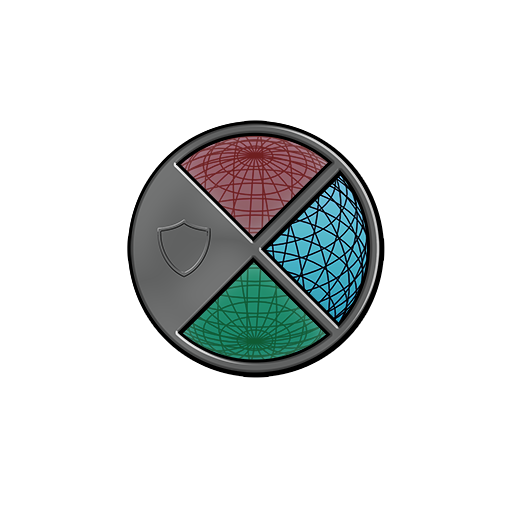
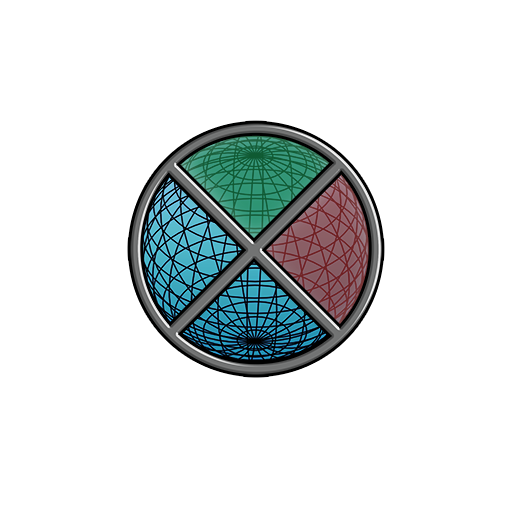
These designs were the core of my creation, and what I created looked like this. In order to achieve this I layered all the pieces of it. I wll explain them more.
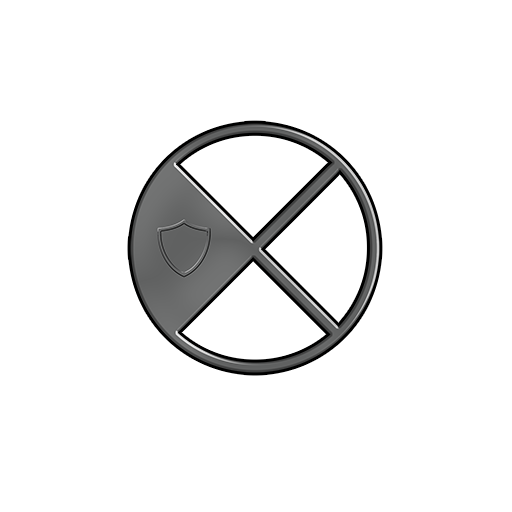
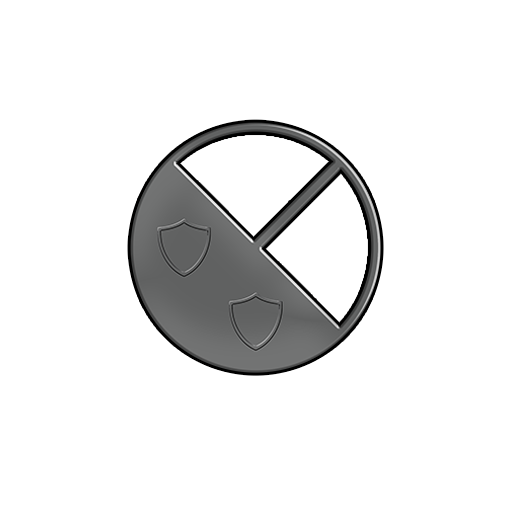
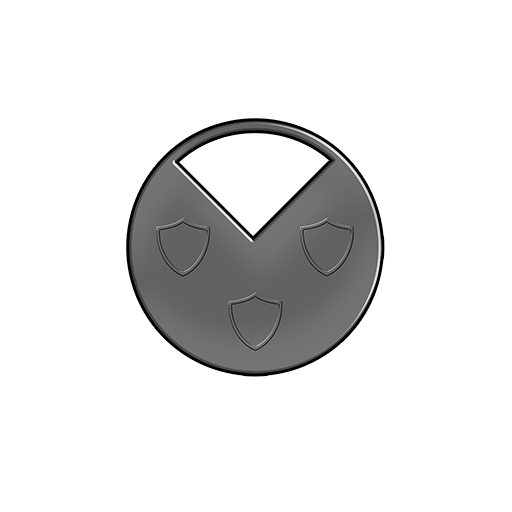
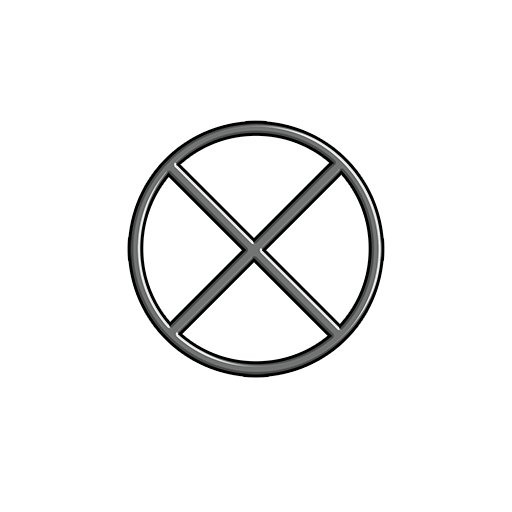
On top, there are always one of these pieces. Think of it is a lid. I created these by creating a circle and playing around with Bevel and Emboss + Satin layer styles.
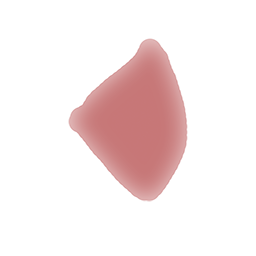
Under the ”lids” I put either a green or red indicator. I am warning you, these look rather horrible on their own. The red is used to warn the player about incoming enemies, and the green is used to show the player where s/he is currently located in the game world.
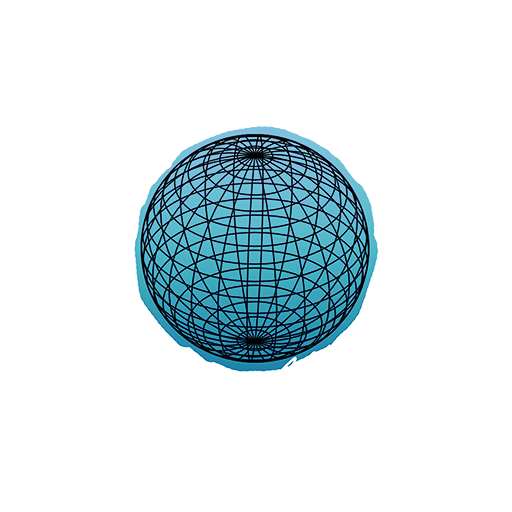
Underneath all this I put a wireframed globe (created in 3D but that’s too much explaining to do for this blog post) and I added a nice blue color underneath that. On its own it kinda looks odd however. Let’s see how these all fit together!
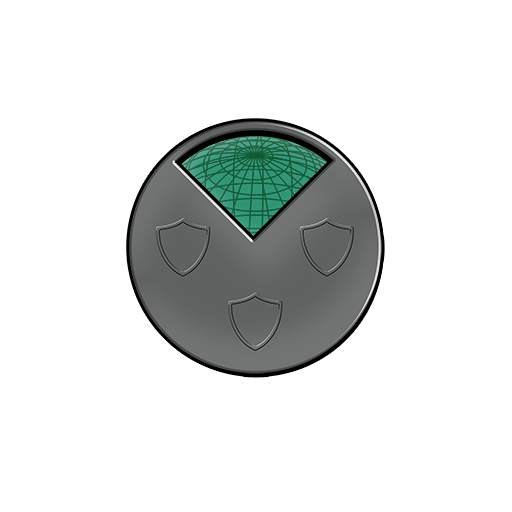
This is how the minimap looks like when the player has unlocked sector 2, but is still located on sector 1.
As the player rotates the planet (rotates to sector 2) the indicator (green) moves to that sector.
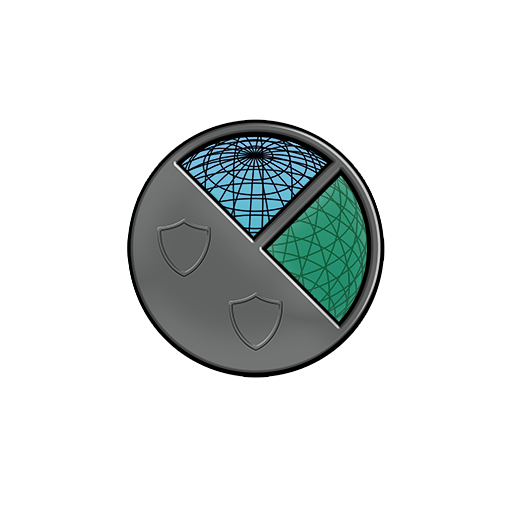
On this example, the player has unlocked sector 2 and 3. S/he is currently located on sector 3 as the green indicator shows. The red indicator shows where an enemy wave has spawned. The red indicator flashes to give the player a clear warning signal.
And lastly, on this example the player has unlocked all sectors, is located on sector 1 and is getting attacked from sector 2.
So that is the minimap, hope you enjoyed reading. See you again next week!
// Jonatan Ersarp  |