5SD064 Making the sprite–shark
|
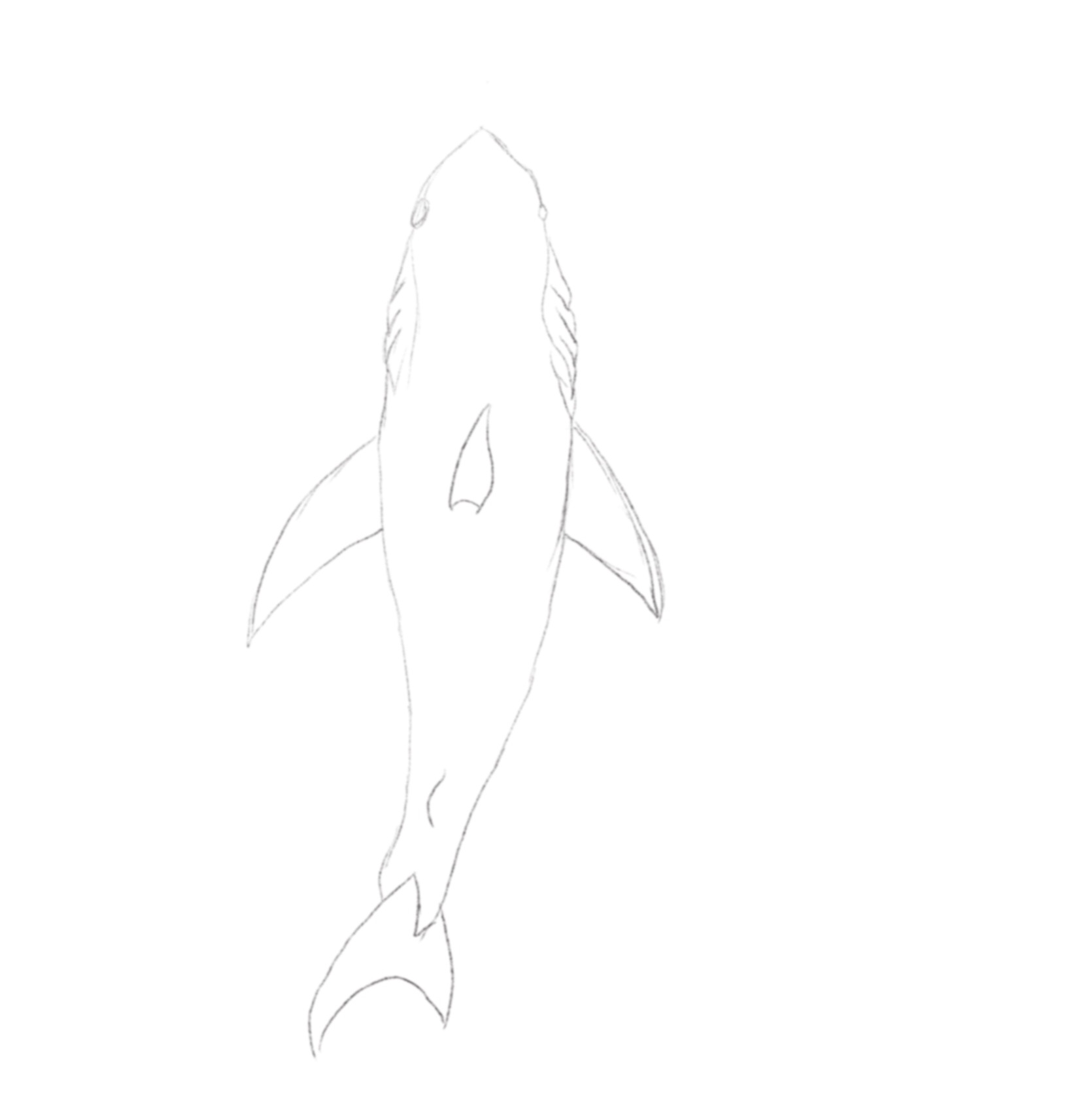
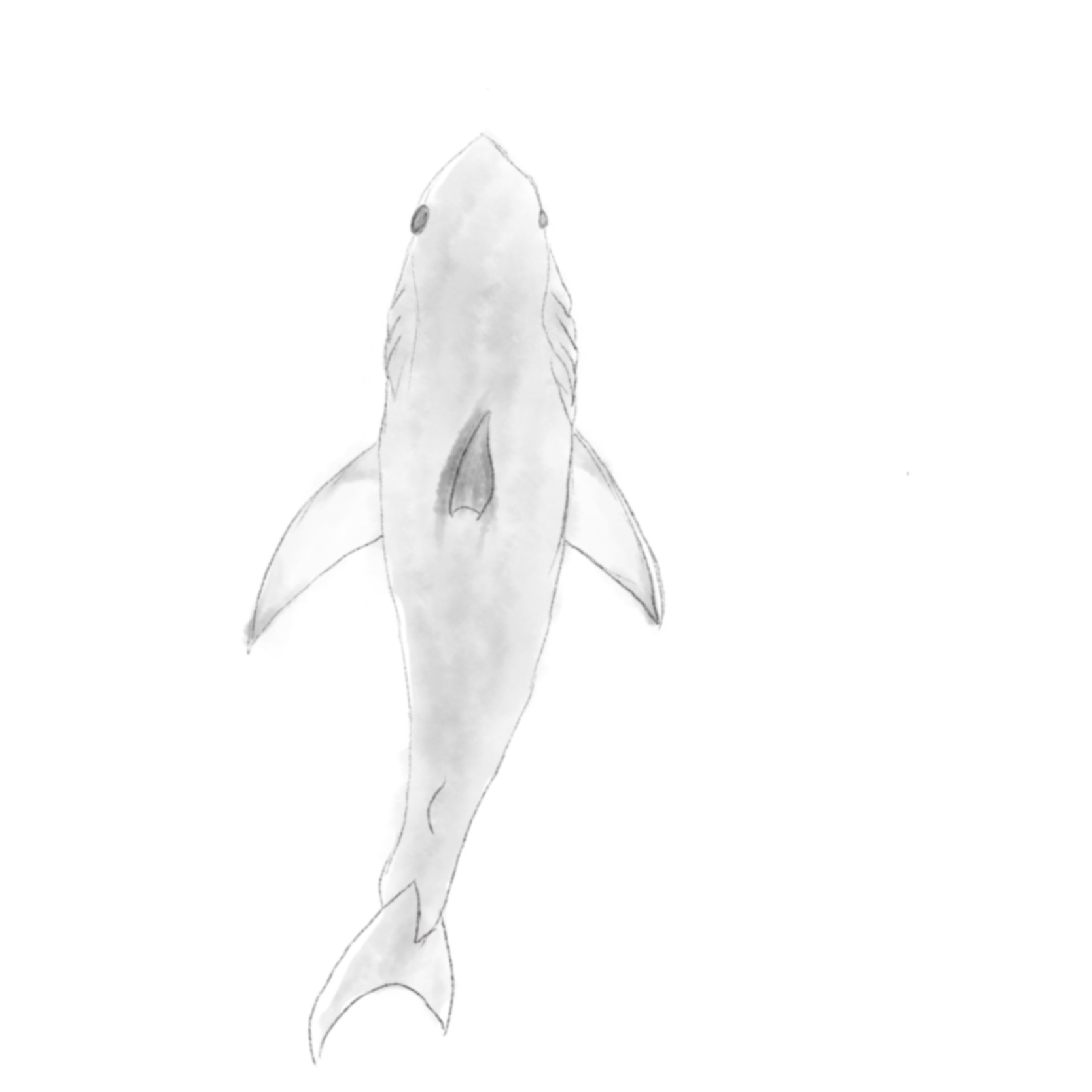
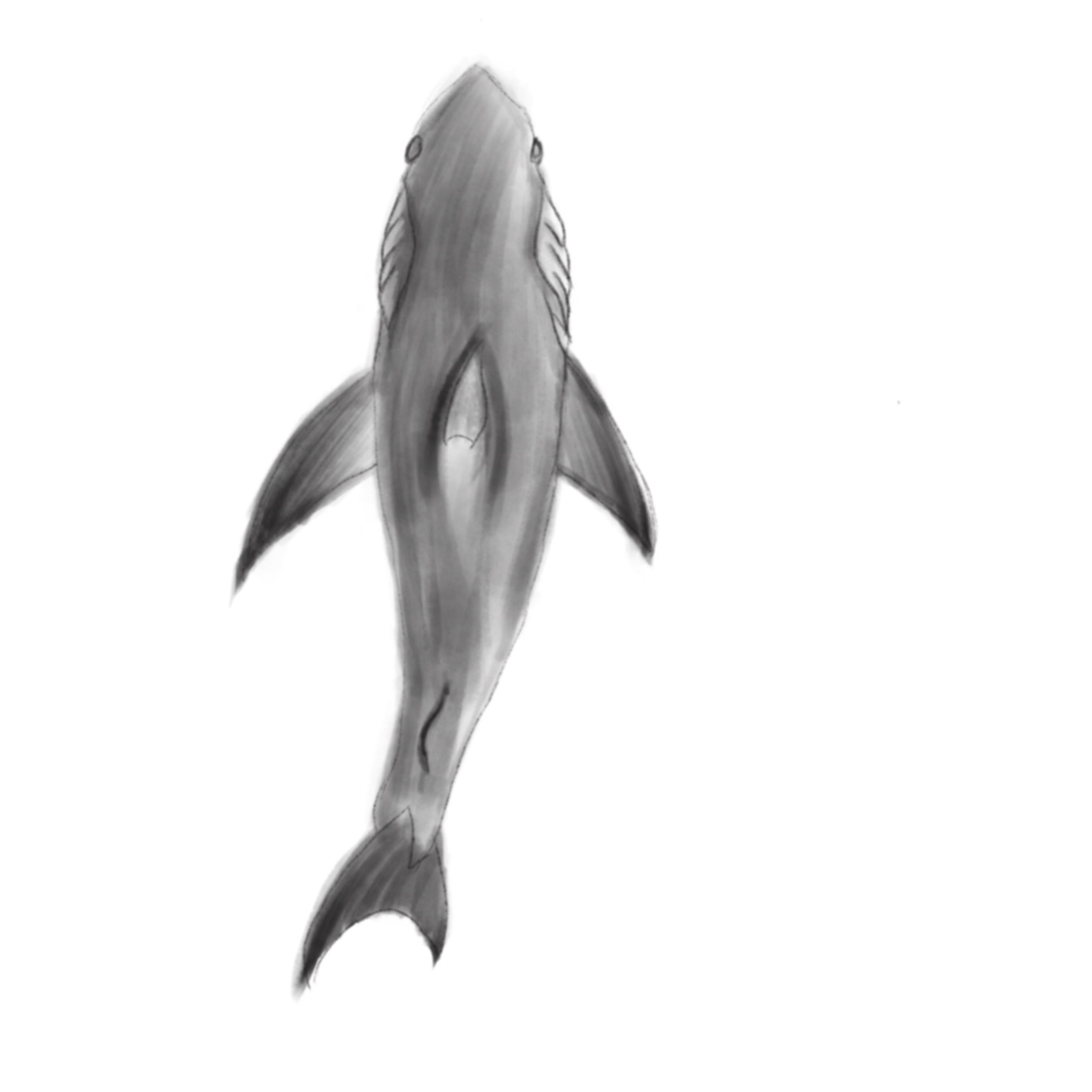
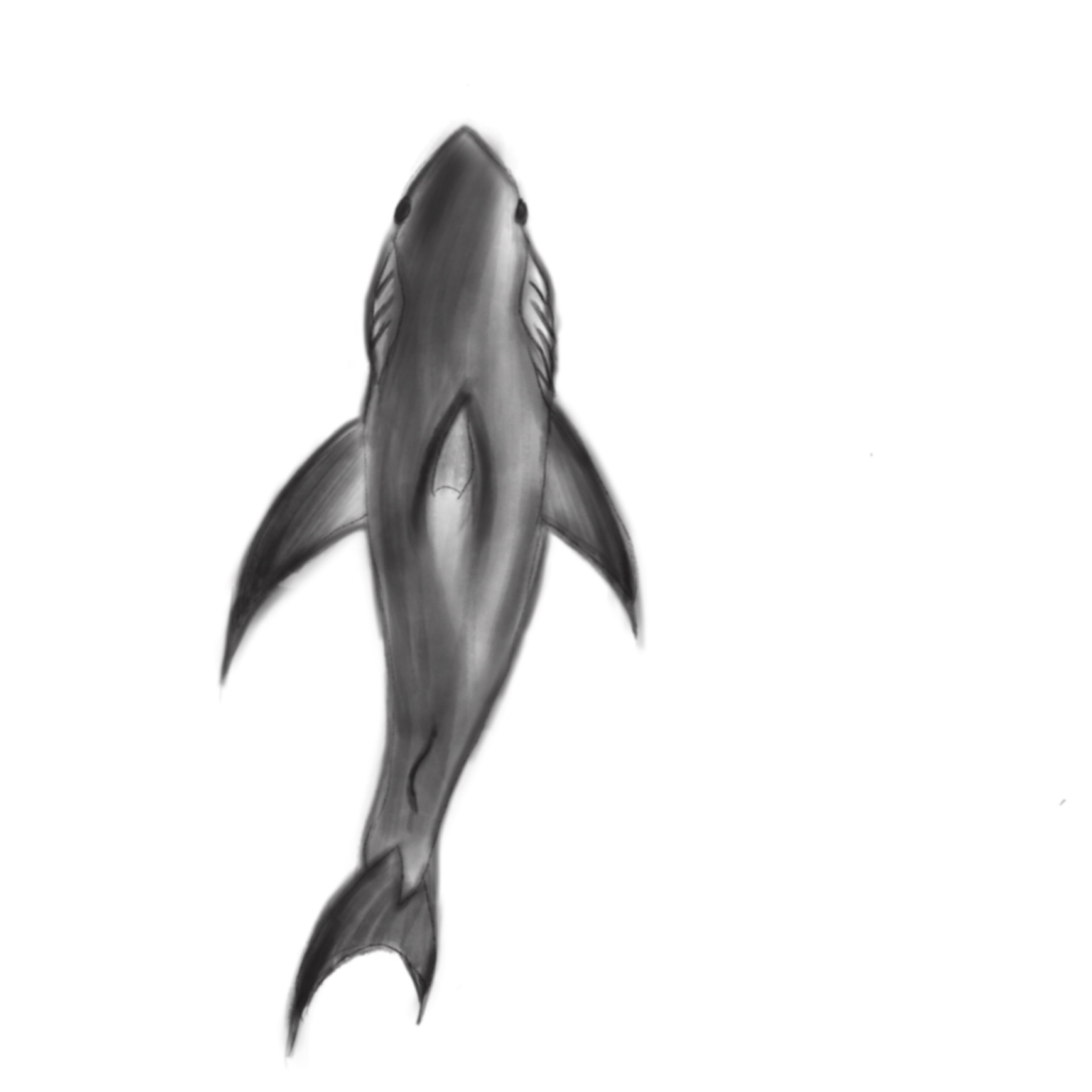
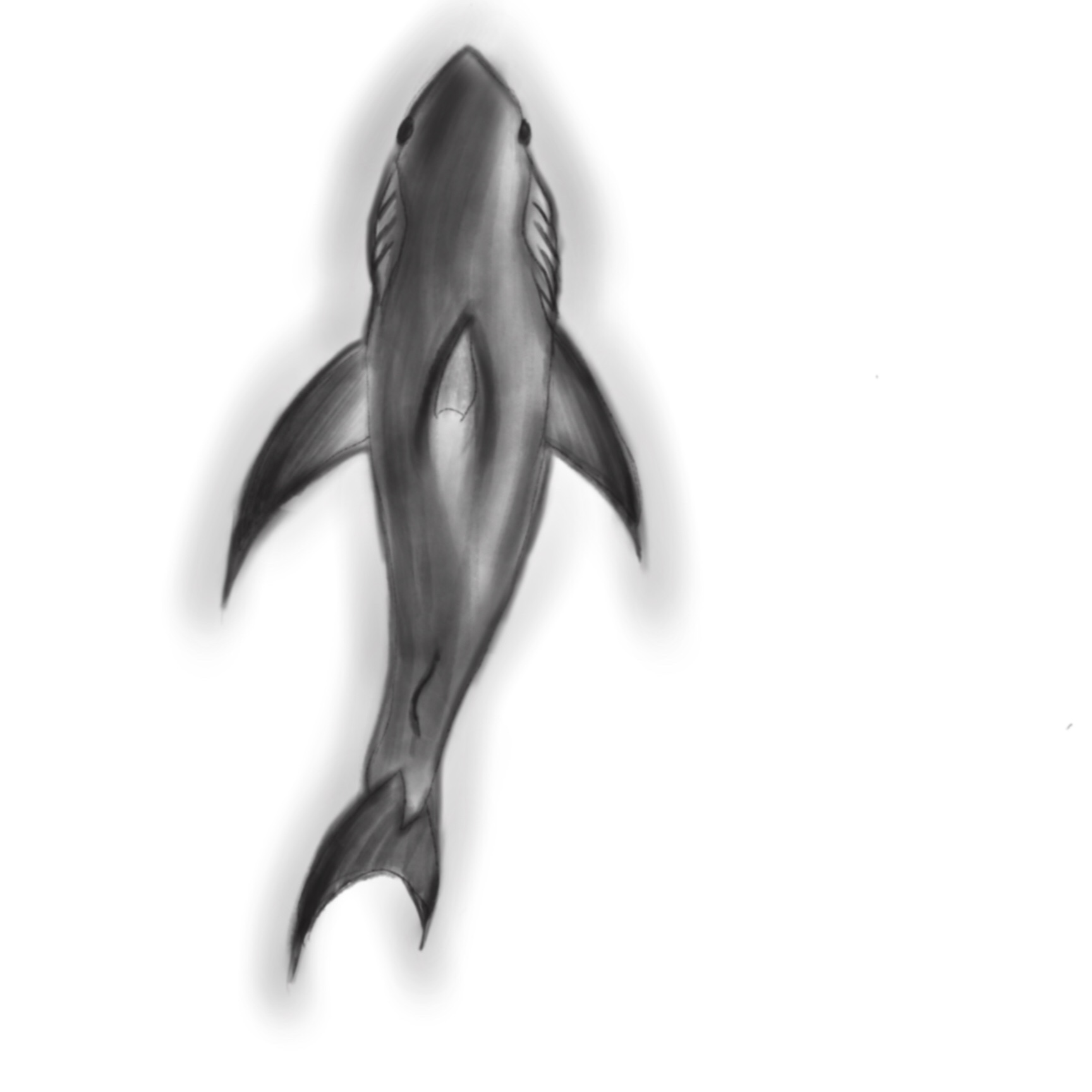
Hello, this week I will illustrate the process of making the sprite of a shark, which is also the enemy character in the game Umibozu that my group flytrap has been working on. We designed 3 enemies and 1 big boss as the antagonists in our game, shark belongs to one of the 3 enemies. Before I started sketching the shark I have looked on google of the looks of real sharks, 3D animated shark and 2D shark drawings. I decided to use 2D shark drawings as the reference since the art style in our game was “water color” and “Chinese ink painting” style. It won’t be suitable if the shark looks too vivid or realistic.
Everything in our game is top view perspective as well as the shark so I have to make sure the most recognizable features of a shark like the dorsal fin, caudal fin, pectoral fin, and the color will be shown in my drawing, otherwise it would be unrecognizable for the players to tell what creature it is.
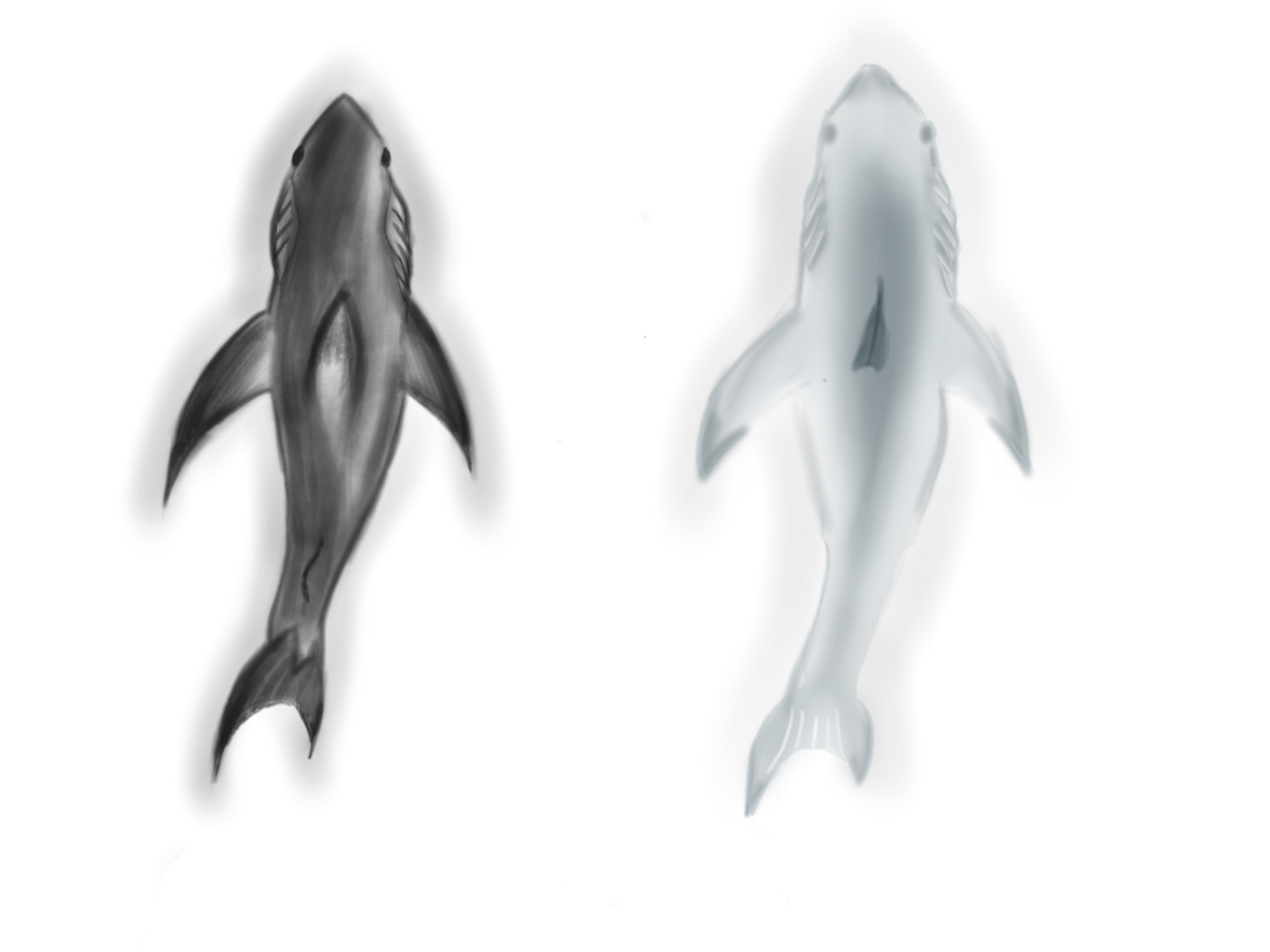
There are four stages from light to dark for coloring the shark. The final look turned out to be quite intensive. I tried to avoid use thick line to stroke the shark as the art style “traditional Chinese ink painting” gives a less focus on the linework. But I tried several time without lines and found it was hard for me to not have any line around the shark. At the end I decided to use same color for both stroke and the body. I also adjusted transparency of the lines as it look more blended with the body part.
The grey shark on the right side I drew after I finished the black shark, just to give another optional and see which one would fit better for our game. We choose the black one at end as it gives a better feeling of brutish, powerful and mysterious.  |