Week 6-9 Trailer, UI and Tutorial Design
|
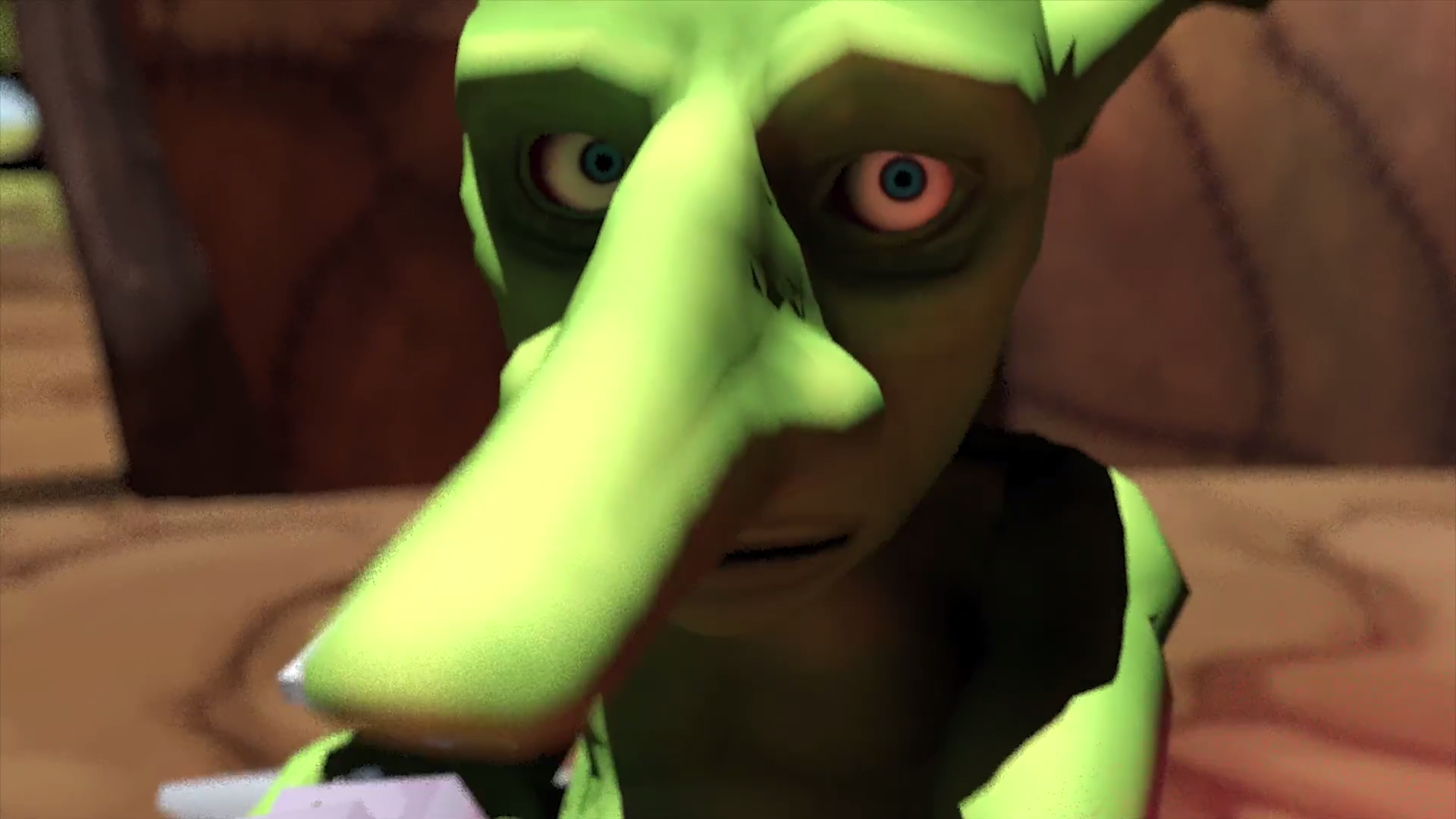
As this is my last blog entry i wanted to summarize the last weeks of the process of Goblin Doctors. TrailerA trailer video was needed for Gotland Game Conference, as all previous videos and pictures that I made for Goblin Doctors Facebook page had a great deal of work put into them I could not afford an exception. This time I worked together with the teams animation artist Måns Möller. He made the animations and noted camera angles while i created the setting, researched rendering options and rendered the cinematic part of the trailer. After rendering the video was given to Svante Livén who added a gameplay section, sound and logotypes. Before now I had only recorded animations inside the software where i built them, in Motion builder. This time I wanted to make something more polished and decided to render in 3Ds Max. 3Ds Max has allot of different rendering methods and the one with best quality that i could afford was the inbuilt Mental Ray. This Renderer enables the use of physical cameras with among other things can use the depth of field effect and conjure up a sort of bloom effect that we use allot in the game Goblin Doctors. Mental Ray also have the possibility of generating high quality pictures and use lighting that simulates daylight trough a sun and a reflective sky. As there was no time to render a high quality shadow some shadow distortions appeared. As the schedule was tight and i only had 12 hours to use for rendering after receiving the animations from Måns and making the set, I had to choose settings for rendering after the time that i had. To calculate for best quality during this time I tried different settings, recorded the time that it took to render a single frame at the shots that needed more time to render and multiplied it with the scenes total amount of frames. Shots that took time were those who contained many cast shadows from alpha maps like for example trees and smoke particles. But also material with many different levels of reflections like liquids. As an end result the video took 10 hours to render.
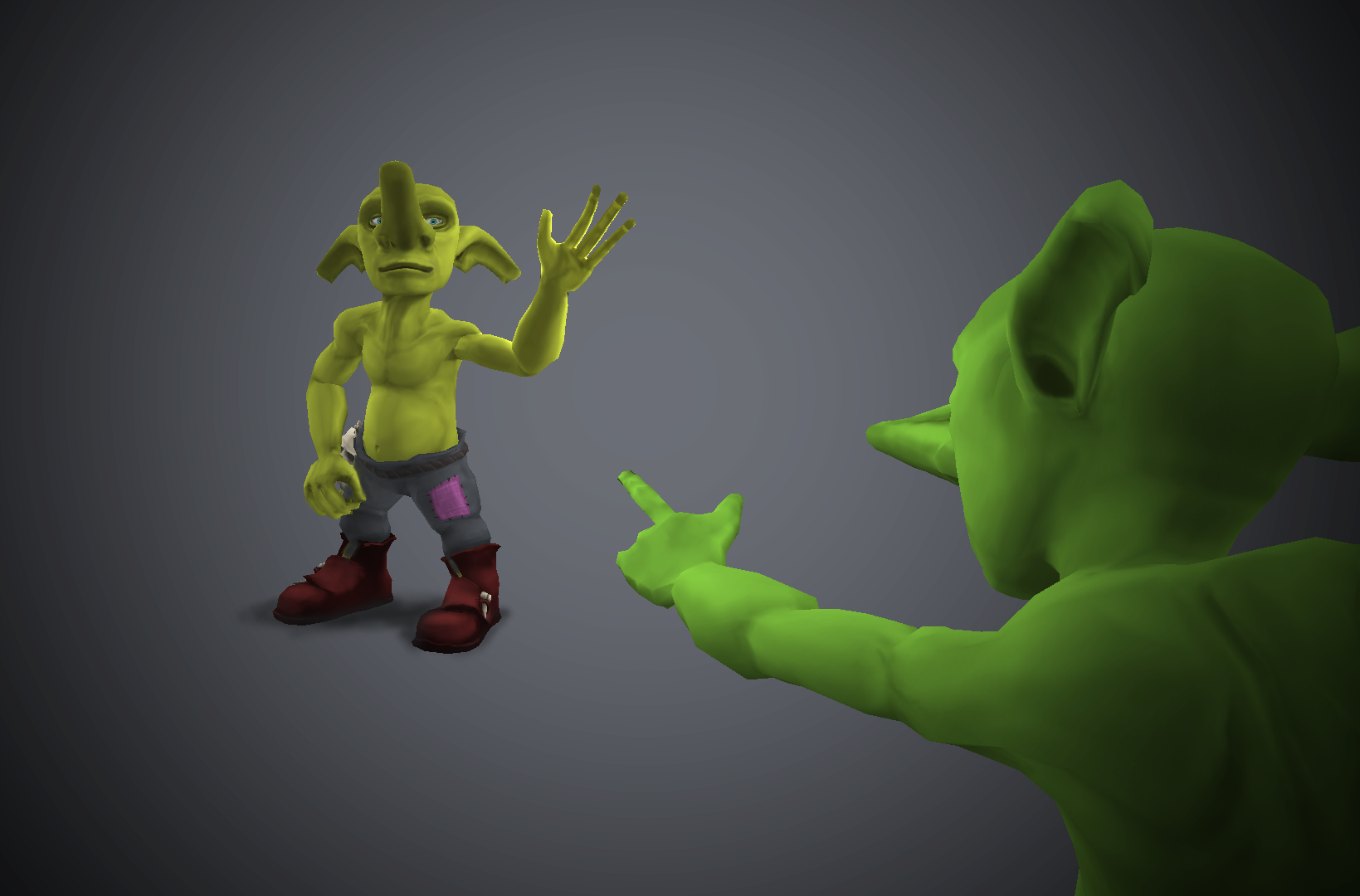
UI and tutorialAs Goblin doctor contains allot of different mechanics that all are available from the start but the player needs to address them in a certain order, we always argued that UI should solve this problem and lead the player. And now I had the task of designing and creating this UI in a week. With me on this task i had the programmer Stam Kruajan, I created events with graphics and animations and he implemented triggers and timers for these events to start. Our sound artist Philip Gleisner made sound for the dialog. I made a design animation in photoshop to give us both a clear understanding of how the tutorial should follow and what the UI should look like. I then created a set of buttons, picked a text font that fit the concept (and was free to use commercially), wrote a dialog and rendered out some pictures of an orc chief that could follow the player through the level, assign tasks and explain that which arrows and glowing outlines could not. I was always afraid that it would feel like to much pointing and telling, ”show, don’t tell” is what I have learnt for level design but in a sandbox level like this and with the limited time for players to understand the game at GGC i found this to be the way for now. During the implementation of the UI i learnt allot about animation in unity:
That’s it for me and Goblin Doctors for this time. We have decided to continue our goblin work after the summer and hope to some day release a full doctor experience. Bye bye!
/Nils Folker
 |