The Menu
|
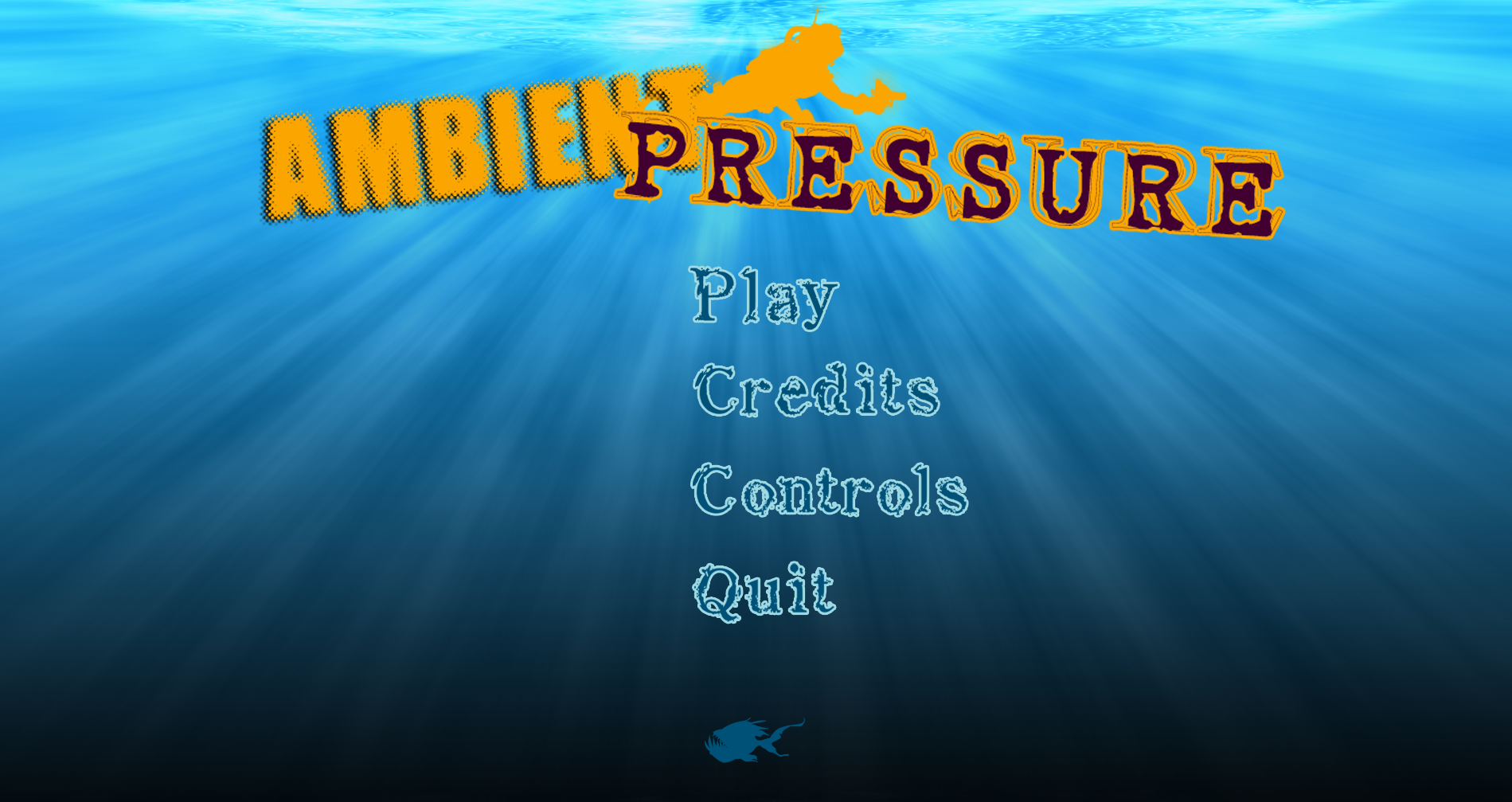
This is the final week with a blog post from this course, and as the projects wraps up I believe it is only fair to talk about one of the features we waited the longest with completing, so today we will talk about the menu and the process behind creating it. The reason this was something we waited so long with is that we wrote it off as relatively simple and not requiring any special expertise, and thus our time seemed better spent to make sure the core mechanics worked the way we wanted them to. This meant that it was not until the beta that we seriously took the time to make the menu work entirely as intended. It was first by this week I saw to add the final details. The menu, as we had expected, was relatively easy, even if I had to deal with some minor mistakes. The basic elements of the menu was a background image, and four sprites, one for each button. Each button then also needed their own click reactions implemented to make sure they send the player to the right screen. As of now, the menu looks something like this:
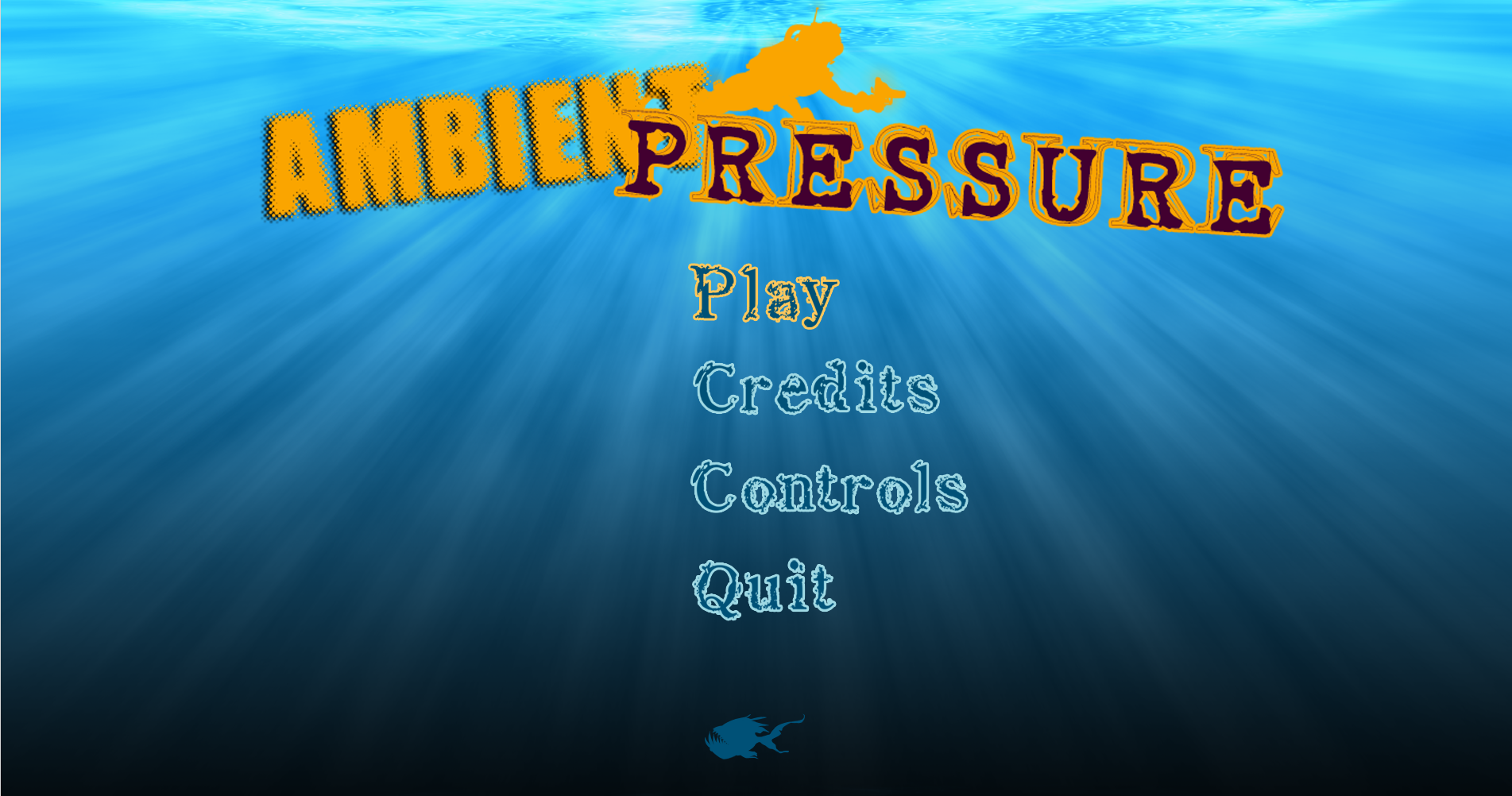
When the mouse intersects the area of a button’s sprite, the sprite changes texture so that it looks like the text lights up to help the player see what they are selecting. Beneath we have a case to the mouse hovering over the Play button, even if it seems the computer’s screen capture function was unwilling to include the mouse for some reason.
The play button activates the GameState and sends the player directly to the first level. The Credits and Controls buttons exists to show ”pop-ups” that reveal their relevant information. The quit button’s role is relatively obvious. The menu, while simplistic, can be seen as a core part of the game and give the player a first impression of what they are dwelling into. It also gives a chance to look up controls if the player feels unsure as to how the game should be played. By not throwing the player directly into the game we spare them a lot of confusion, and let them enter when they feel ready to take on the challenge. Over all it took some time to make sure everything worked as intended, but it was not too challenging, and it was a relatively fun thing to take on. The relative quickness and clear graphical feedback helped in making it all feel a bit more rewarding, as I could easily see the changes every time I started the program to check if things were working as intended. /Stefan  |