Week 7 of the Piñata – How to convey it
|
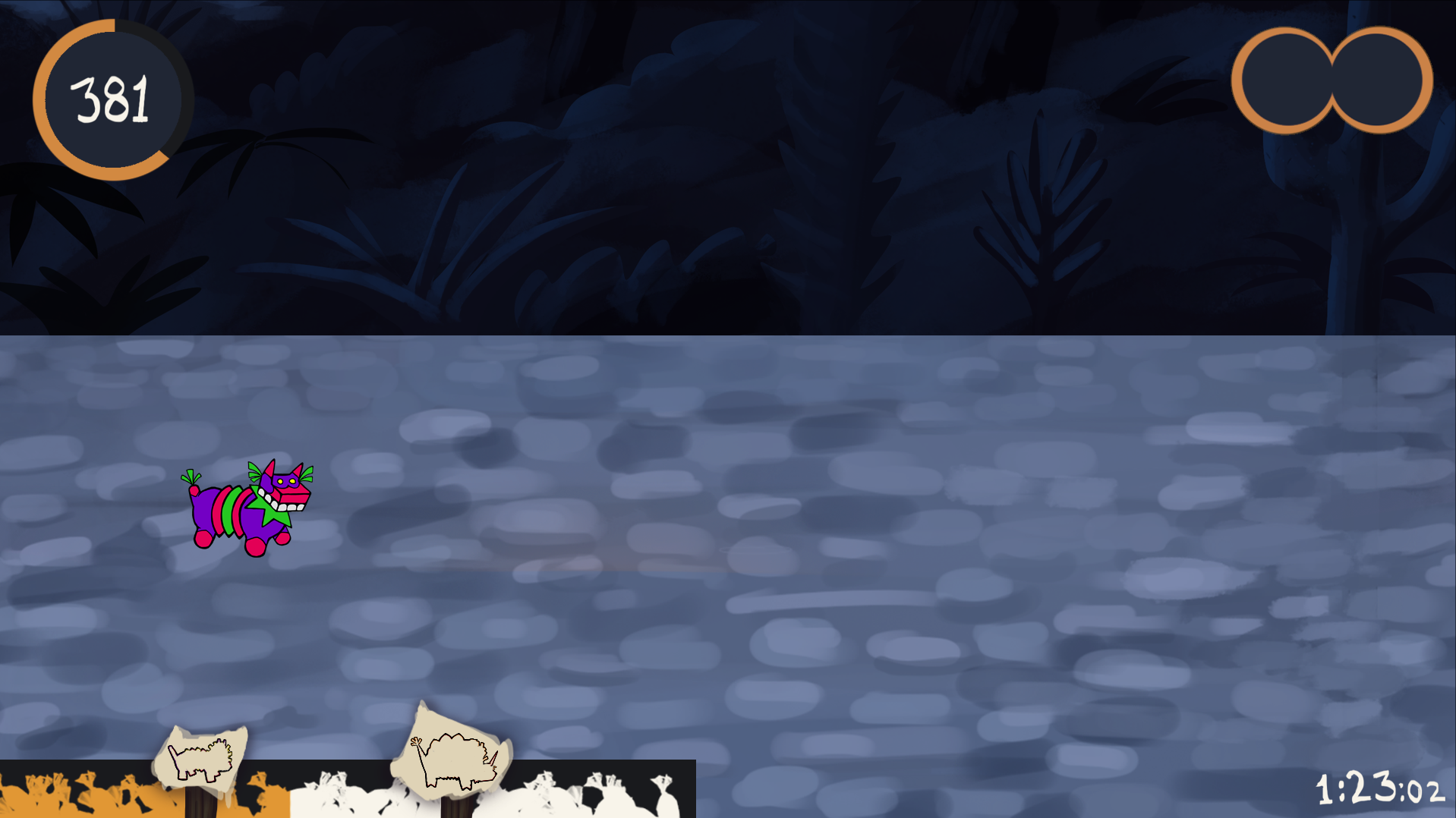
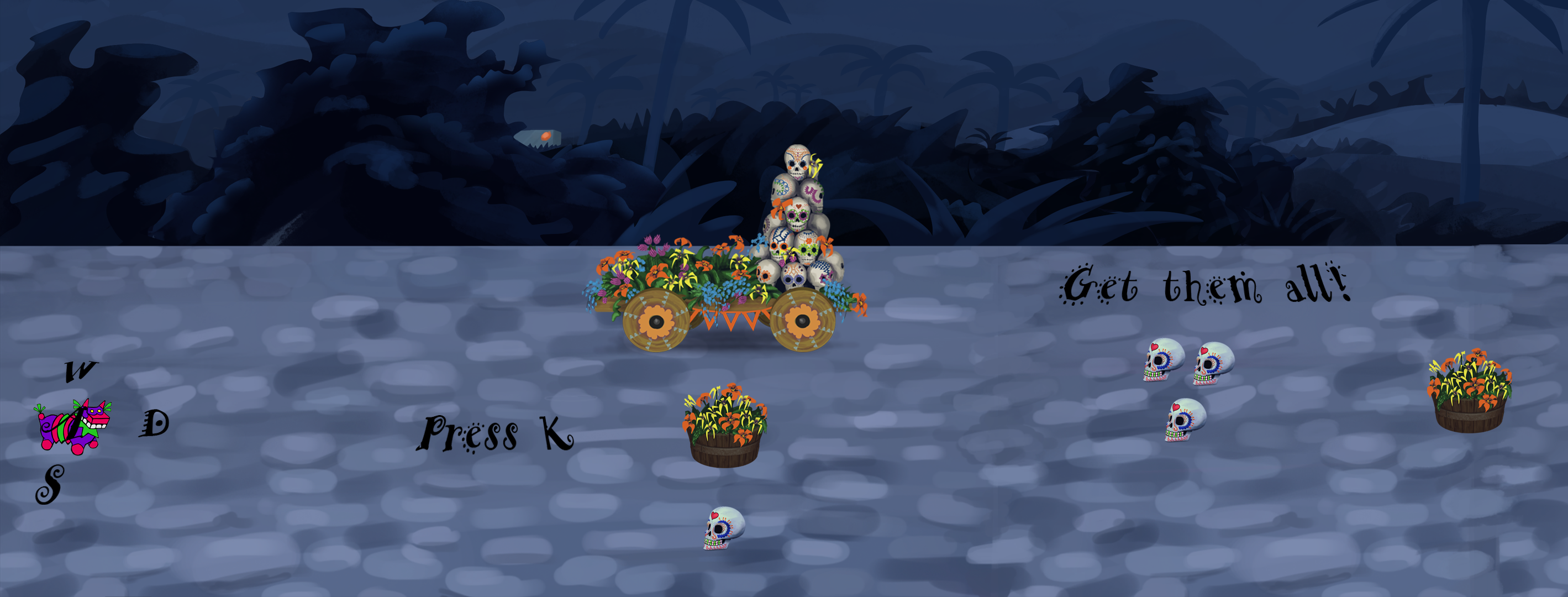
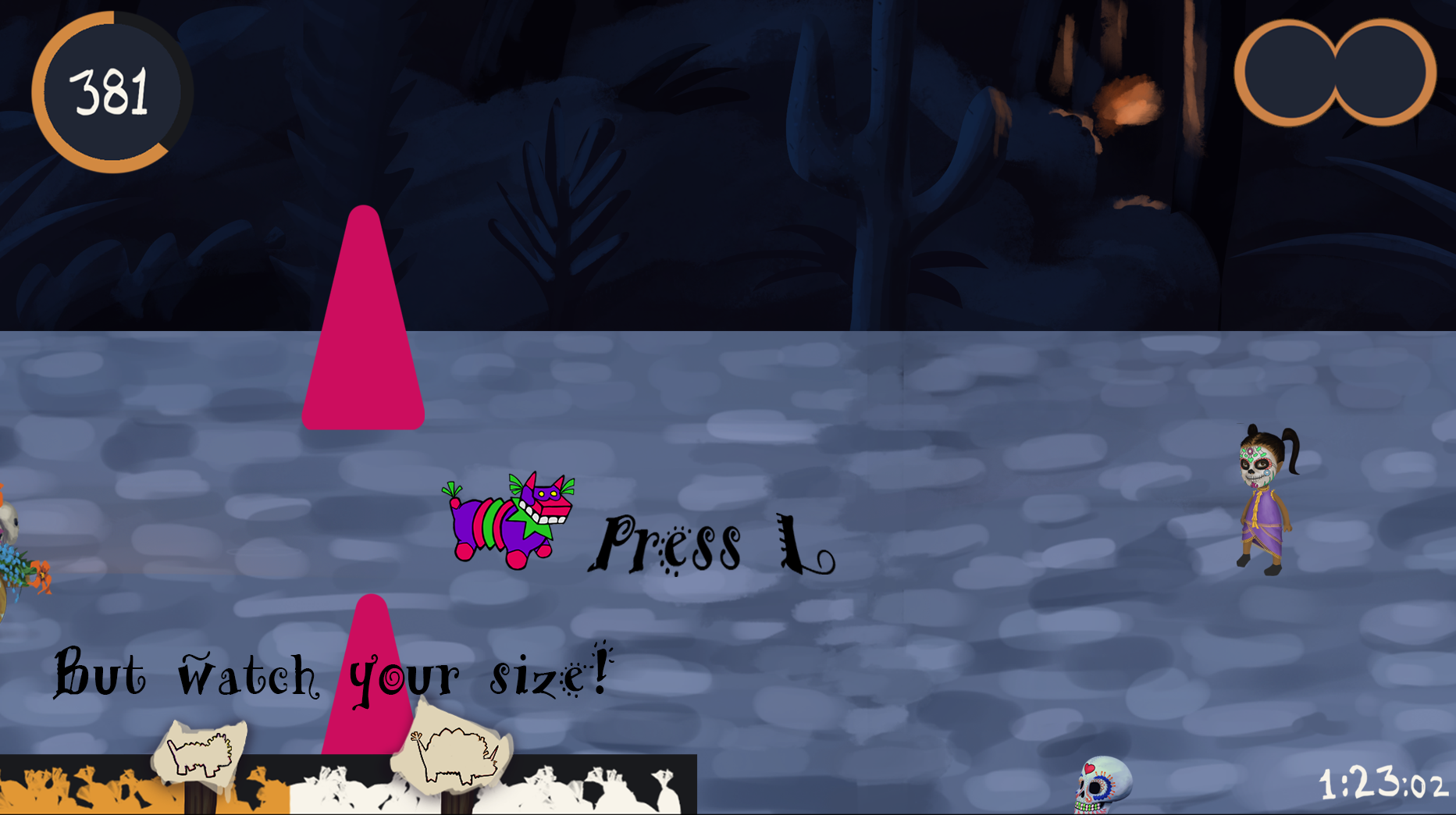
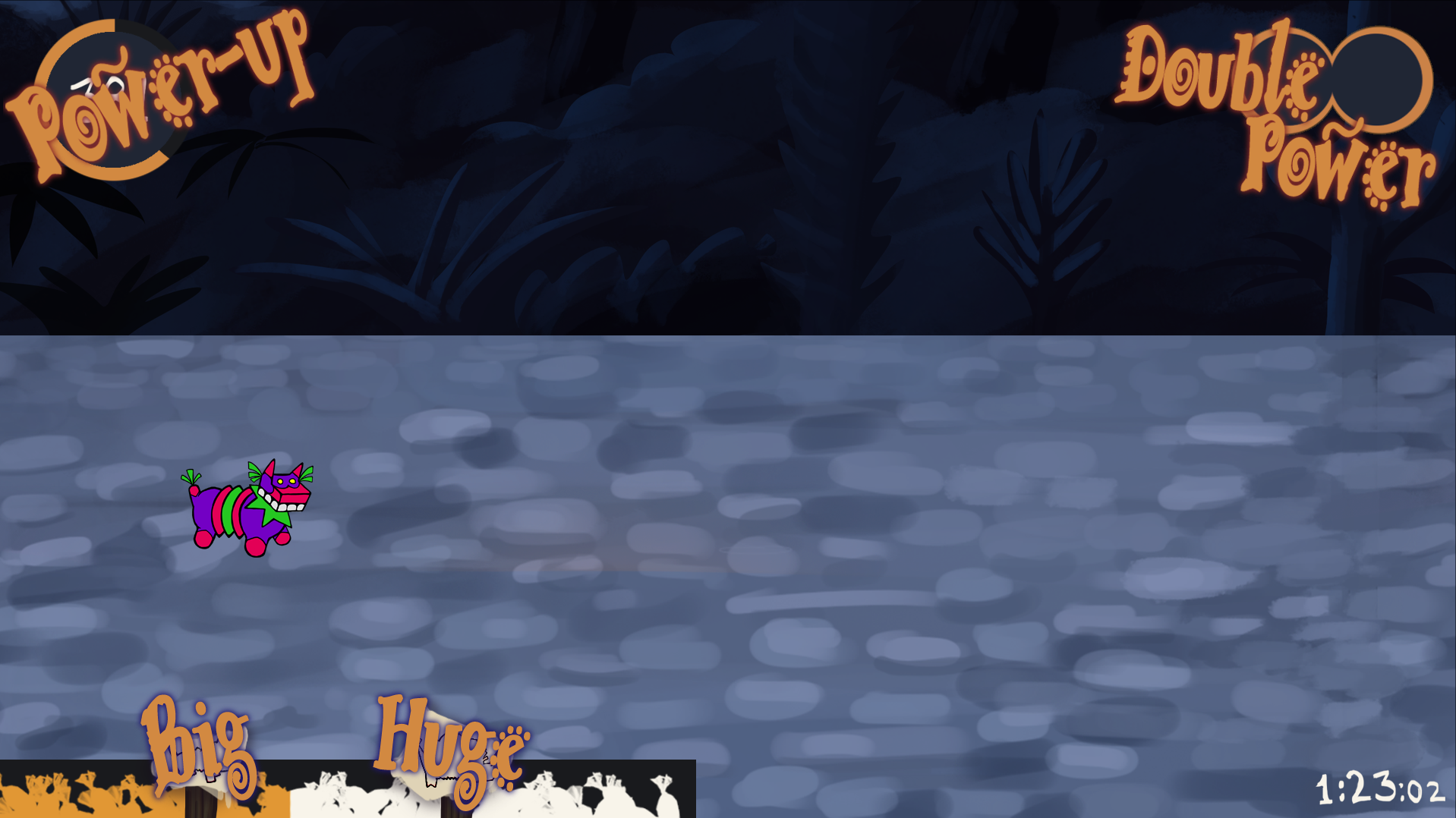
This is the seventh week on the project Day (or Night) of the Piñata. The name is not set yet. My main focus this week has been on the feedback in our game, everything the player will see and hear when something happens in the game. These ties in with our GUI (graphical user interface) that will help the player understand how to play the game. To begin I made a mockup of our GUI on the background of the game, as you see down below. I did it this way to get a feel of the color scheme and see how it would look together on the screen. I based this GUI on our concept document. The circle on the top left show revenge points, which the player must collect to advance in game. The circle around it will fill up with the points gathered and be a counter to when the player acquire a power-up. This way the player can see that they affect when the next power-up appears and keep track of their progress. On the top right is the power-up holder. It sticks to the right where the player will look most, because that is where they will be going toward throughout the game. It lets the player see what power-up they got available and that they can carry two power-ups at the same time. On the bottom left there is a meter that show the size of the piñata, as well as how far away from growing or shrinking the piñata currently is. It also measures life, get too big or too small and you lose the game. The meter will blink in red when the player is close to death to warn they player. The sprite of the piñata itself will also change when this happens again as a warning. On the bottom right there will be a timer counting down. This shows that there is a time limit to the game and it is again located to the right where the player looks the most to make it easier to keep an eye on. It is important because we want the game to feel stressful. Lastly I started experimenting on how we would teach the game to new players. I based this on the level design made by Tom von Sydrow, the team Game designer. The level in itself helps teach the player, but the keys and what happens when you push them is unclear. So I decided to write this on the ground where the piñata will walk. I chose a font that fit the festive theme of the game because it is important to stick with the theme of our existing vision of the game, but if it proves too hard to read in the game testing I will change the font. Starting off the movement keys will show up around the piñata in the direction where they will lead. The key for going backwards is underneath the piñata, because the screen can only move forward along the level and the backward key is the one we hope will be used the least. These are the only keys that will not make a sound when they are pressed; the rest of the keys will have a sound effect that is more or less noticeable depending on how often the keys are supposed be used. The louder sound effects will not be heard as often in the game, such as space for power-ups, because that would annoy the player and make it harder to play the game instead of the opposite. Next I introduce the melee function of the game with the key “K”. This is what the level design is made out to do at this point. It also shows that the player cannot break all objects (yet). This will also be shown with different colored lighting effects around the objects, but they are still in the making. Under the encouragement to “Get them all!” there are enough objects to smash and collect candy from for the player to grow a size and then be able to smash bigger objects. This is how we want the player to learn this function and therefore it is good to give a little bit of a push in that direction. But I needed to add a little more text around the GUI on the screen to make things even more clear. When introducing how to throw candy with “L” the piñata would lose life, and therefore I wrote a warning message over the candy meter saying “But watch your size!” This is so that the player will be cautious that something else is happening when they press L. Lastly the team discussed having text popping up when something happened in the game such as the growing or shrinking in size, gaining and activating a power-up and so forth. When these things happen text will appear with a spray of confetti from the frame as well as a distinctive sound. This keeps the festive feel to the game as well as giving feedback. I documented all effects in a long list that I share with my team. This will help us remember all the effects and we can see where we need to do changes. The list is still changing and is too long to share here so I think this will be all ‘til next week. Thank you for reading all the way to the end and I wish you a good day!  |