GAME DEVELOPMENT WEEKLY BLOG POST NR2. Sprite sheet
|
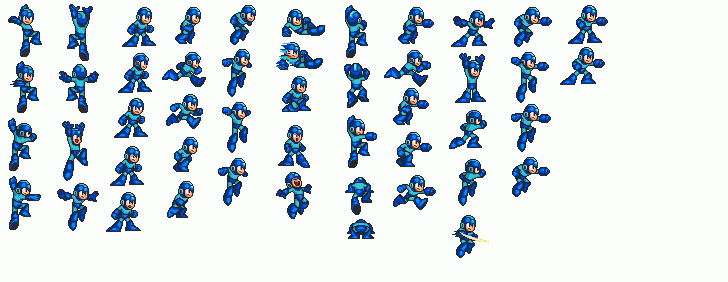
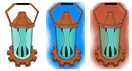
This week I have done some some new stuff, this stuff is called sprite sheet. A sprite is a single graphic image that is incorporated into a larger scene so that it appears to be part of the scene. When you put many sprites into a single image you get a sprite sheet. Sprite sheets are used to speed up the process of displaying images to the screen. Sprite sheet animation is sprites that rendering in a quick succession to give the illusion of moving. For example sprite sheet is used to make the character to move in most of the games or a lamp to flash. So to my work this week. I had some problem by doing this sprite sheets since I have never done it before. My task was to create a lamp, and give it some light and also some highlights to help the player to see when he or she can pick up the lamp and when you can’t. So by indicating this I picked the color red for showing that you are too far away from the lamp for being picked up and blue color for showing that you are now able to pick up the lamp.
Another sprite sheet I made was an tool item which will give the player points for picking up. This one was easier because of the space the item have in the sprite. It was easier to avoid the edge of the sprite I think.  Here I had the same highlight color as the lamp, blue for showing that you are able to pick up the tool item and red for showing the player that the item is too far away from the player. I have learned a lot of sprite sheet this week that I will take with me. For example how to plan the sprite size and adapting the item to the sprite size. Thanks for reading! //Kim  |