The making of a boaty boat
|
The Umibozu concept is about a game where you are in control of a ship in search of a mysterious sea creature. The player will be traveling the vast ocean, looking for clues and fending off monsters. Thus, most of the game will consist of looking at a ship and the surrounding ocean, so an early decision was made that it is important that it feels correct, or “boaty” as we like to call it. The boaty feel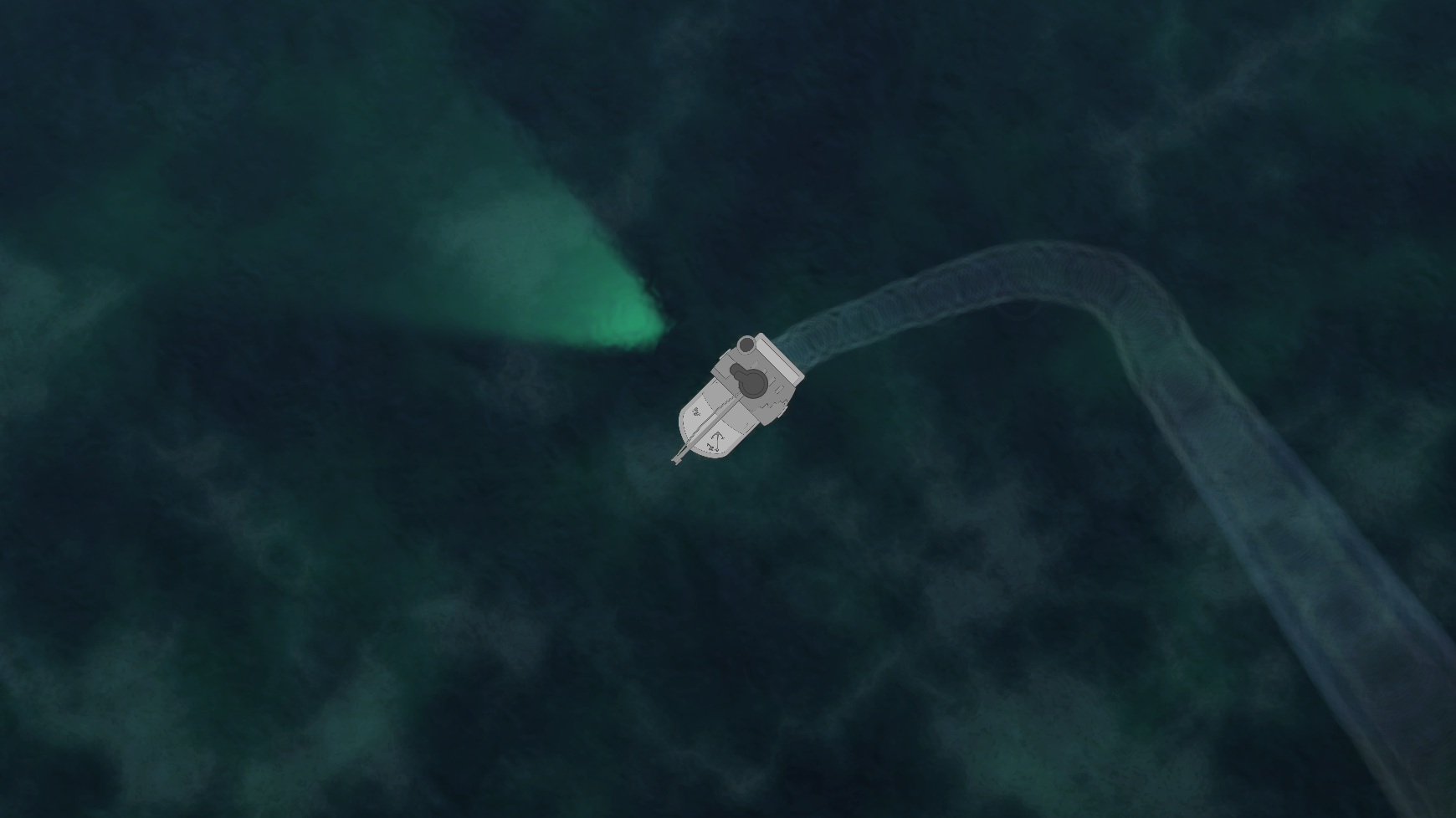 The vessel itself is approximately a 12 meter long fishing ship. It is pretty slow and bulky, which should translate into the movement and controls of the ship. In addition to that, the physics should be correct, as in the ship should behave like a physical fishing ship and not some other type of vehicle. This means simulating the rudder for turning, the shape of the hull and keel which allows for different drag on different axes, the old engine and behavior of the gear changes and so on. Movement forcesThe movement started out with custom vectors for velocity and heading. They had to be manually updated, which was a pain. We ended up using Unity’s physics engine, which, with a bit of tweaking, ended up being a good solution. The boat is a rigid body and uses forces to move around. Depending on the engine gear, the boat can move either forward or backwards in different speeds. Every input is applied slowly in order to achieve the feeling of controlling a heavy vessel. Physics changesIn order to get a boaty feel (yes, that is an adjective now) some changes had to be made to the 2D physics component. For example; linear drag for the velocity is almost non-existent in favor of a custom method that manually updates the velocity vector towards the bow of the ship. This allows for continuous forward travel and steering when the engine is off, assuming the boat already has some forward (or backwards) momentum. The velocity vector is rotating towards the bow (front) of the ship in order to get the desired behavior. This creates an artificial perpendicular drag to the ship. The actual turning of the ship is simply done by applying torque, which makes the ship rotate around its own axis. 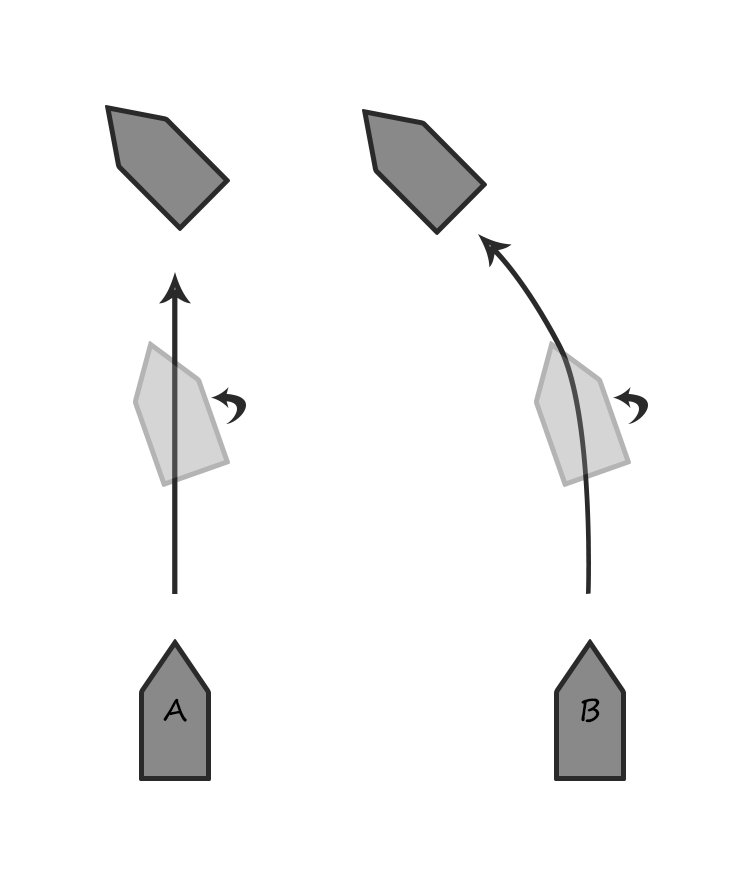 The artificial drag works surprisingly well with other physics interactions, especially considering the unstable nature of manually messing with the forces. InputThe input for movement consists of steering and engine speed. The left and right keys will simulate rudder movement by applying torque. However, as in real life, the rudder won’t do anything if the ship isn’t already moving. Therefore, turning only works when the ship has some velocity. 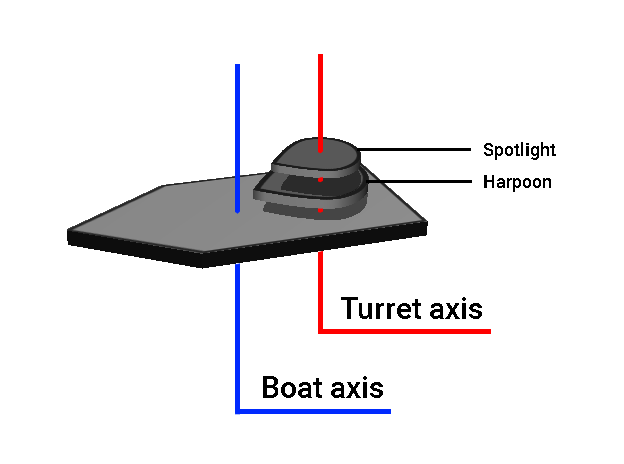 Change in speed is done by increasing or lowering the engine output, or the gear as we call it. There are several forward, an idle and one reverse position. When a gear change is made, the forced applied to the boat is changed to match. First impressionThe first impression is very important to get the player hooked. This is mostly done by combining an easy learning curve and pretty aesthetics. It is also important to meet the player’s expectations with regards to how the assets are supposed to behave. If your avatar is a ship, then you would automatically expect it to behave as a ship. The player should be put straight into the game and intuitively know how to control the vessel. Boatiness!These design decisions resulted in the convincing feeling that you are actually controlling a large vessel. A lot of testing and tweaking had to be made to get it right. The sound design is also carefully crafted in order to emphasize the feeling even more.  |