Characters and animations – Part 1, Motion capture
|
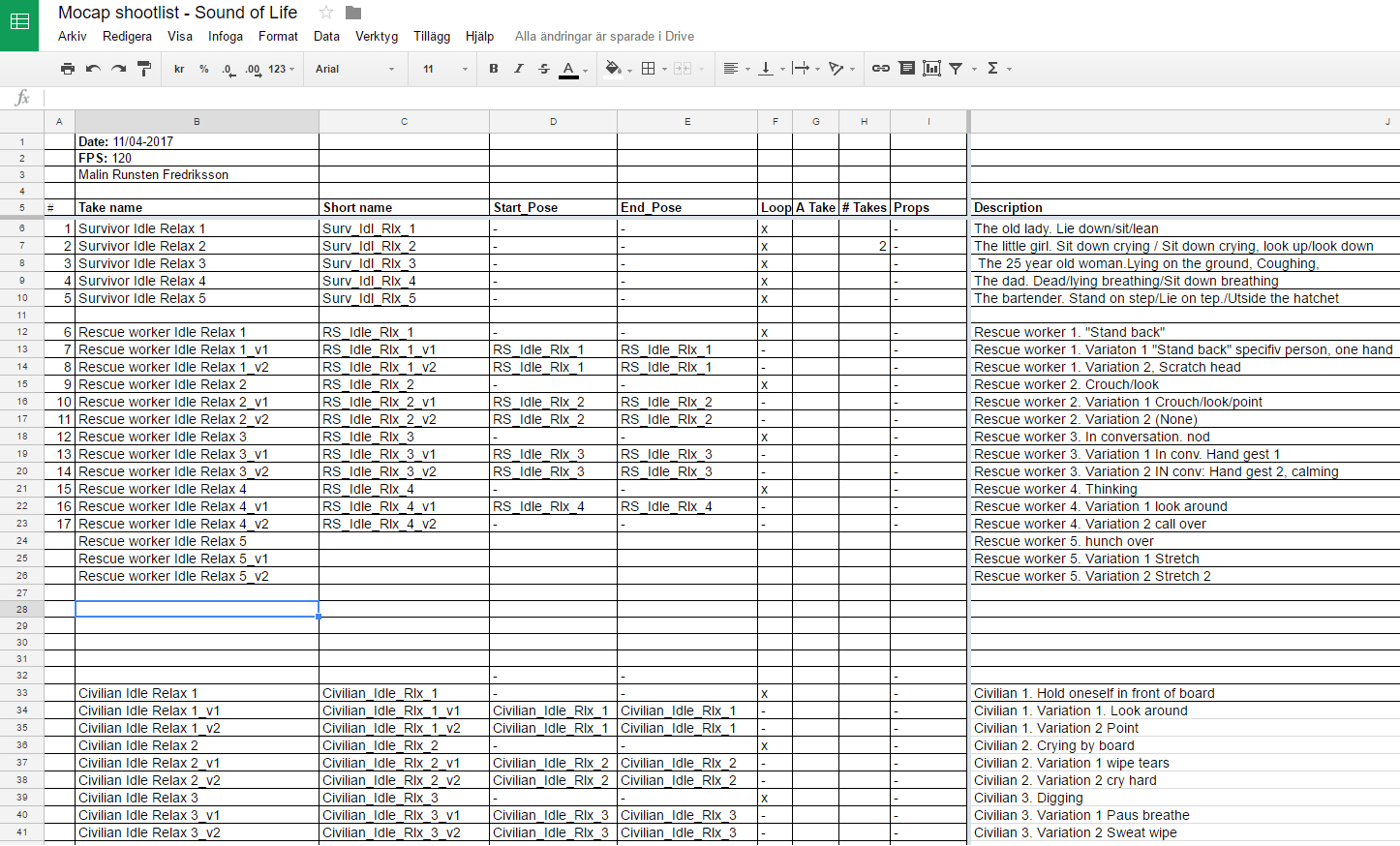
I have been wanting to write about this subject for a while, but had not gathered my thoughts around it enough until now since there is so many things I can say about it. I finally decided to split it into two parts, starting with motion capture. In order to make our feel more alive we needed a lot of characters in our game. The characters we needed were split into three categories; Survivors, Rescue Workers and Civilians. The survivors are the people the player can find when searching with sensors in the game, which is why they were the most important and needed to be recorded first. In our team I was the only one with motion capture experience, which meant that I took full responsibility for the process. First of all I started writing up a document of the animations we needed, organized after pripority. All animations were quite simple, as the characters would all stand in one place.
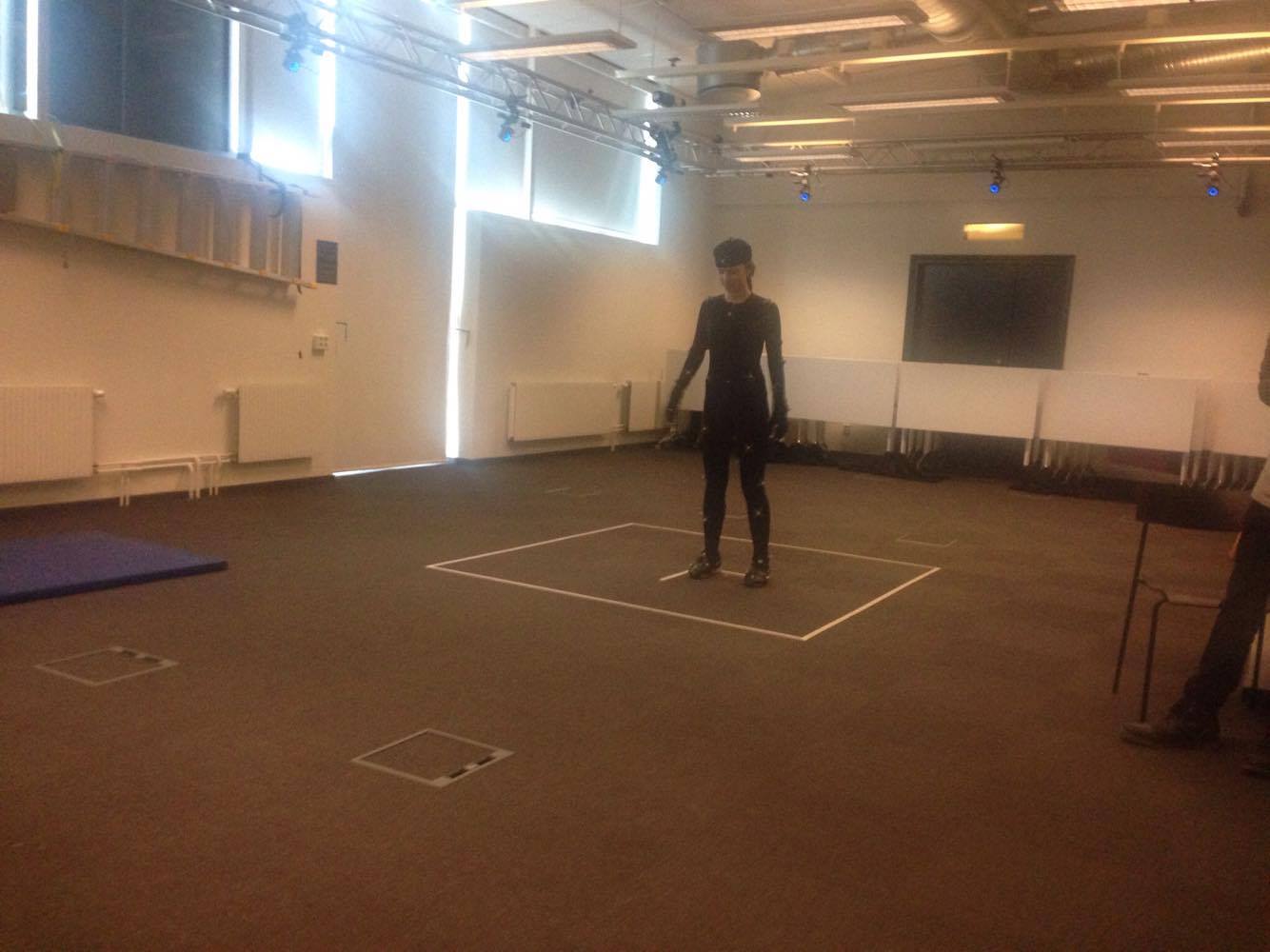
With our Lead Artist in the mocap suit, we spent a whole day recording a whole bunch of different animations. We used OptiTrack motion capture system, and to get the best possible quality we spent proper time on calibrating the cameras before we started. Since our lead artist had not done any motioncapture before I coached her on some of the does and don’ts. Most important parts were to stay centered when recording, to avoid occlusion on the motion tracker pins and to always make sure to go back to the position they started with when recording a loop.
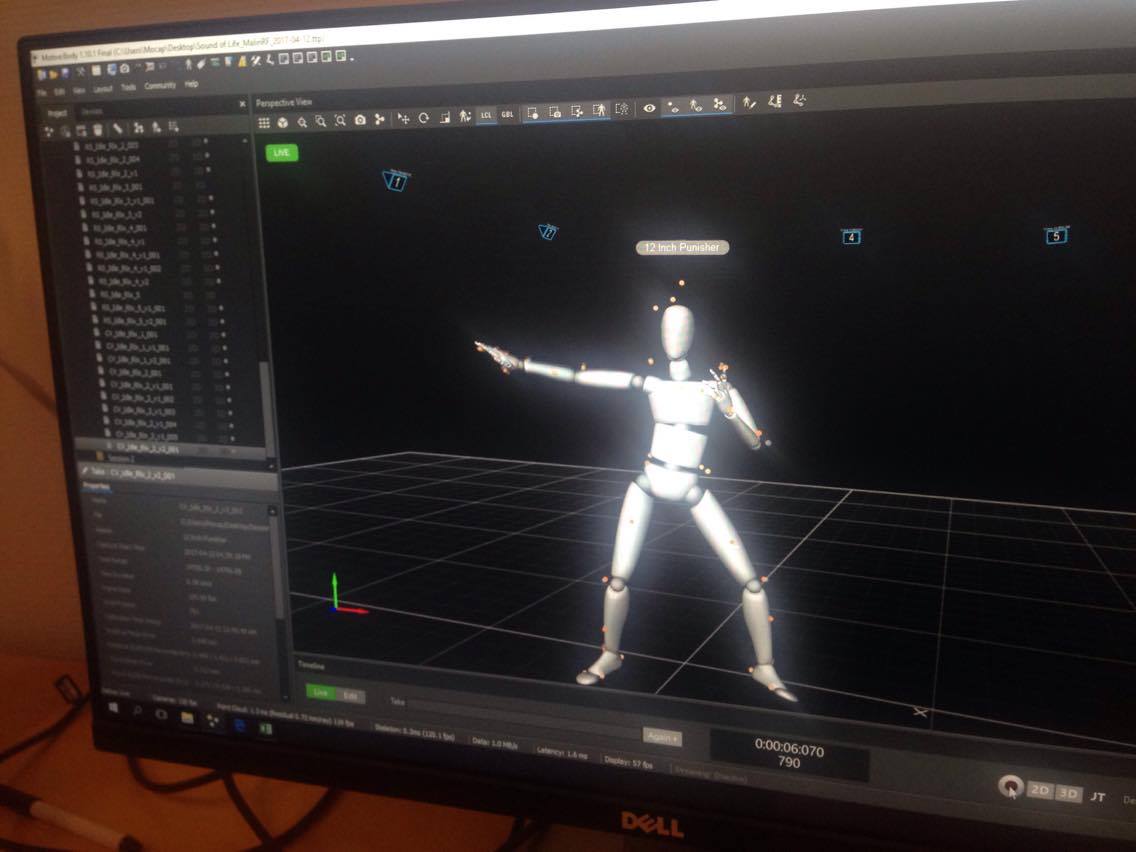
After having recorded everything we needed it was my time to shine, as I had to clean up the animations in the software ”Motive” to fill in missing tracking information or correct mixed up markers. With that work finished there was only one more thing to do, See you in part 2
 |