Week 4: Rethinking Amutation and Vertex Normals
|
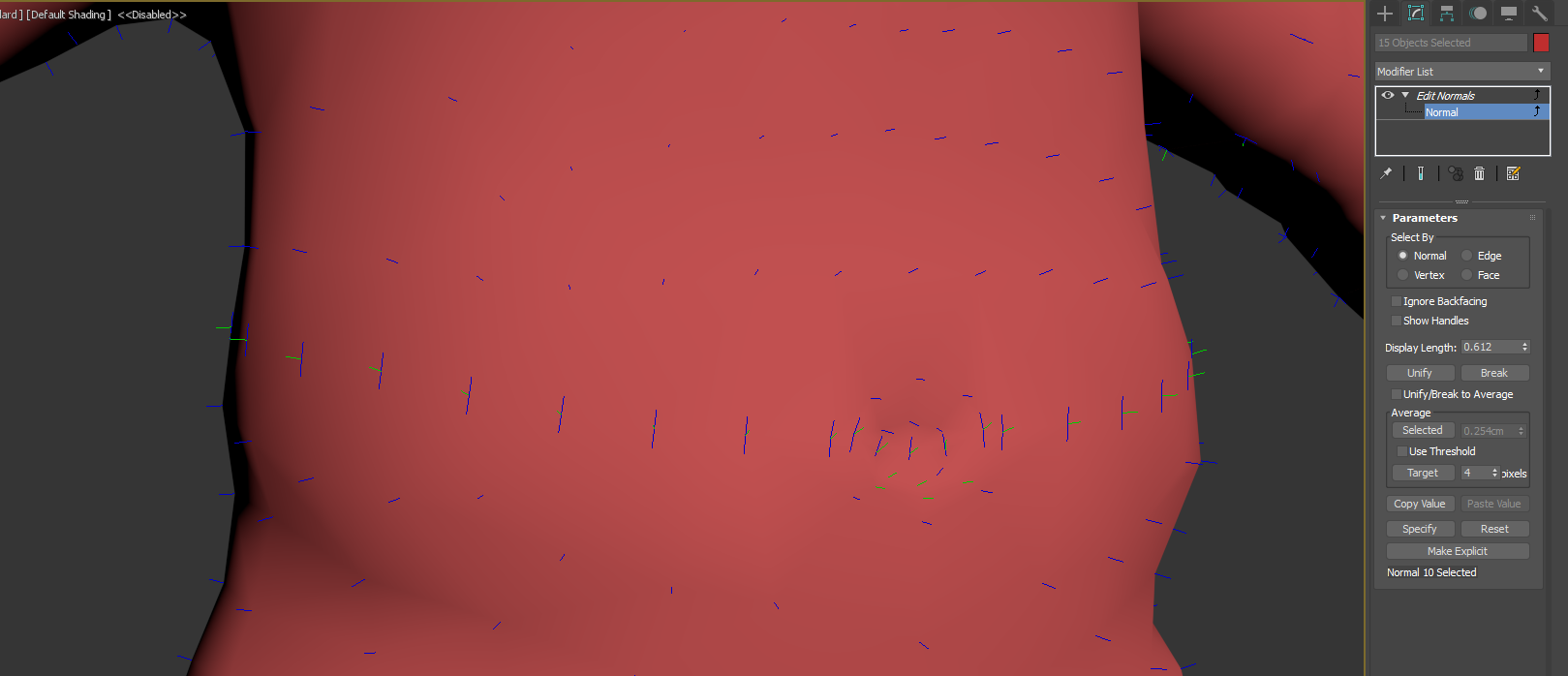
Hi! This week I’ve been making changes of the orc mesh and redesigned the amputation system. At the end of week 3 we presented the alpha of goblin doctors. The build did not contain that much of a game but we had the opportunity to find out what players thought of the amputation mechanics. As they worked through the orcs body, chopping of the legs and arms they ended up aiming the amputation axe at the orcs head. They then launched the axe toward it (as doctors do) and as nothing happened you could see that they were disappointed. Everyone wanted to see the poor orcs head pop. I’ve been thinking of implementing decapitation before but the neck contains to much movement to use the same method of rigging and skinning as before where the parts that was going to be cut had to be stiff. I had to find a new solution to how this was going to work out to please the bloodthirsty audience. The mesh as of now was divided in with arms and legs into different elements but were still defined as only one object. It made the file easier to handle an i thought it should help with shading in unity as i did not want each limb using its own shading. However i was wrong. By instead separating the mesh into different objects me and programmer Martin worked out another way of solving dismemberment without the restrains of using the rig. In the new method of amputating the limb part (a limb as a object) that was hit were deleted and replaced with a limb that was not using the rig. This way had no impact on skinning and made it possible to split the mesh at any wanted position. With this new technique in mind I separated arms and legs into three parts each (ex. hand, forearm, elbow). I also sliced the stomach in two and of course the head was also made removable. Now only one problem remained. The smoothing of the different objects made ugly scars all over the mesh as the normals adjusted themselves after the parts that were within the mesh. (the cutoff part with bone pipes sticking out)
This solved the problem as the character stood still but as i started animating it the normals fell away from each other and displayed an even bigger area of bad shading. As my dreams of a smooth orc mesh almost were crushed i found a way to take a vertex normal and make it into a parent of another vertex normal. this way the orc could animate without bad shading and lived happily ever after. (until players cut off his head that is.) Next week will tell the story of the problems with texturing a multi-meshed orc.
 |
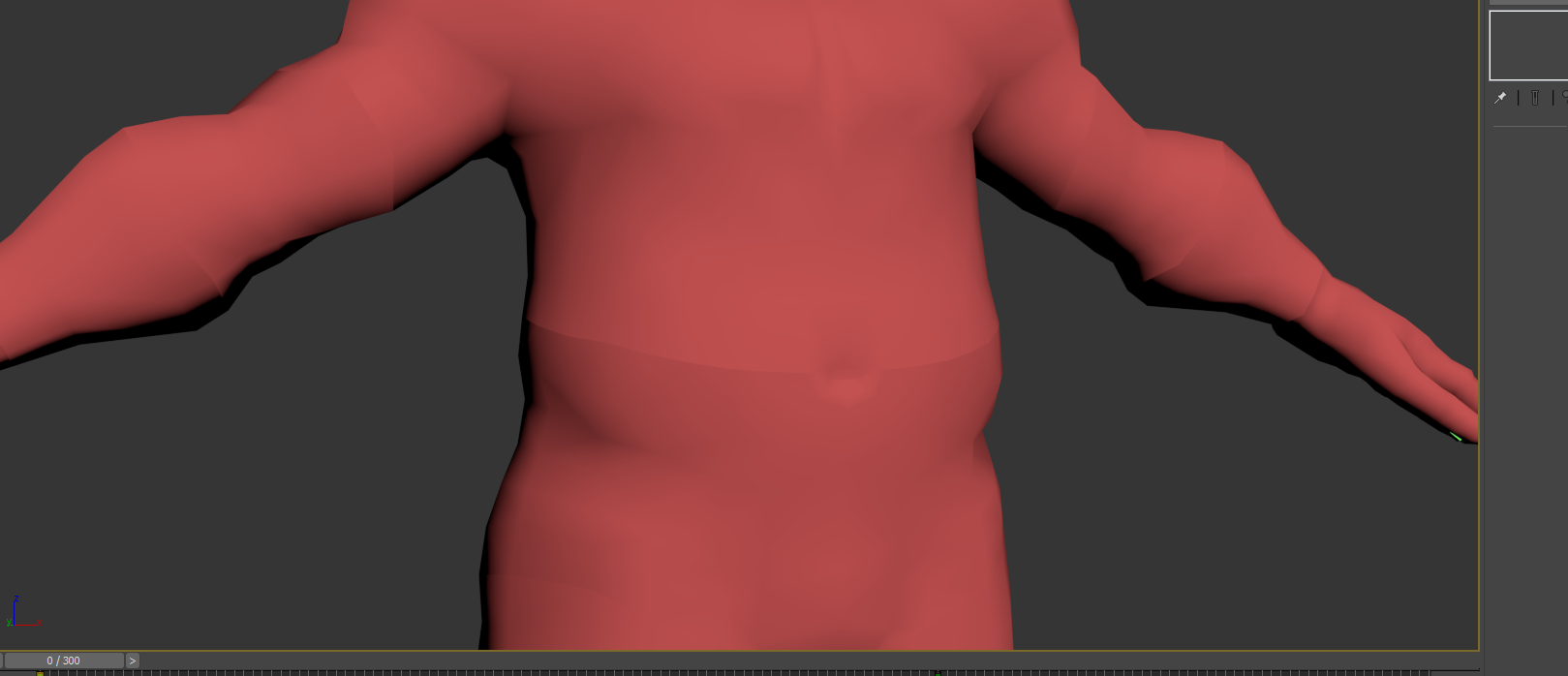 I tried to solve it with smoothing groups but it did not workout well between different mesh parts. Then i saw a tutorial on 3ds max mesh modifier ‘Edit Normals’ . With this modifier it as possible to grab each vertex and adjust it’s normal direction. So i paired the vertices that aligned between limbs and made them face the same direction.