Week 5 – The GUI
|
Week 5 has come to an end and I can easily say that this has been the most stressful week thus far. With the Beta deadline passed and about one and a half week left till the final deadline we thought we would have a rather easy week ahead of us, mainly finalizing some stuff and doing minor changes. However there was one obstacle in the way for us art students before we could actually start working on those things and that was the presentation of the GUI design; and that is what this week’s blog will talk about. The GUI was something that we kept pushing to the very end and had put on the low priority list much due to the fact that we already had a main menu and no actual HUD to show in the game. We had throughout the project decided that rather than using an actual HUD in the game we were using visual representations for feedback to the player in the form of animations and light. The GUI assignment itself took therefor much more time to do than anticipated, much because I had to figure out a way to actually implement some HUD assets in the game. Instead of going in on to much information I in the end just ended up creating a few minor assets for the HUD; one of which was an “X” button (shown on figure. 1) which was supposed to act as a tutorial button on the first obstacle to show the player what to do if he or she got stuck. 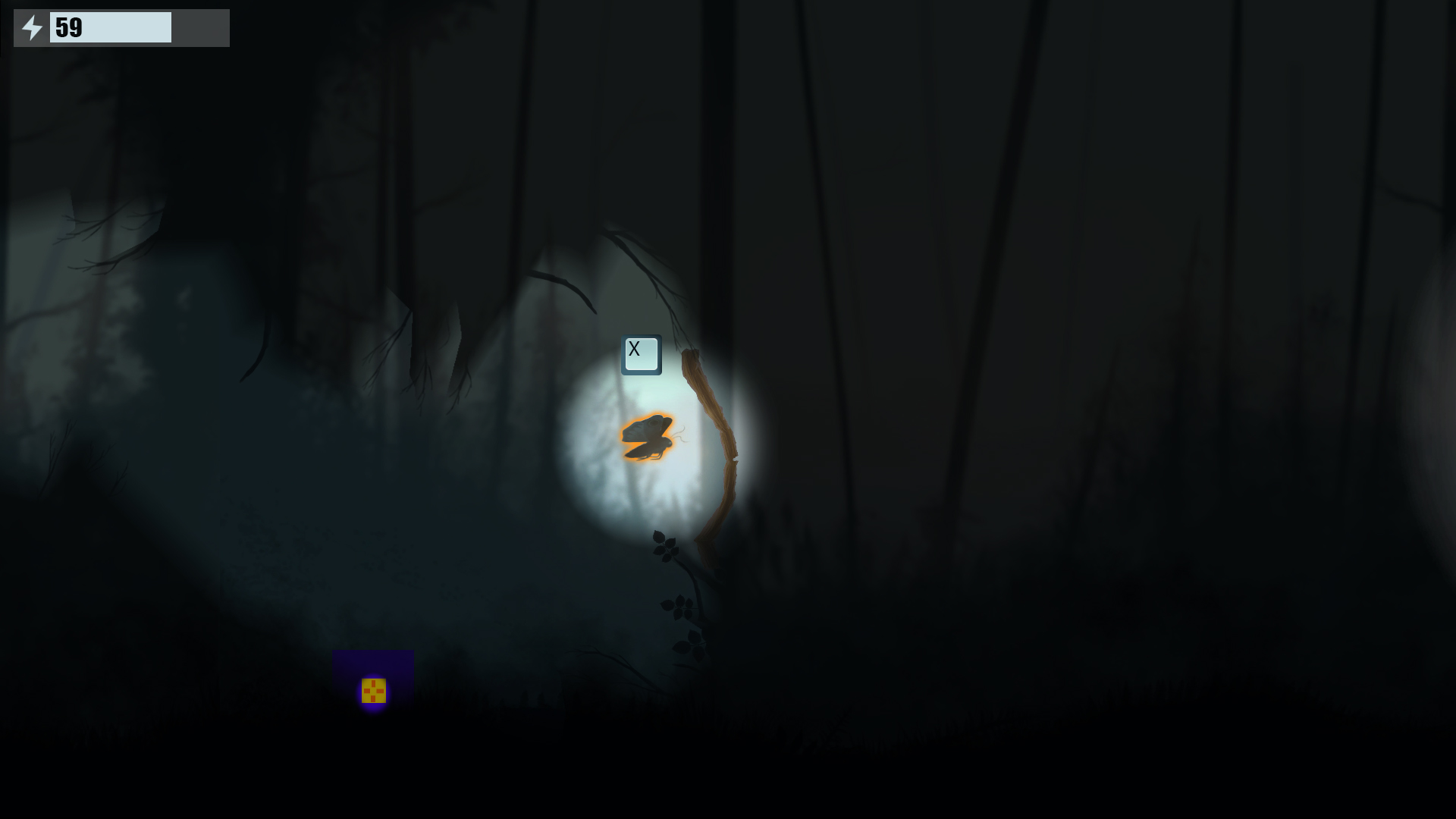 Regarding the Main Menu we actually already had one, a fully functional one as well which the project manager had created the first few weeks of the project. Much because of this it felt like such an annoyance having to work on a menu rather than doing the important fixes for the final deadline. Originally I had in mind a super simplistic menu, like shown below on figure. 2. 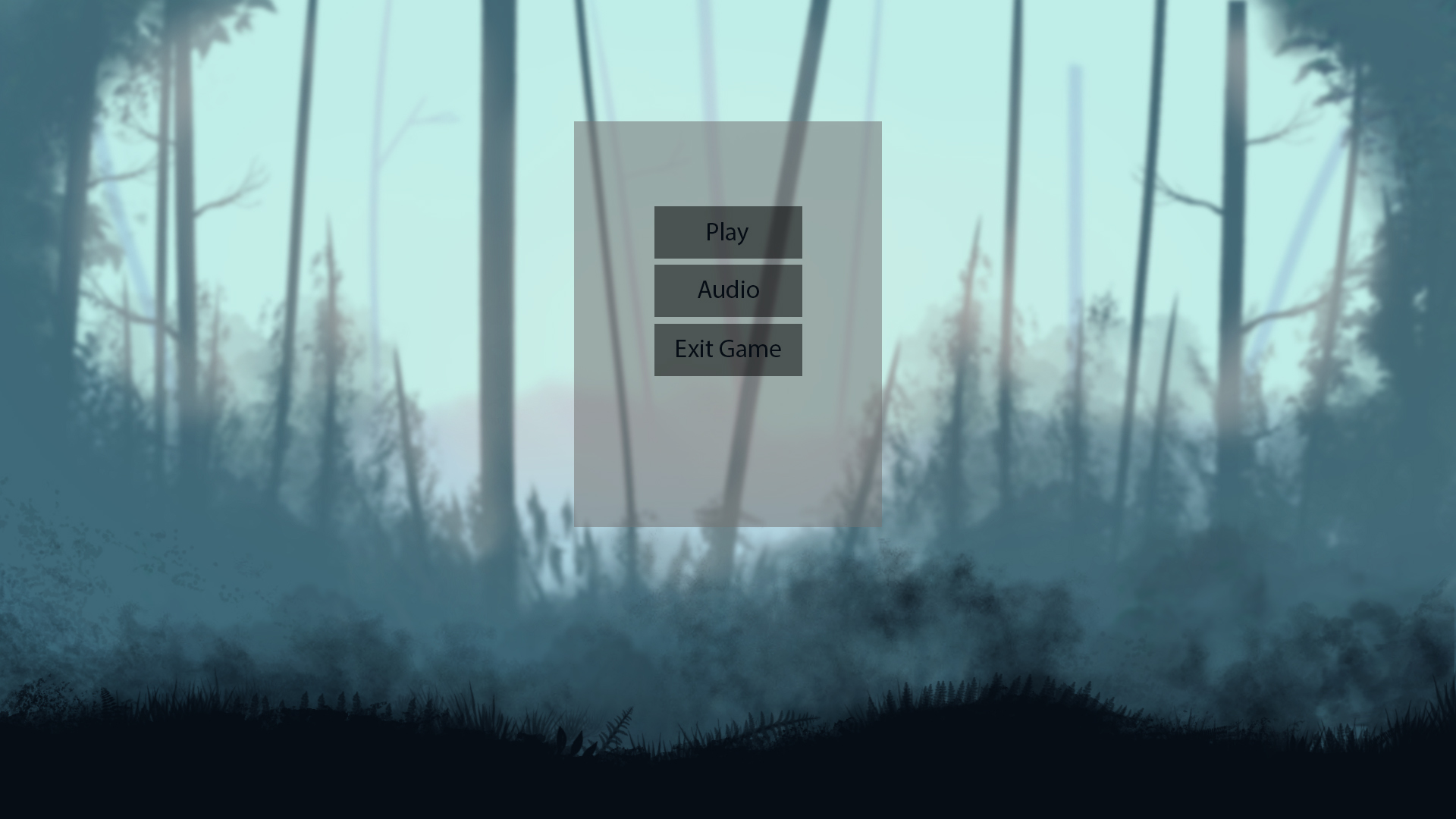 However this was something I became so unhappy about that I had to figure out a new and more fun Menu. I started thinking of how I could use some assets in the current background and instead make a fun and engaging menu. I still wanted to keep the feeling and maintain the overall style that we currently had though. After taking a break from the designing I came up with an idea while playing a game. I directly jumped in to Photoshop before I lost that idea and started visualizing it as a menu. Rather than having the old boring menu I had now created something I felt was more fun and engaging for the player, even though it after all is just a simple Menu, see figure. 3. 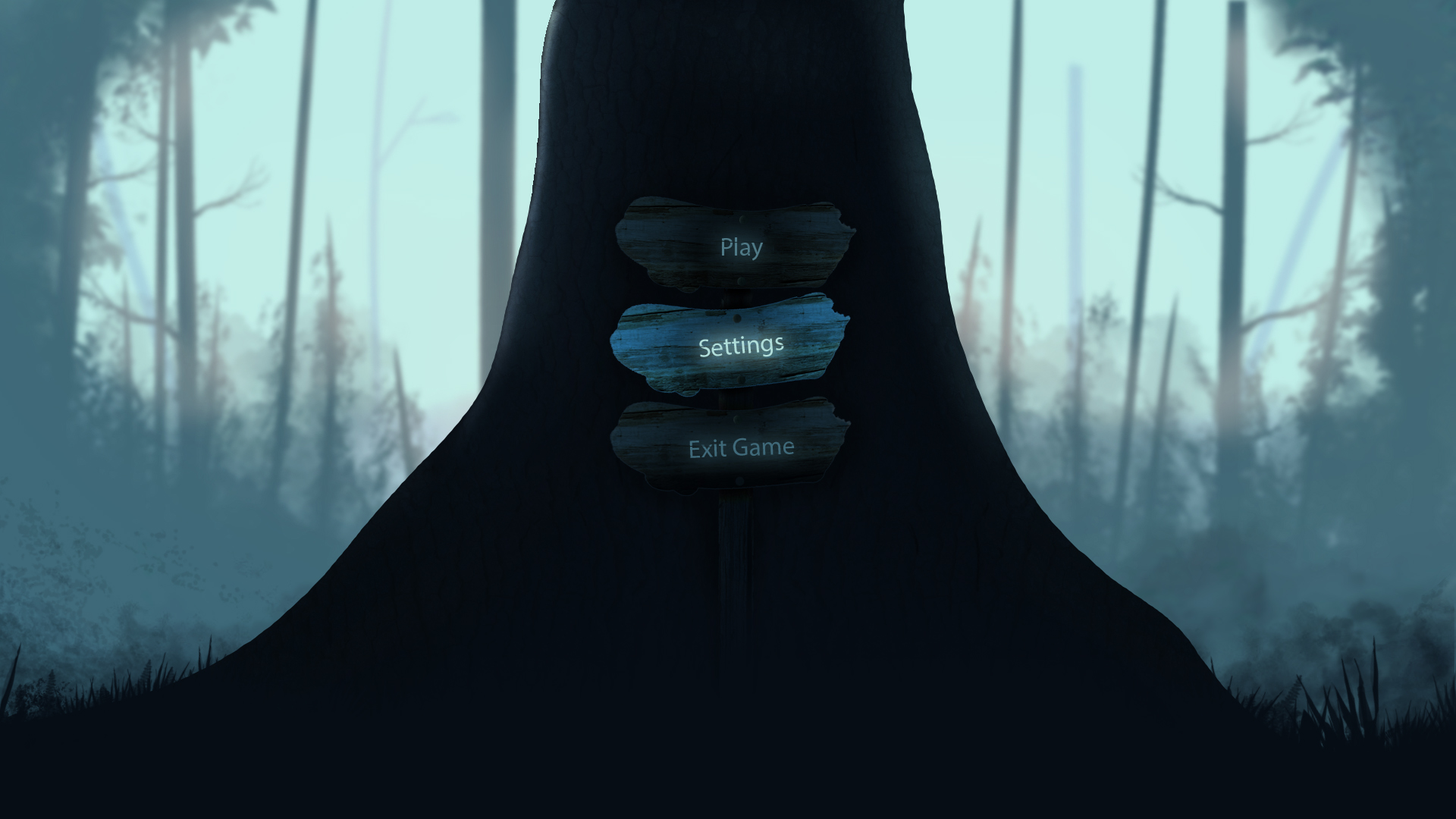 The rest of the week will have to focus on getting the presentation complete and finalizing on the assets having been put aside for this task. Stay tuned for more! #5SD064  |