The Third Blogpost – Nazul
|
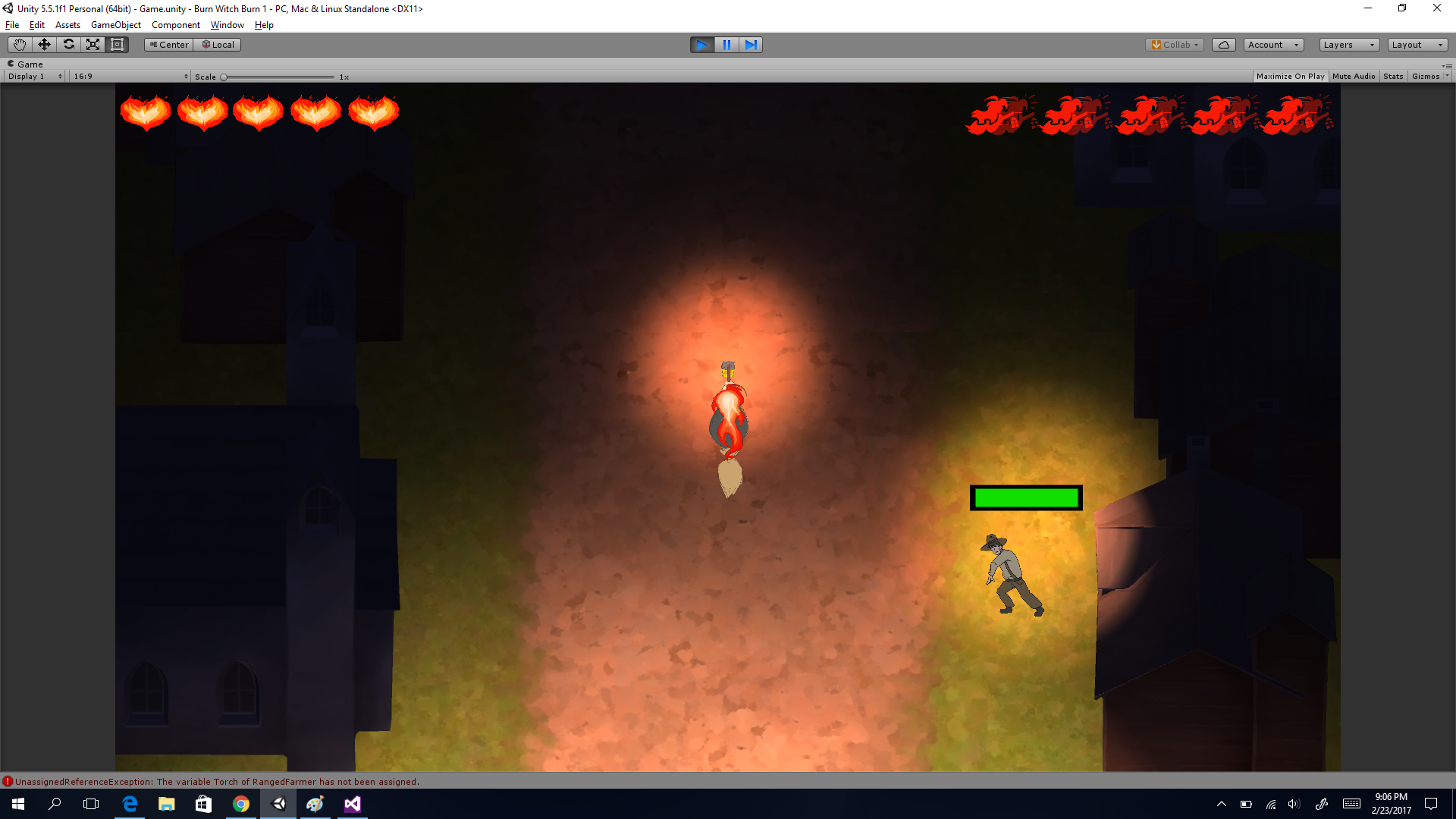
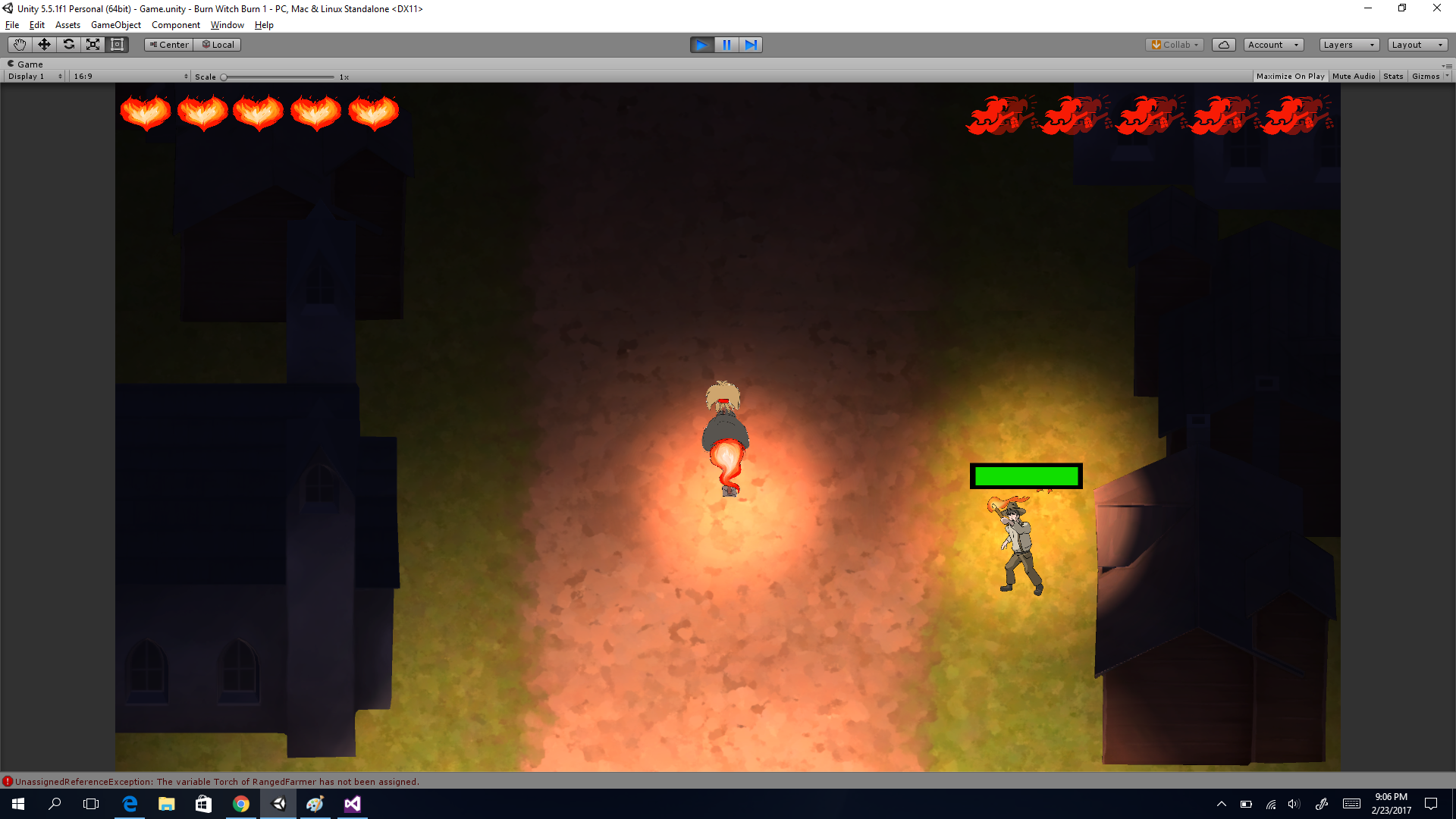
Hello and welcome to my third blogpost. Today I will be talking about something that we have been experimenting with quite a bit, the movement. The reason why we have not really been satisfied with the movement is because we want the animation to look good. The thing with the animations is that when you move to the right, the witch’s hair tosses to the left if that makes sense, I will post a picture of this later. The thing that made it hard from the beginning was that I was not sure how deal with the animations depending on what angle she was pointing to. The first thing we did was so that you moved vertically with the W and S buttons and horisontally with the S and D buttons but because I did not know how to do with the animations it looked really silly so what we did instead was that you moved in the direction that the witch was pointing to with the W button no matter where she was pointing to. This made the animations look fine and her hair was ”tossed” to the right side of her no matter how she moved. But then the playtesting came. People tried our game and some people said that she was controllable once you learned how she moved and some people said that it was way too hard to control her so we had to rethink it once agian. I started searching for the answer of how I could make the animations look good depending on what angle she was pointing to, so I came up with the idea that I could use four different scripts for the statemanager and depending on what angle she was pointing to, I activate a script. Our statemanager works in a way that if you press S it returns the number ”1” to the statemanager and the ”MoveBackwards” animation would be used but if the witch is pointing downwards I would have to make another script that returns ”1” when I am pressing the W key instead because then the wind would come from behind and make her hair toss over her. So the last thing to do now was to just divide the angles into four different ”zones” to make a script activate if the witch was pointing towards that angle. On both of these pictures I am holding the W button down but because she in pointing downwards on the lower picture, a different animation is being activated. Hope that you have learned something. See you next week.  |