Visual Feedback
|
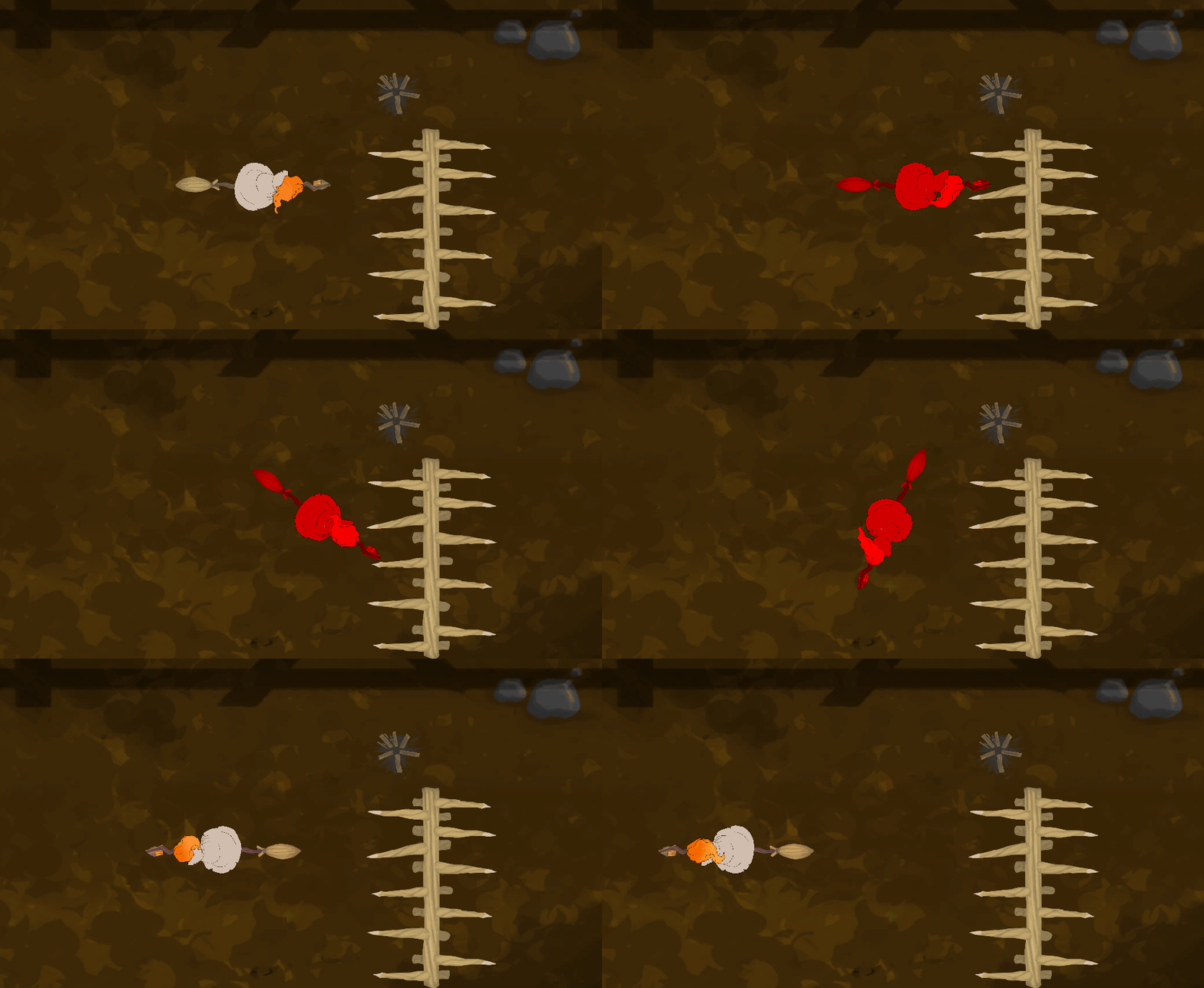
We are nearing the end of the fifth week of this project. This week we had our first playtesting session and the Alpha presentation. From the playtest we got a lot of useful tips and comments, but one thing that almost everyone commented on is the lack of feedback for the player, enemy and destructible objects taking damage. So I implemented the feedback before we had the Alpha presentation. First I did a pretty simple feedback for the player taking damage. I use Unity’s SpriteRenderer functionality to simply change the sprite’s render color to red, while the invincibility(from taking damage) is active. This results in a simple but clear feedback for the player. Later we will implement an animation for the player taking damage, including the color change. The results can be seen below:
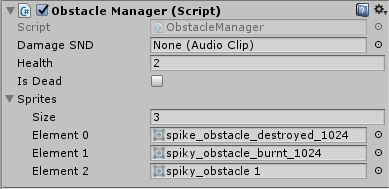
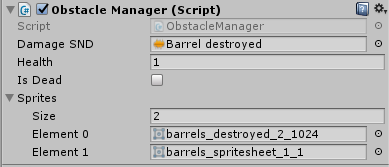
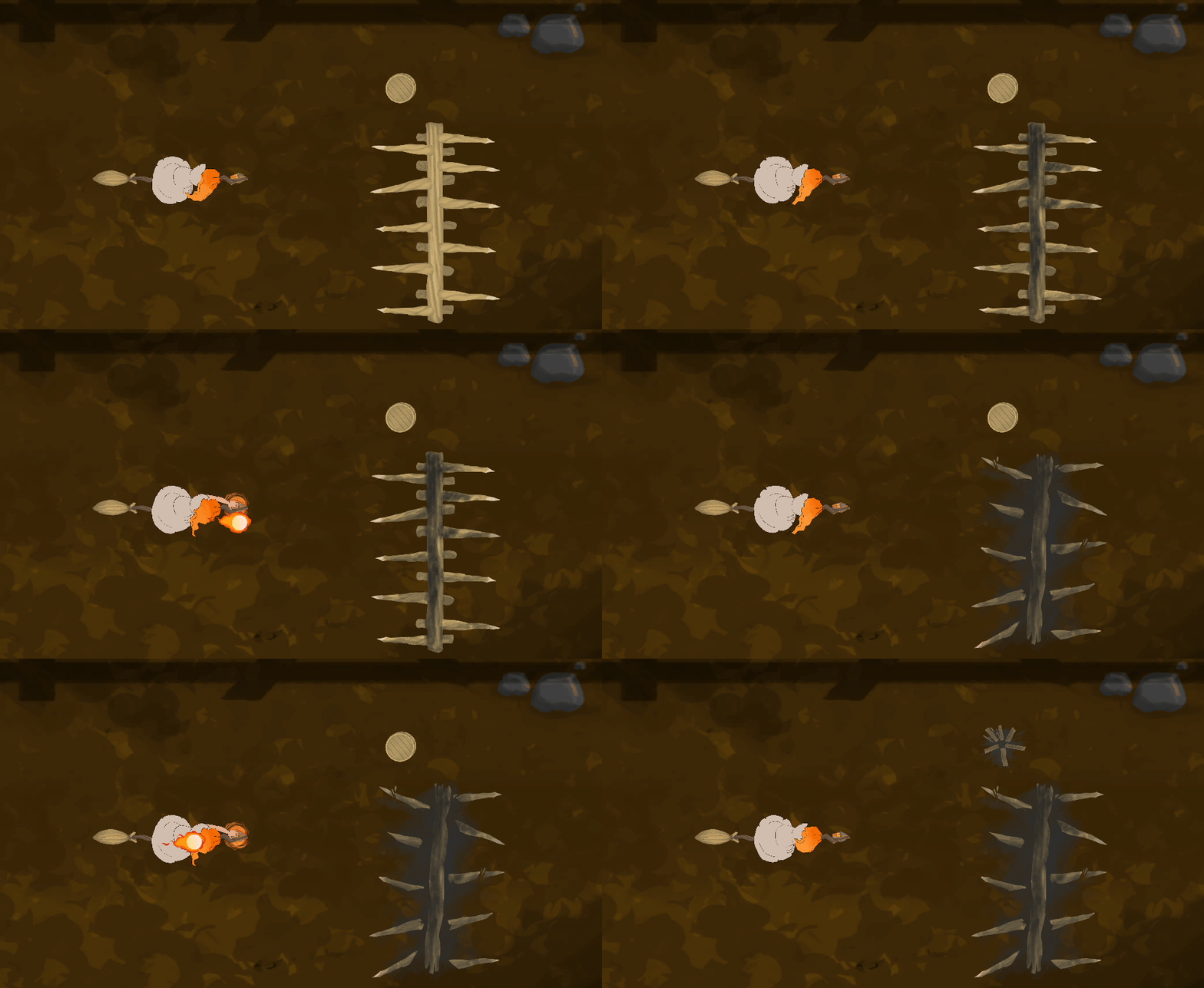
After this I took a different approach for the objects taking damage. They change sprites when they take damage, this way we can communicate different amounts of “health” for the objects. For example the barrel obstacles are destroyed after 1 hit so they only need 2 sprites: the normal and the destroyed one. On the other hand the spike obstacles require 2 hits to be destroyed, so they use 3 sprites: normal, damaged, and destroyed. Because of having different obstacles using the same kind of sprite changing functionality, I wanted to make the code to simply be an framework that can be applied to any obstacle with any amount of sprites. The finished product is a nice Obstacle Manager we can add to any obstacle GameObject and the variables can be changed through the fields. We can see the implementation of this manager in two different obstacle types below:
As you can see in the screenshots, the manager also allows for sound to be played. As of now it only has a field for damage sound, but I can add a destroy sound if needed. And for how it looks in action:
However, there is a slight problem with the changing sprite changes. Some of the destroyed sprites are drawn on top of everything, so when the player passes over them the sprites are on top of the player sprite. I have not had time to look into this yet, so I have no idea what is causing it especially since it seems to be random. It can probably fixed by playing with the Z axis values or draw layers though. As of now we are missing visual feedback for the enemies taking damage, but they do play a sound and adding yet another animation to them may not be the way to go. However it is something to think about, and will be a fast thing to change since they already have a “onDamage” function for their health calculations etc.  |