Backgrounds and parallax
|
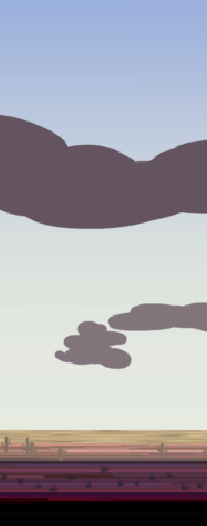
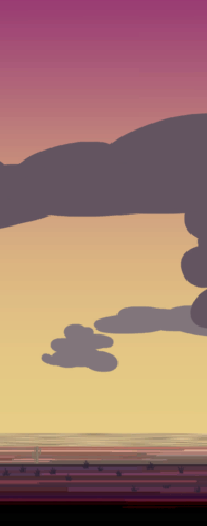
During this last week I’ve been mostly working on the background and its related components. At first I had to make a single static image to be panned across the screen as an initial version of the background. This was done to avoid presenting a blank background last week which would have made the game look more unfinished than it was. However, I didn’t make that version without any thought put into it. It was done in photoshop (like all other graphical assets for our game), and everything was organized into different folders under suitable categories so that I could separate each element and export them as individual assets later on. When I remade the background into separate assets I put additional attention to how the colours worked together. In the first version the foreground was more yellow, which I thought looked boring and unappealing. To solve that I experimented with the colours and came to the conclusion that a purple-ish hue works really well because it helps with the mood of the g 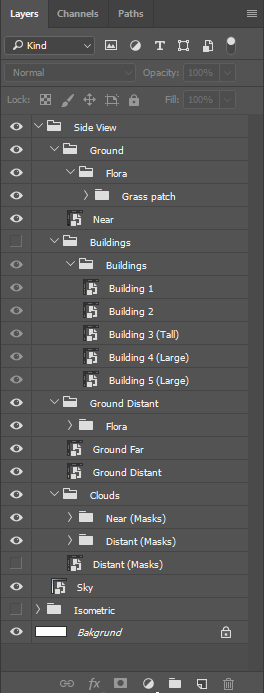 At first every layer was located in the same psd file, but later on once I’ve created several more assets for the background I decided to use ‘Smart Objects’. This was done for two reasons, first it was done to better organise each assets in a cleaner way and reduce the amount of layers located in the file itself, and the second reason is to make exporting each asset much easier. I used ‘Export>Layers to Files…’ to automate the process of exporting each asset to separate files, before I put them all together in a sprite sheet. The ‘Export>Layers to Files…’ treats each smart object as its own layer. To pack it all back together I used “Sprite Sheet Packer” which is a free program that works well for the purpose of creating a sprite sheet quick and easy. 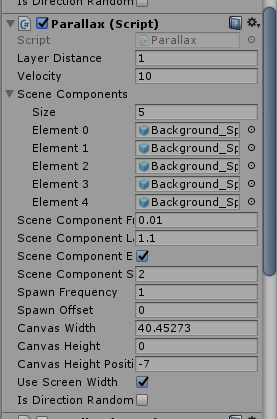 At the start of this week we presented our games and we let others try them out. I really really wanted the parallax effect in the game for that playtesting session (this was a late afternoon the day before). I didn’t feel that I could order the programmers to make the script before the next day, so I made one myself. While the first version of the script was done in 2 hours, I had to spend an additional 6-7 hours debugging and adjusting it to make it function the way I wanted it to. While the debugging took longer than expected, I’m however satisfied with the result of it due to how it provides me with the options I desired for a parallax script. This script is used for all ‘static’ background objects with the exception of the sky. The sky uses a modified version of this script to make it pan across the screen to make the colours of the sky transition from one set of colours to another.
One unexpected outcome of the parallax script is how it creates uniqely shaped clouds with a set of cloud images by putting multiple next to eachother in a way so that they overlap, which resulted in larger randomly generated clouds each time you start the level. Sometimes those clouds look great, and other times, not so much. I suppose this is realistic in a way because real clouds are semi random, because they vary from beatiful formations to boring looking clouds. I find this to be an interesting unintended feature, which we will keep in the game.  |
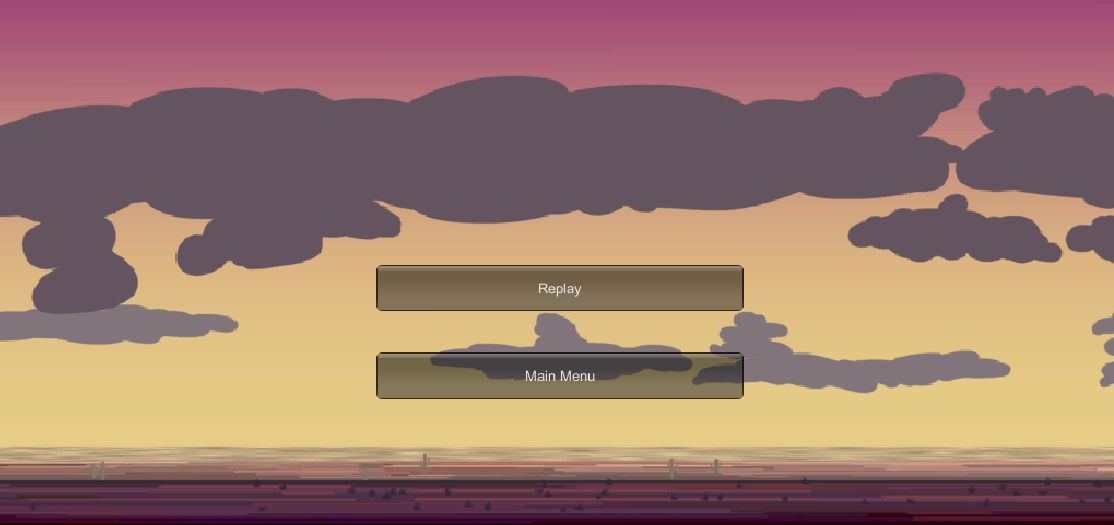
 ame. It is rare to see purple dirt in real life, which is why is looks off, but because the other colours in the scene complements it, it ends up giving you a feeling of something being off, strange, or alien. At first when I made the grass for the foreground I insinctively painted it green-yellow to make it look like dry grass. However it didn’t look good with the rest of the scene, so I went back again and experimented with the colours which resulted in the purple-blueish grass. Realism wasn’t important when it was more important to express the odd narrative and story.