Alpha, Conveying controls #5SD037
|
Game state: Alpha Today we had our Alpha presentation, it went…Not super good, but acceptable. There is a lot of things lacking in our game. As a designer I have failed to convey simple mechanic to the player. At least in our alpha version. We have a crow circling the player. It is an indicator for how long the player can teleport, and it also has a glow to indicate when the players power up is ready. At our alpha demonstration we got critique about that we didn’t convey those mechanics in a good way. so I put together a very basic “placeholder” for the instructions of the game. I divided the control schemes into two different occasions. In the Main menu and between the two levels. Main Menu Control Schemes
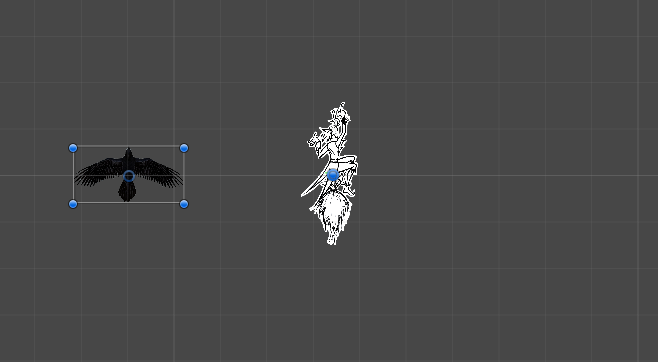
There is a crow circling the player. It is also an indicator for how long the player can teleport. This is all it does in the first level. It’s also built without colliders and is put in a higher layer. That will make it so that the crow will not collide with any object or enemies and be rendered above other objects.
I’ve tried to make something out of the critique I’ve got from the alpha presentation. I need to convey what the crow actually does.
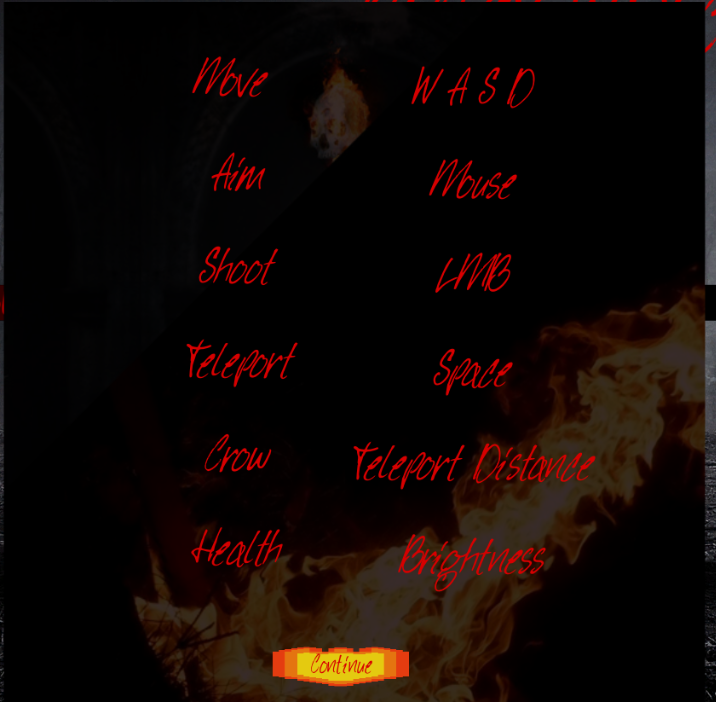
I have not come up with a good way to convey that to the player so I went with a simple version. I believe it will not be a good, but a functional way to learn the player about the mechanics. When you press the play button this screen will pop up.
I believe that the player will get a good enough understanding how to play the game from this screen. I also left out the button for the power up attack with purpose. Because the player does not have access to it in the first scene it would feel wrong to tease them with a button that doesn’t do anything. The main problem with this “placeholder learning tool”:
Health: Our health system is integrated with the lightning around the player. As the player get hit, the lightning radius will decrease. I think the player will be confused about what “health and brightness” means. But I believe the player will put the pieces together when they start playing the game. One of my beliefs is to not underestimate the players intelligence. But I also agree with that my way of conveying the controls and instructions is very basic and I really want to rework it until Beta. Crow: To make it more clearer what the crow is I will implement an animation of the player with the crow circling it in the main menu. Then the player will now what it means.
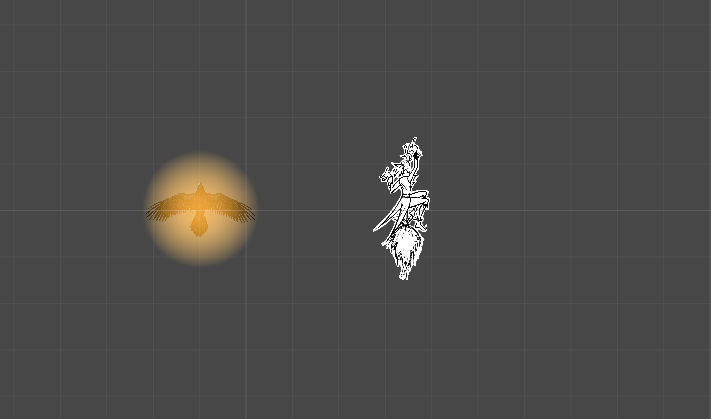
Switch between levelsWhen the player has survived long enough in the first level she will be granted powers from the devil. In game play this means that the player can now shoot a huge meteor to destroy her enemies. There is a cooldown on the power up, when it’s ready the crow will get burning flames around it. In our alpha we have a placeholder for that which just emits a small yellow light.
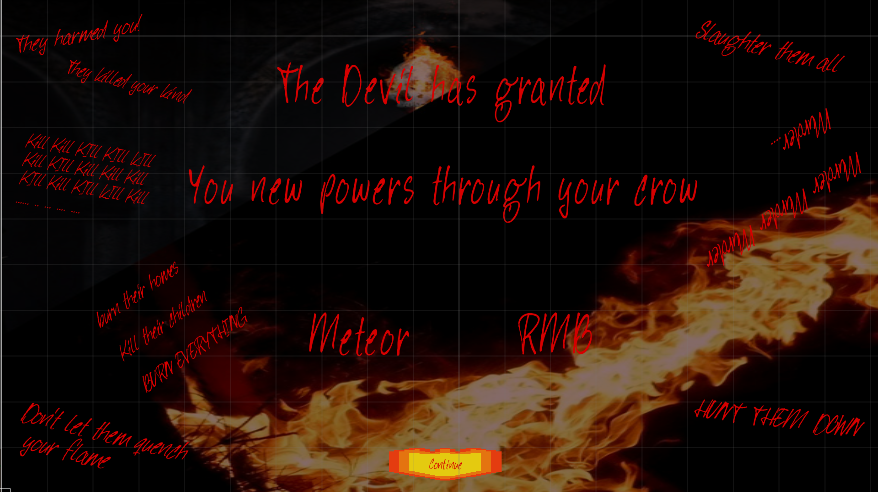
To convey the new mechanic I made a similar solution as I did for the main menu, I want it to be coherent. But I added a lot of random texts to the panel to experiment with how that affects new players.
I do not mention that the crow will become the indicator for when the power up is ready. I believe it is so obvious when you will see the crow start burning that I don’t have to mention it.
How do I fix it?I will first brainstorm to come up with a more creative way to convey the controls to the player. Then I will iterate until I am satisfied, but right now I have few ideas for how to solve it. Sadly enough I think it has to wait because there is more import artifacts to work with right now. Joel Persson AKA SkitzFist
 |