Creating the Avatar Through Iteration
|
Author: Hanna Hagenmalm Iteration literally means to do something over and over again, usually with the intention of improving it. Within game development, it refers to a work process, in which a game is gradually improved through short cycles of production-feedback. This method is suggested as an alternative to the ”waterfall method”, in which an aspect of the game is completely finished before moving on to the next. The issue with the waterfall method is that the cost of changing an asset increases the further down the waterfall the project has proceeded. The idea with iteration is that any asset that needs to be changed will be discovered early in the process. In short: quickly discovering issues so they can be changed early, is the strength of iteration. Feedback provides the data that is used to improve an asset during the next iteration. In lieu of other people to provide said feedback, a lone developer can of course test and analyze their own creation. Ideally, however, iteration should happen with external feedback, and in a perfect utopia, with input from the intended end-user. In my previous project, I only practiced some rudimentary iteration. I drew assets, and my team OK’d them. Occasionally I would receive a ”not okay”, and then I re-drew the asset once. This time around, the production-feedback loop is spinning a little smoother. The reason I have been able to work iteratively, is that the team has set up a structure for it. The team has been sitting and working together in the same physical space, and this has enabled quick, real-time communication. Before, I would create an asset, save it, send it, and then wait for a written response. Asking a person to take a quick glance at my screen, and being able to discuss and add details as we talk, is a huge improvement. It really, really is, and it is worth the extra effort to coordinate the team. It both saves time, and produces more constructive feedback. Additionally, I have started using more tools to communicate my vision for an asset to the rest of the team. Previously, I would finish an asset and then ask for feedback. Now, I draw rough sketches and ask for feedback immediately. I borrow from other people’s art and create moodboards. My workspace in Photoshop is set up differently to allow for quick alternations. All of these tools are geared towards speeding up the iterative process in some way. To illustrate how working iteratively has shaped my workflow, I will use the avatar of the game as an example.
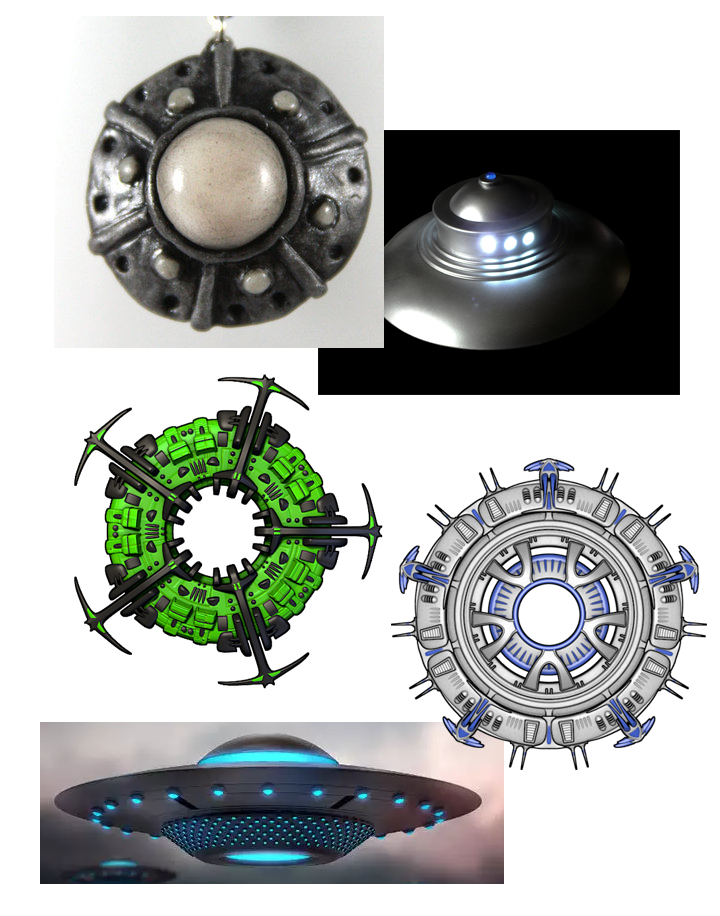
1. The original concept art drawn by Team Kraken. We liked the idea of a classic flying saucer, and decided to simply adjust it based on whatever art style we were going to choose, as well as make color choices appropriate for color blind people.
2. Moodboard for the avatar, based on Team Kraken’s concept art.
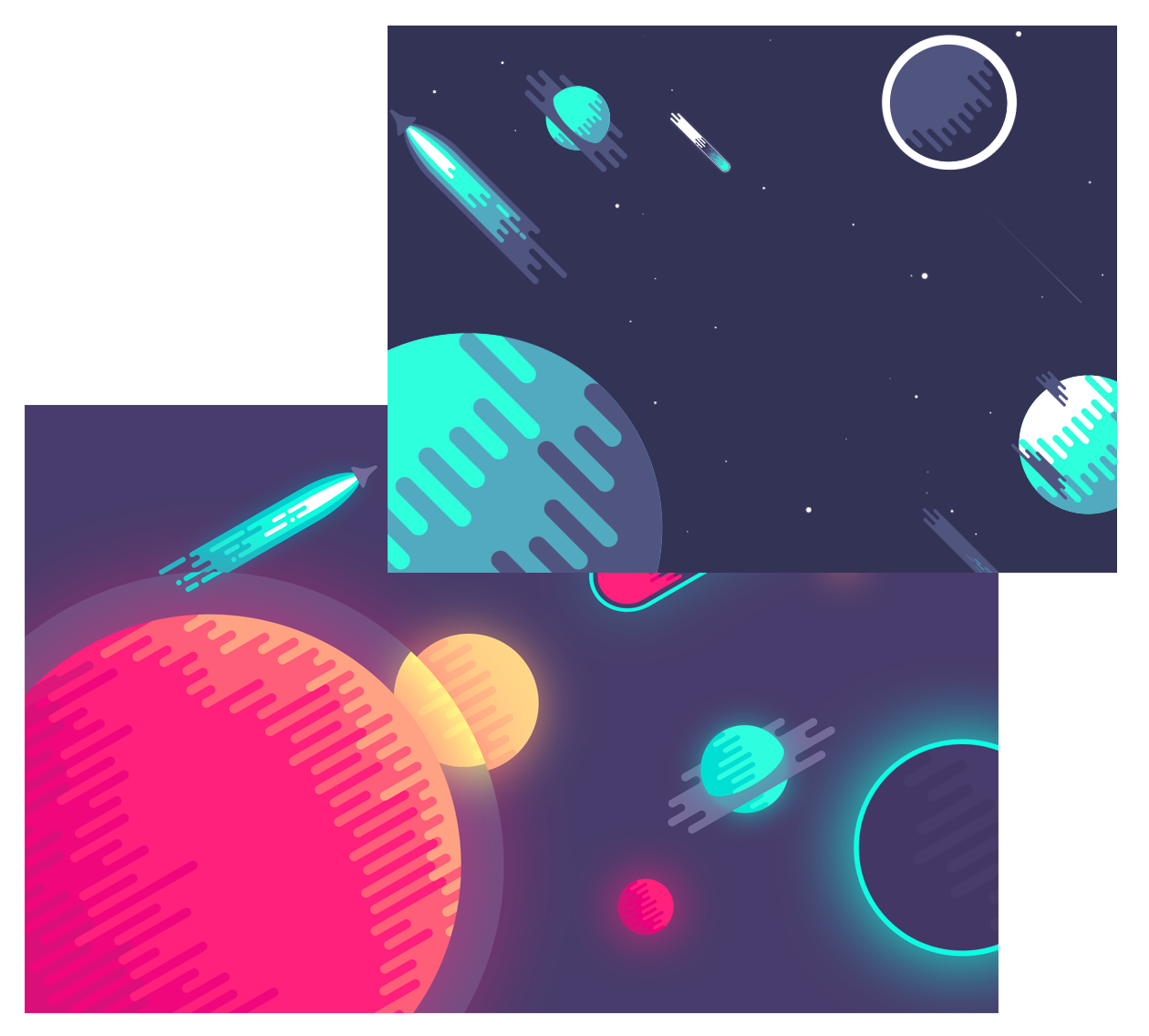
3. Snippet of the moodboard for the art style.
4. Concept art of the avatar, based on the original concept art and the moodboards. The team talked about which aspects they liked, and based on some sort of amalgamation of all opinions, I created…
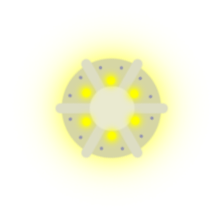
5. …the first in-game sprite of the avatar! There were quite a few things I did not like with this one, such as it looking a little too much like a cross section of a pipe. I also thought it looked flat and not enough “in-style.” It did not use correct colors, or the correct resolution for that matter. This led to a re-design, incorporating improvements for all of the issues I had with it.
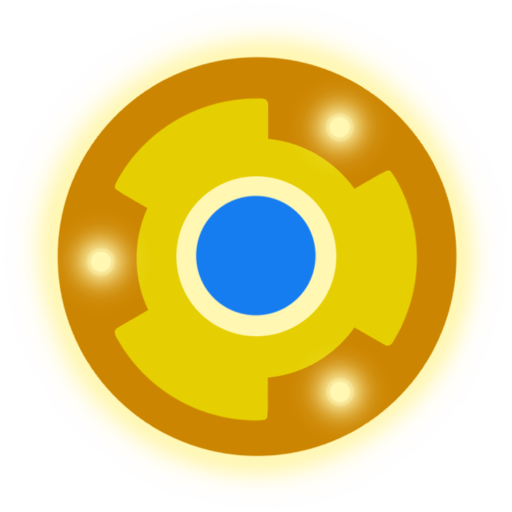
6. This version was less flat and used all of the correct colors, as well as had the right resolution. Unfortunately, it did not really make use of the art style.
7. Simplifying it was the final step, and this is the current in-game sprite. Given the nature of iteration, that will probably change, though! Especially after we have our first playtesting session with our end-users this weekend…  |