Movement and rotation
|
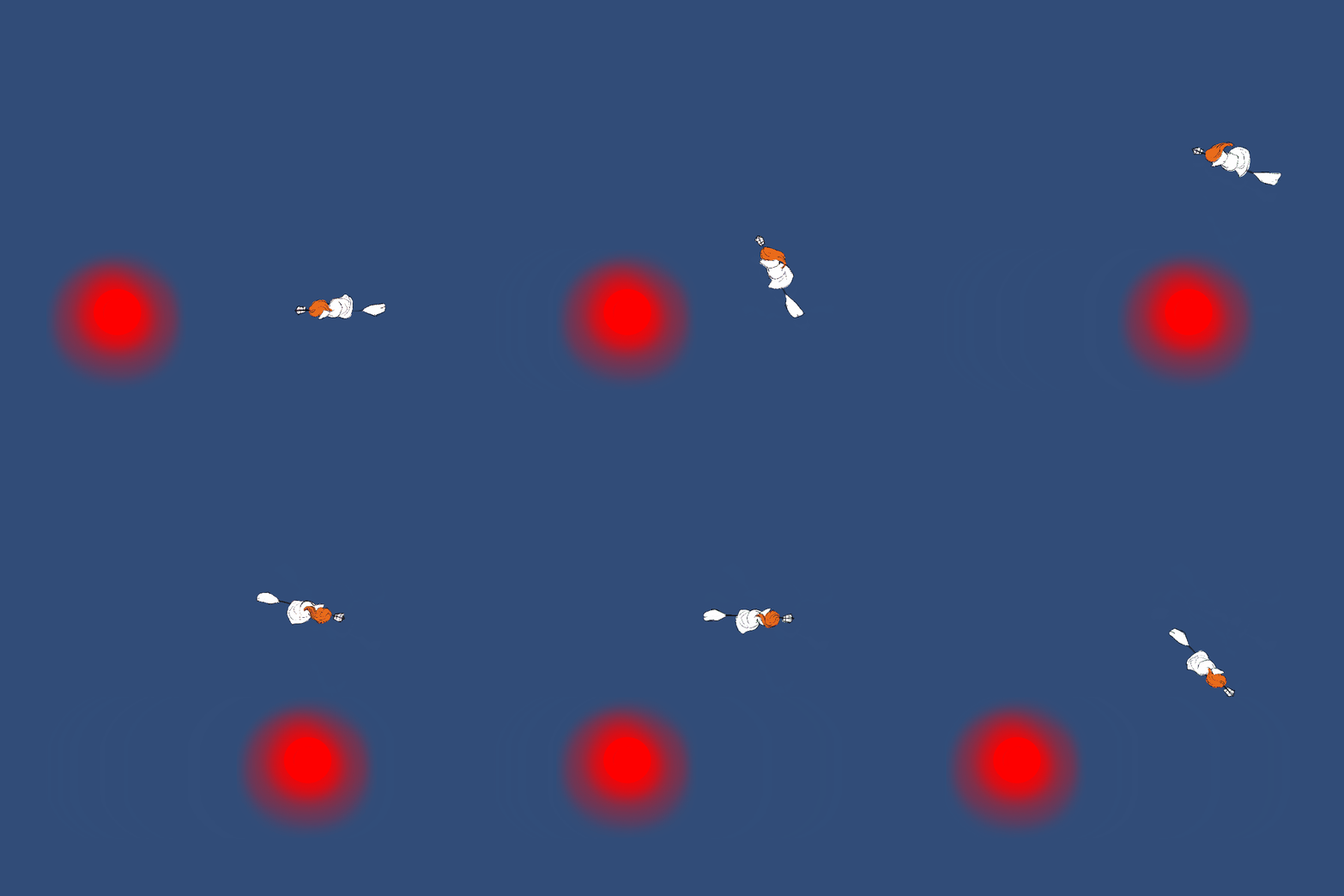
The game that my group picked to work on is Burn, Witch, Burn! In this specific game you are riding on a floating broomstick and as such the movement of the player character is supposed to feel floaty and have some kind of air friction and acceleration. I also wanted the direction the character is facing correspond to the direction of the velocity vector. At first we tried to code the movement completely without using the built-in physics of rigidbodies in unity. It ended up in about 20 lines of code and wasn’t really working that well. After some researching (forums and the unity API site) and testing I found out about the AddForce which does exactly what you think it would. Parameters such as mass and drag of rigidbody can be changed in such a way that character slowly loses speed after the button for movement is released. The diagonal movement we got from the AddForce was too fast as it got 2 different vectors at a 90 degree angle got the force of the hypotenuse between them. This was solved by normalizing the vectors which makes it have a maximum magnitude of 1. The next piece of the movement was the rotation. In the first iteration we made the character would rotate depending only on the input of the keyboard. So pressing left would turn the player left even though it still was moving another direction. By using some math functions that calculate the radians of the x and y velocity and converting them to degrees we could make the facing of the player correspond to the velocity vector. The last problem was that the rotation was to fast. I tried many things through code but didn’t manage to find a good answer. At last I found out that there is a way to change the physics options in unity. One of the options controls the maximum rotation speed, so I lowered it until the rotation felt better. I’m pretty sure that there is still a lot of improvements to be made in the movement as I learn more about unity and how to code in it.
 |