Vegetation with SpeedTree
|
Hello! So when making the grass that was to be placed in the game I made use of speedtree, as files from that program work automatically with the wind in Unity. So by simply porting in models, fixing them around a bit and then sending the from SpeedTree to Unity, we could easily make them sway in the simulated wind.
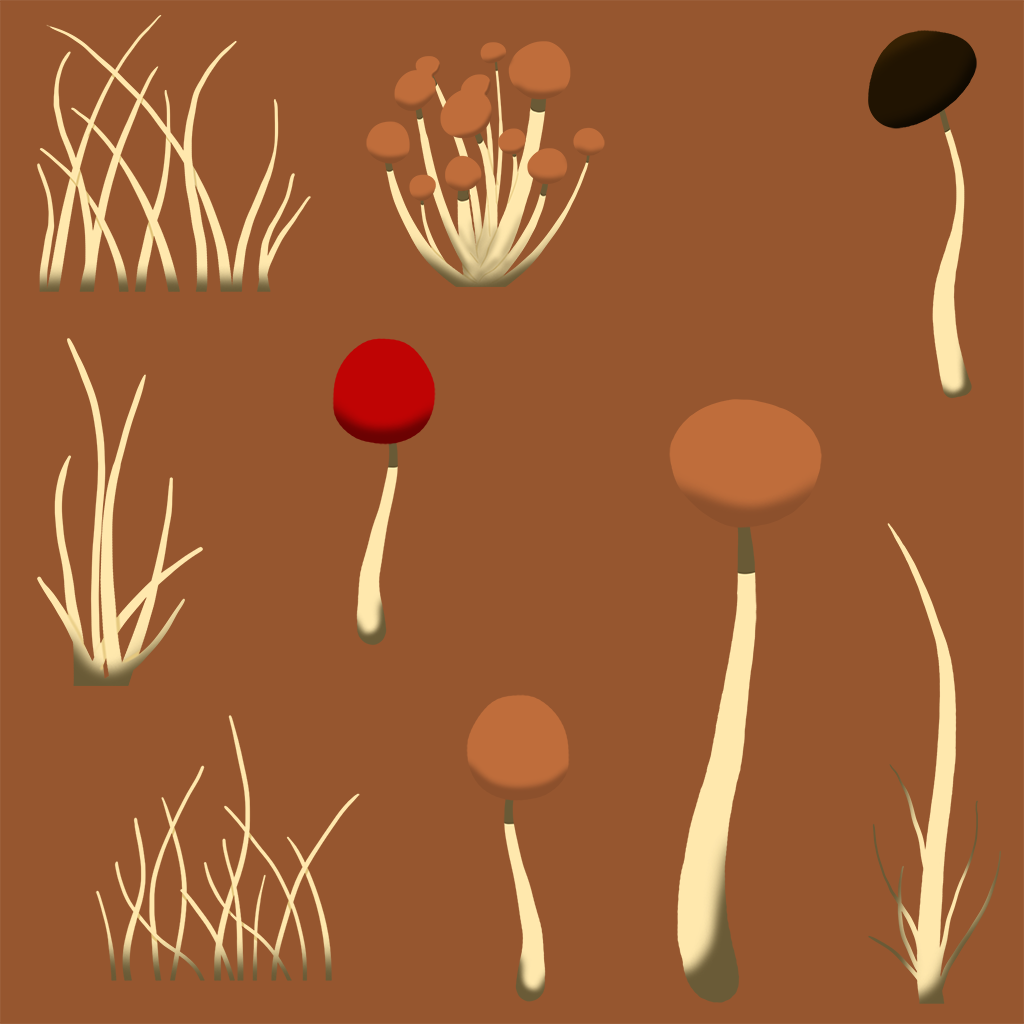
I had never used speedtree or worked with planes in this way before, so it was rather exciting to learn somethin new. What I did is I started with making the textures.
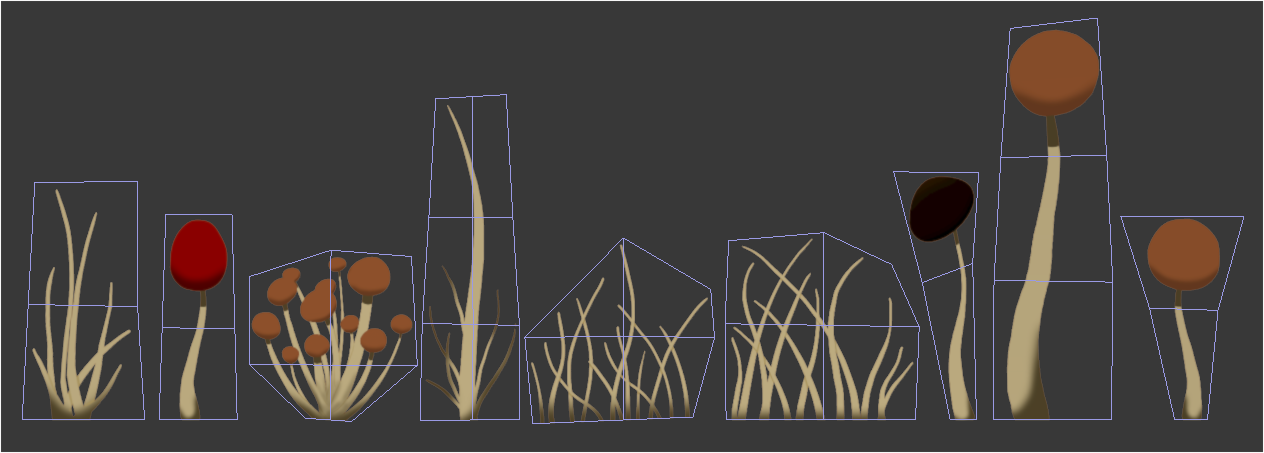
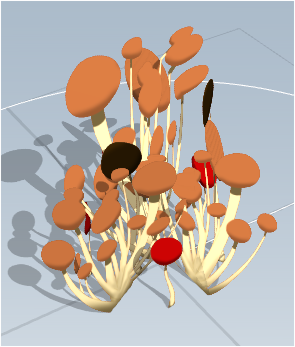
Make it a material in max, and then just cut out the different parts. It was a lot simpler than I thouht it would be, thankfully. The final version of the texture however had the brown hats made turquoise to fit in a bit better.
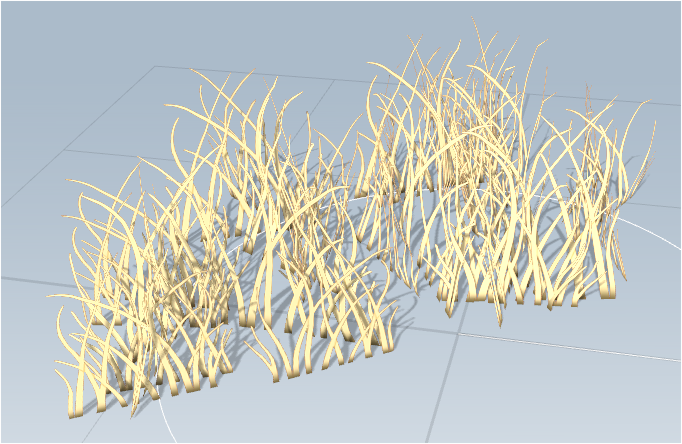
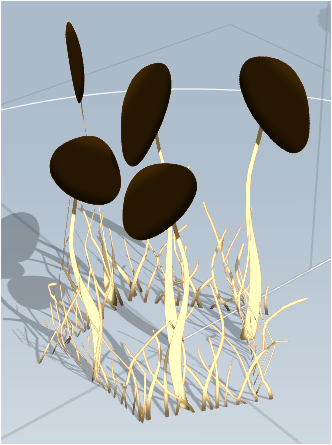
The planes were then added into speedtree, and were then placed into patches that could then be placed in the game world. Due to how the game world is built however, each part of the vegetation had to be placed individually. Usually you can use the brush in the engine to simply paint the world with grass and stuff, however in our case that was not possible.
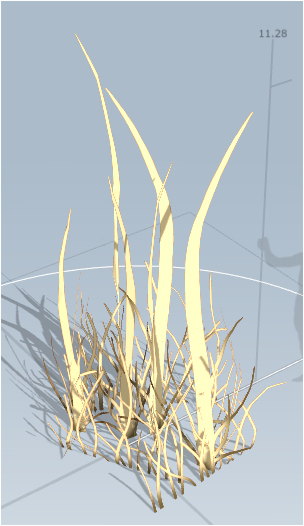
A few more. There were close to a dozen different parts similar to these. Once placed in the speedtree they could then be saved and imported to unity.
 |