Building Tools
Week2Building some simple tools to help the project along. Perhaps not so simple. Continuing with the enemies, bigger, stronger, better!!! Nah, just improved a bit. Well more of everything is needed to make this project ready for alpha testing, so work work. At the beginning of the week we had a meeting with some of our mentors to discuss how we are going develop the game, in general terms and some details. This in turn brought us to have several meetings of our own where we tried to define parts of the game as we envisioned them, with a lot of thought on what is actually doable within our time limit. A major part of the discussions where centred on the combat system, which since it is an action rpg has some major influence on the game. The game features a combat system where Kei possess a gamepad which can turn into weapons, so she uses a control to control the outcome of the battle. For the demo/ggc version there is meant to be three kinds of weapons, ranged, heavy and normal melee, which a meant to be used to form combos. 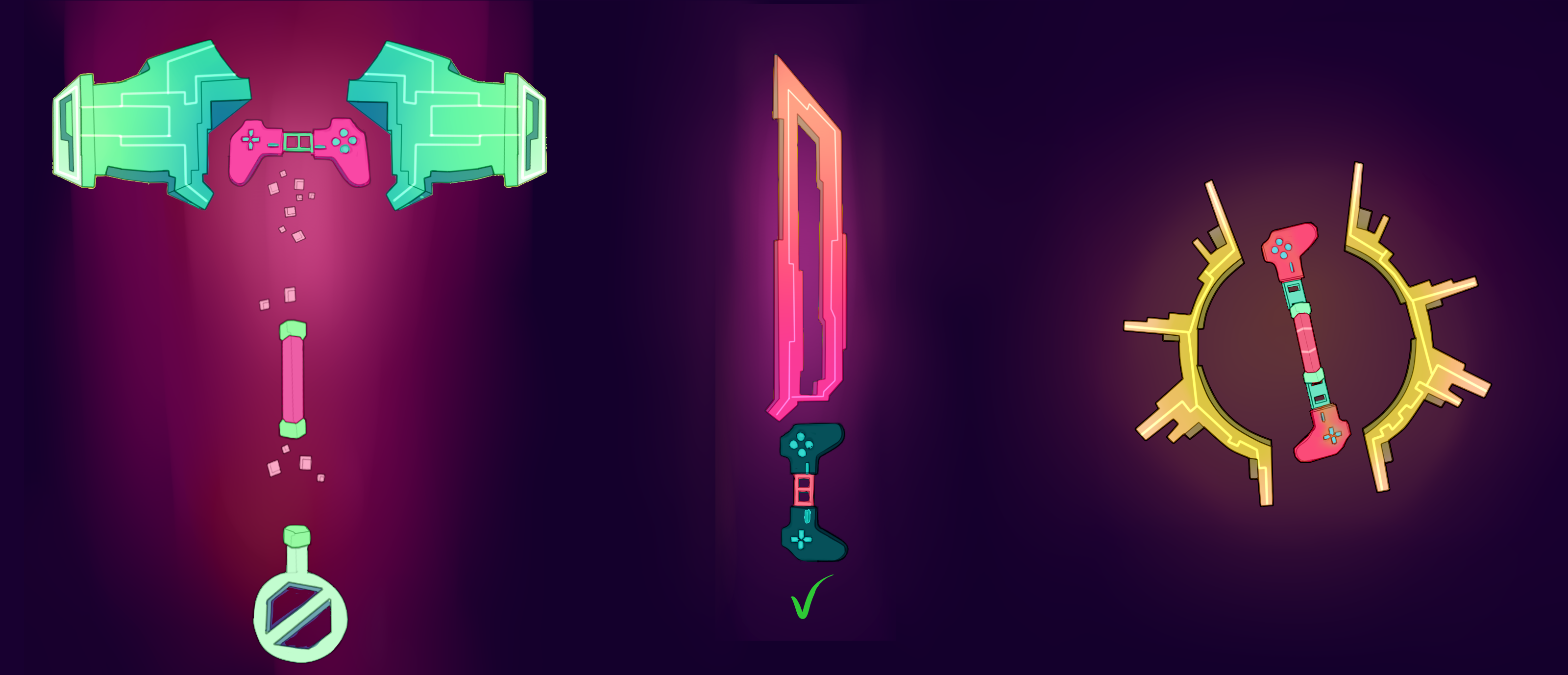
A few examples of how the weapons might look, the amazing works of the artists in the team One thing I have been interested in since I found out about it has been Unity’s editor scripting, to be able to change and create your own editor tools, plug-ins and windows. All this seemed really interesting and useful, though exactly what kind of editors should be made for our game? I have a few in mind and the first one that seemed really handy was a pattern script, or waypoint nodes (whatever one wants to call it), which allows the user to place nodes in the editor that are saved to a list. But what use is this? What could one possibly do with a list of positions? Well the truth is that in an engine where much is about positions, world space and local, one can create and use such a list to anything you put your mind to. I found some videos and other references to base my work on, in this Unite 2013, advanced editor scripting video there are a lot of information but they cover a polyline that places nodes in editor mode that one can use, the presenter says he uses it to create a mesh for prototyping instead of waiting for an artist to create one. He bases his script on another ones, this is an early altered version PolyLine Editor. There is a class called Handles, there might be several of this type I do not know, which is very useful when creating something you want to manipulate in the GUI window. It can have many shapes (spheres, cubes etc) to give one a visible object to manipulate (not a gameobject, just an object), with that comes the normal arrows and such that lets one move and manipulate any object in editor mode, in other words a handle which is what it is, lets you do this to objects though this time without the actual object. So with this I created a list of positions that easily can be moved around in the editor, which allows one to change the pattern and test how it works quickly. Pattern and enemy moving along it.
This might seem easy in retrospect but it was not, Unity has a basic introduction to editor scripting though nothing that really covers this, so if one wants to find about handles for example the scripting api is the place to go. That is an amazing and extensive library of information so finding something that you did not know existed or the name of can be pure luck. Instead I was lucky to find a video covering that had some of the information I needed (well I say lucky but I was searching through a lot of information about waypoint nodes and creating lists of positions for a while). There was a passage in the video that covered creating a list of nodes. As explained before a list of positions can be used for a lot and the person in the video said he used it to create his own meshes to use for prototyping, instead of waiting for a 3d artist to make one. There are a lot more interesting information in the video which really makes one think about what is possible to create for the project and further ones skills and knowledge.
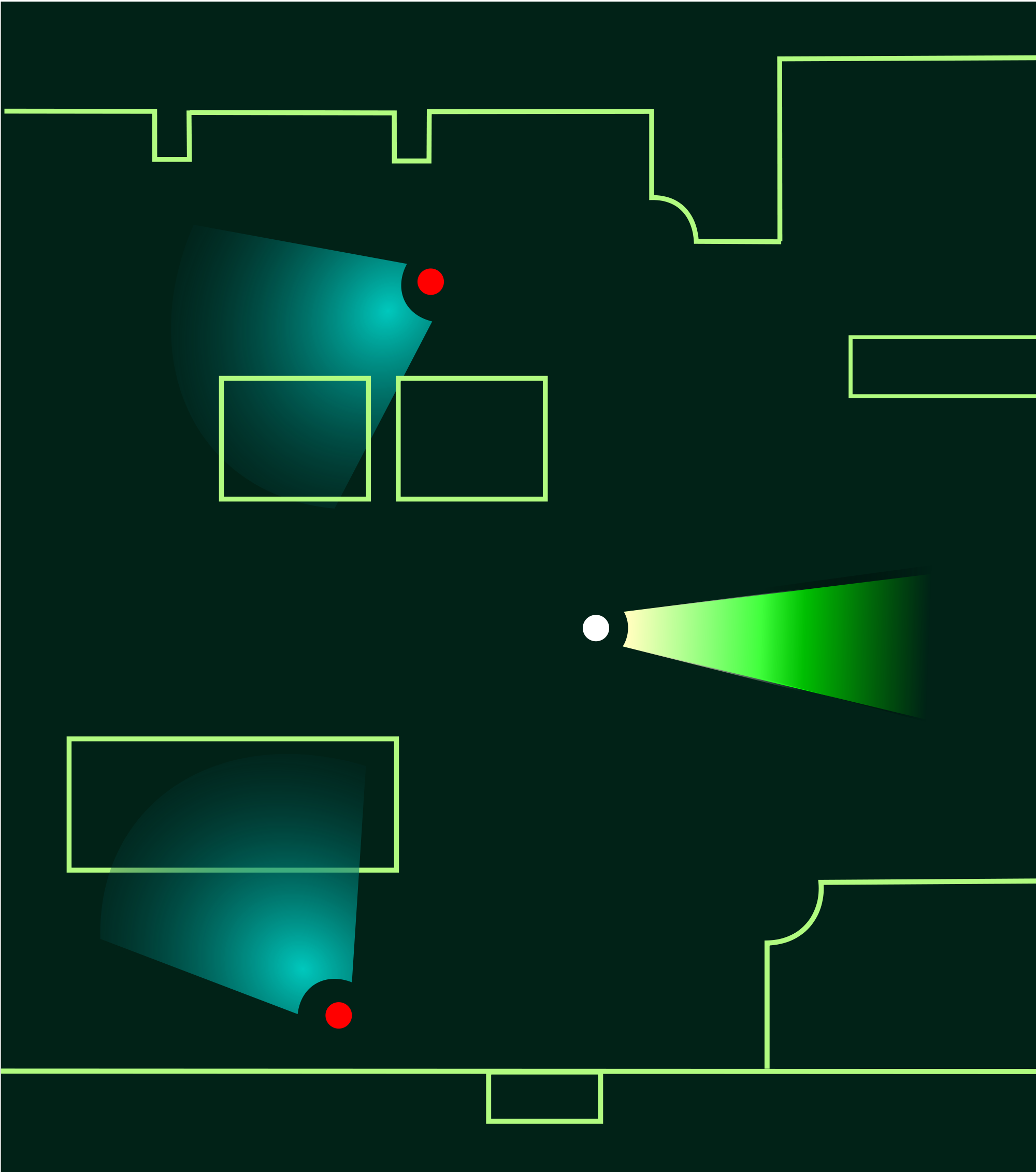
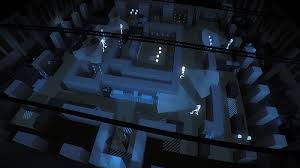
Some patrolling enemies, sometime in the future ours will have so they can see in an arc in front of them as well. This was not everything I put effort into creating for the project this week, even though it might feel like it, some of the other things was the enemies and prototyping properties for them that is going to be needed. There will be at least one ranged type of enemy and as such it would be useful if they could fire some sort of projectile at command. A cube is created and given material and script, the script defines the properties for that cube, what direction to fly, speed, damage, lifespan etc. A projectile is created, so now all that is needed is a gun, right? Not quite but it is one step towards completion. The projectile needs a spawn point relative to the enemy and the weapon, the muzzle of the weapon seems appropriate, to achieve this a simple weapon prototype is made (a cube block that is stretched so it becomes longer and more rifle like ) and a empty gameobject is placed as a child to this which position is at the end of the weapon. This empty gameobject is made the spawn point for the projectile so the enemy script tells the gun to fire a projectile and it instantiate a specified projectile prefab, so weapons can have a specific projectile but still work the same. A spawned projectile last a specified time, the enemy specify how long though later it will be the weapon that specify such. Later this will probably be changed to use some kind of pooling system to avoid instantiating and destroying objects, since Unity does not seem to be well suited for such process. Well this is it I guess, there are a lot of work done each week and will probably continue as such, so hopefully I will make a bit more frequent posts to avoid these long ones. Especially since they do not cover the work to such an extent as to be of much use for people reading (including myself) that have actually found there way to this blog.  |