Sector Unlock Rotation
|
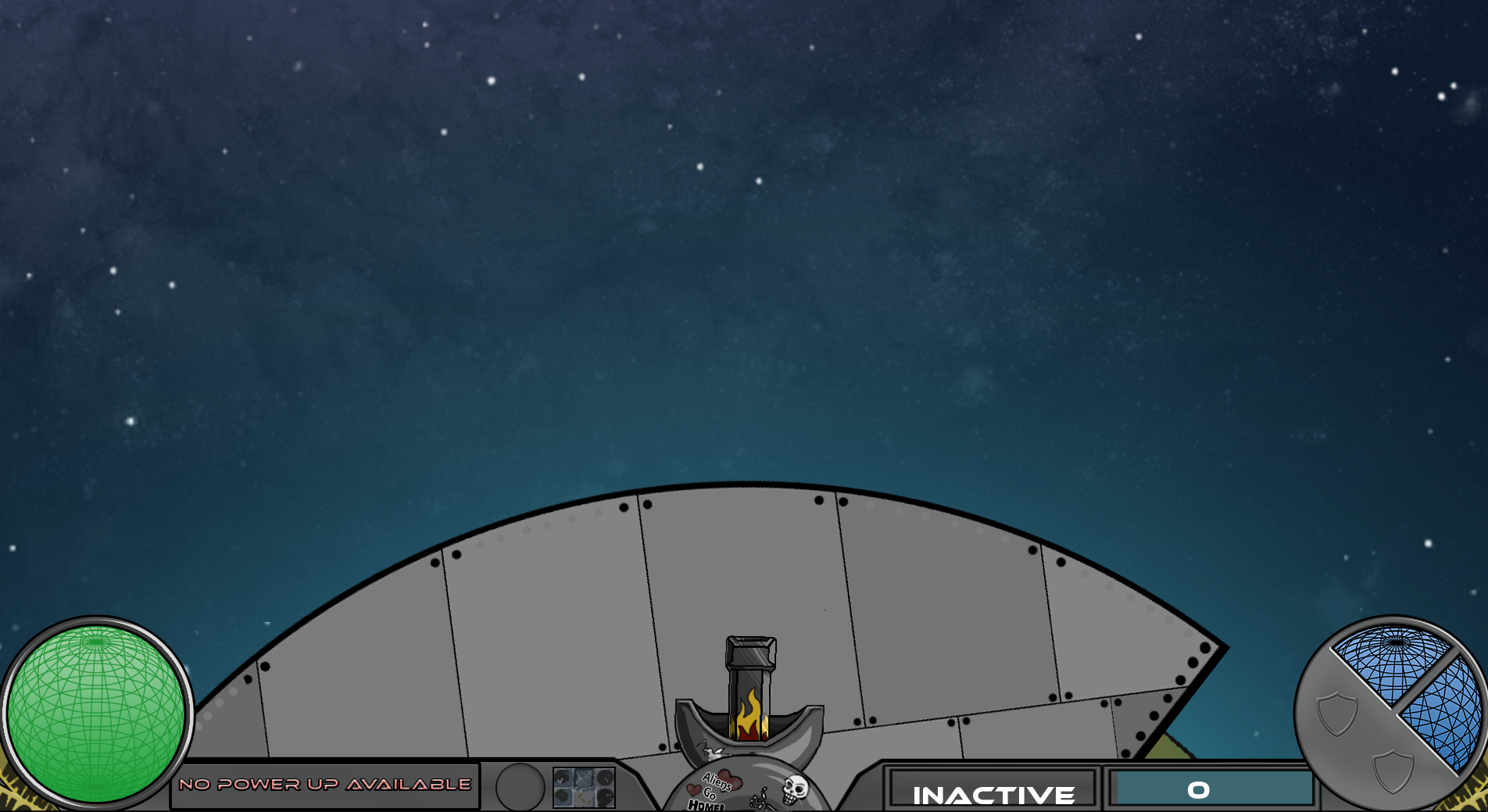
I think that it usually doesn’t take very long for me to implement something when I program. Most of the time it takes less than an hour, sometimes it takes two, three less often, four not very often, and five is quite rare. I’ve worked on it for over four hours on it today without success, so I’m a bit tired of it. The player can rotate around the planet to the four sectors of the planet using the ‘A’ and ‘D’ keys. The sectors will be locked in the beginning of the game. When a sector is unlocked, the camera will move around the planet so you can see the sector being unlocked. The camera then moves back o the previous position. The code I originally made previously moved the camera around the planet to the correct position, but it always moved to the right around the planet to get the correct position. What I worked on those four hours was to make the camera move in the correct direction around the planet. The included image shows a sector about to be unlocked.
The camera moves using our setPositionAround function and uses lerp for smooth transition between the sections of the planet. The formula of setPositionAround() is: { position.x + cos(angle * (PI / 180)) * distance, position.y + -sin(angle * (PI / 180)) * distance }. The function takes a position, distance, and angle as arguments. I described lerp in a previous post (https://linusbjernhagendevelop.wordpress.com/2016/02/18/health-meter/) so I won’t talk more about it here. The camera has two variables called currentRotation and toRotation. The toRotation variable contains the angle around the planet that the camera is moving towards. 90 is subtracted from toRotation when ‘D’ is pressed, and 90 is added when ‘A’ is pressed. What I did originally just to get the move-to-the-unlocked-sector thing working was to assign toRotation to the angle where the to be unlocked sector is. Something that could be a problem with this way is that values above and under the 360 angles of a circle. So for example 0, 360, and 720 are all examples of the same rotation, but if I’m at rotation 0, and I set toRotation to 360, then the camera would rotate around the planet one time, which is not what we want. This problem could be fixed with modulus. With modulus we can make the rotation loop when it gets over 360. Modulus is done using the ‘%’ for integers or the fmod function for floats and doubles. But it still isn’t properly working with just that. Let’s say we have a rotation of 0, and toRotation is then set to 270. The closest direction would be to decrease the rotation, but the camera would think that you would have to increase it to get from 0 to 270; it doesn’t see in circles. I tried to solve this using numerous methods that I thought up, but none of them worked. I eventually decided to see if I could find an answer on the net, but I haven’t been able to find anything that works for me. Maybe I should ask for help with it..  |