Game development week 5 – Menus
|
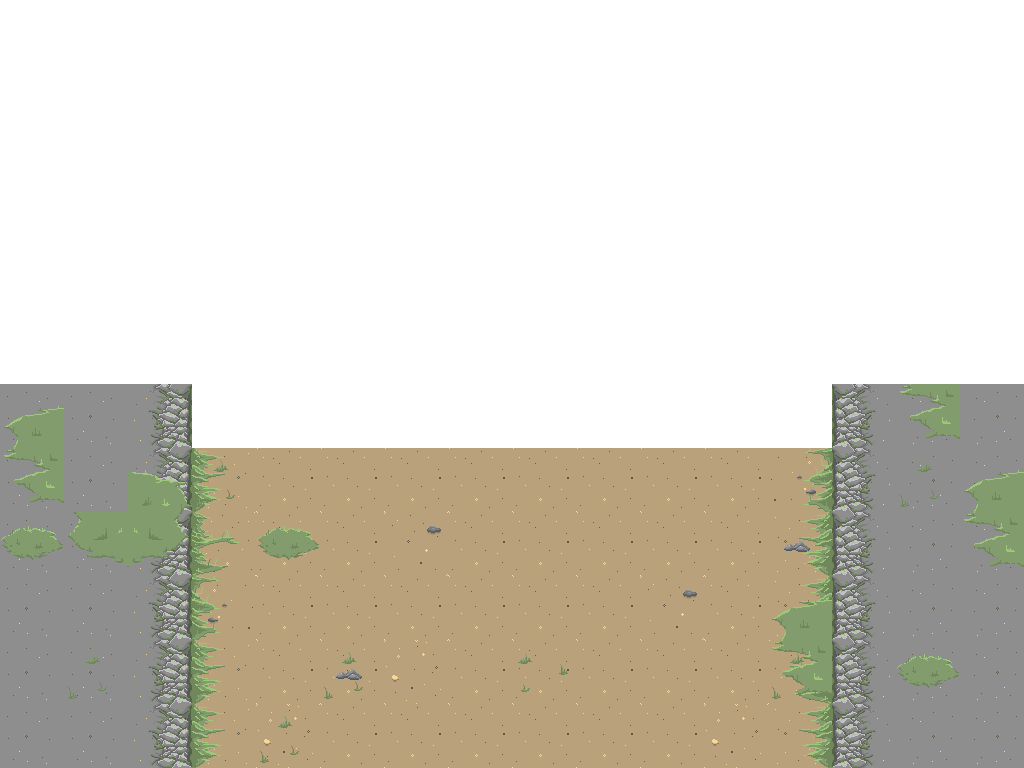
This week I have been doing some less time consuming things such as the different menu screens we are gonna have in our game. It actually felt kind of good with a change of pace for once because this time I did not have to animate anything which is basically the only thing I have been doing these past few weeks apart from making the tiles and maps. It does get a bit tedious doing the same kind of things without any variation. So this week I got to make some ordinary static images for once, which is more fun than it sounds like…at least in this case. The different screens I had to make was the main menu, the options menu and the highscore menu. They are all basically the same so just for the sake of keeping it concise I am just gonna go through the main menu. We wanted to make them feel more or less seamless when navigating the different menus and/or transfering from the menu directly to the game itself, just to get this smooth feeling without any jumps or skips. The idea I had was to have the background of the menus similar to how it is gonna look like in the gameplay so when you start the game it scrolls downwards and tiles with the map ingame until you see the player character and can start playing. So I kept part of the map or rather made a new one in Tiled using the tileset since I also wanted to kind of make a horizon with the silhouettes of both the boss and the different enemies in the distance moving forwards just to make it seem less static and for that I would have to make them their own sprite sheet, so I had to do some animations after all although a really basic one. But the first thing I had to do was to open up Tiled and make the part of the map I wanted and then export it as a png image.
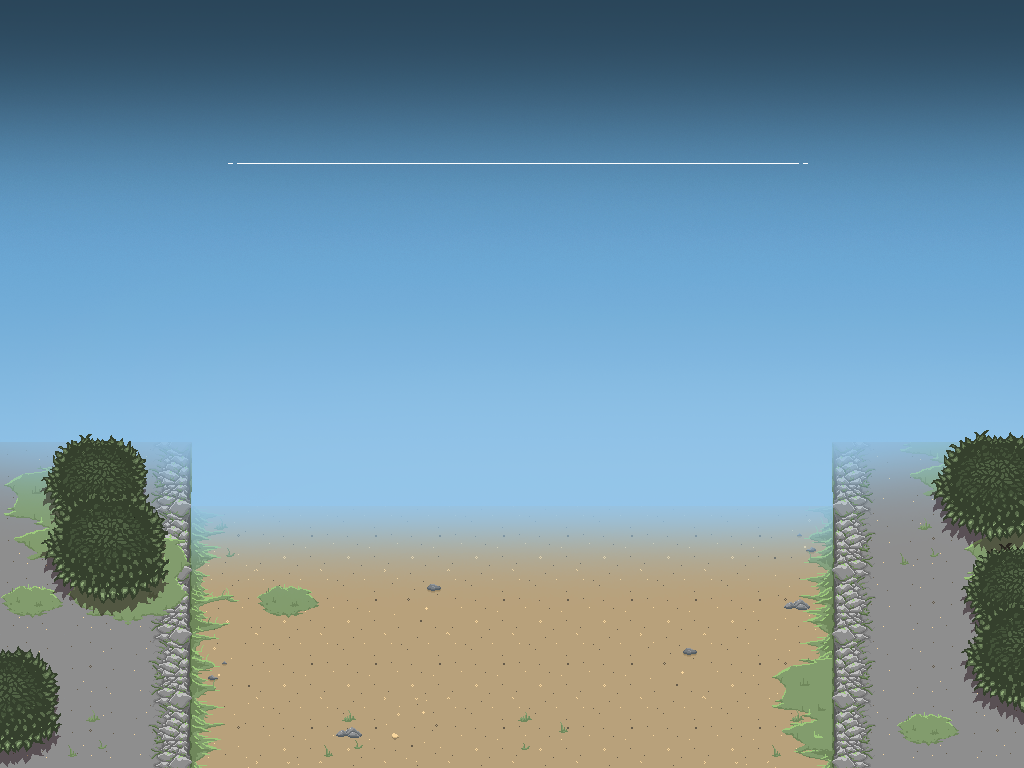
I then opened it up in Photoshop so that I could start working on the background. I simply added the blue sky in its own layer beneath the map and used the brush to add some darker color at the top and brighter at the bottom just to make it seem less flat or boring. I also erased the top of the map part to make it look like it fades away into the distance. It might look a bit weird since the game otherwise is from a 2.5D top to bottom perspective but I thought it would be fun to see the sky at least once somewhere in the game, makes it seem less boring. I also added some trees and a line showing where the title text will go, which will be put in by our programmers since we also wanted the text to have a pulsating light.
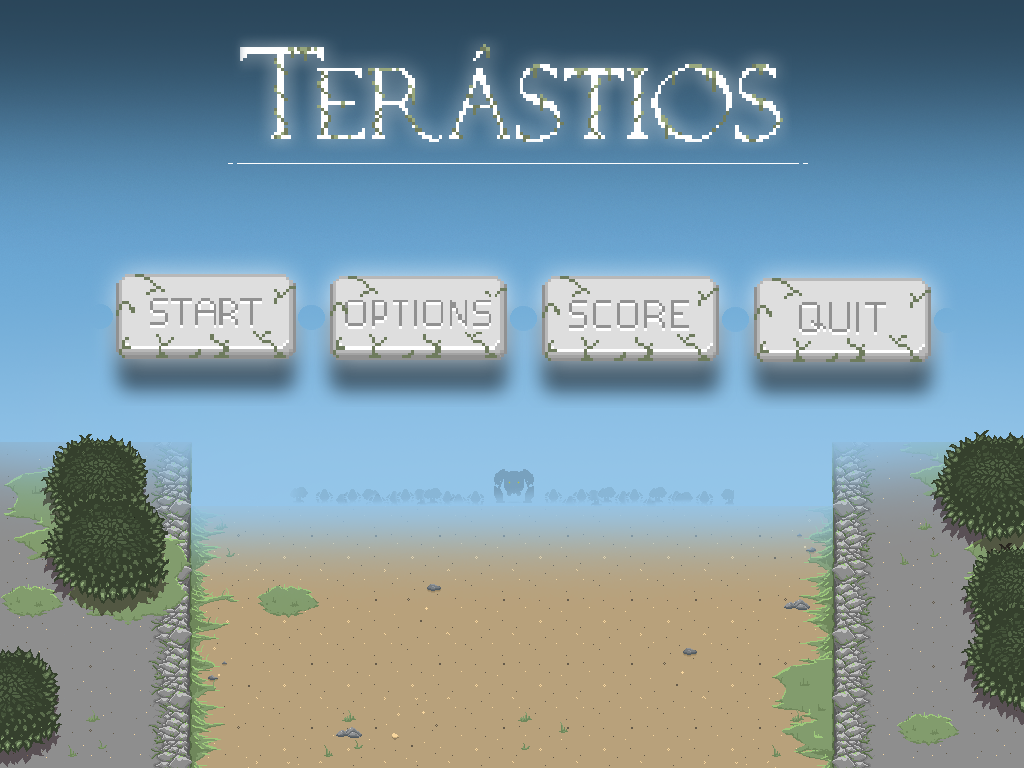
Of course the buttons had to be done, so both the title text and buttons were done in Aseprite. I made two different versions, one when the mouse is not hovering over it and one when it is hovering over it, just to give more feedback to the player. The buttons are also gonna be added on to the background by the programmers, they will be their own images the same as with the title text. The last image is an example of how it will look like, without the animations of course. (I did notice that the buttons have this weird circle between them but will be fixed for the final result).
The options and score screens are both done in the same fashion. Just same background but with different text images and buttons and with their own layouts.
 |