Making a Game Part 6 – Reconfigurable Hotkeys
|
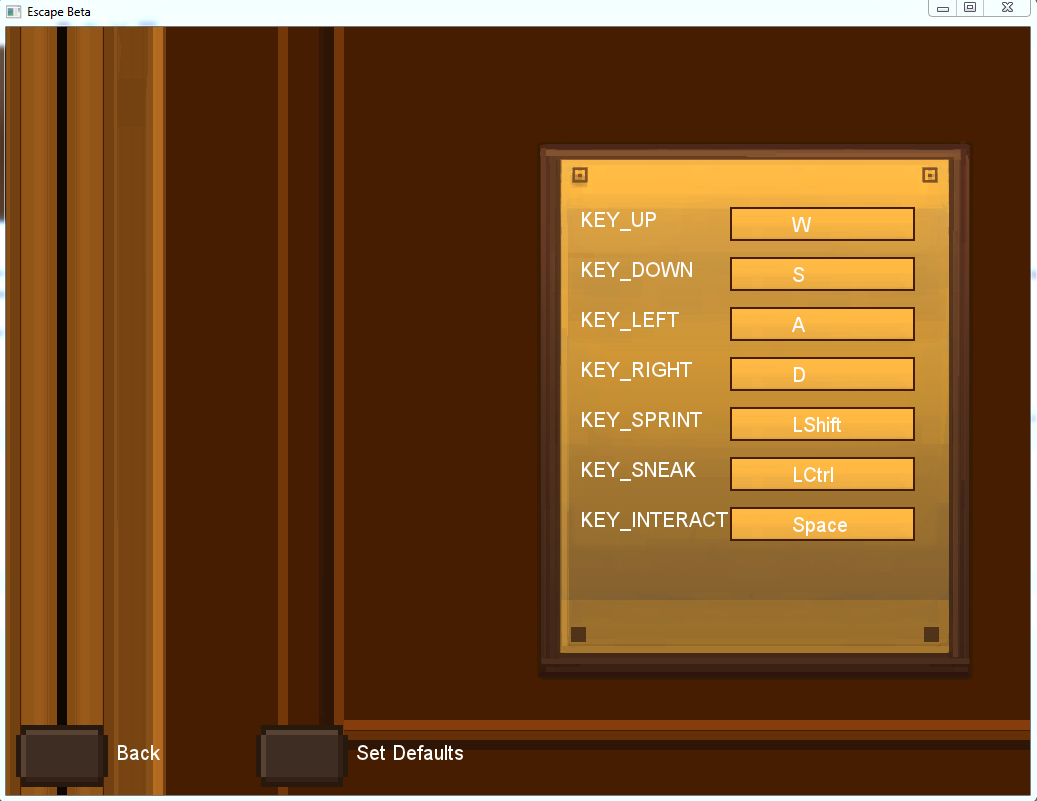
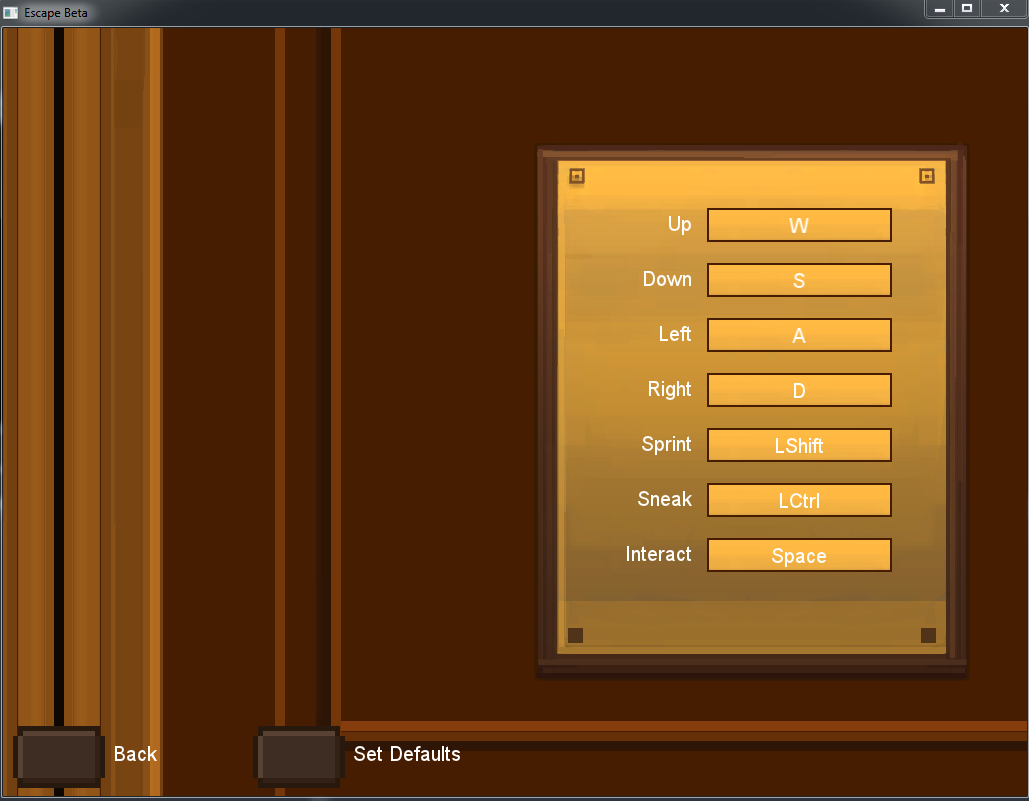
Hello and welcome to this second to last blog post on the makings of this game. So, this week I had some trouble deciding on which artifact to post about as I have been mostly fixing some issues and various bugs in the game, such as having no ammunition if you restart the game after winning and adding a small high-score system to motivate the player not to kill the guards as you now get a ninja-reward if you manage to complete the game undetected and without killing anyone. And so I decided to write about the hardest thing I tried implementing, which is to let the player decide which key binds to use in the game. Now I needed a defined set of actions that I can bind these values to, so after making an InputManager with an Enum containing every handled action i made another map that holds these actions along with a string containing the int returned by the sf::event::keypressed and the string that is the name of the actual button (so the string would look like “11 K” or “37 LCtrl”), so after making about 14 different methods to convert everything to anything I could finally start trying to make the actual rebinding possible. This is when I created another state in the game called rebinds that you can reach through the options-state and added a bunch of buttons (a new class called RebindButton) with active/inactive states and labels and all that stuff, the cool part was that it accessed the actions in the InputManager in order so the first button would get the label of the first action along with its bind for the current-bind-label and then made one button for each action. That made what you saw in the last post possible:
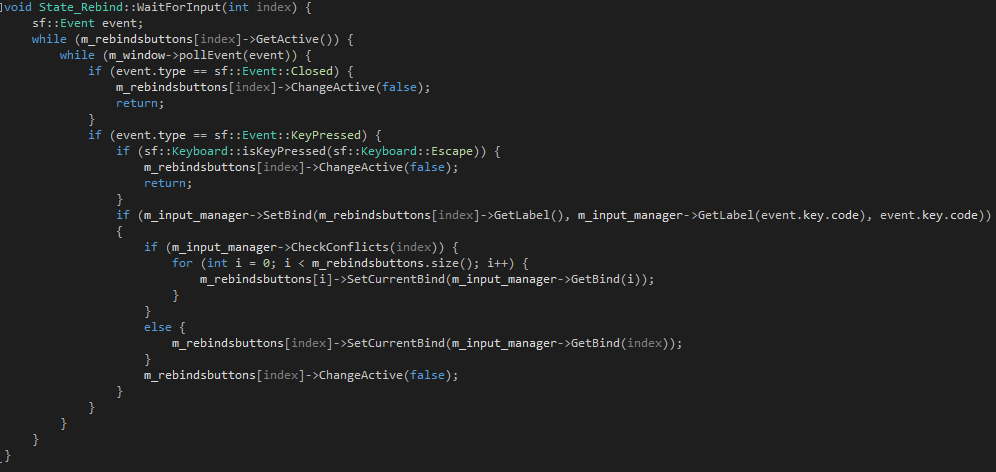
What I did for this was do a collisioncheck when you click the left mousebutton to see which of the rebindbuttons are being pressed and then using a method called WaitForInput (seen below) that waits until a button has been pressed and then sends the keyvalue returned by the event into the inputmanager where it is then set as the current bind for the action that was clicked, while also returning a new label for the RebindButton to show.
That is all for this time, I hope you enjoyed reading and I’ll see you in a week for the final part! |