Haunted Light – Text and menu functionality, mostly
|
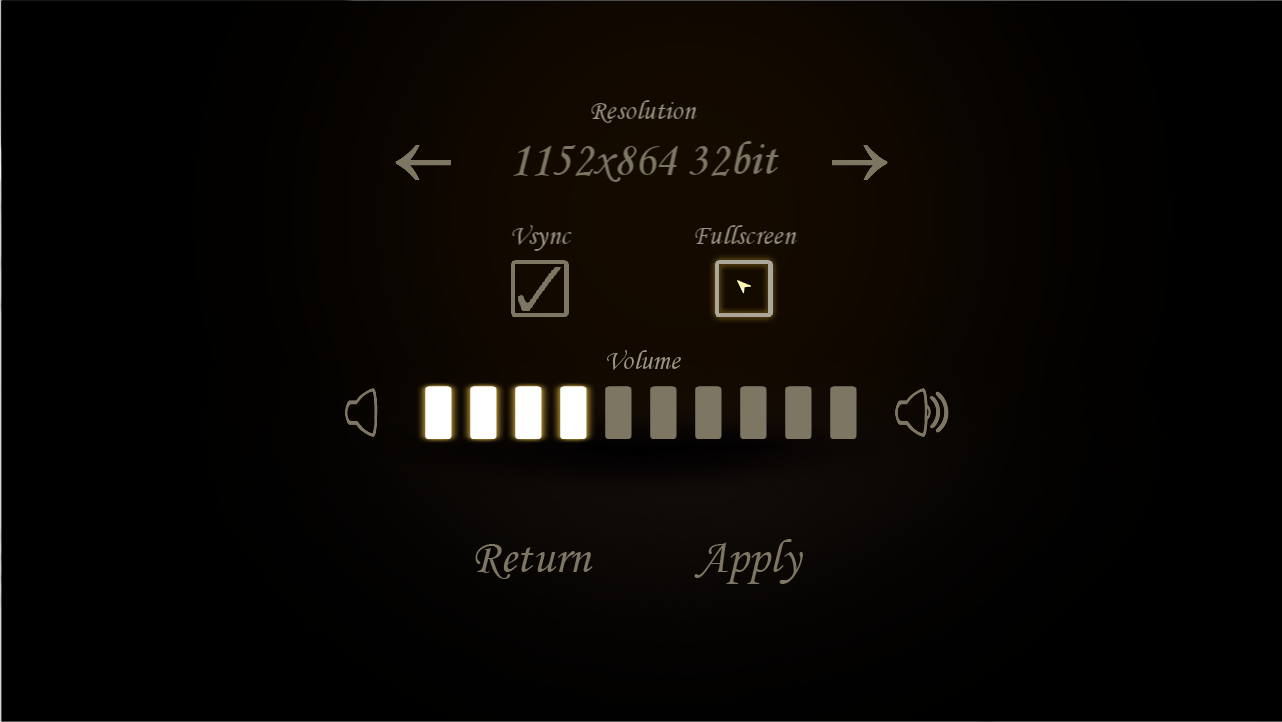
Hello. This week I’ve mainly been working on adding the functionalities and text in the options menu as well as making the credits screen. I’ve also been working on AI for one of the enemies in the game, but since I’m not finished with it just yet, I’m only going to cover it using pseudo code and not the code behind it. The AI will hopefully be finished tomorrow.
A lot of words for just a little bit of code. The variable however is very important in the game as it is used by every object, sprite, button and text through the game, since it makes sure the proportions and positions of everything stays the same, despite of resolution. Now to the AI. It is very simple actually, yet more challenging to program than what I imagined. The AI I’m creating will belong to the “critter”, which is a chaser-type enemy. It checks if the player is within a certain radius of the enemy, it goes straight for the player and tries to put out the candle the player is holding. If the enemy and the player collide, the candle is put out, but if the chase goes on for a certain amount of time or the “critter” collides with another object, it returns to where it spawned. The only thing I’m going to say code-wise about the AI is that in order to the this to work I knew I needed to create at least two new methods, one that checks the distance between two points, and one that makes the enemy move towards that point. I also needed a method that rotates the sprite towards a certain point, but that already existed. That was all I had to write this week, hope you found it interesting. Regards |