Week 13/14: Cleaning Up the Drawing
|
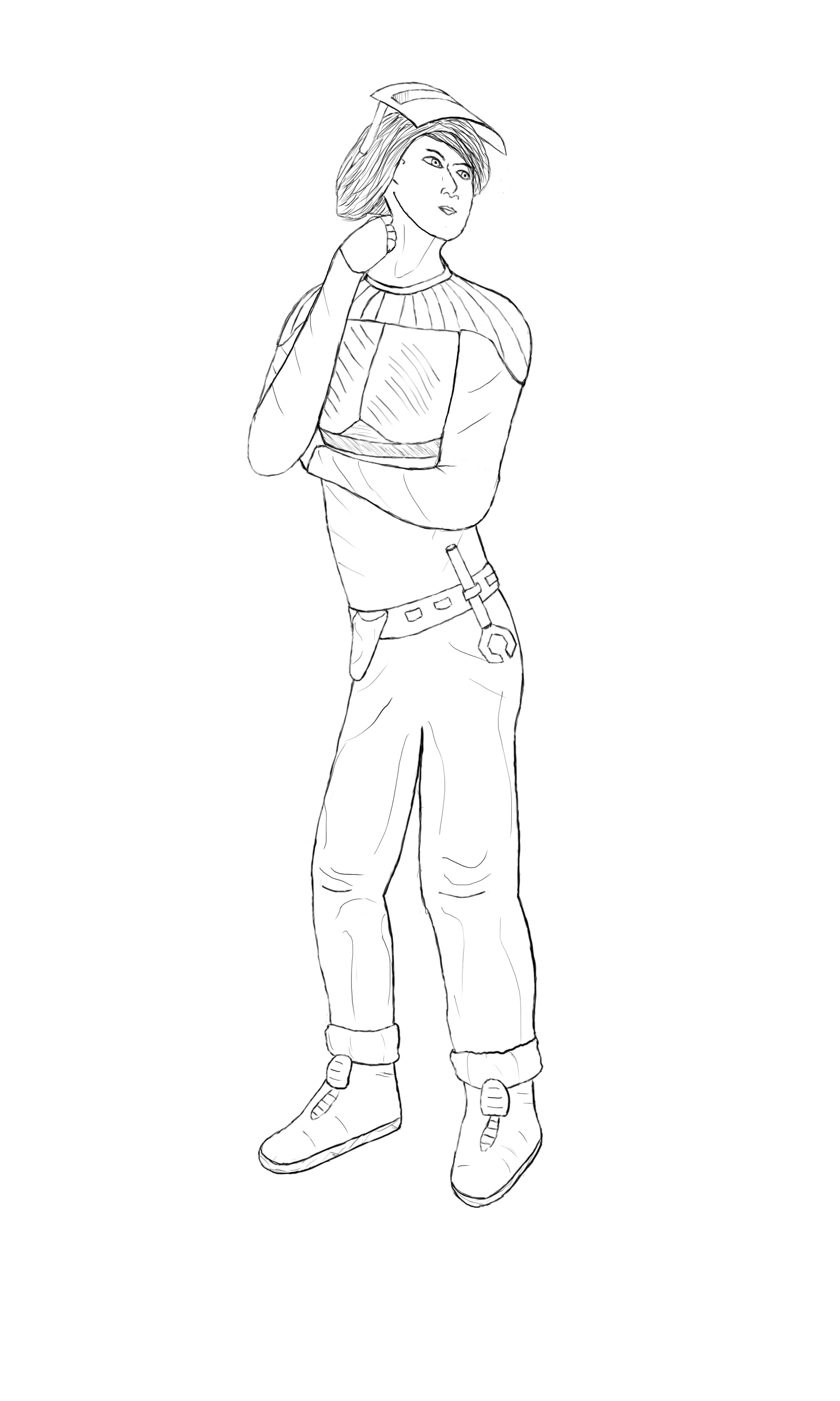
So this week we were introduced to the wonders of Photoshop and how it can help us in drawing and creating artwork, and it was by far what I looked forward to the most. Being a novice at most when it comes to Photoshop, I was excited to learn about the different ways of drawing, shading, coloring and polishing. Well, for this weeks assignment we were going to clean up out previous sketch and use lines cleverly to hint at tension and depth. Just improve our drawings overall. Below is my finished work.
To clean up my drawing, I simply took the old one, resized it then created a second layer on top of it. I gave the original drawing 20% opacity, making it slightly transparent. This made it easier to draw the lines again, following my original, only this time, fixing the parts of the anatomy I had screwed up before while keeping the old one as a reference. I tried to make the lines smoother and did my best to indicate depth by making the lines closest to the point of view thicker. I added the clothing and also changed the hair of the character to more closely resemble that of a real person, as opposed to the helmet-looking thing she had before. I’m quite content with the result. I know there must definitely be room for improvement, but I’ll get there eventually. Looking forward to more work in Photoshop.  |