Melee Attack
|
This is supposed to be the last blog post for this course but I will not stop writing posts since I still have some artifacts that I haven’t talked about. In this post, I am going to talk about the melee attack for the player in our game and how it changed during the development of the game. For those who don’t know, the melee is basically a close-range attack between a player and an enemy that could be done using a knife, a sword or some other kind of weapons or even forces. In our game, the melee is represented by a sort of light aura that is generated around the player.
Concept The initial purpose of using the melee attack was to change the behavior of the enemy, different for each enemy, in order to give more advantage to the player. An example was making an enemy becomes a friend of the player and shoot at other enemies. Even though this was an interesting idea, me and our group, decided to discard this functionality, because it would have required a lot of time to be implemented.
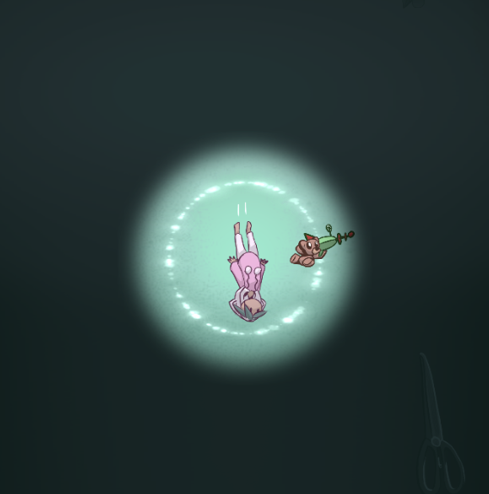
Alpha The concept for the melee needed to be reviewed. So, we came up with a different solution: the melee would slow down the enemies and stop them shooting for a certain amount of time. When the player pressed the right-click button of the mouse, a circular and pink aura was presented around the player and activated the functionality when hit an enemy. The result is displayed in the image #1. After the playtesting, we noticed that the melee attack was never being used from the players and even from us. The reason was that most of the people forgot about the existence of that functionality but also because it didn’t give any real advantage to the player. So we needed to make it being more useful and give a reason to use it. 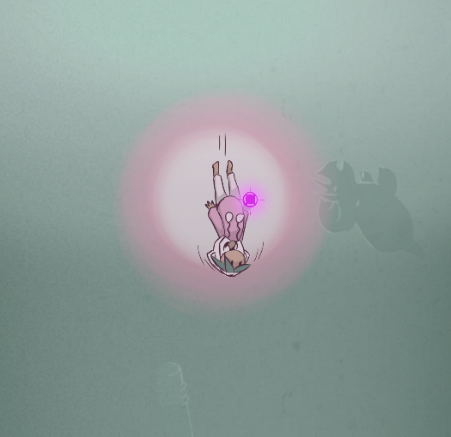 Beta We discussed that the new solution was to show an aura of light around the player and make it grow, collecting the orbs spawned by the enemies. The aura was then reset when the player used the melee attack. Doing this, the player would remember the existence of the aura and to use the melee attack. This is our current and final state of the melee attack (see image #2). The closest circle around the player is made by particles effect and the other circle is made by light.
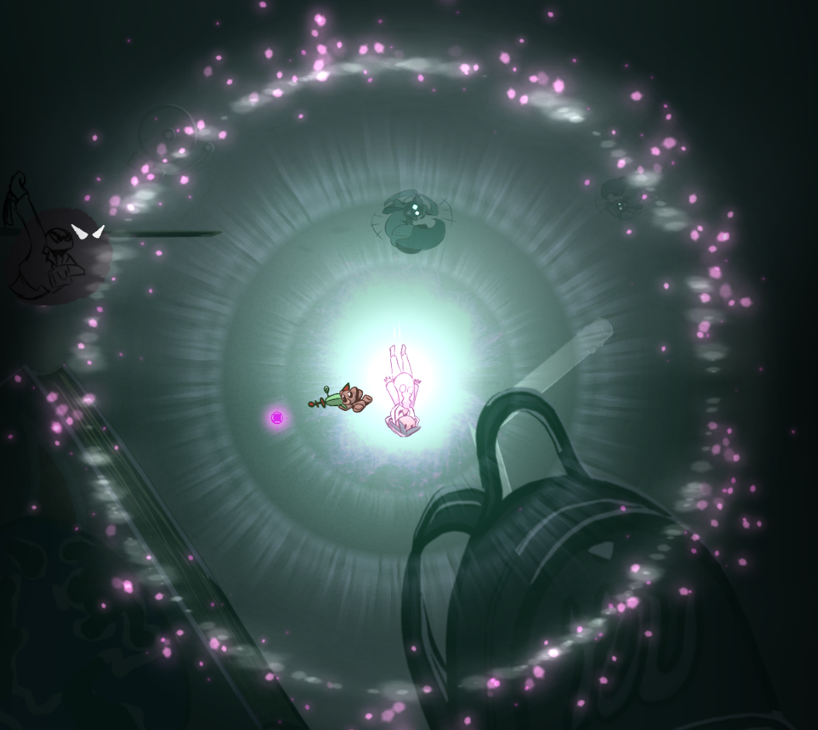
The effect of the melee on the enemies is not changed from the Alpha version, but a new feature has been implemented when the aura reach the maximum of the size. In this state, the player knows about the maximum size because of a different representation of the aura (see image #3) and when the player uses the melee attack, an explosion is activated and all the enemies on the screen die if hit by the particles that are generated (see image #4). Super aura is made by particle effects and the purple particles have a vibrating effect.
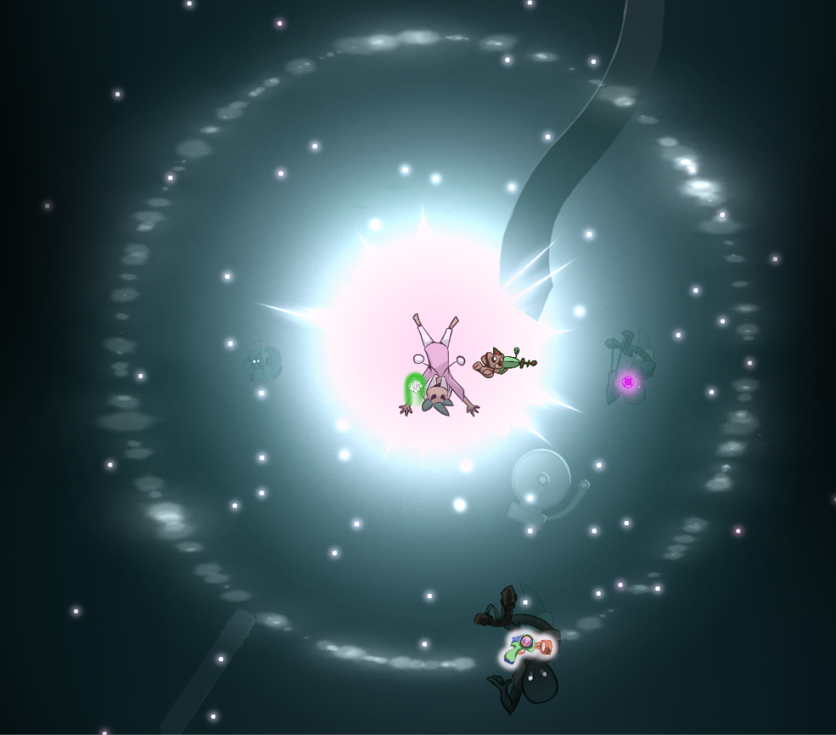 In addition, when the explosion of the super aura is activated, I have implemented a screen shake, in order to give more visual effect to the explosion. In conclusion, all the logic behind the melee attack is managed by a script that I made. A feature that I worked on the most of the time, was to make a smooth increment of the aura and the light when collecting orbs. To do so, I used a function called “Lerp” in the “Mathf” class that setting a start size and an end size, could increase gradually the start size and make smooth the transition.
 |