Ricochet Projectile
|
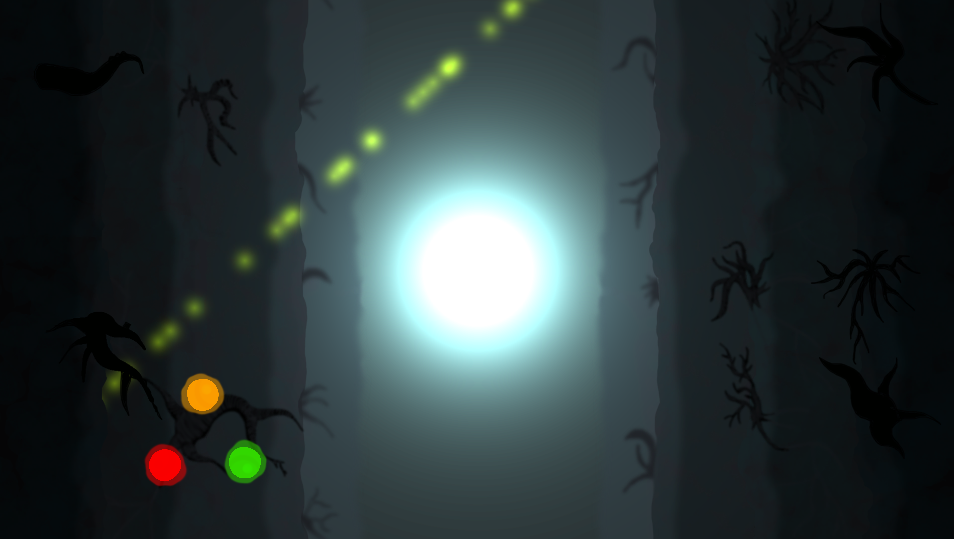
This week I worked on, among other things, a power up which, when activated, launches a projectile which ricochets off of the sceen boundary and all enemies. It damages all enemies it collides with and stops bouncing around after a set period of time. The design thought behind the projectile is to add power ups that encourage skillful usage of them. When an enemy drops a powerup, it drops three which all go in separate directions. (The image above shows the three powerups moving apart. The green line of particles is a link between the player and a teddy bear) The player then has to choose which one to go for. Since there are different enemies on different places on the screen, the choice both comes down to how useful the powerups are and how easy they are to pick up in the player’s given situation. The actual implementation of the projectile is rather short and easy, but the amount of trial and error made it take 8 hours to complete. All that is needed is for the projectile to have a physics material with 0 friction and 1 bounciness (so it keeps bouncing without slowing down) as well as some boundaries outside the screen to bounce it back. I decided to add the following code:
void Update () {
Rigidbody2D rb = GetComponent();
Vector2 v = rb.velocity.normalized * projectileSpeed;
rb.velocity = v;
}
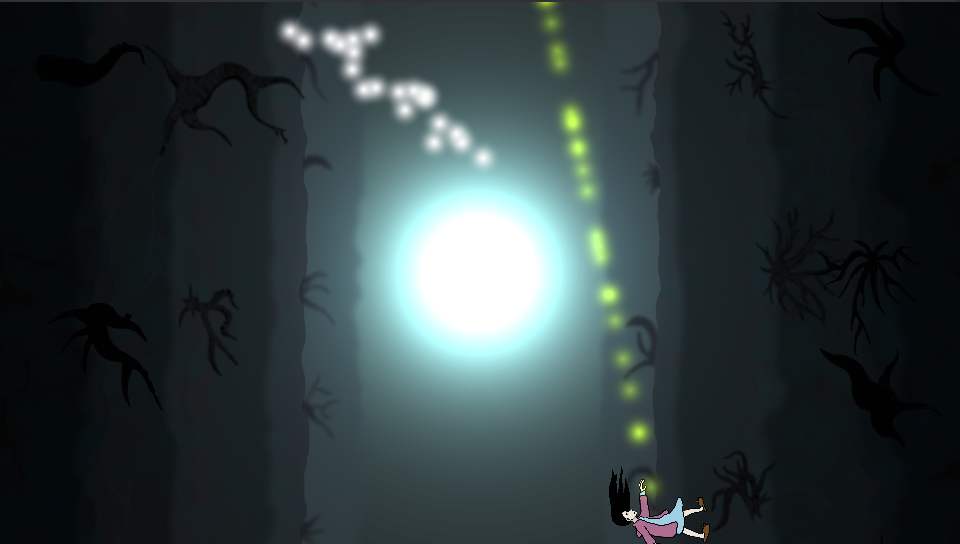
Vector3.normalized (used on the velocity of the rigidbody) takes a Vector3 and makes it’s length 1, but keeps the direcion the same. This way I make sure that the speed of the projectile is constant, but that the direction changes. Before I added this, the speed of the bouncing projectile would vary depending on the speed of objects it collided with, which wasn’t intended and could produce some bugs because unity’s physics engine doesn’t like really fast moving objects. The complications I faced during development were mostly due to how we implemented collision previously. We used OnTriggerEnter2D() which requires one of the two objects to have a collider with isTrigger == true. An isTrigger collider cannot be used for physics collision which meant I had to rewrite and retest a bunch of code for all enemies and projectiles in the game. However, in the end, the projectile looks good and works very well. The particle effect is done using a particle system with a sphere shape which produces particles with no velocity, that way it leaves a trail of particles behind it. It creates a nice effect that I’m sure will look even better when we add some custom particle materials to it.
(Image shows a ricochet projectile that just bounced off the top edge of the screen)  |