|
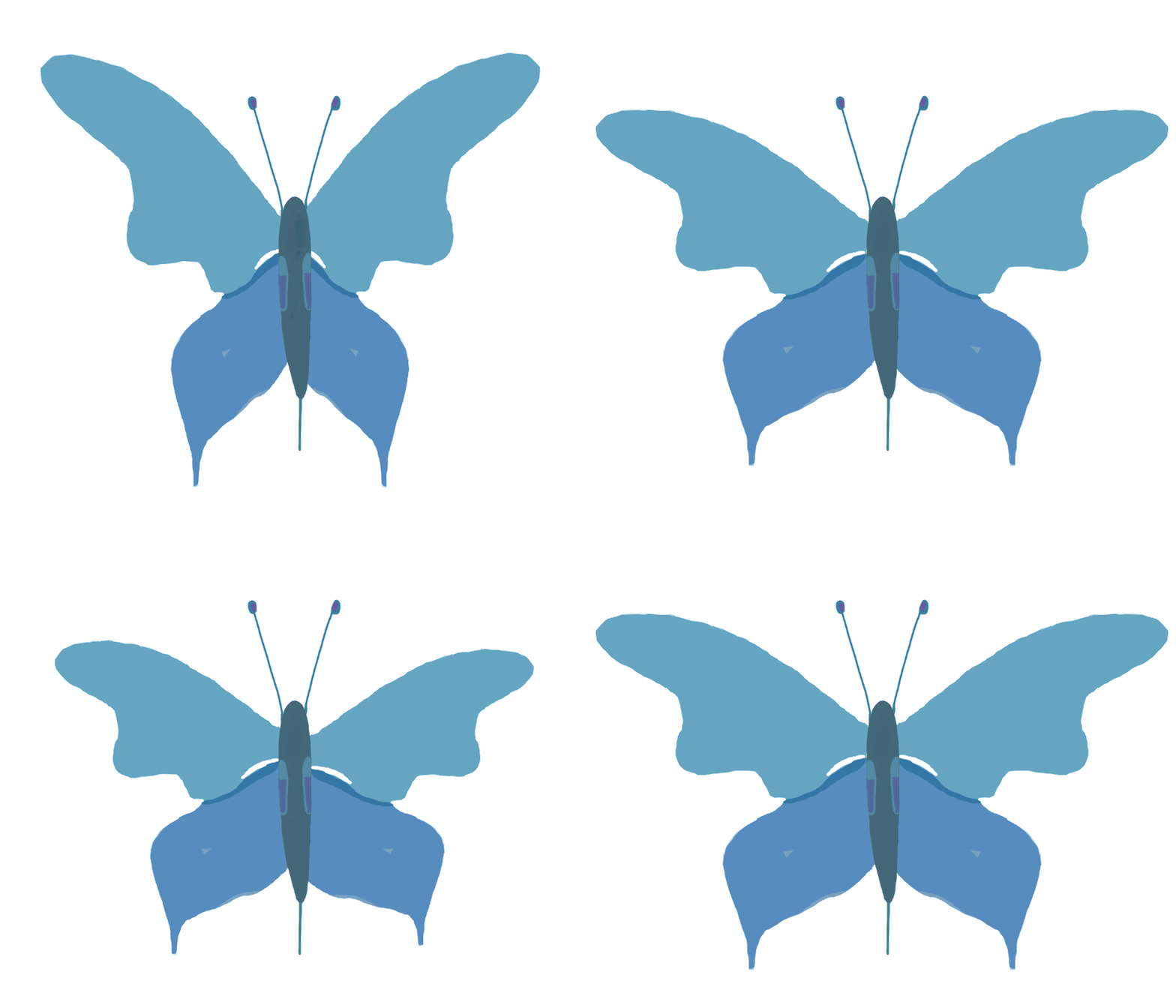
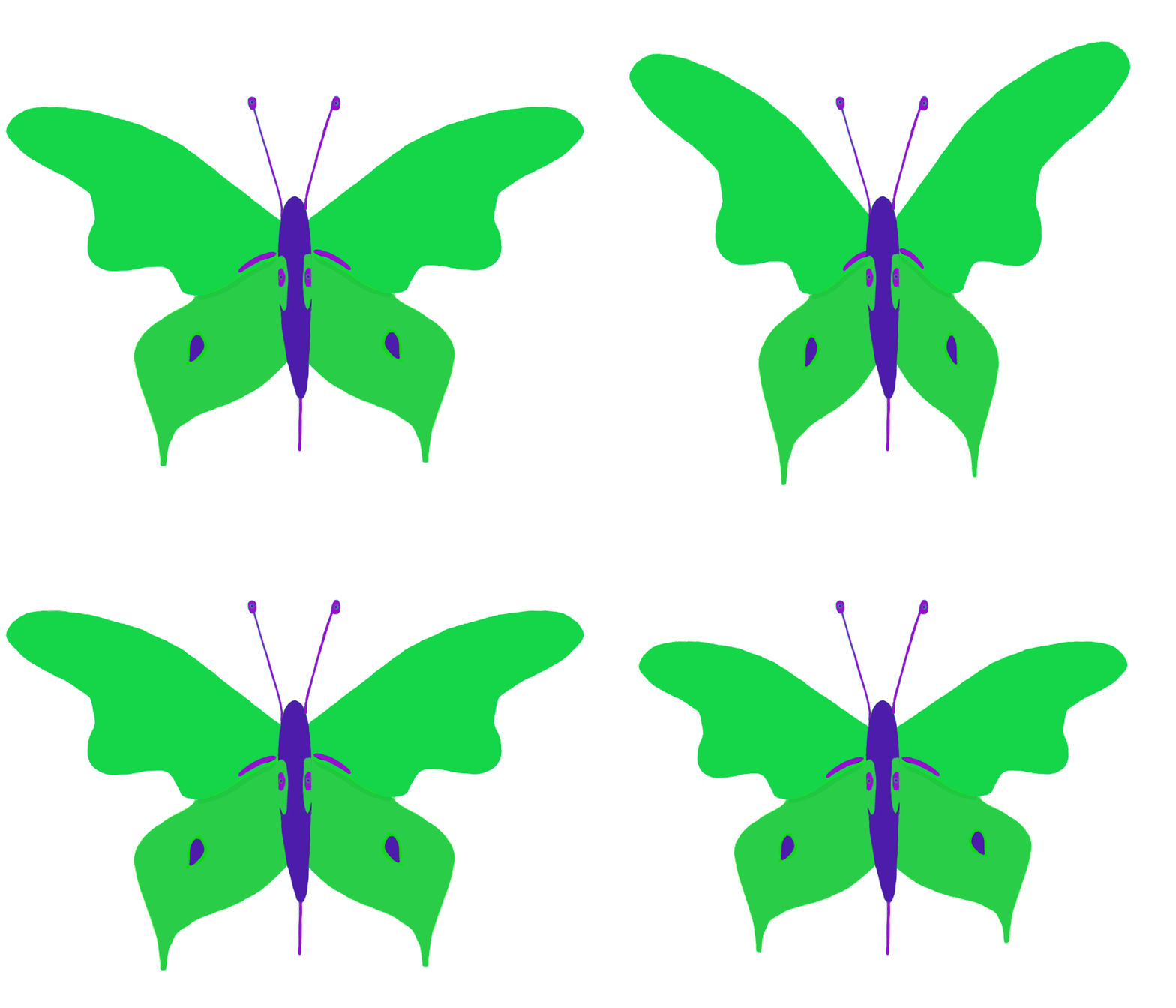
This post I’m going to write more about animation. Besides the flower that I have written about earlier I have now also created animations for our protagonist, the moth, so that it can both fly and die in a nice way, and for the children of the moth so they also can fly.
True to my habits I started even this work by making sketches with pen and paper to get the feel for how I wanted it to look, and to know aproximately how many frames I would need to make the animations work. This time though, I already had an image to start from when starting to work in Photoshop.
To be able to fly the moth had to be able to move its wings, so reusing my previous image of the moth which already had the wings and the body in separate layers was a good starting point. Starting with the wings the way they were as the neutral position I would need one image with the wings up and another with the wings down to make them flap.
I started by tidying up the image a bit since I hadn’t been completely happy with the previous look. When one of the wing pairs turned out better than the other I removed the inferior wing pair, made a copy of the better pair to a new layer, and flipped it to get two good wing pairs. I then tweaked the wings with free transform to make them look even better in the neutral position, and put the layers in a group to make them easier to handle for the future work. To make the wings go upwards I first copied the group so that I got a new group with two new layers with wing pairs, and then transformed the new layers making the outer ends of the wings larger so that the wings looked like they were turned uppwards towards the viewer. I then made another copy of the group, this time transforming the wings within so that they looked like they were pointing downwards instead.
To be able to see how my new transforms would work I opened the animation window and created a new frame by frame animation. There I created four frames, and let the layers with the body be visible in all of them. Thereafter I made the group with the wings in the neutral position visible in the first frame, the group with the wings upwards in the second, the wings in neutral position again in the third and finally the wings downwards in the fourth. I then tested and tuned my animation to make it look even better before it was time to export.
To be able to use the animation in the game I then saved each frame as a separate sprite in png format, and packed these with Sprite Sheet Packer into a sprite sheet which I then uploaded to our project in Unity.
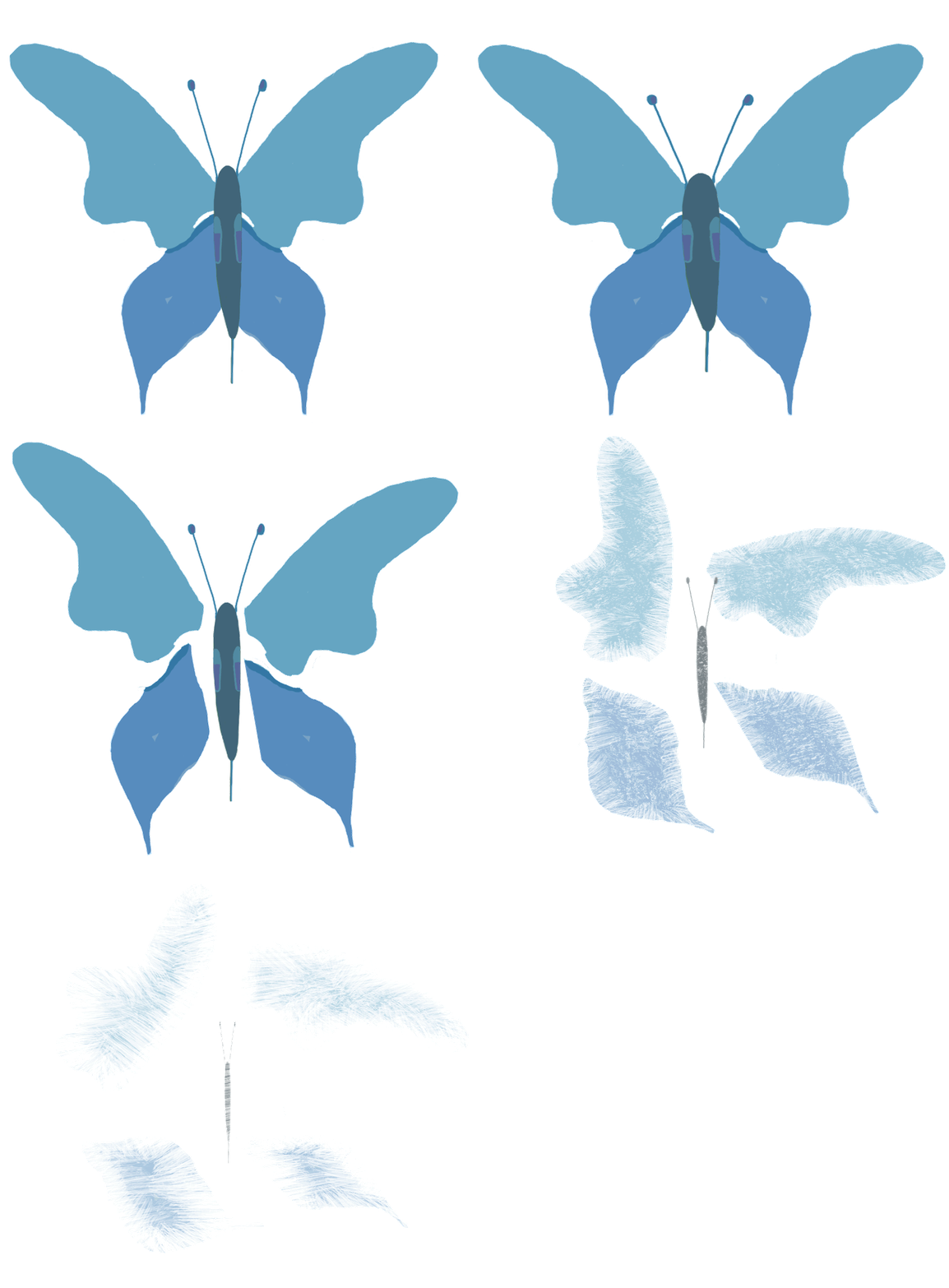
For the death-animation I wanted it to look as if the moth fell apart, and the body then fell donwards while the wings flitted around and dissolved. To do this I needed to split the wings of the moth so that all parts could move independently, so instead of two parts to change for each frame I now had five (four wings and the body). So I started this work by separating the wing pairs into four different layers instead of two, and put these in a group which together with the original body got to be my starting point. For the second frame I started with letting the wings keep their position in the wing pairs but moving the wing pairs away from each other, and also making the body shorter and wider as if it was pulled out towards the sides before falling apart. Thereafter I returned the body to its normal shape and instead making it smaller and smaller for each frame to make it look as if it was falling downwards. To make it look even more as if it was falling away from the viewer I also made it darker and fuzzier for each frame.
I of course also made a copy of the group of wings for each frame, and rotated and transformed the different wings therein by them selves to make them look as if they were floating away more and more for each frame.
To make it look as if the wings dissolved and dissapeared I started by lowering the opacity of the layers more and more, but when I tested the animation (the same way as I did with the flight animation, only more frames…) I thought it looked way too clean. So I choose a brush which looked as if I was making jagged scratches in the image when I used it for erasing, and erased away more and more of the wings for the last frames making the wings look more as if they fell apart and not just dissapeared, giving me the look that I wanted.
About Linda Eneman
2016 Graphics
|
