Improving the light conditions (Light Plant, part 2)
|
As I talked about in my latest post, the Light plant is one of the Enemies/Puzzle mechanics in our game. It’s projectiles provide light, but are also dangerous to the player on touch, so they have to be avoided. The angry behaviourWhen the player hits the plant with a projectile, the plant will mark the players current position as of being hit, and will then shoot towards that spot with a higher fire rate for a short amount of time. This was done by having the player variable as public in the script, so that a reference to the player GameObject can be added through the editor. When an object tagged with “projectile” enters the plants hitbox, it will destroy that object and set the plant in “angry” mode. I use the WaitForSeconds coroutine method described in my earlier post to stay in this mode for a set amount of time. When the coroutine ends, it resets the angry flag, making the flower return to it’s normal passive mode. The activation behaviourAn inactive Light Plant will currently just wait to have an object tagged “LightProjectile” enter it’s trigger-collider, and will then set itself to be active, behaving as any other plant. PuzzlesUsing this mechanic of “aggroing” the plant, together with the “activation” mechanic will be one of the core dynamics in our game where the player uses light in different kinds of puzzles. 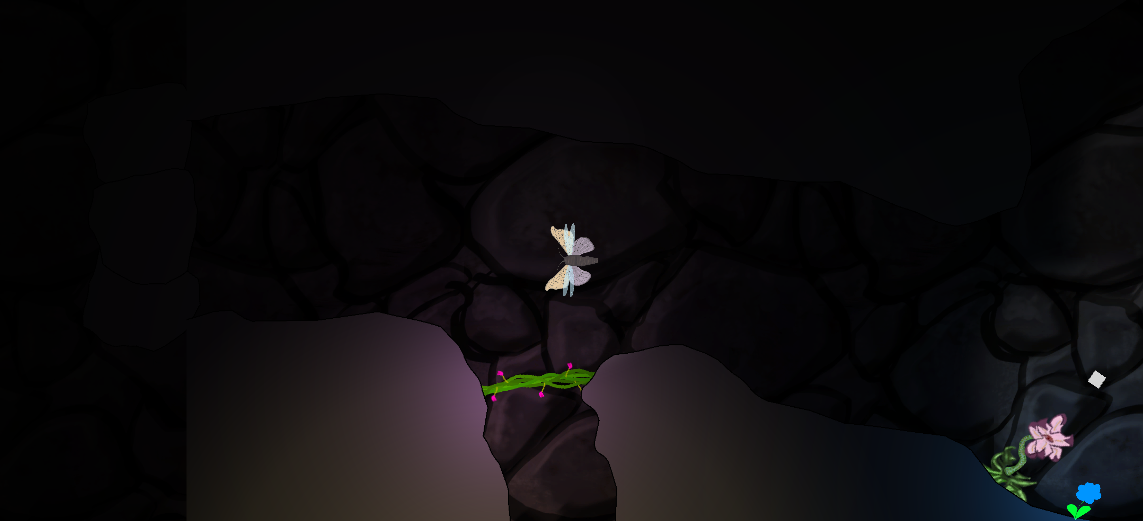 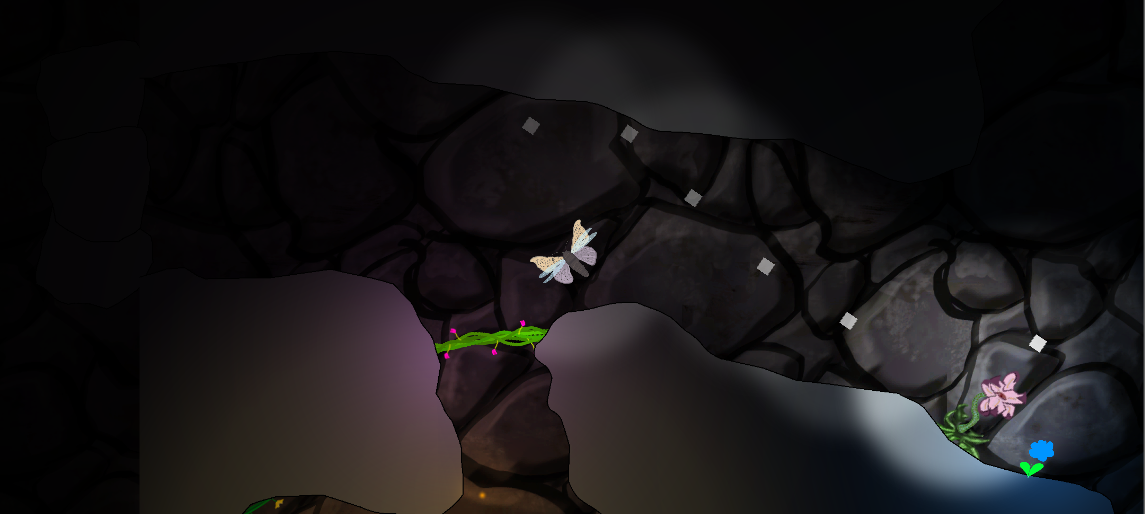 Next stepsAfter this, there is not too much to do on the actual plant. Moving further we will focus more on interactions with the projectiles, and also with other enemies. There is also some work needed in making sure the level design is correct. We need to have good pacing, while making sure that the player understands a mechanic on a basic level before building more complex puzzles involving several different mechanics.  |