The Second Blogpost – Nazul
|
Hello and welcome to my second blogpost and today I will be talking about the camera movement which I have been struggling with quite a bit. So how it works now is that the camera is set to have the same position as the player but in case I use the teleport it does not pop to the player immediately but instead it moves smoothly to not confuse the player of where he lands. In the beginning I just made the main camera a child of the player object which worked in a way but the thing is that the powerup witch object teleported further than the normal witch and I have no idea why because they use the same teleport script and the speed of the teleport was same on both the objects so I started figuring how I could make the camera have the same position as the player without making it a child of the player object itself. The first thing I tried was to make two gameobjects in a player object script and then I would set the position of objectA to the same as objectB which is the main camera and the player object. The position of the camera was the same as the player object but the thing is that the Z position (the depth) was also the same which meant that only the background showed because the camera was like inside of the player so then I had to figure out how to make everything show eventhough the camera had the same position as the player. so what I did for that was ObjectA.position(Player object) = ObjectB.position(Camera Object) + new Vector3 (0,0,-15) and the -15 is the Z axis which would push back the camera 15 units. This made everything show as we wanted it to but as I mentioned earlier the camera just pops to the player which is quite confusing because you do not really know where you end up in case you do not know the code which is that the player will teleport to the mouse position so I had to figure out a way to make the camera move smootly. How I did that was that I removed the old function I had and made another script which I named ”followplayer”. It held a GameObject which is the player and then I used the ”MoveTowards” which holds the current position, the target which is the player and also the movement speed which is 0.3 units per frame and now it works as I want it to.
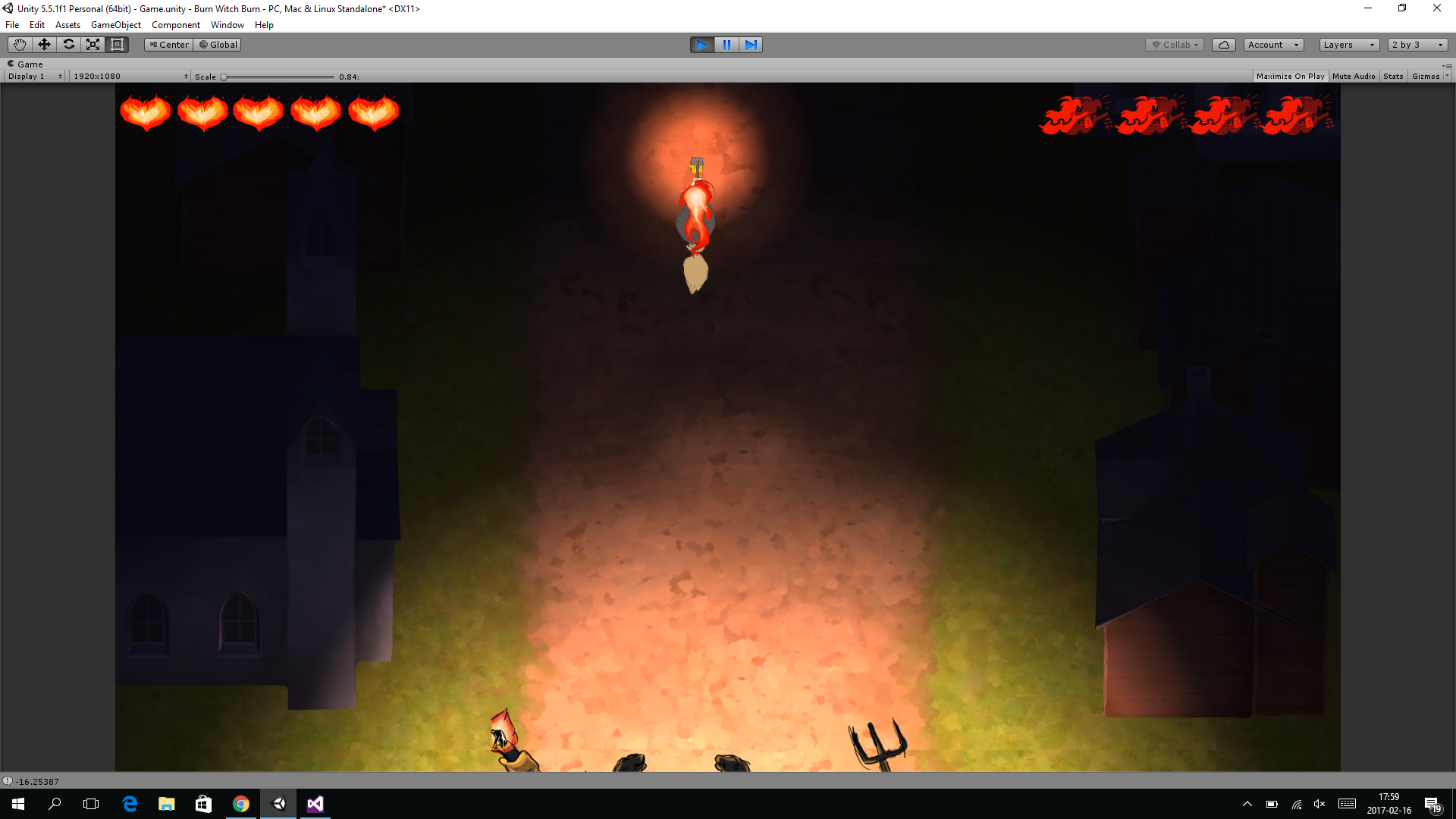
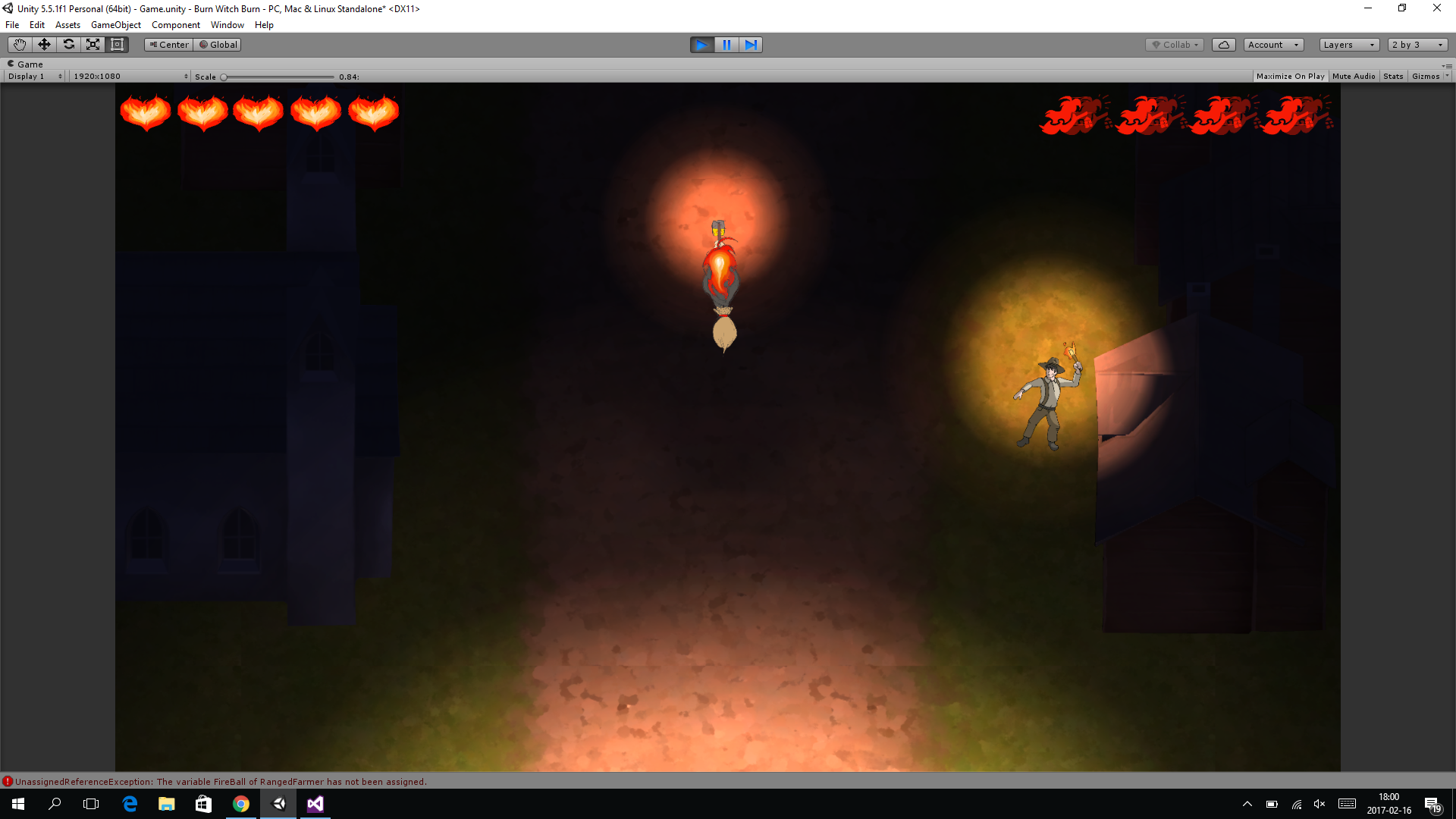
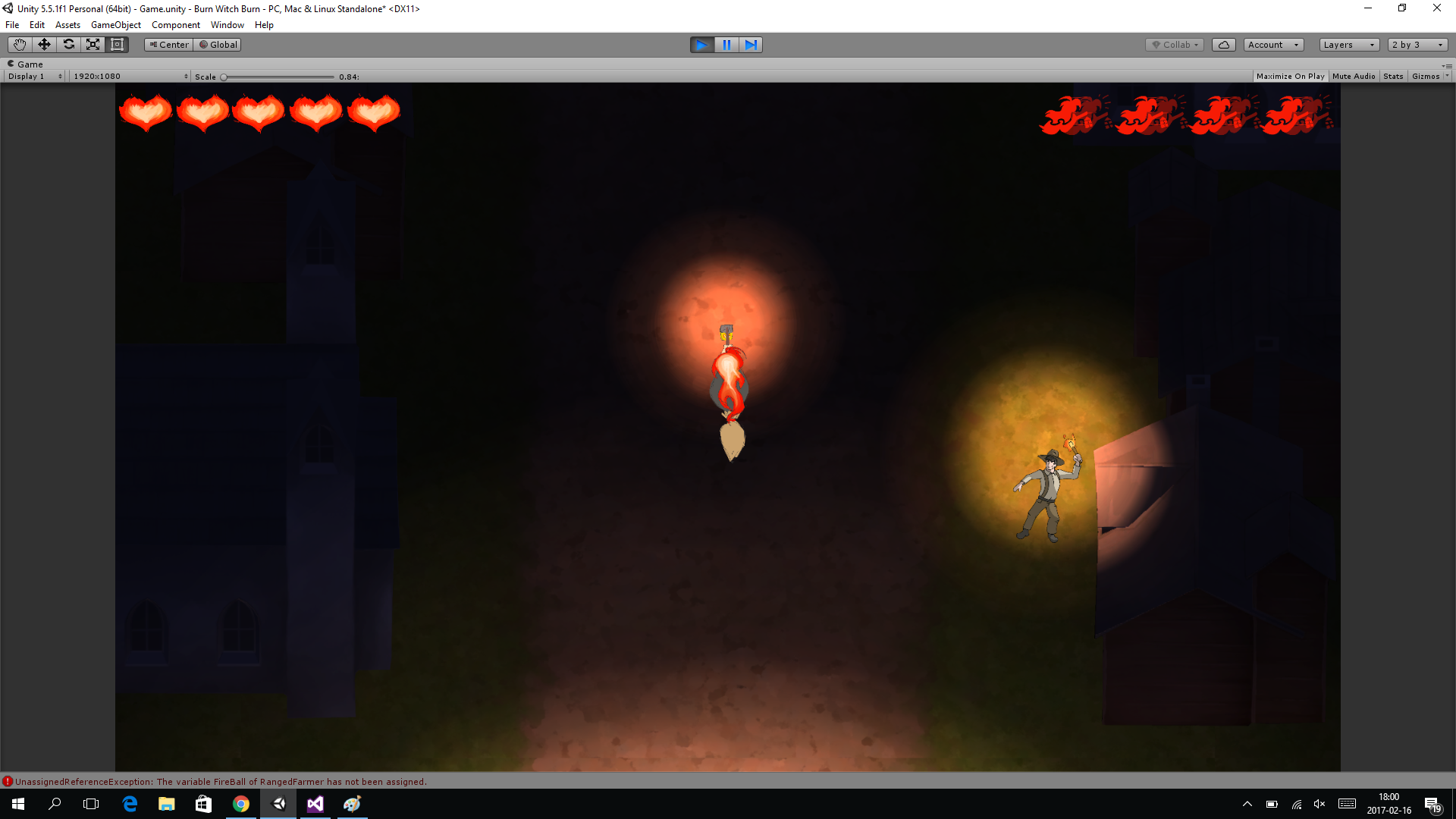
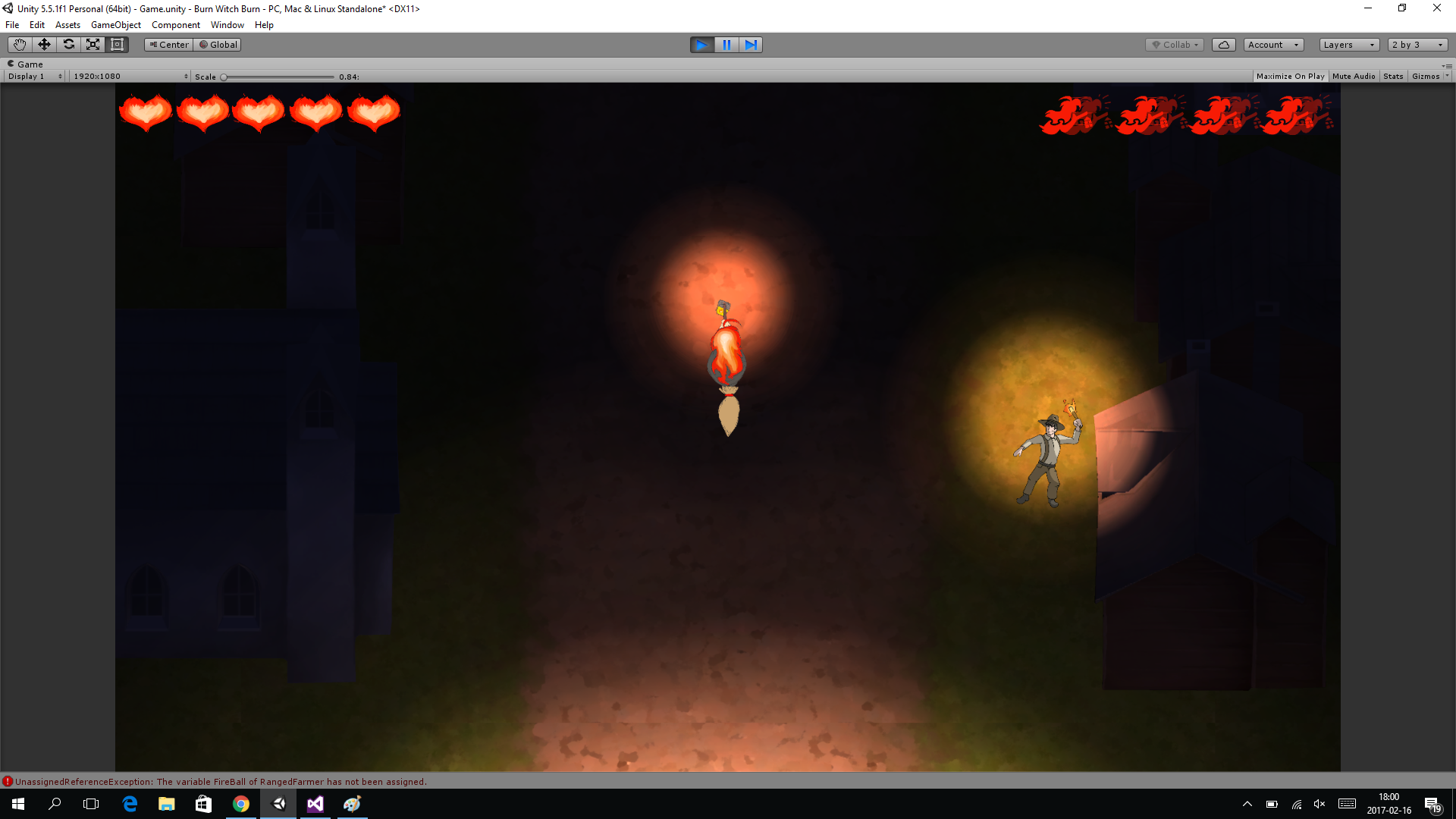
I am not sure these pictures are clear enough but it is after I have used a teleport to show that the camera doesnt pop immediately but move smoothly towards the player
 |