Blog Post #2
My last blog post was a bit messy, so I’ll make sure to structure it better this time.
Summarization of what I’ve done:
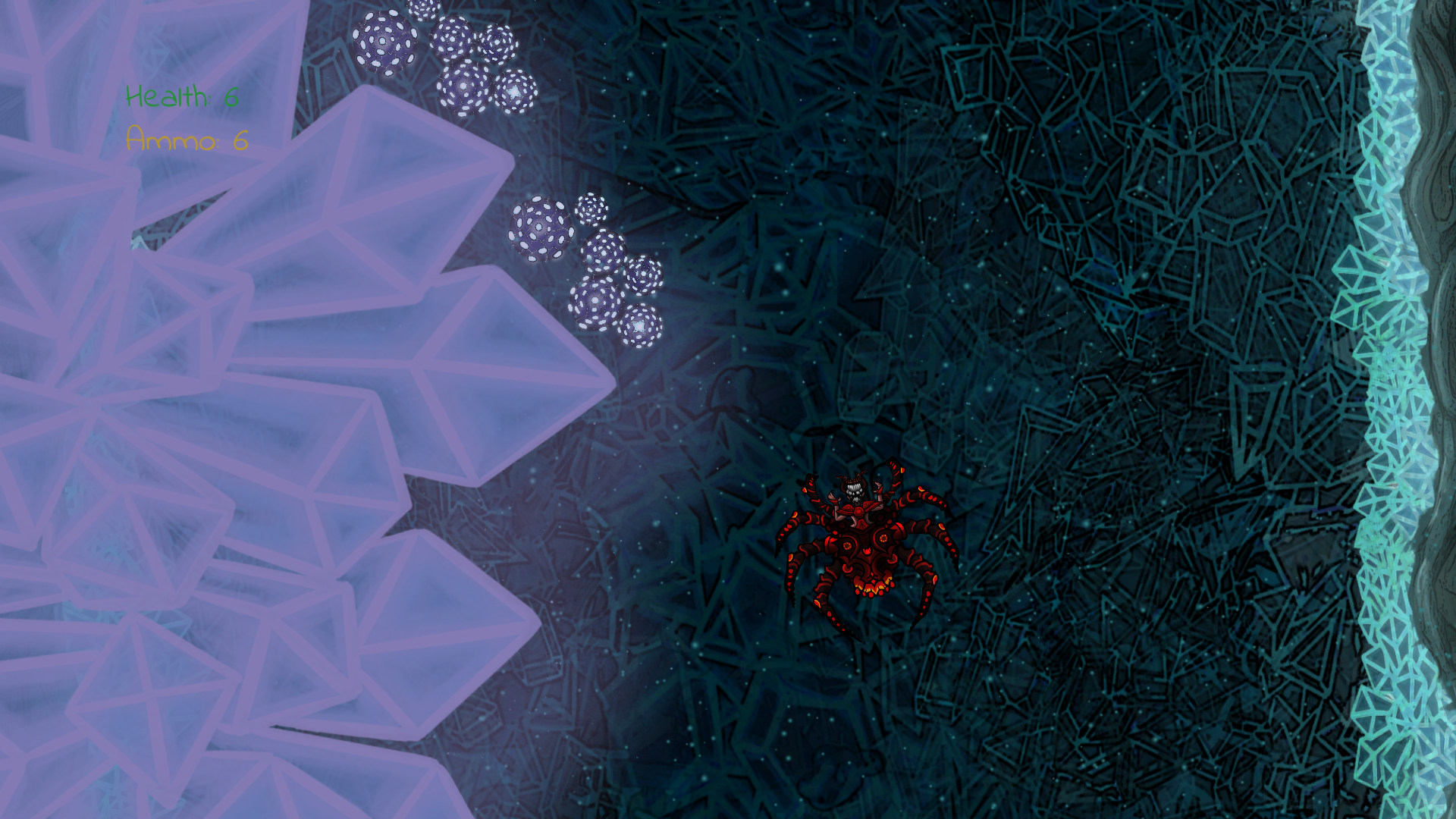
These are the following things that I’ve since the last blog post.
- Learned about and implemented particle systems
- Added a main menu
- Added a pause menu
- Added a death menu
- Restructured the folder hierarchy with my project manager.
- Re-scripted the perspective camera.
- Re-scripted all Game Objects & added configurable properties for them in the inspector.
Those are the major features that I have added then there’s a whole bunch of other things that I wont bring up.
How and why did I do what is mentioned above?
I suddenly felt an urge to add more “appeal” to our game since it looked kind of boring. Particle systems were quite simple. You basically just add the component from the scene-hierarchy and from there you can simply do anything. Change sprite that is being emitted, change how it is being emitted, change speed, gravity.. ANYTHING.
During the alpha play-testing, some people complained about the fact that you couldn’t pause. The only way to restart the game or pause was by using Unity’s built in play and pause buttons. So at the next testing session we want to be able to build the game and play it in full screen, therefore we will need menus so that were able to restart, pause or exit without having to be in the unity editor. This was fairly simple to implement. What I did was to add a game object that has a canvas as children, which in order has panel as children that has the buttons as children.
PauseMenu -> PauseCanvas -> PausePanel -> Buttons
When they all inherit each other in this way, I can easily move it around on the screen and set the game object active or not depending on what button is pressed or if something is triggered. This menu setup was used to create the main menu, pause menu and death menu.
I’ve mostly been working by myself inside of unity so far. But now that were getting further and people are using my objects to design their own levels, we needed some restructuring so that everyone can easily navigate. I don’t have much more to say about it since everyone probably knows how to create folders.
The perspective camera has been a big problem for me. I use a perspective camera in order for different textured layers offset to differentiate from each other That results in a cool, attractive depth if you’re using several backgrounds or whatever. This technique also known as a Parallax. Implementing this resulted in a bunch of problems with all Game Objects I had in the project so far. It took a day of pure agony to make it work, while scripting the camera I also took the opportunity to move the player character a bit more lower on the screen instead of in the middle. It didn’t feel right to have the player character in the middle, the field of view were too compressed.
As I mentioned above, I added public properties for every single variable that made sense to have a public variable for. So now everyone can drag in game objects and change their properties so that they can design their own levels.
That’s it for now!  xoxo xoxo
About Joakim Karbing
2016 Programming
|
