Main Menu, Pause and structure #5SD037
|
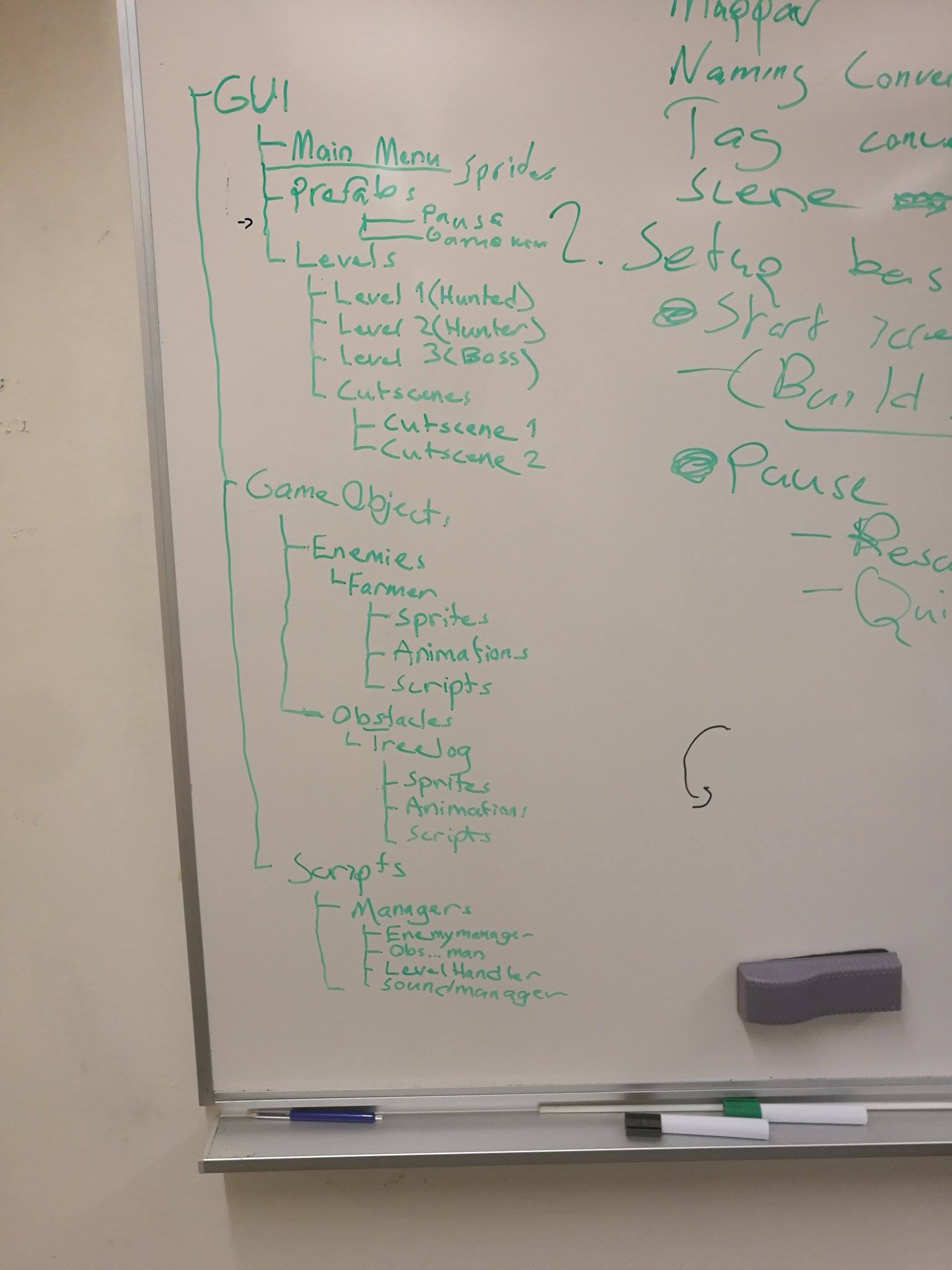
The third production week is almost over and it’s been really stressful! We had our pre-alpha demonstration in monday (6/2-16) and it went…not as good as we wanted too. We had a few assets but they were put together hastily and lacking art. So it was almost only boxes and stuff made in paint. Not very pleasant for the eye. So after the demonstration my team gathered and we set out to make the Alpha with a clear goal. We have restructured our folder system in unity, we felt we had two million folders spread out all over the place. So now the structure will look something like this (with modification we filled in after the picture was taken) :
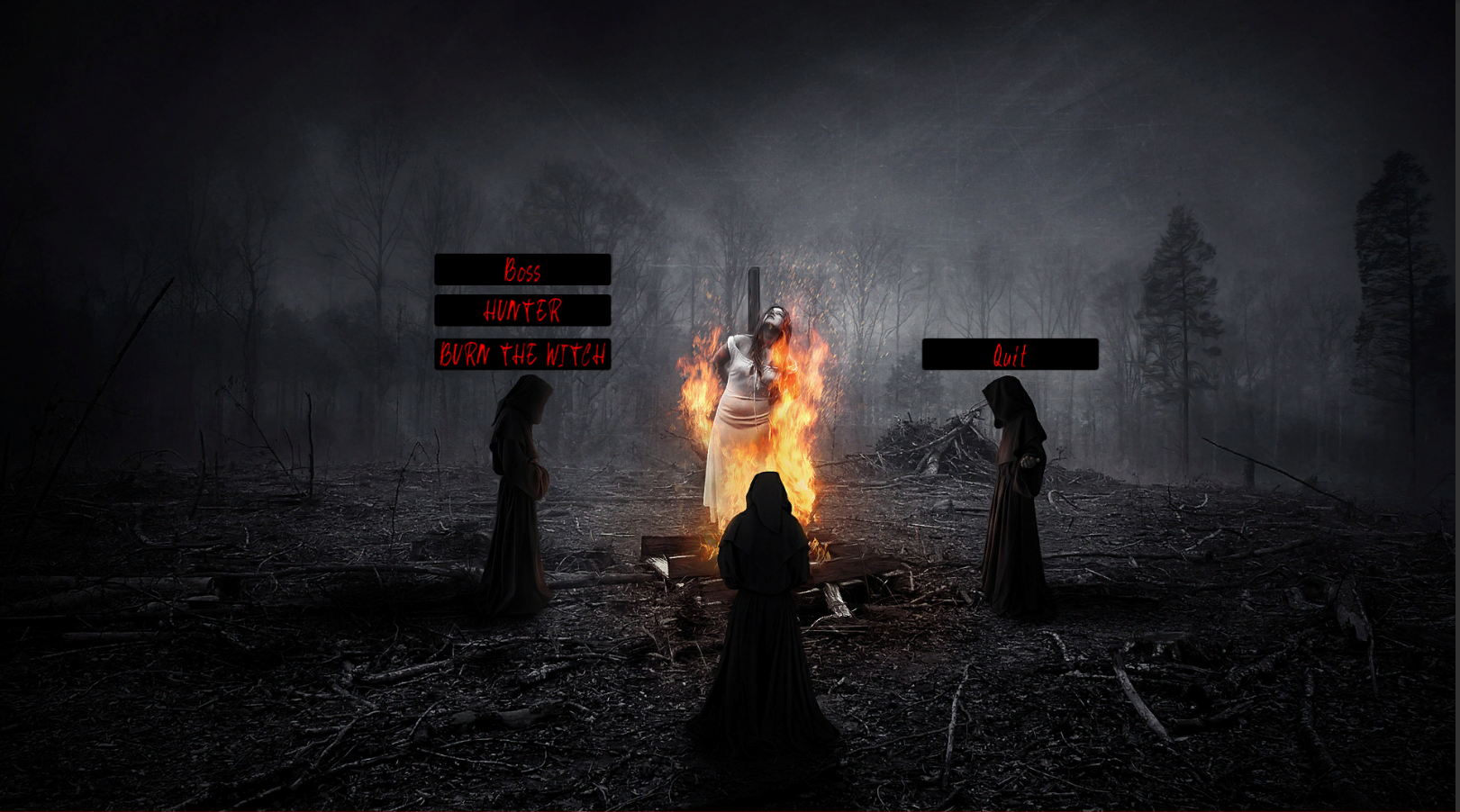
This week I’ve built a prototype of the main menu. It still lacks the right button images. Right now I’ve also implemented “debug” buttons which will take you straight to the second scene or to the boss fight.
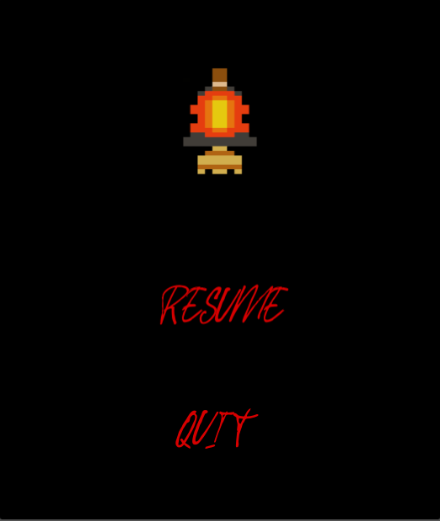
I’ve also made a pause menu
The pause menu works through all the scenes and if you press “quit” it will take you back to the main menu. When paused the whole game will also freeze. A big issue we had was when I was working on a “game over” screen. In the screen we have one replay button and one button for quitting to main menu. When pressing replay the game was supposed to reload the whole scene, that worked. The scene got reloaded but it was in pause mode, only way to unpause it was to it ESC two times. As you can imagine this was not what we tried to achieve. I sat for hours trying to solve the problem, at last i asked one of the programmers to take a look at the problem. Both him and me went nuts, we couldn’t find a solution. We wen’t through the code several times, me acting as his rubberduck and also trying different options inside of unity. two – three hours in we finally found the problem, and jesus christ. It was such a small problem in the script it should have been the first thing we thought off. Well, lesson leard. Always check the easiest solution first!  |