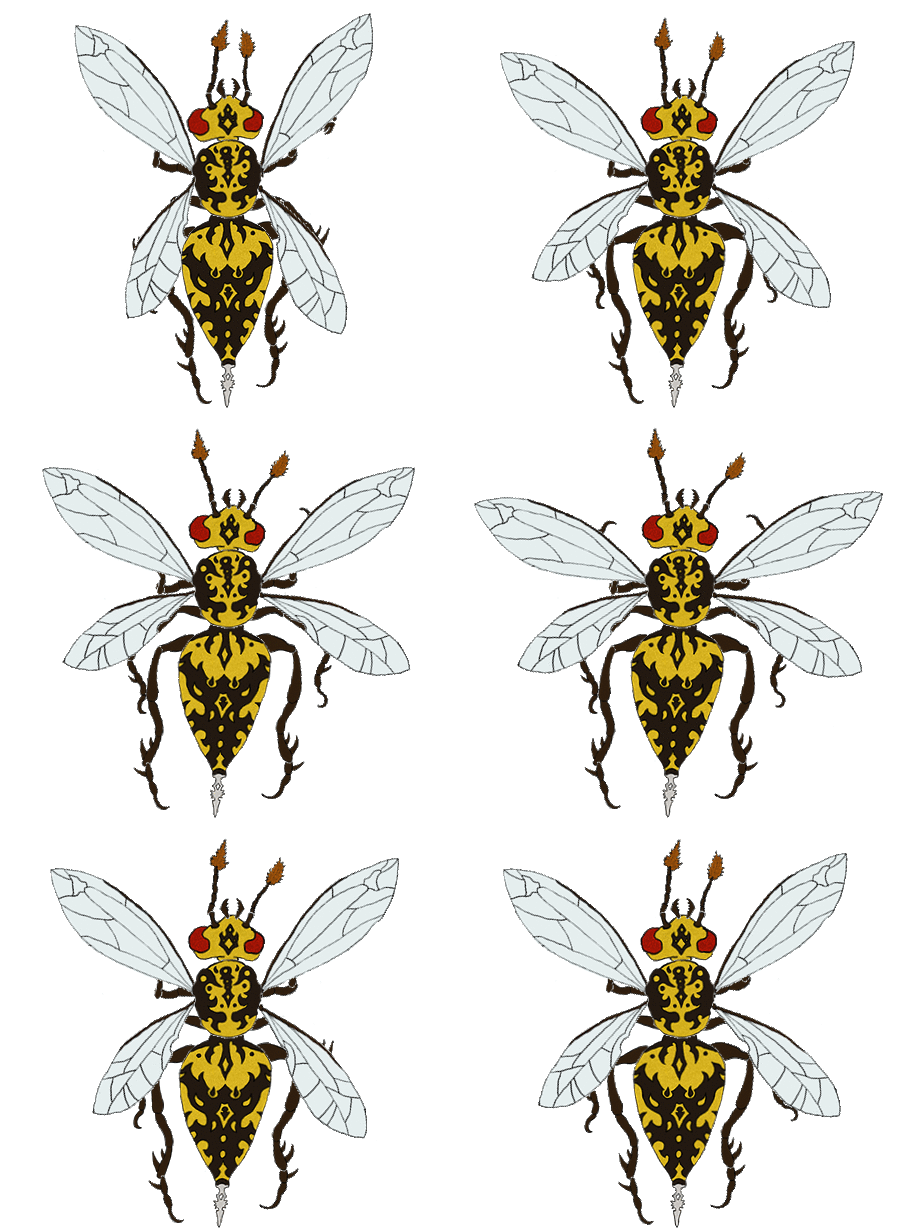
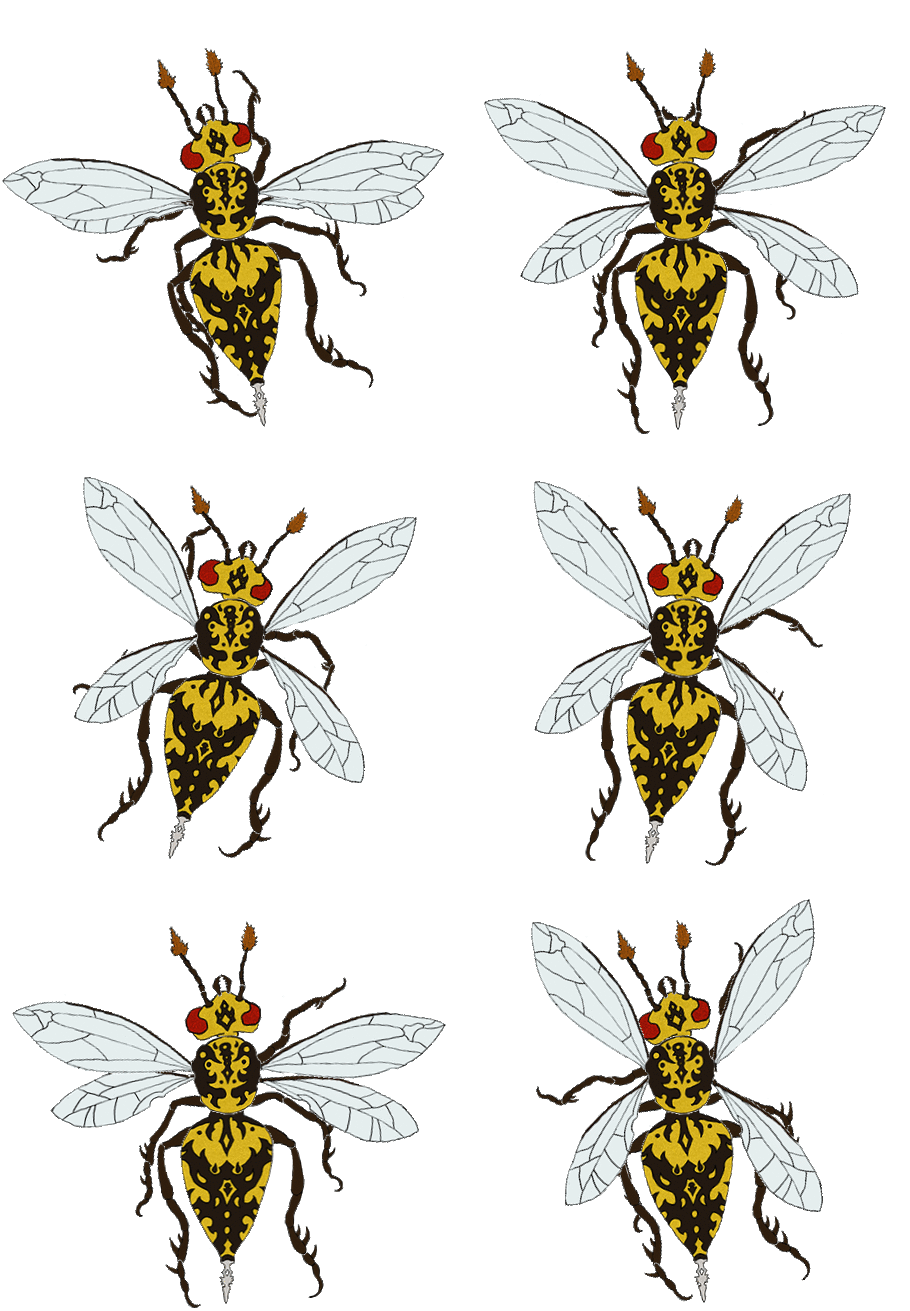
Hornet/”Hunter” – Enemy
|
During the last few weeks I have been working on a game project with the working title ”Echo”, along with my group. Echo is a game set in a world of insects, where you play as a moth fluttering about in a dark forest, or to be more precise, the branches of a single tree, since you are so small. I strove to make the wings seem fragile and thin, but didn’t think to have them clearly be separated until I started to animate the sprite. Speaking of animating, I made two separate animations during this assignment, one for when the enemy is idle, and one for when it chases the player. The idle animation is relatively calm, and the wings are the only parts moving quickly. The rest of the body is just wagging slowly from side to side, and the antennae are twitching as to signal that it is searching for the player. I drew the image in Photoshop, and the export was far from perfect. There were a lot of artifacts, which I was not knowledgeable enough to fix. Luckily the sprite will be relatively small compared to the rest of the screen, and it will be very dark. Hopefully these factors will hide most of the flaws. I used the program Spriter2D to animate the sprite, since as far as I know, using Unity was not mandatory. It was easy to use, which says a lot coming from someone as technically inept as myself. This tutorial was extremely helpful during the process: Without it, I doubt I would have been able to figure it out in time. The entire process from drawing the image, to dividing the bodyparts into separate layers (29 in total), to figure out how to animate it and lastly to actually do it, took quite a lot of time. But I think the end result was worth it. If I hadn’t divided the legs into three parts each, for example, the movements would have ended up looking far too stiff.  |