The First Blogpost
|
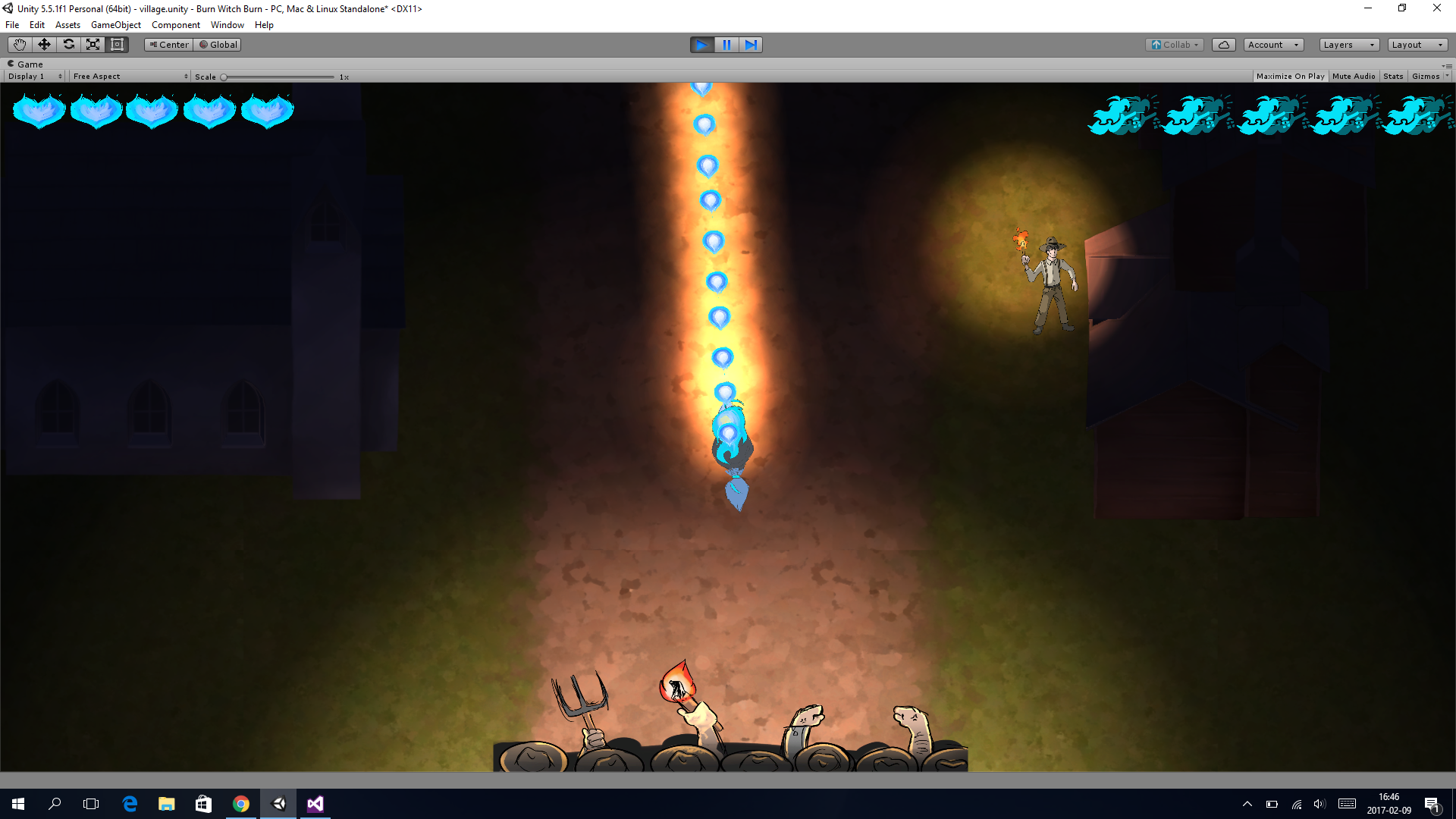
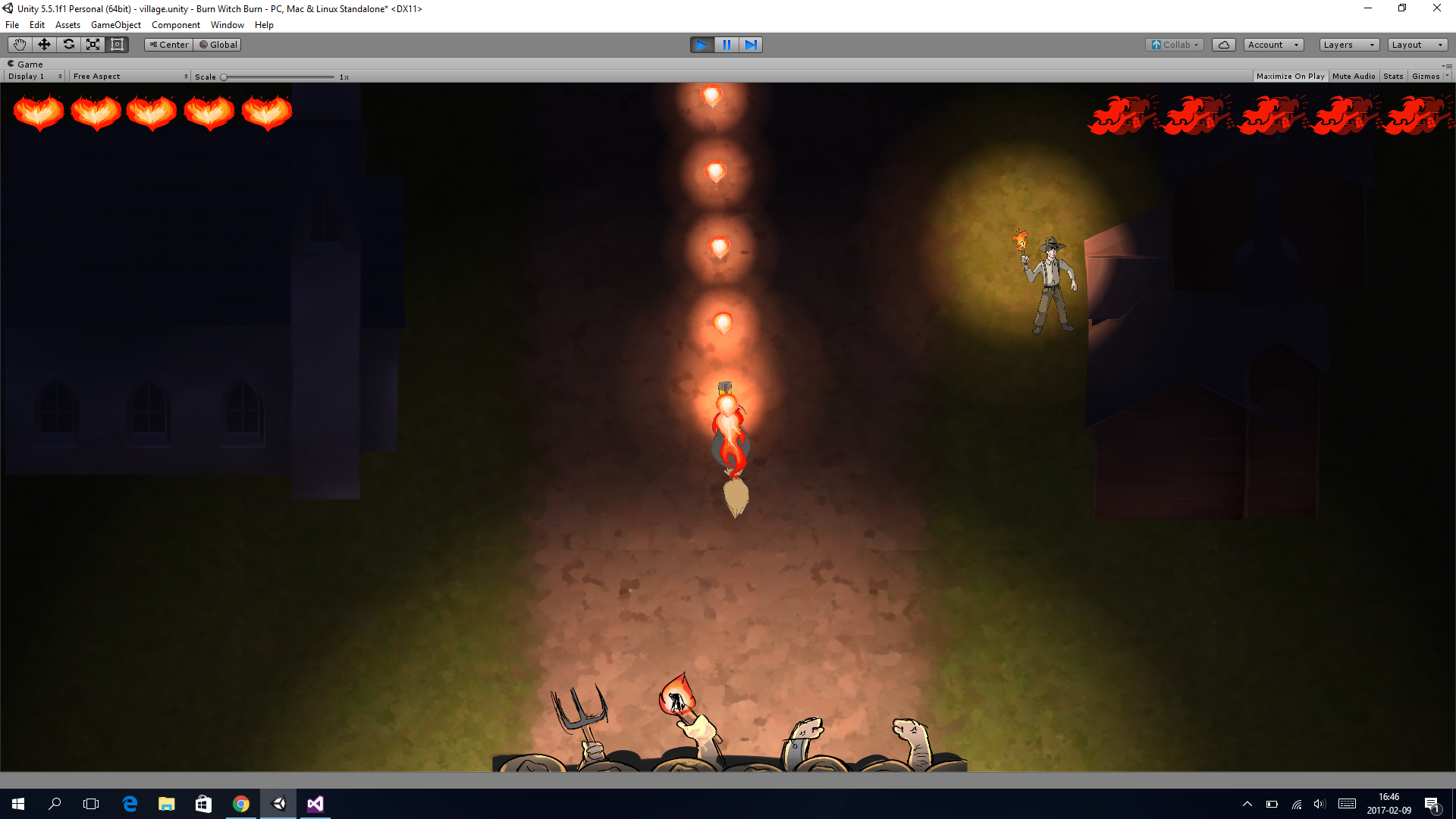
So today I will be talking about the powerup that we have implemented in our game because that is what I have had the most trouble with. When you press space, the witch that you are playing as will turn to blue instead of red and her fire rate will also increase by x2. In the beginning I just made her switch animation state from her Idle to her powerup and then I also set her fire rate to 0.125 instead of 0.25 but the problem with switching states is that you can only be in one state at a time so if I would be in the ”moving right” state I could not use my powerup until I was in the idle state and then I wanted the powerup to turn off after an amount of time which I set to 15. So after 15 seconds I would go from the powerup idle state to her Idle state again but the problem was that if I was in the ”Powerup Right State” it would not go back to the idle state because I was not in the Powerup Idle state at that certain time. So what I did to fix this issue is that I first created the witch that you are playing as in the main scene and then on top of that I also created the powerup witch but I set the renderer to false so that she was not actually drawn from the beginning but when I then press on space which is the powerup button, the normal witch would dissapear because I set her renderer to false and then I set the powerup witch’s renderer to true and then I used a counter to make the renderer turn true of false depending on which witch I wanted to turn on or off. The only ”problem” now is that a counter is dependant on how fast your computer is running through the update loop which will not always be the same and especially not the same if you are running the program on another computer so sometimes the normal witch pops ups in front of the powerup witch when it has not dissapeared yet and sometimes it does not pop up in time when the powerup witch dissapears. I will have to look in to that further when polishing the game.  |