BLOG WEEK 5 – Touching up the menu!
|
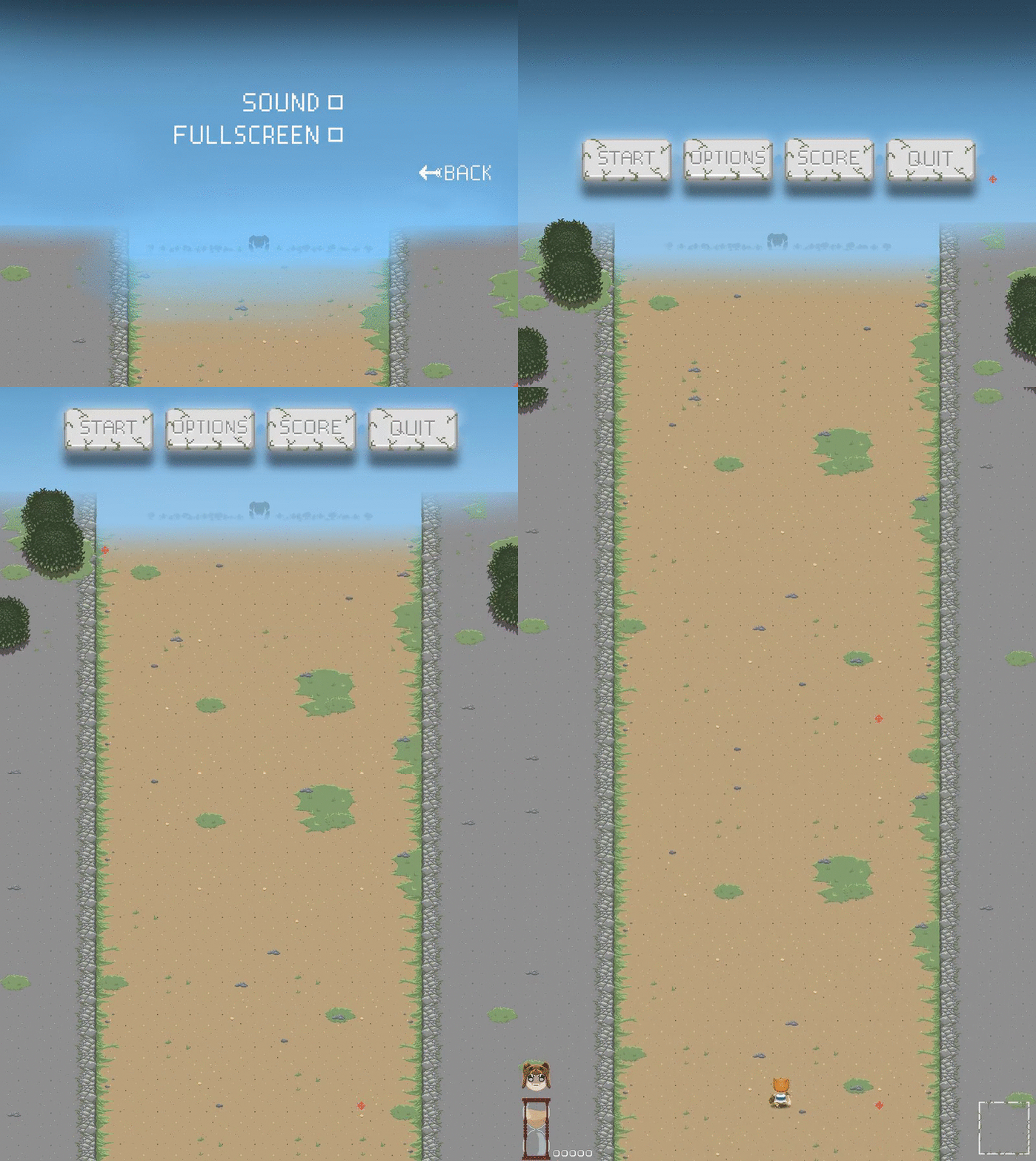
Hello! Next the buttons! The buttons are working so when you hover over them they change the look of it, or making it to be selected so to say. So i created a hitbox for the mouse pointer and for the buttons and simply made collision between the rects. So when the hitbox for the mouse intersected with the button it would simply change picture of the button making it look selected. I also made it look a bit more 3D just by simply setting the sprite 5 pixels lower and that results in more fancy buttons. So the next thing on the checklist for the menu was the animation for the enemies walking, this was nothing special except doing an animation on it since anyone that have been programming in SFML should know how to do it. Last but not least we have the way of putting the player in to the game, so instead of just popping up in the game we needed to have something to make it look better, more of a smooth transition. The whole plan for the menu is that it is going to scroll upwards and then make the player sprite to run up thowards the screen and when its in the same possition in the original spawning point for the player sprite that you can stear the game would start. So I had to make a variable that could change all the sprites possition on the screen at the same time. I tried to use the sprite move command and even sprite setpossition(0, getpossition().y + scrollspeed) neither of these things worked so I had to controll it from one value instead of all the sprites them self move. So i solved this so i set the possition of all the sprites + scrollspeed that always goes upwards untill the screen is compleetly gone. After that I loaded in a pice of the map that would be in the begining so when the map would start to scroll it would not look strange. After that the player runs up and the game starts. Thanks for me!  |