Week 5 – Visuals of the new Level Design
|
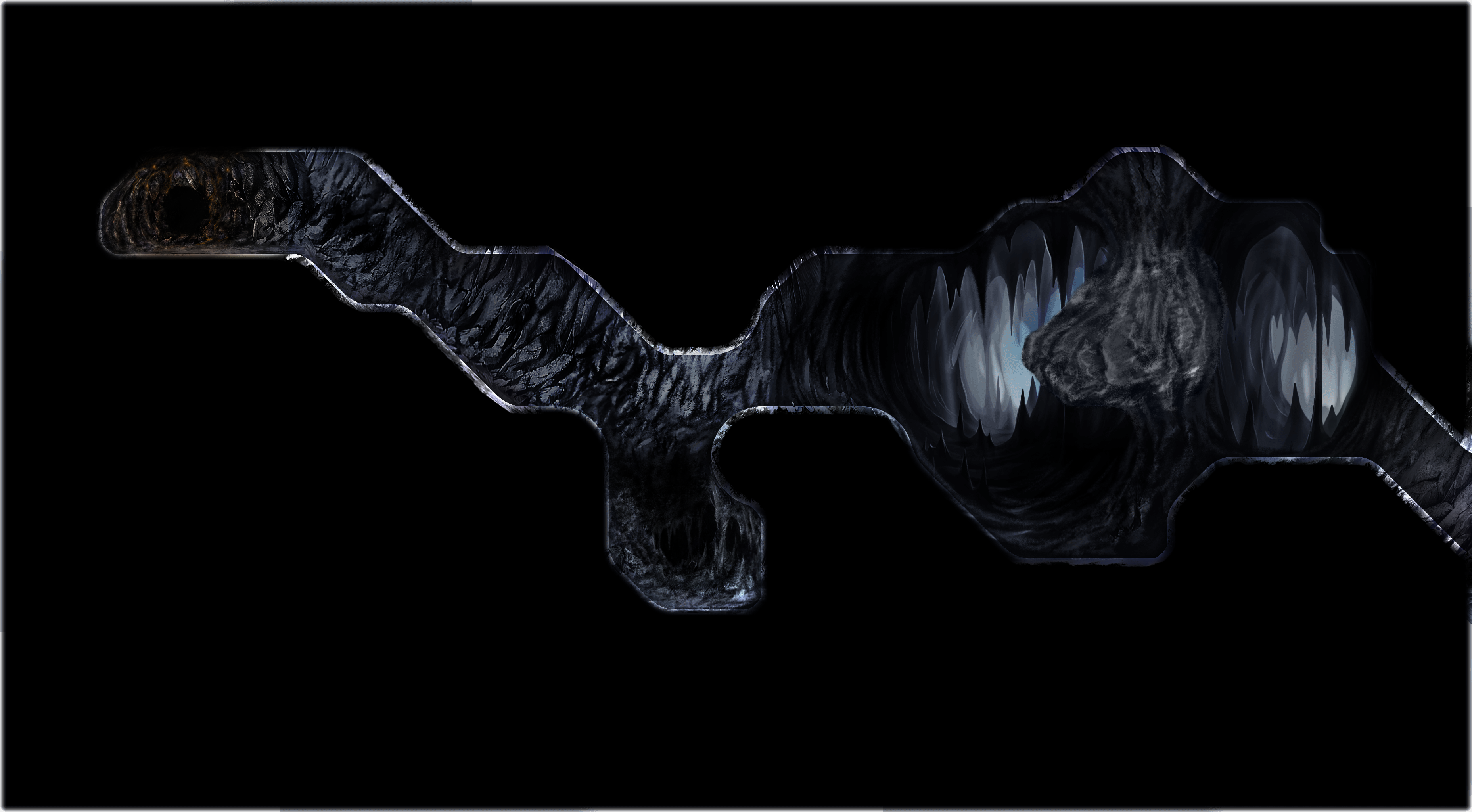
Oscar Selstam, Team 12: Colossus Core BackgroundThis week I and the group have been working on the new level design. We had been waiting for our teams programmers to greenlight the screen size of the collision boxes we’re using for the levels collision map. 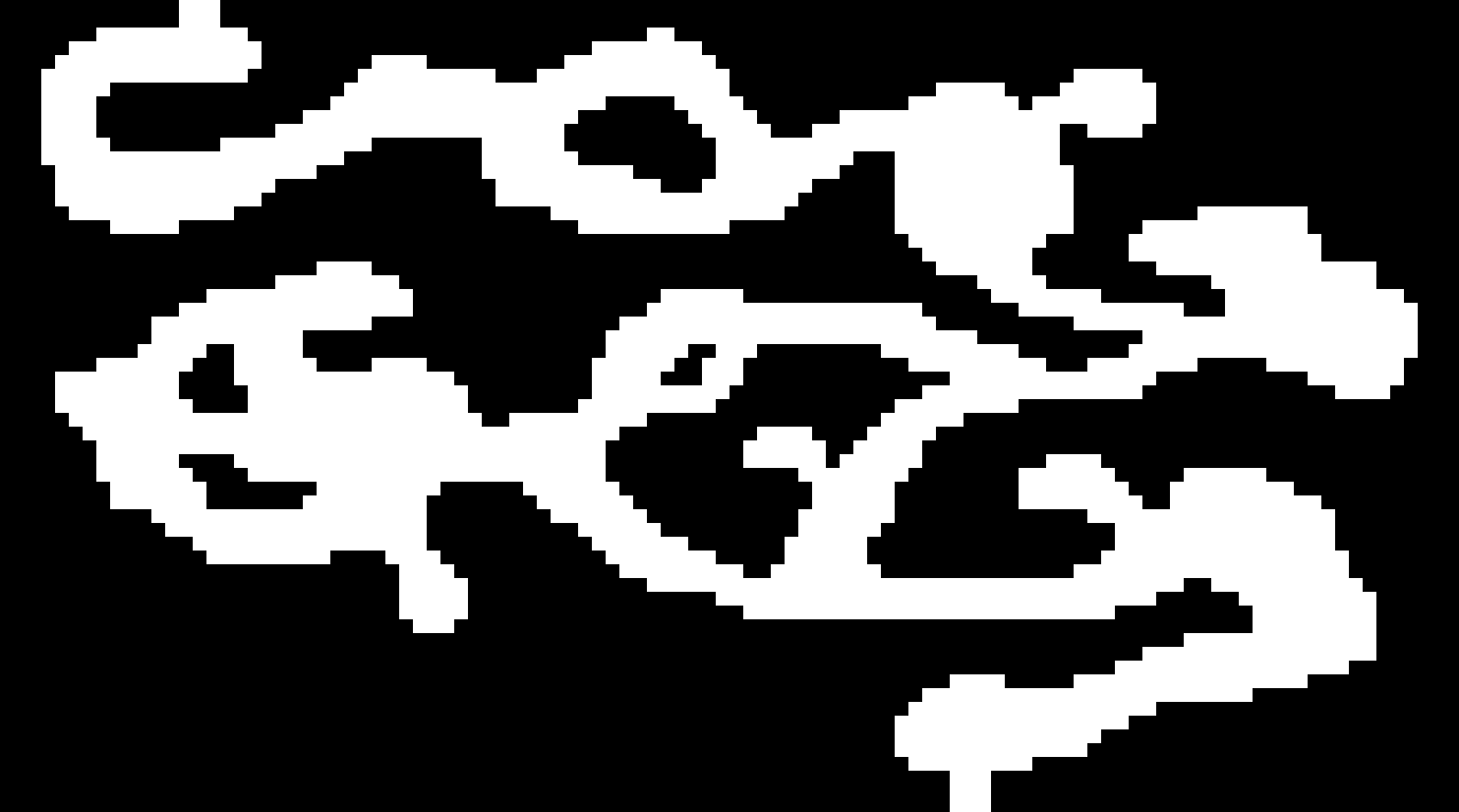 Once we had the size we could finalize a resolution for the level. It ended up being a 8000×6000 pixels large image, which would have to be split into pieces for the final game. PlanningThis took place on the Saturday before the Beta presentation on Monday. I understood that I would be needing assistance from the rest of our designers to pull this off. So I assembled a mockup of the level using our old level design as a clipping palette.
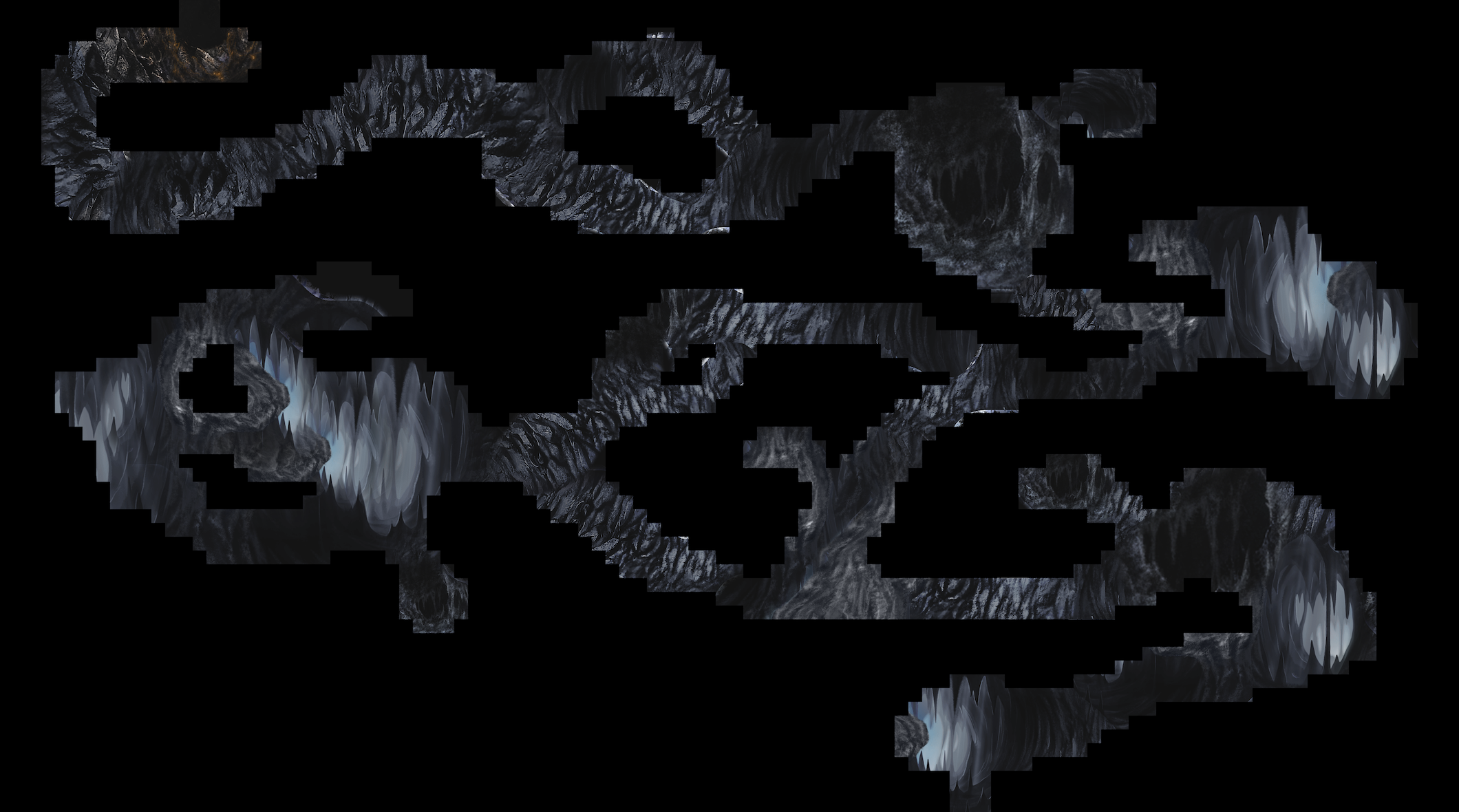
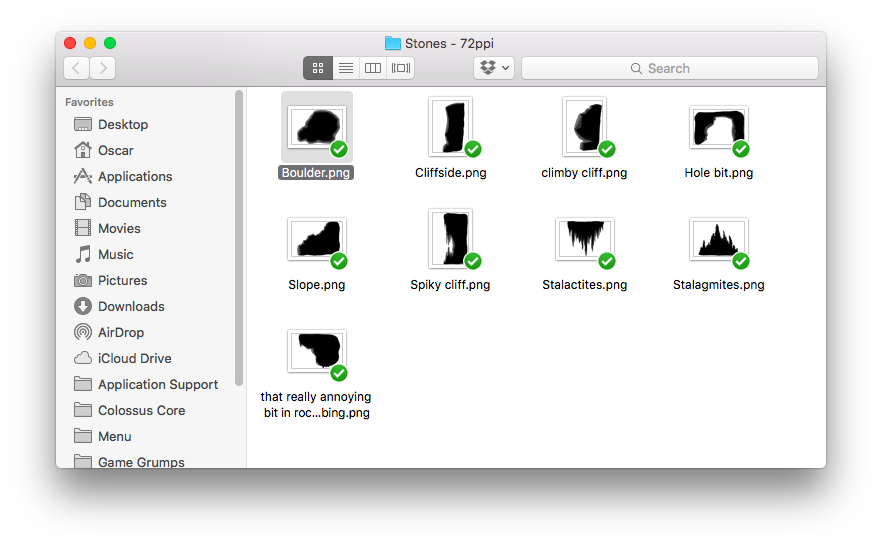
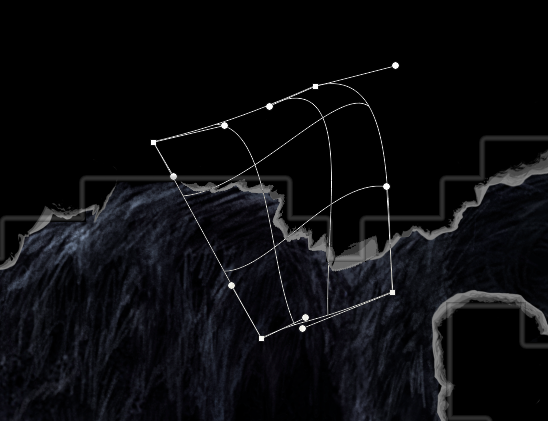
The purpose making the mockup was to minimize the amount of art direction I would have to give to the artists when I assigned them work. They were given the task of redrawing and redesigning the background of assigned rooms in the level. I used room separation as it would be easier to transition between drawing styles in smaller tunnels. I made sure the same artist wouldn’t be assigned two adjacent rooms, as to mix the individual drawing styles. This is a cheap and risky way of giving the level more style contrast but was preferable as opposed to giving complex instructions that could be misinterpreted. I also told the artists not to draw the actual edges of the level. The reason I didn’t want more than one person to work on the edges was to make sure they’re consistent across the level. The consistency being important to the gameplay where the player should easily recognize the actual boundaries of the level as opposed to the background. 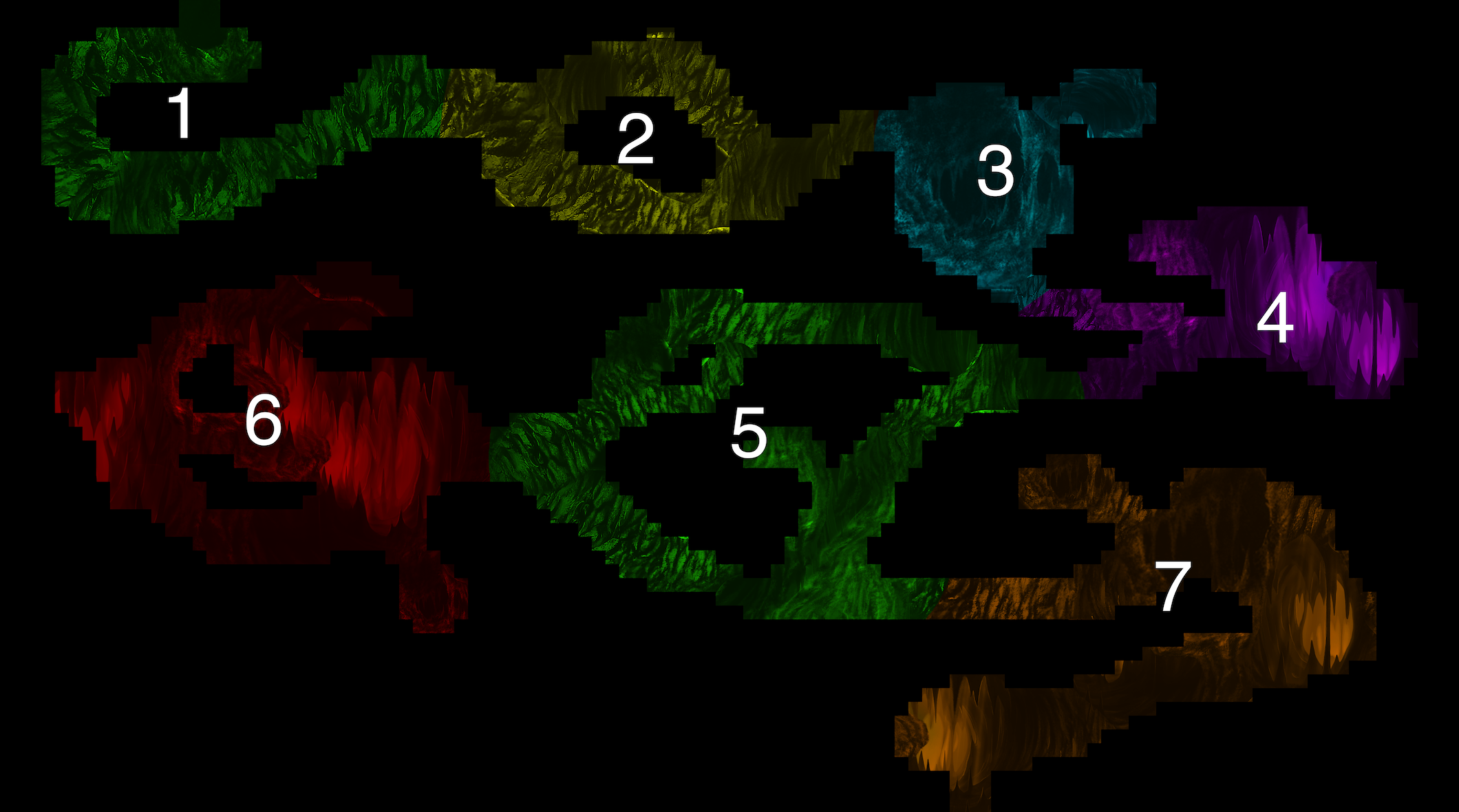 ProcessI took the rooms 1, 3 and 5. I made my rooms by cropping the mockup to resolve lag and drew over the existing visuals. The following video is my process drawing room 5: Much of the design and texture of the level is thanks a tweaked Photoshop spatter brush. It’s great for making large dents in rocks when using a large setting, whilst being just as good at making rough edges in a smaller setting. The shading is made utilizing the ”soft light” blend mode to darken the deeper parts of the tunnels. The entire level is be designed to emulate the ship lights range, so making the lighting after the actual drawing of the background easier. Much of the shading is using the brush as well, as it produces a more natural looking transition, as opposed to a gradient which has the tendency to bend smooth the rocks hard surfaces. The result of weekends work where I’ve edited some of the other artists rooms. 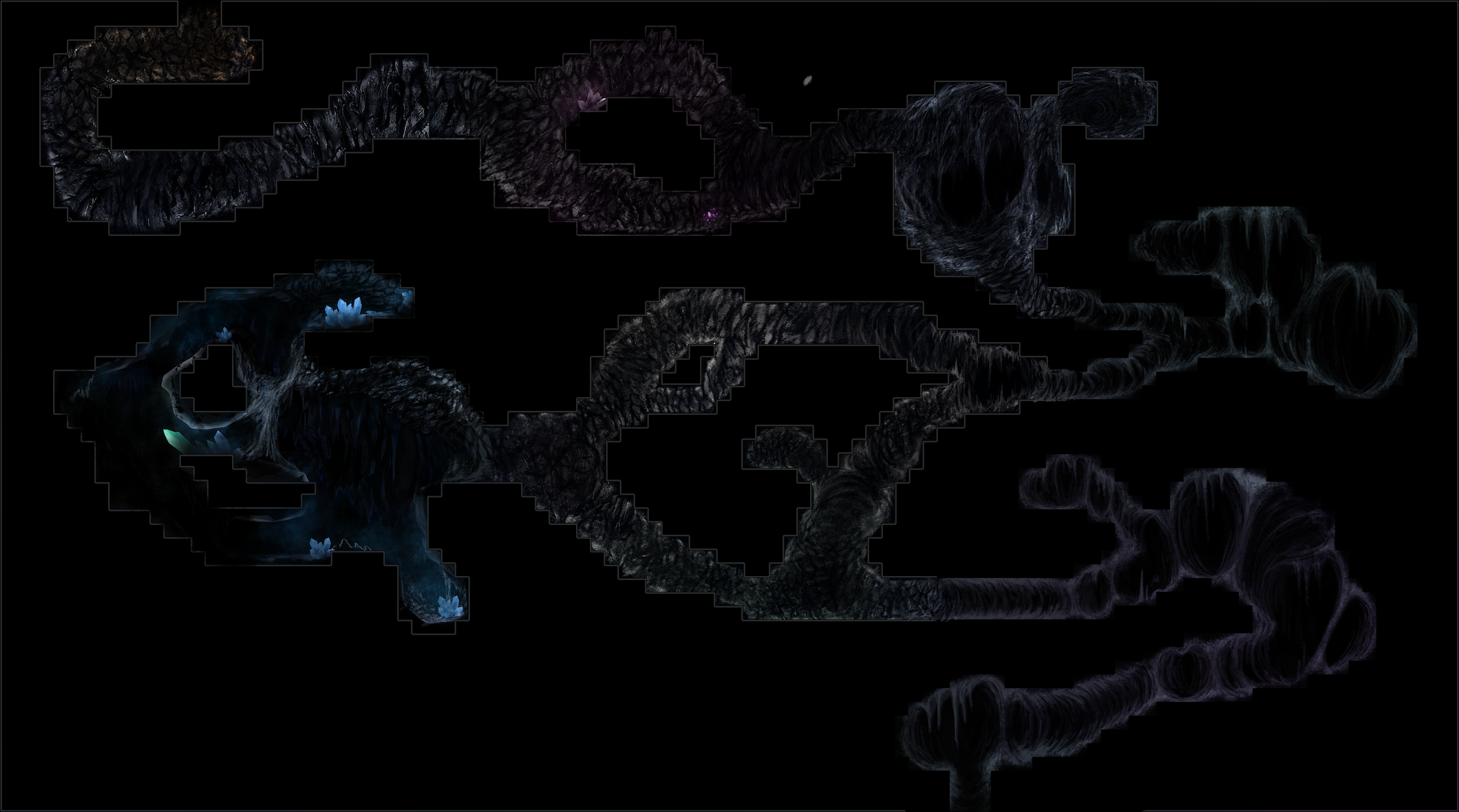 After the Beta presentation we would finalize the level graphics as we hadn’t been able to make the edges in time. The edges were made using Toves existing rock assets as a palette since they only had shaded edges. The rocks weren’t always able to align with the edges perfectly which actually helped make the edges look more dynamic, and take away from the pixellated look of the collision boxes. I would take an asset that best resembled a corner, line or peak and then use the “free transform” and “warp” tool in Photoshop to get closer to the actual edge.
The edges would then have to be faded with the colors of the adjacet background which I achieved by copying the background layer, blur it enough to cover the entire edge, put it on top of the edges layer and give it a clipping mask (the layer only shows on the opaque pixels of the underlying layer). The layer would then use the ”multiply” blend mode to transfer the colors to the edges. The result in my case was too dark so I used a curve ”adjustment layer” to raise the blurred backgrounds brightness. 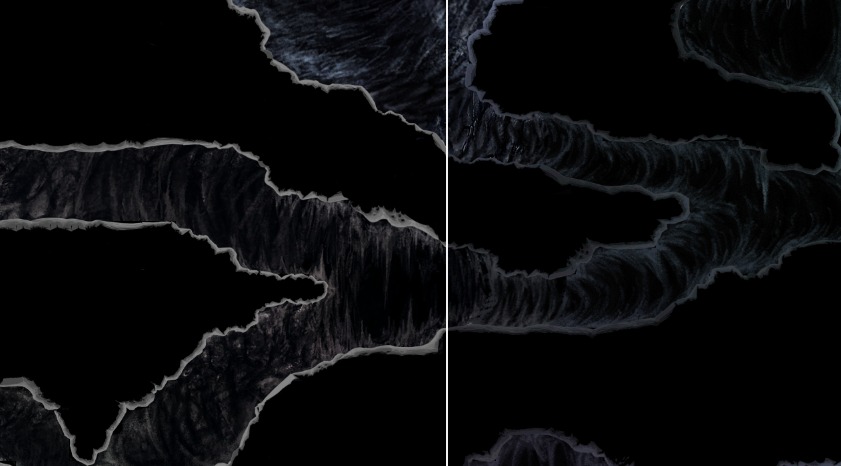 The next step of the level design is populating it with assets such as plants and crystals.  |