Game development week 3 – More Sprites
|
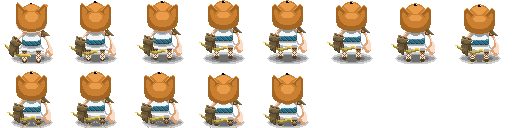
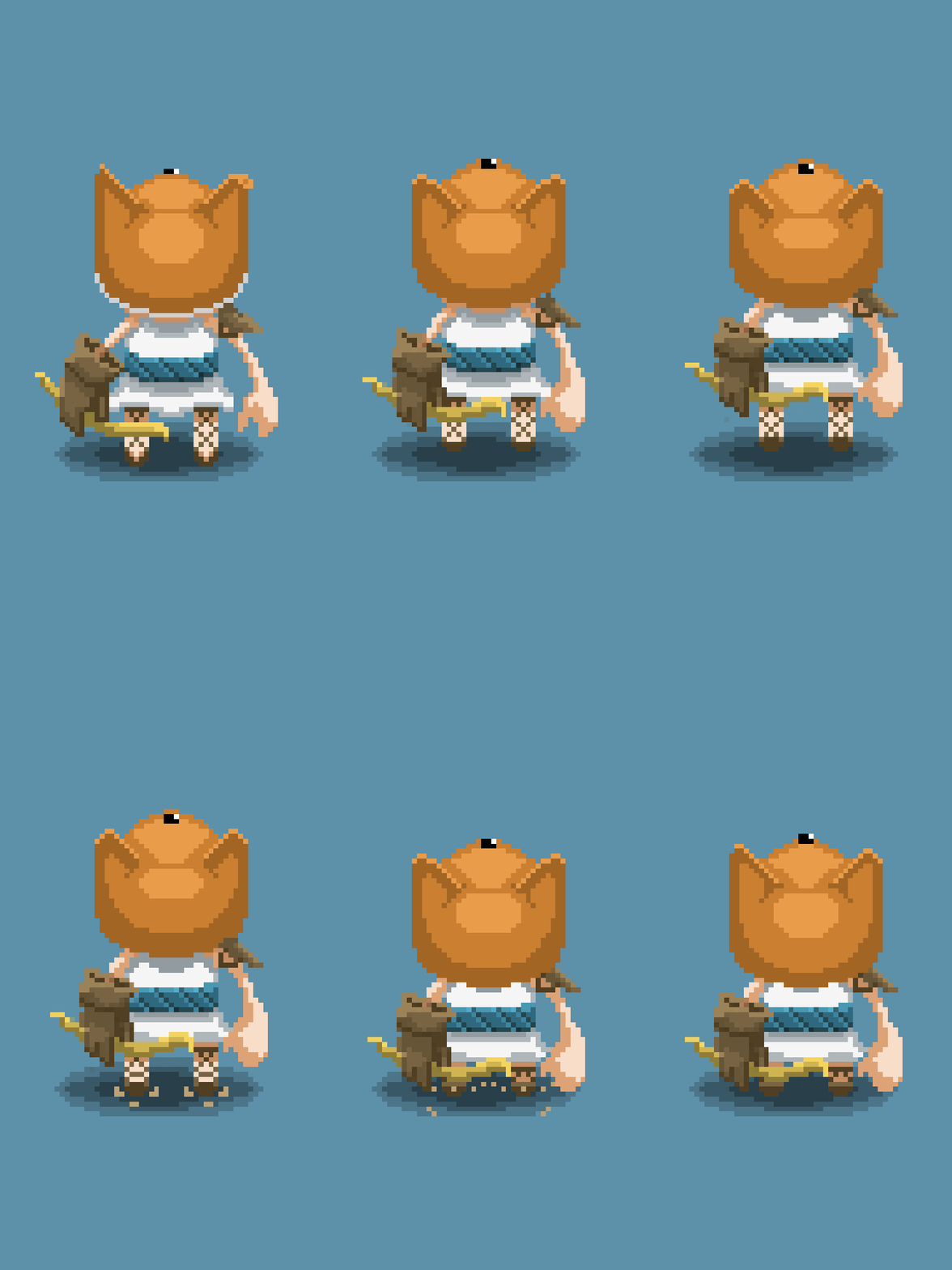
This week I have gone back to making sprite animations. One of which was the damage animation for our main character so it wouldn’t look so stale when an enemy would hit it or took damage in some other way. However this time, I chose to work in Aseprite since it has worked better than Photoshop since I first started using it. Naturally, the first thing I did was to figure out how the character would look like when taking damage. In our game, the character is almost constantly running and accelerating and when the character takes damage, it looses speed and slows down. I thought of a couple of different ways of how this would look like but most of them were either too difficult or way too time-consuming to make, or even both. For instance, the first and I think, the most ideal way I had for it was that the character would trip and kind of fall flat to the ground. Personally I think that would have looked pretty neat in the game but as I already mentioned, this would have taken way too long to animate. Mainly because of how difficult it is to make that kind of movement in 2.5D. All this would require a lot of frames as well. It is kind of a shame but I needed to figure something else out that would not require as much time to animate. This is mostly because both me and the two other artists in our group have a lot of things to do in a fairly short amount of time.
So I knew that I wouldn’t have the time to animate it tripping over completely. I thought instead that it might still look alright if the character fell to their knees instead. I decided to at least try it out and if it wouldn’t work out I thought I’d just make something else out of it in order to not waste so much time. I began by just cutting out the first frame from the running animation I had previously done and put it in a canvas in Aseprite to start working on it. I noticed early that it was a lot easier to animate in Aseprite since there were a few handy tools as well as it was easier to manage both the frames and layers when animating compared to how it is in Photoshop. After that I just basically did the same thing as I did on the previous animation I did for the character, I just took one frame at the time. When I looked it over a couple of times and was done I simply exported is as a sprite sheet. I wouldn’t say that I’m completely happy to how it turned out this time but I might go back and make it fancier later on after I’ve done everything that needs to be done and of course, if there’s enough time. I do think it turned out better than I expected though, with the little time I spent on it.
 |