Project Aurora, post 7, (Blog Assignment 4) Camera problem
|
Ok, following up on previous post, I had a lot of problems getting the light circle to work as I wanted and all the problems basicly led back to how the view or camera of the game was updated and the position of everything. So this post will be about the camera and maybe some light circle stuff. At first we didn’t have a camera class to handle the camera. We used SFML’s built in sf::view which handle what the player can see and moved it around when the player moved. But as soon as I added the black filter I mentioned in my last blog post I thought why not add that functionally into a camera class? In the future we might want to use another filter or other effects not thought of right now like stopping the camera at certain positions but the player can for example keep moving with the camera locked in place and not always center on the player. 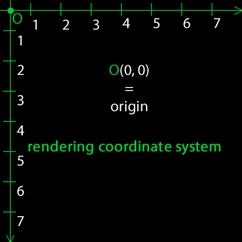 First lets explain how the coordinates work. When we draw something to the screen the upper left corner has the coordinate 0,0 and the X-value increase every step to the right and the Y-value every step downwards. Like the picture to the right:
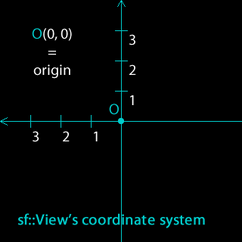
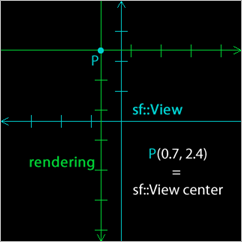
But the sf::view use another coordinate system that have the position 0,0 in the middle and is increased to the left and upwards like the picture to the left:
If you combine that you get something looking like the picture to the right. As you see it can be very confusing, There are alof of positions to keep track of. And to add to this problem all our positions for our sprites we draw out on the screen is calculated from the middle of the sprite and not the upper left corner. 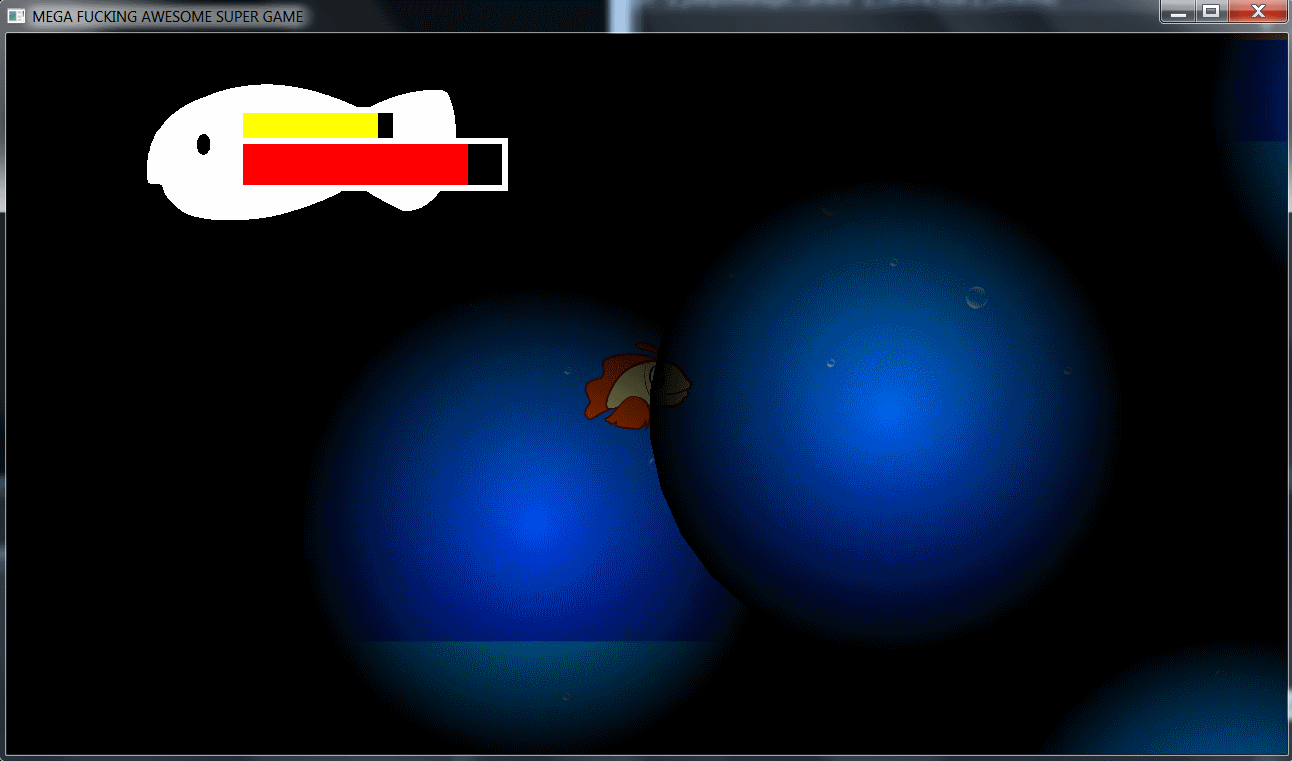 I went through all the sprites and all positions of camera and even the windows position checking so all positions was correct but I still got wrong positions of the light effect and the light also move twice as fast as the player. It has been driving me crazy for about a week. There was absolutely nothing wrong with my code or logical reasoning!…..or so I thought. Some position errors I got was because there are some hardcoded numeric values but I found those fairly easy and adjusted my code to fit those values. But it wasn’t enough! So last night I finally solved it. But before I go into the solution I will break down how a sprite is loaded. But when I created my light circle I loaded the texture from sf::RenderTexture. I thought it worked the same way but I was wrong. The difference is that a sf::RenderTexture is like a drawing board and when I moved the camera the drawing board stayed put where the starting position of the camera and player was. To explain. Se the picture below. The red rectangle is the starting view / position and the green rectangle is what I see right now. As you see the original light circles followed me even though I moved and if I bumped into new circles they weren’t drawn. And to add to my headache the circles could move themself also. The positions of everything didn’t match as it should. so slowly I started realizing it was something wrong with the filter or how its drawn and I started testing different things. I got the filter in the right position but the position of the lights was showing position numbers from an area located where the red square is located but should have shown position numbers where the green rectangle is and that got me thinking it had something to do with the sf::RenderTexture and thats when i found the problem. 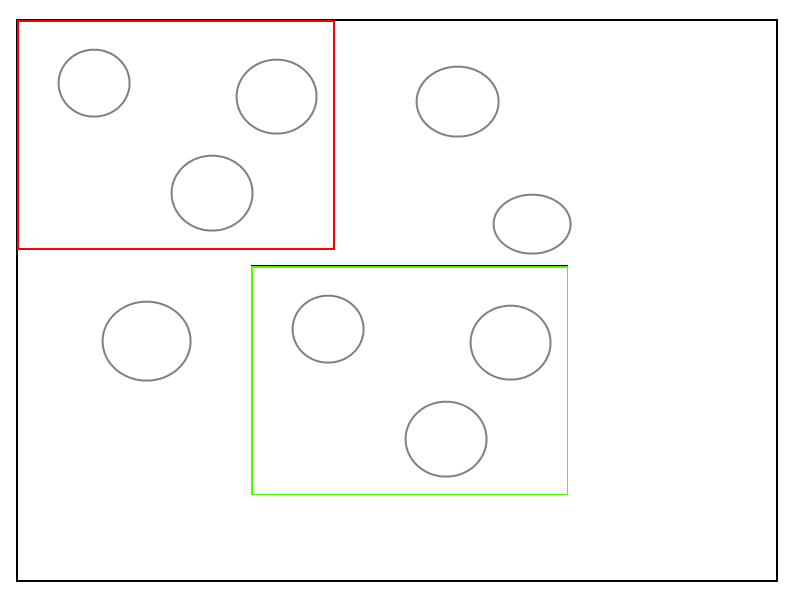 All I had to do was add one line of code!!! m_FilterTexture->setView(m_CameraView); This code updates the position of the sf::RenderTexture to that of the camera. Problem solved and I could sleep well last night. 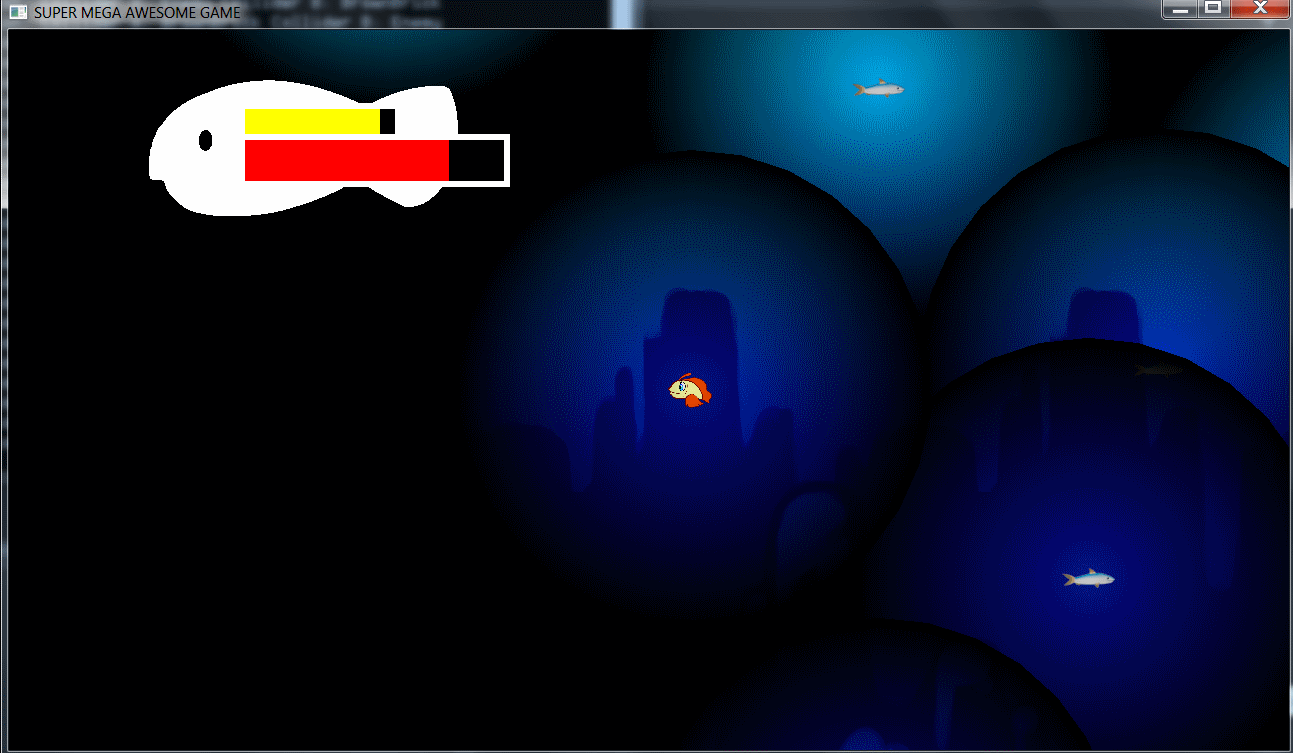 |