Second Artifact – Level Editor (kind of)
|
Another week, another Artifact. This time it will not be from the game itself, but a tool to make it easier to create the level.
So, I have been working on a Level Editor for our game, With Intent. The reason for having it is so that it will be easier and faster to build the level with all the walls, furniture’s, doors, guards and their waypoints, start- and end-positions. Without an editor we would probably have to input all those coordinates, degrees, etc., manually, in a text file.
I chose to create the editor in C# as a Window Application Form. It was an easy transition from C++ to C#, it took a couple of hours to get the hang of, but after that I have had no bigger issues with it. It has been fun to learn a “new” language, even if it is like a blend of C++ and Java, two languages I have worked a bit in.
All positions, numbers and degrees are saved in a lot of different Lists. Those lists work a lot like Vector from C++, except that it seems like you have to “new” them to use them, at least I couldn’t find any way to work around that. And now that I’m writing this I’m realizing that I have not “deleted” a single one. I really hope that it is done by automatic in C#, like in Java, and not like C++. Otherwise it would be kind of embarrassing to forget something like that…
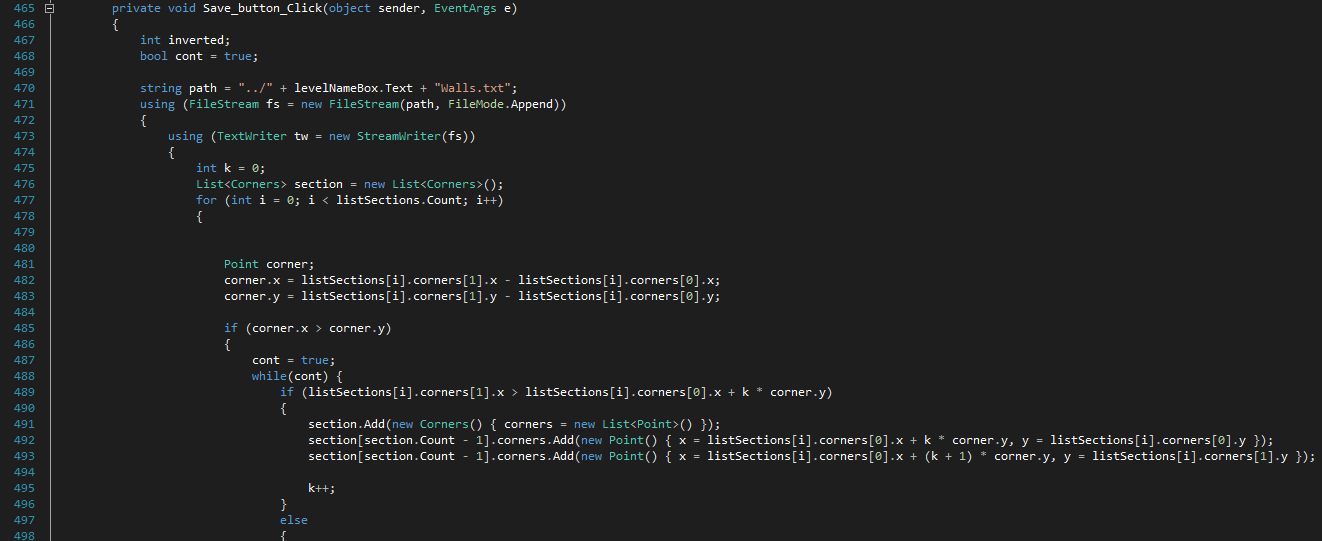
Robin found out what was up with our bugged walls, those that could be seen through if the player got to close to them. It had to do with X being much larger then Y, or vice versa. So I did so the editor, when it saves to the files, “cut” the walls in smaller squares then very long rectangles. I thought this part wouldn’t be that hard but I had a hard time concentrating on the task so it took more than the three hours I had predicted. I’m up to six hours now and is still counting.
The first thing to do after the editor have been loaded is to load an image. This image will be the mold to see where everything should be. The next thing to choose is what to place, walls, guards etc. Some things, like the guards and tables, will also need a degree to say in which direction it will be facing when it is created.
When the Save button is pressed it will save everything in text files, that can then be read by the game to create the objects in game. The picture shows a small part of the code that saves all Lists in text files.
|