With a click of a button
|
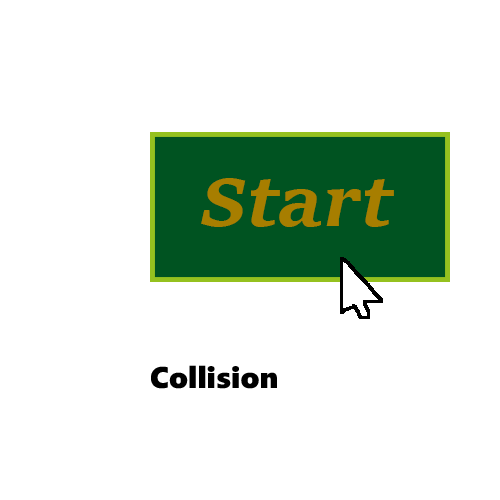
When starting the game we want the players to be prepared. The players shouldn’t feel like they’re being thrown into the game without warning. In order to make the player prepared we had to make a menu from where the players can access the game. From the menu the players can start the game, check the high score, learn the controls, adjust the options and quit the game if they were to change their minds. When making the menu we chose to make it interactible with the mouse since most people are used to interact with menues that way. When going through options on the computer, the mouse is always used to select settings on the audio and such. When putting this into code, all that needs to be done is to check “collision” between the mouse pointer and the button on the screen when the action of clicking the left mouse button is true. The current collision check we use is using the sprites of the objects we want to check. It checks wether there’s an overlap between two sprites by calculating the distances between the centers of them. The mouse pointer however, doesn’t have a sprite and therefore we needed another way to check collision with the mouse. I made a new function in our CollisionManager that would checkif the position of the mouse was inside the rectangle that is the sprite of my button. I needed to get the borders of the sprite in order to see if the mouse pointer is inside of them. All sprites in SFML have functions that allows me to get all the pixels on the left hand side, the top side, the height and the width. The borders are the pixels on the left side, the top side, the left side plus the width and the top side plus the height. When I checked wether the mouse was inside these borders I noticed that it would always count as a collision if the mouse was at the top left of the window. This was because of the fact that the left side of the sprite counts as its X coordinate inside the rectangle, which will be 0 since it’s the beginning of the sprite. The same goes for the top side and its Y coordinate. The collision check therefore checks the size of the sprite but not at the position of the sprite. It checks at the windows 0, 0 coordinates, the top left.
To change this I switched the function from it having to get the left and top side of the sprite to get the position of it in-game. The position is based of the top left of the sprite and can act as the left and top side. The difference being that the collision is happening at the position of the button.
To finish, I wrote that if the left mouse button is clicked and if there is collision between mouse and the button, start the game.  |