[5SD033] Blog 2 – So you wanna build a level, huh?
av: Martin Carlsson
grupp: 10
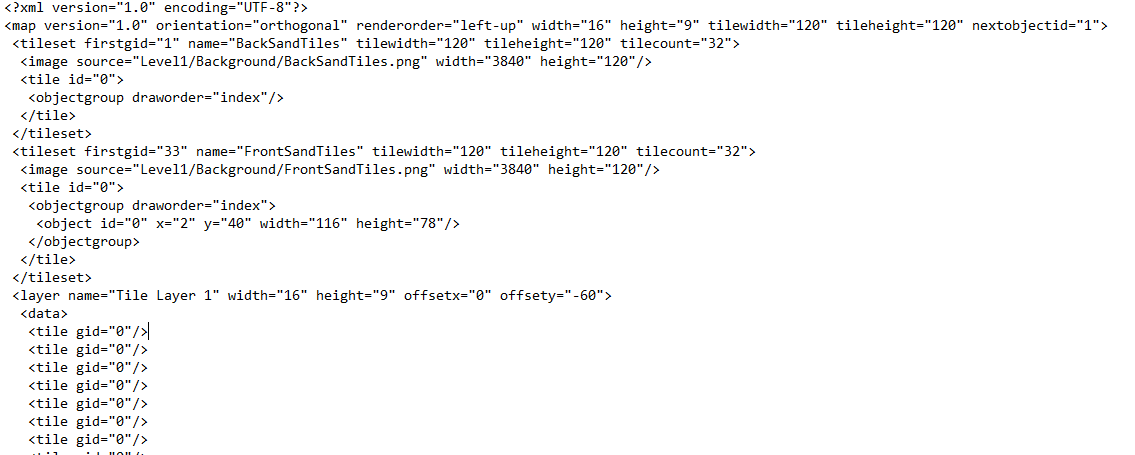
Tile SystemThis week I’ve started to implement a tile system. The idea is to use Tiled as a level editor and then use the data stored in the Tiled file format, .tmx. Reading the .tmx file is mostly the same as .xml files. For this project I’m using TinyXml 2 for parsing the .tmx file, since it seems to have all the functionality I need for reading the files. There are tons of options when it comes to Xml parsers for c++, TinyXml 2 is super simple to include in your project. You simply copy the .cpp and .h files included and then add them to your project.  The implementation of the level editor is still a work in progress, as I’ve been side-tracked with making some improvements on the alpha version of the game. However, I’ll go through as far as I’ve got. Tiled is a versatile tool, creating whole levels in Tiled is as straightforward as can be, it includes functionality like Tile mapping, Tile sets, Collision boxing and Tile Animations. Reading XML files with TinyXml 2 is very convenient! But requires some knowledge of the .xml format. The .xml format contains some terminology which is useful to know about. The two terms you might encounter the most for implementing Tiled are Elements and Attributes. Elements, which in the above example start with a Start-Tag(such as ) and end with an End-Tag(such as ). The elements can also contain elements in themselves, these are called child elements. Attributes are essentially the values you’re looking for. They are contained inside the elements. For example, the element has 5 attributes(firstgid =”n” …). The child element has 3 attributes. To access the attributes you want, you iterate through the Elements and Child elements and catch the values on your way. You then store the values and use them for drawing on the screen. For actually drawing the tiles on the screen, I have still not come up with a definite solution, due to being side-tracked with iterating on the alpha version of the game. However this will be one of my tasks for next week, so stay tuned for a solution to that! Thanks for reading!  |