Creating visual effects using audio
|
Back from another exciting week of game development! This week I got to work on something very cool. In our game there is a special power the player can use, it is called ”Time Dilation”. It slows down time and effects enemies movement speed, to give the player a tactical advantage during gameplay.
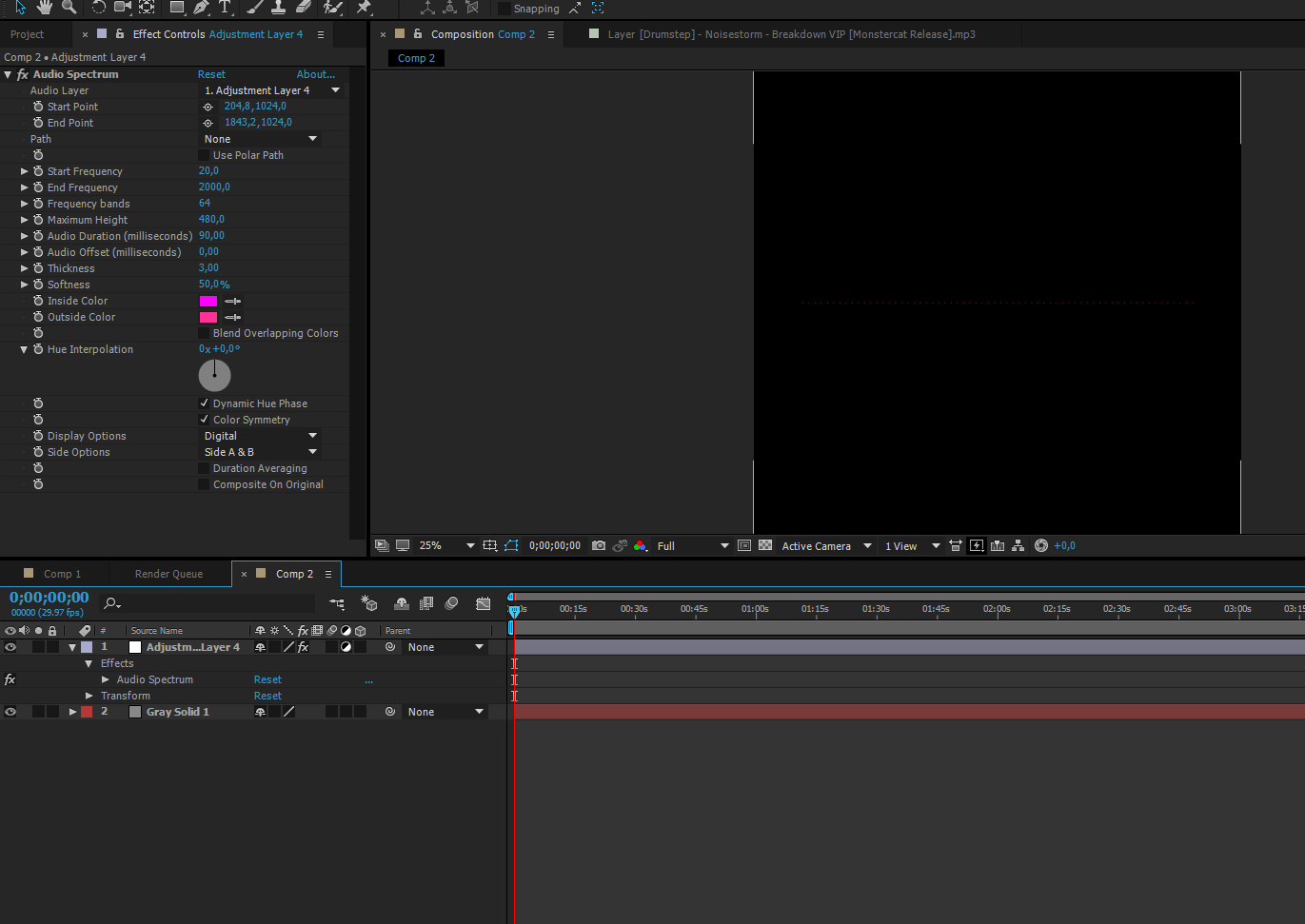
The team was clear some kind of soundwave/shockwave approach was the way to go. I immediately google searched images to get some references and an idea struck me. I knew I had seen an effect in After Effects that creates soundwaves from songs, and I wanted to try it out. The effect is called ”Audio Spectrum” and can be found if searching in the Effects & Presets window in AE.
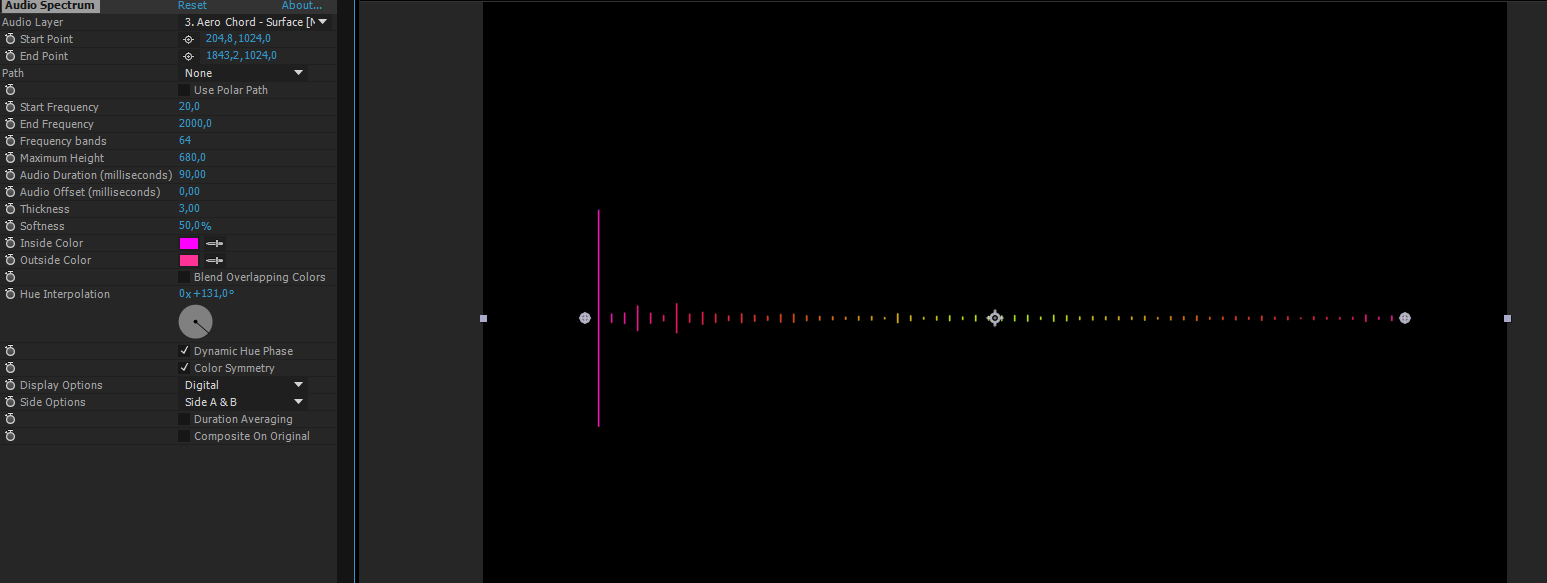
Then I need to create an Adjustment Layer and add the effect to it. At first nothing was showing, so I created a dark gray Solid and put it under my adjustment layer.
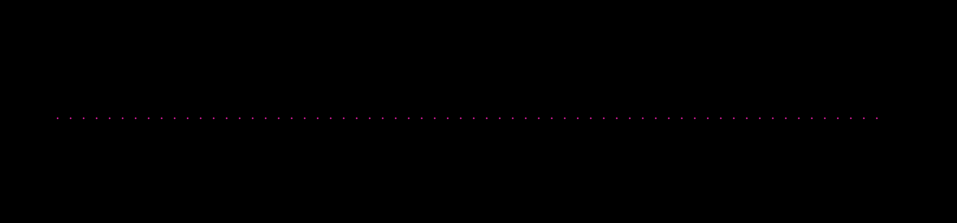
This was the result: A static dotted line, for now.
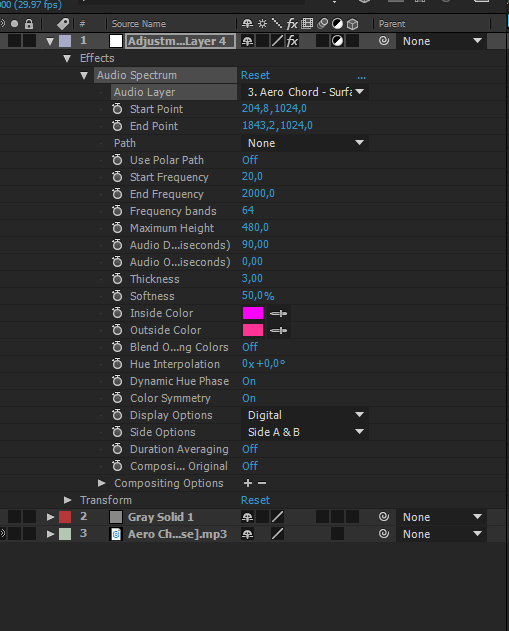
In order to animate the static line, I had to add an audio track to my project (seen as the third and green layer in the picture below). Once I added the track to my Composition I went to my Adjustment Layer->Effect->Audio Spectrum. Then I added my audio track as an audio layer.
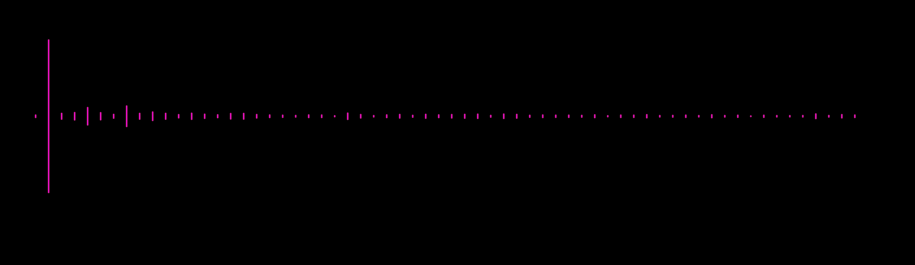
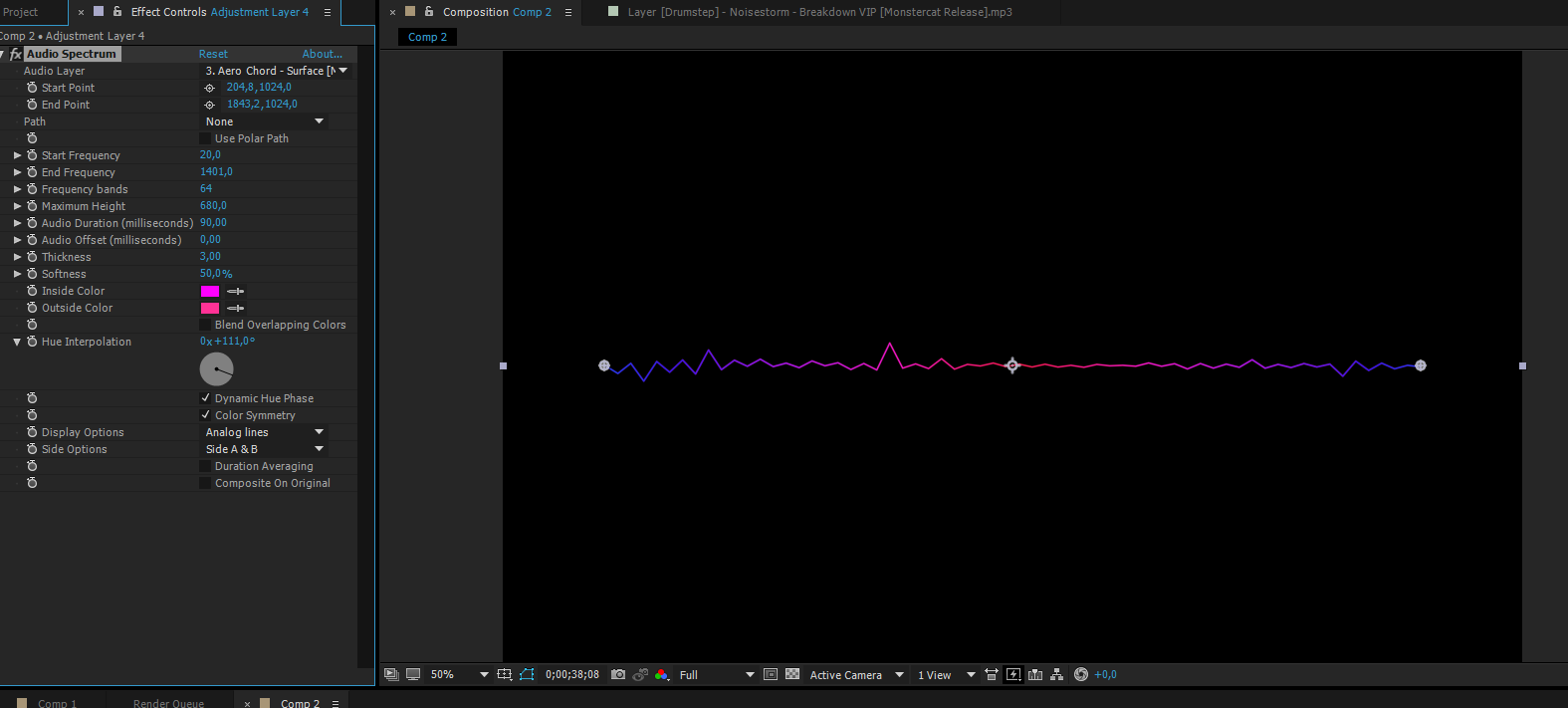
Now it looked like this.
The static line was no more. The dots turns into lines and responds to the audio frequencies. But there is much more to be done! To add some color variations I used the ”Hue Interpolation” wheel. More colors are added as the value gets higher. I then switched my Display Options from ”Digital” to ”Analog lines”. This changed the appearance quite a bit, and for the better. By now I am starting to get the visual representation I am after.
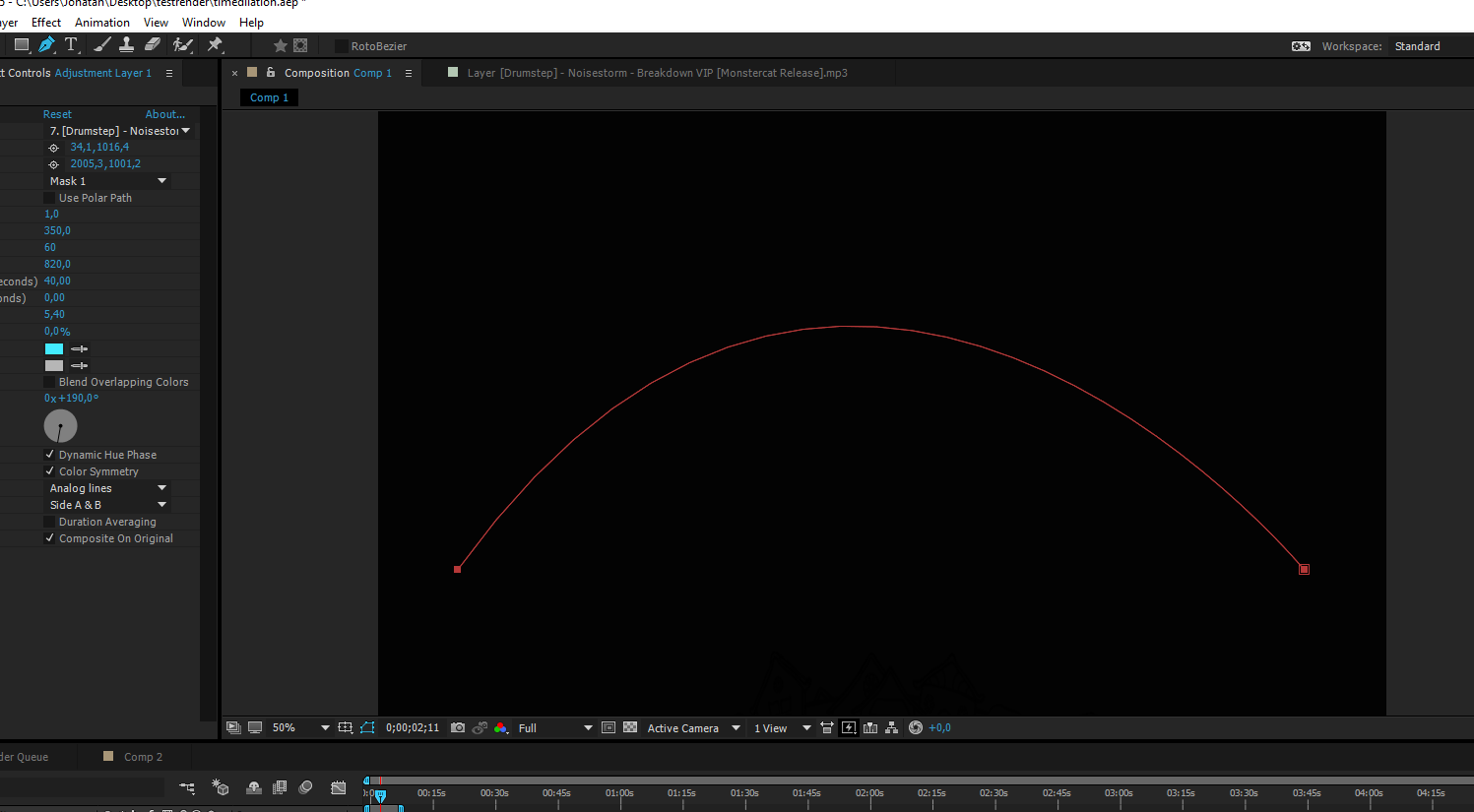
Ingame this effect will slow down a large quantity of enemies, thus it needs to cover a large area. To achieve that goal and my team’s goal of a soundwave/shockwave look I started to develop my effect further. I created a Path using the pen tool. It was important to create it on my Adjustment Layer, for the next step.
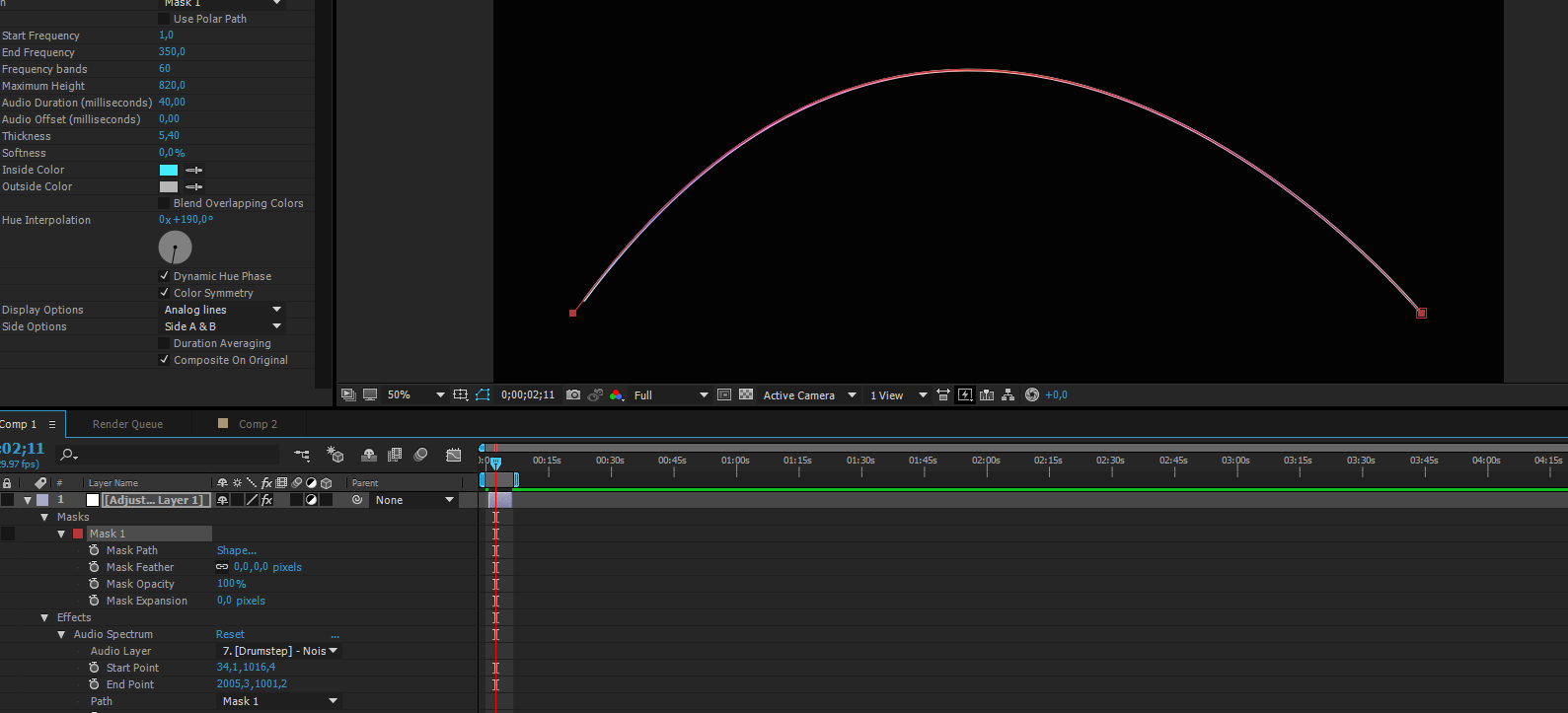
When adding a mask onto the Adjustment Layer, it can then be added to ”Path” under my Audio Spectrum effect. After doing this, the effect is now following the mask/path, and in this case it makes for a beautiful arc.
The final result can be seen in the youtube video below. Keep in mind that no copyrighted music will be used ingame, it was merely used to produce the soundwaves! Thanks for checking out the post. See you next week! /Jonatan Ersarp  |