Game Design Blog #4
|
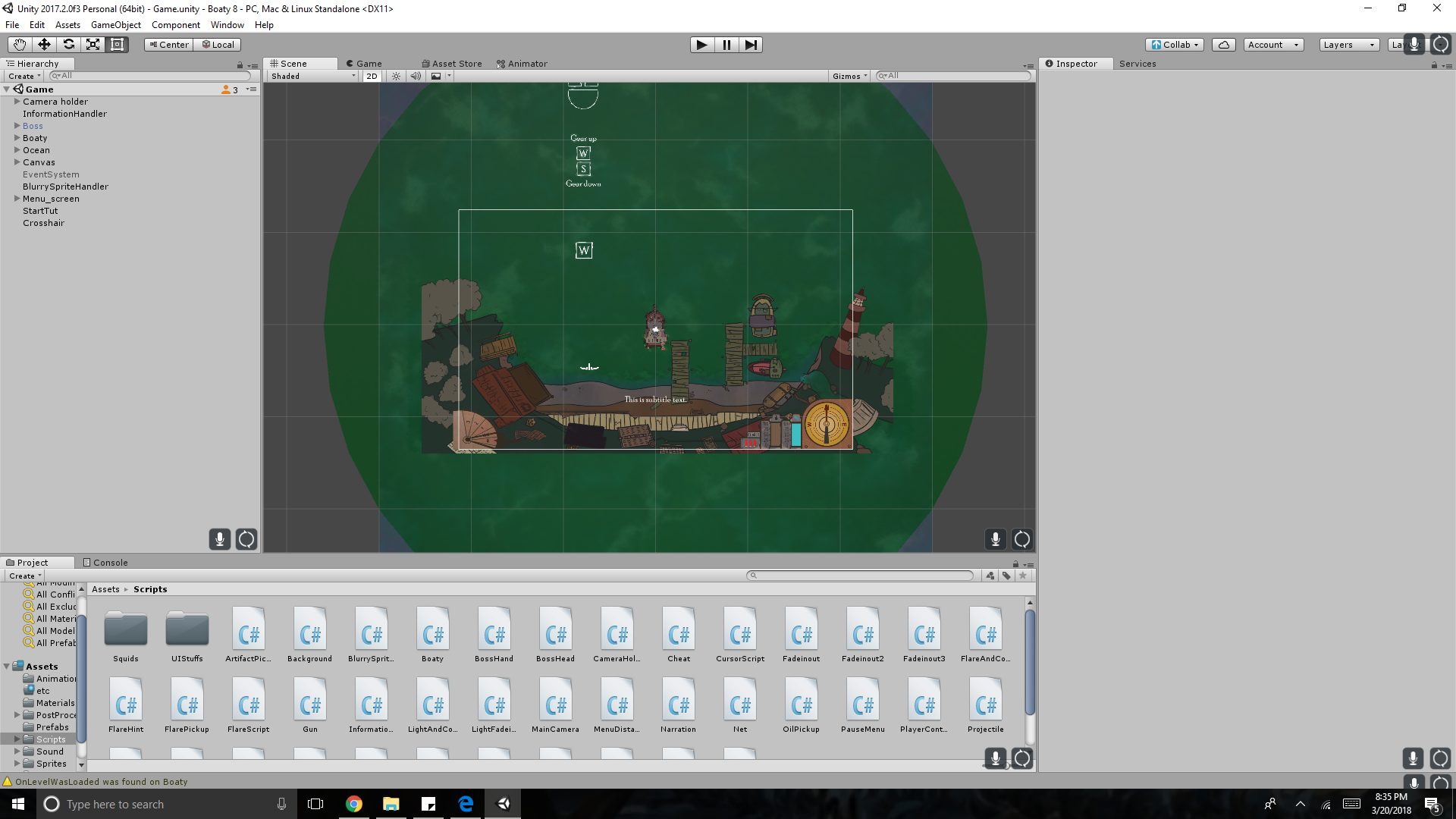
In this blog, I shall be talking about how I managed to create the Menu beginning and tutorial hints. So firstly I would like to start with the fact that our brainstorming around the idea of the menu with the group ended up going towards a route where the menu isn’t a scene but instead, it is integrated within the game. The reasoning behind this was to make the player not wait for scenes to load, but rather just letting them see the surroundings as the menu and the tutorial hints and just let them play the game and make them consider the hints and not force them. So when I started to work on the implementation of the menu, I made quick work at making it the beginning area of the game. As our games playable character is a boat, the beginning area is a dock. The menu created by the lead graphic, is a forward facing art, thus the player could just see the empty behind of it by just moving a bit to the left or the right. In order to fix I had to make the player unable to move left, right or reverse. So I made three collision rectangles making the player only able to move forward. With that addition, I also made sure the menu deleted itself (including the collision rectangles) right after the it was out of players sight. By making the player need of moving forward in the beginning of the game, the opportunity rose of where the tutorial hints could be added next to the player to read and understand while moving forward. So I implemented the tutorial hints made by the lead game designer. I design them so when you press the hinted button, the button hint would delete itself. To make the tutorial hints appeal to the eye I made it fade in and out with code. Essentially when the game world starts the hint would fade in, but the second the hint button gets pressed the fade out process would start for them.  |