Game Design Week 6 – Making Stones.
|
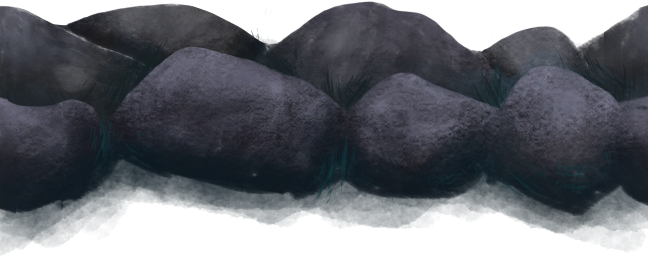
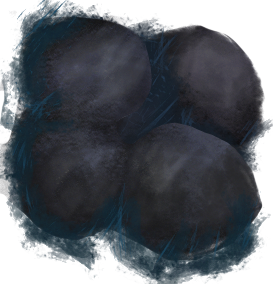
Well, here goes. My first blog post about stones, the world’s most interesting topic. Fortunately I do not have to write about real life stones, but rather my process in drawing stones for Depth’s in-game environment. Hopefully this will prove a bit more entertaining to read about. So our look for the game is kind of simple, but I still wanted them to be realistic looking and not pop out. The colour scheme followed a grey scale, going from light grey on the top parts of the stones, to dark, almost black, grey in the crevices and under side of the stones. In my first attempt at making a tileable stone background I made a stone wall which could be placed after itself and look like a continuous environment. This would allow us to reuse this asset for large parts of any level, saving time for me and our other artist Hanna, so we could focus on other assets. I also made a corner stone group to cover some awkward angles that would look weird using the stone tile. When drawing the stones I tried out a lot of different brushes, focusing on watercolour looking brushes and versions that would allow me to add stone texture easily. I also added a couple of seaweed brushes with set colours to help in consistency when drawing multiple assets. Once I found a nice “stone brush” that fit the above description (Kyle’s Paintbox – Wash 200 for the interested) I moved on and designed the rocks below, simply put.
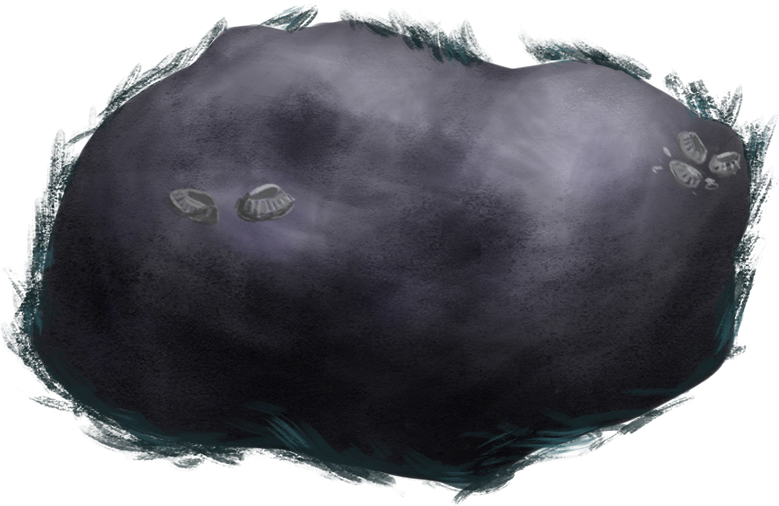
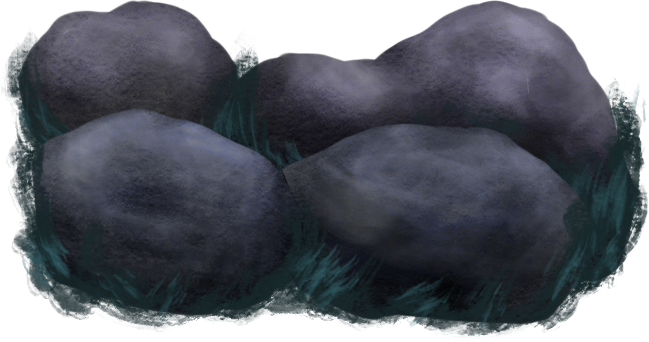
After these were implemented into our game scene we realized two things. First of all, the tiling of the first asset was a real pain. Since the edge had to match up near perfectly with the next, putting out stone walls was tedious and slower than it had to be. Secondly, the corner rock I had also made was easier to put out and more fun to scale and play around with. So, this meant that “full sized” rocks was the way to go in terms of fast environment design, and no more tileable assets. Going back to the drawing board (note: I wish I had a drawing board) I took the feedback and sat down to make some new rocks. Since I had already picked out some good brushes, this was a piece of cake. To make the the rocks look more like they could be found underwater I played a bit with some colour adjustments to get a more blue tint. The results can be found below. These rocks were easier to place out which the rest of the team appreciated.
 |