Ink.
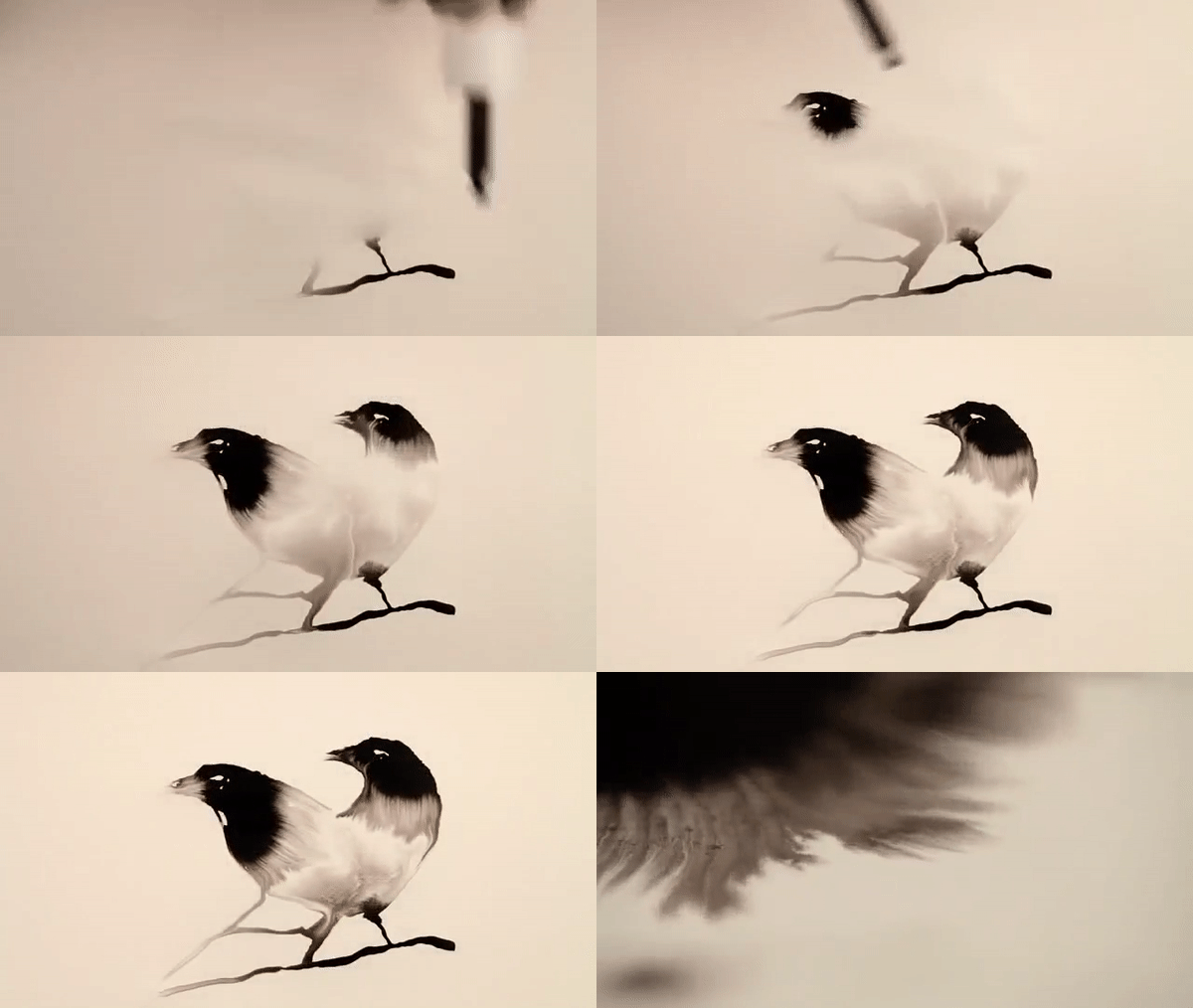
IntroductionCreating good looking ink effects in Unity is certainly a tricky challenge, but I have throughoutly enjoyed working on it so far. I will shed some light on my thought process, what results I came up with so far and what my inkredible ambitions for the future are. So let’s dive right into it! Research. A looot of research.When I as the Lead Artist originally decided to go with an ink-on-paper artstyle (also known as sumi-e 墨絵 in japanese or 水墨畫 in chinese), I obviously kind of knew what I was aiming for. Since our game is supposed to feel like it’s being played on paper yet also contains watery components, I was in particular interested in ink-water interactions. Both of the components being fluids makes it really dynamic but also mysterious. One of my first references was a video of a painting done by dropping ink onto paper, prepainted with water, as seen below. The effect looks astonishing yet simple and minimalistic. I was dazzled on how dynamic the fluids interact with each other and over all very amazed by the technique. Translating something like that into Unity was definitely not an easy task, and to spoil a bit here I have still not been able to fully reproduce what I wanted to do. My intial thought was to work with shaders again, after already successfully using them for the water in our game Umibōzu.
If you break down the effect, you can see that it consists of different stages/components. The ink seems to spread in two different „waves“, which could be translated to Unity by duplicating the effect and then playing around with opacity and layer masks. I was striving to use this effect for our environment, which consists of rock formations, to create a spiritual and mysterious ambient for the player. Having dynamic flowing animations emphazises the sumi-e artstyle and creates an unique aesthetic experience for the player.
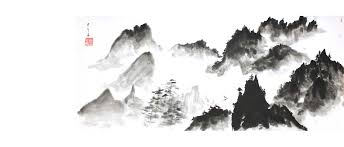
This is a traditional sumi-e painting showcasing mountain formations. The edges are sharp, which is beneficial for our game, since it clearly communicates to the player where the colliders are. A combination of the footage above and this way of portraying rocks would be ideal for our game.
Ink shader in Unity!Before tackling this challenge, I made a checklist of what features or charasteristics I want the ink effect to have :
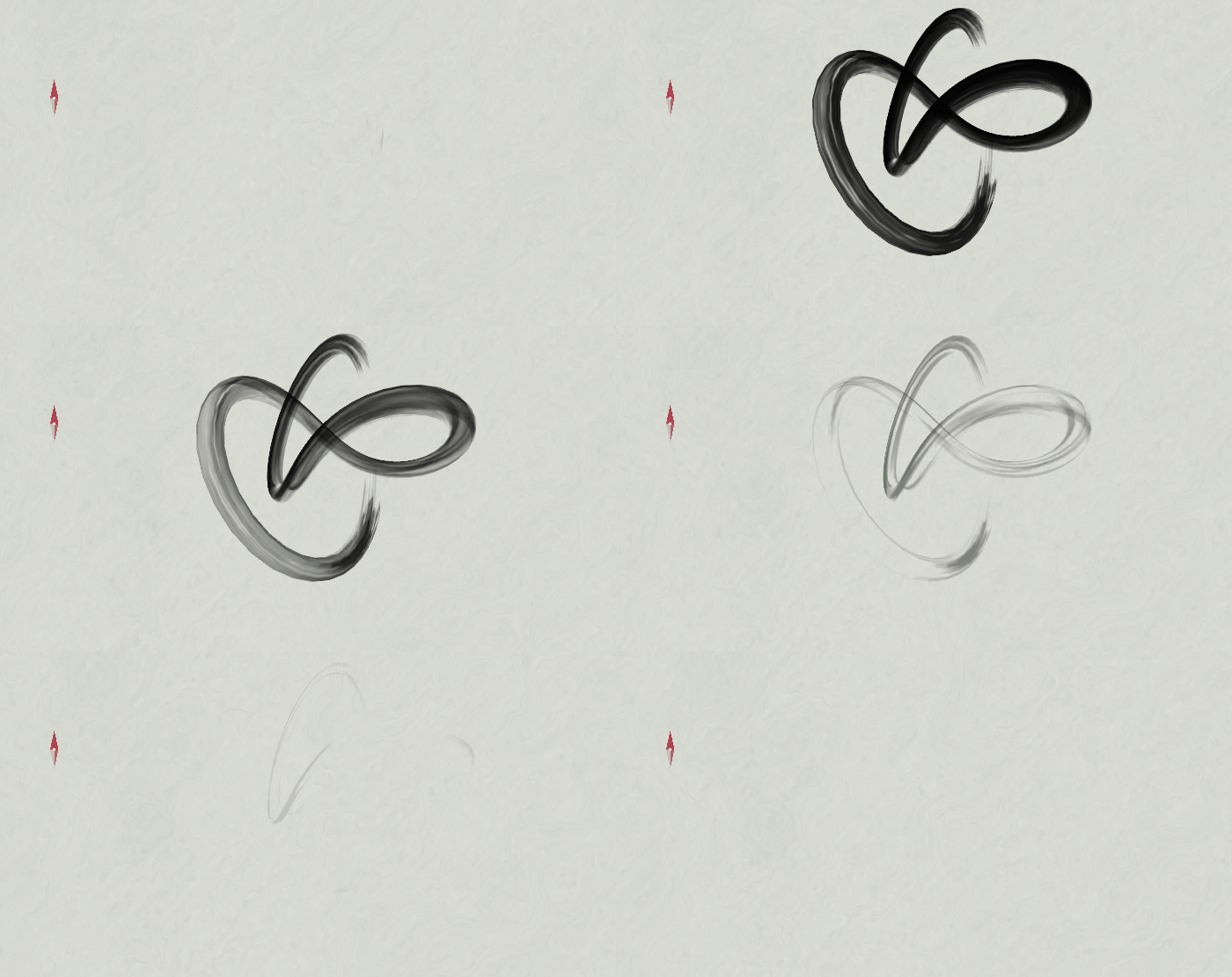
This is what I came up with in the end (after a lot of hours and tears). For showcasing purposes, the shader is applied to a torus knot in the footage. I am kinda happy with the stroke-like ends as well as the flow, but I am not very happy with the fade-out yet. But it is a good start I would say.
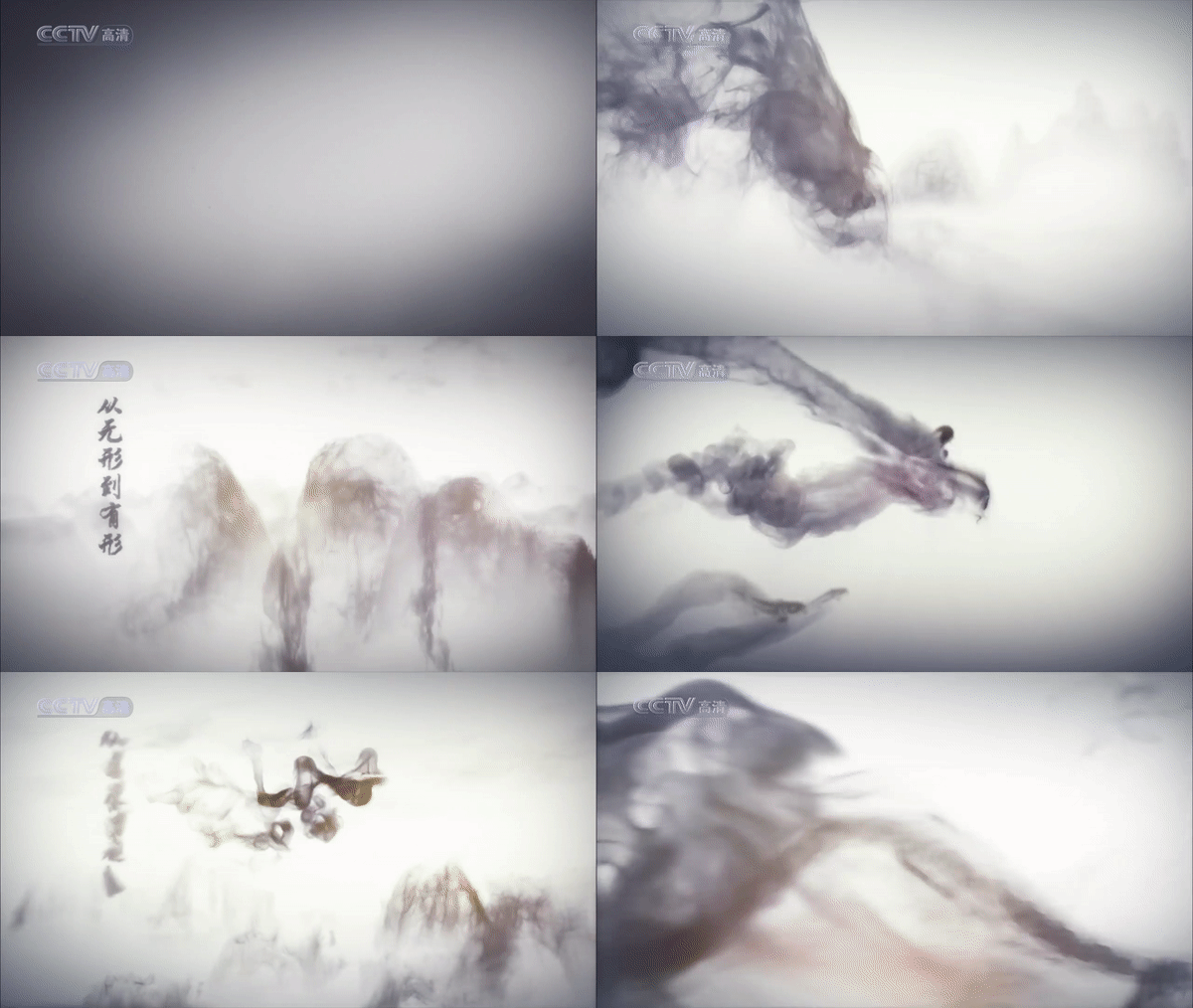
Approaching ink effects from a different angleAnother remarkable reference that I had tons of fun breaking down was an ad made by the chinese TV channel CCTV. I was especially interested in the ink trails left behind by the fishes while they traverse through space.
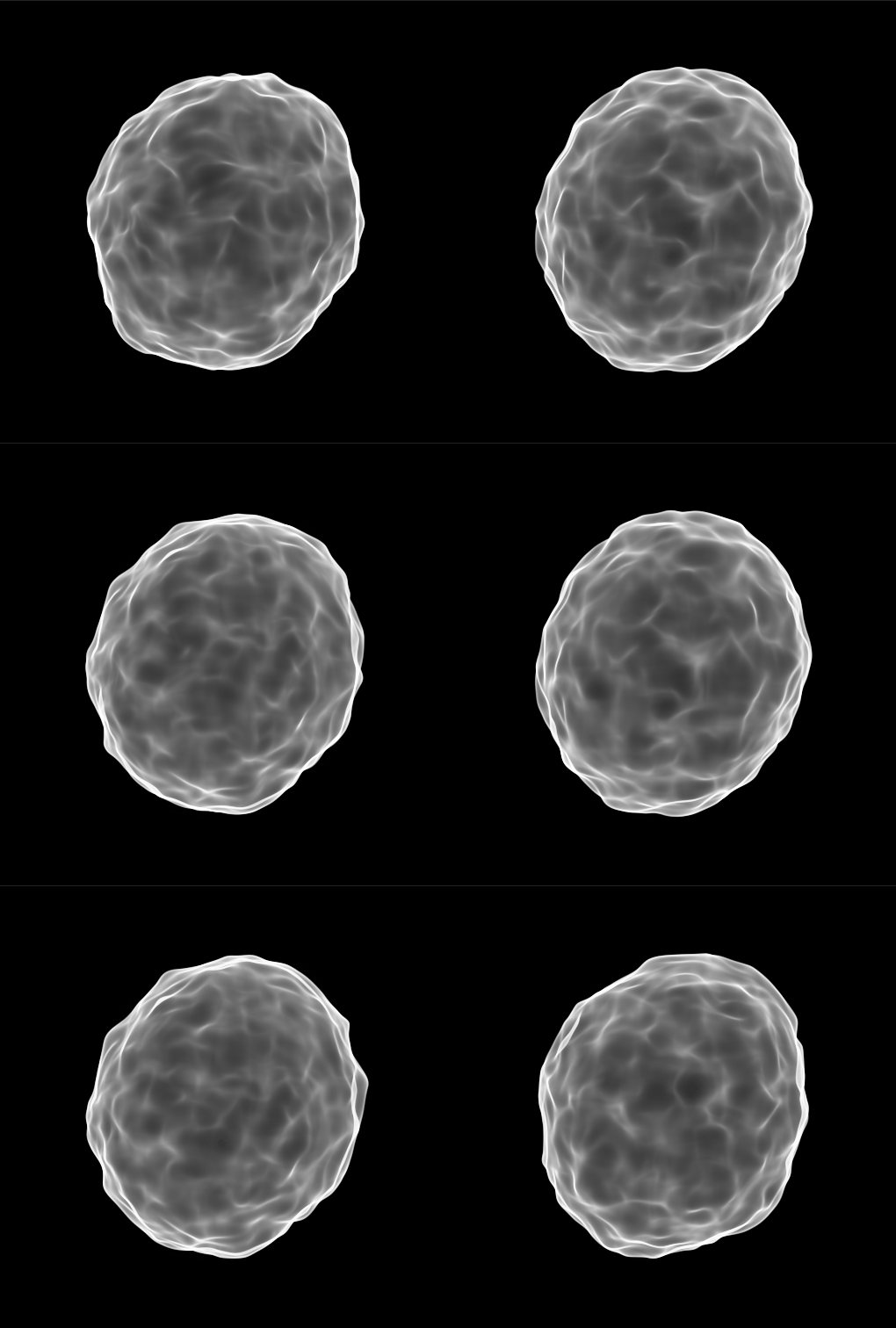
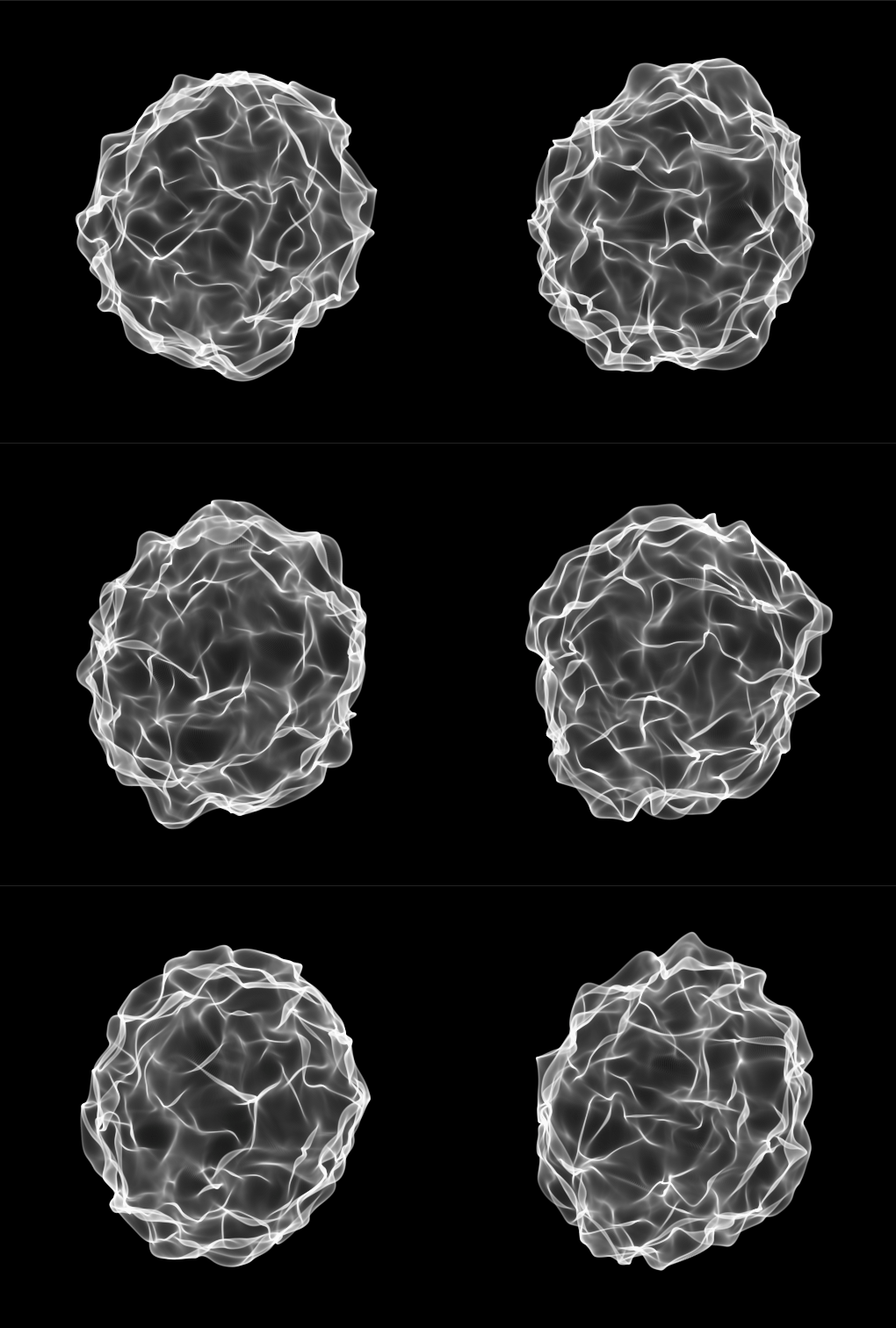
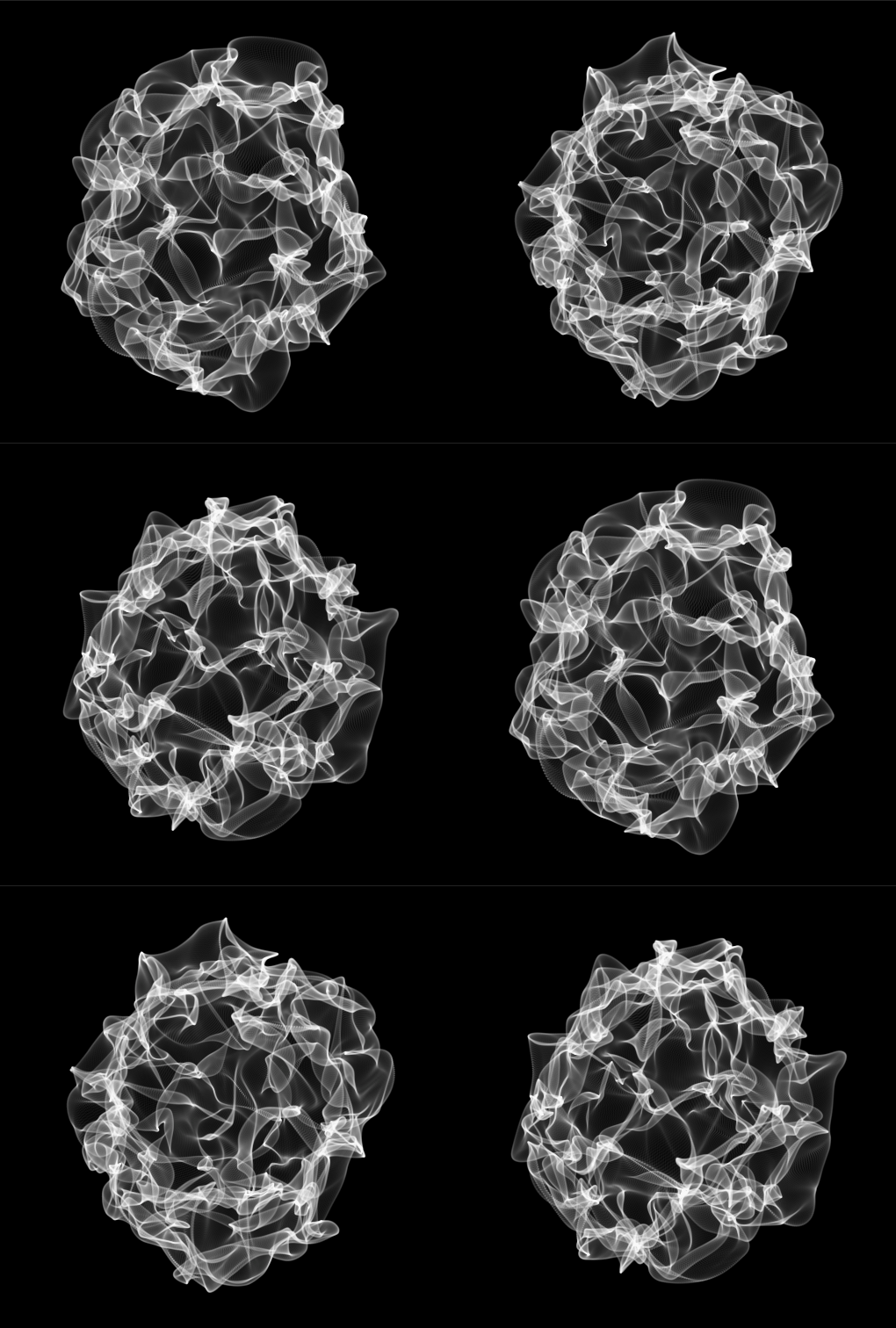
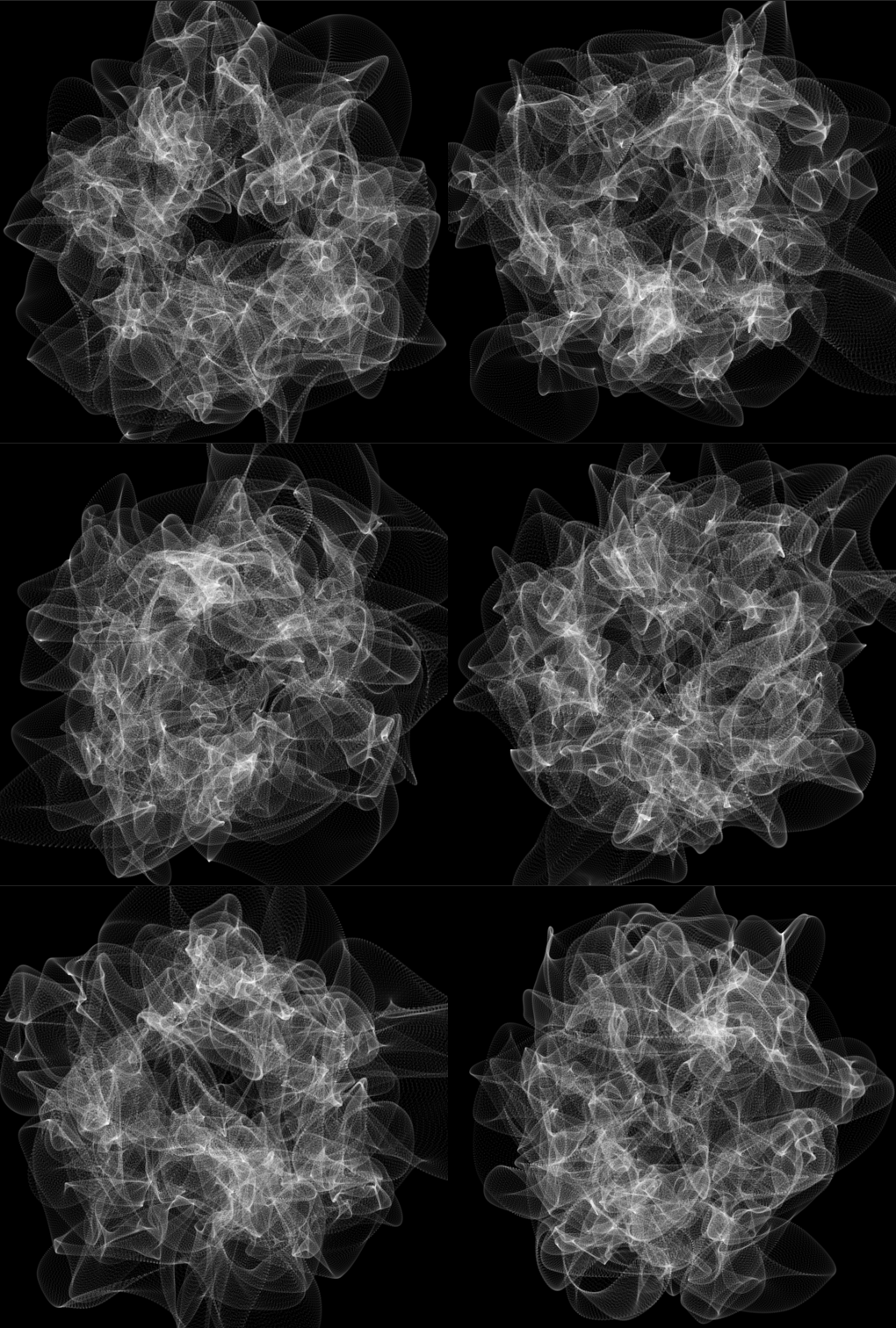
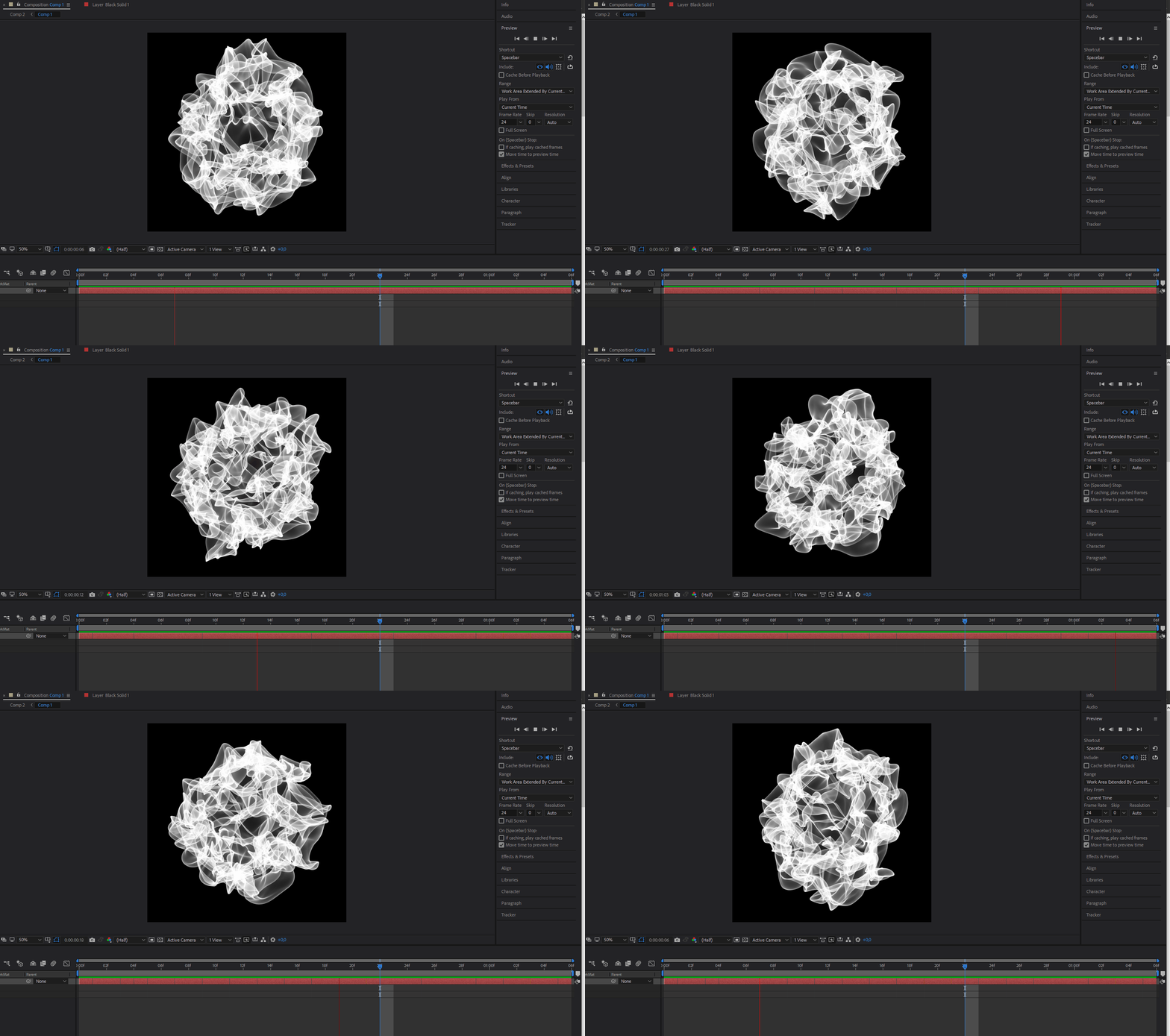
The video is obviously rendered and not real-time simulated and each flowing ink drop consists of millions of particles, which is simply too performance heavy to simulate in real-time in the Unity Engine. The ad was done by using Fume FX, which is a plug-in for Maya/3ds max, and krakatoa for particle rendering and substantially influenced my approach on how to create ink effects in Unity. I came up with the idea to render patterns in After Effects and then later making a sprite animation out of them and applying the ink shader in Unity. Working with thousands of particles in After Effects is less of an issue, since you can just render the animation over night and then make a sprite-sheet out of it. Obviously though, the results do not have the same quality as a real-time simulation would have, and working with thousands of particles is nothing in comparison to millions. To create this disolving ink look, I was using After Effects as well as Trapcode Particular. I started out with a sphere consisting of 2000 particles on the X and Y axes and added a fractal field, with a displace component.
Some WIP pictures
Playing around with different displace values in After Effects. (First one looks really cool if you want to do a cell or something biological, maybe it could be a nice addition to our latest Game Jam game Surviral)
This is what my ink animation looks like in After Effects:
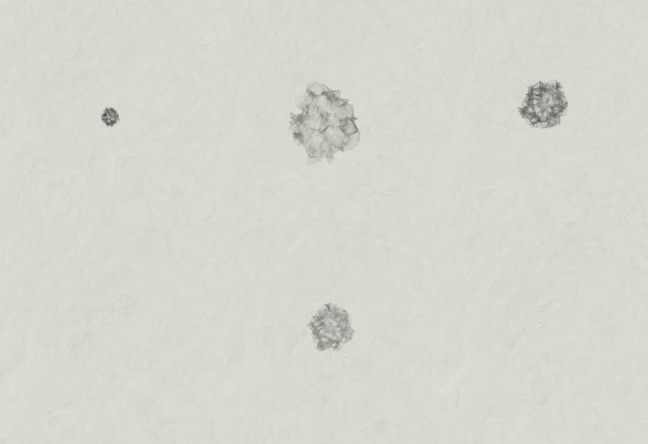
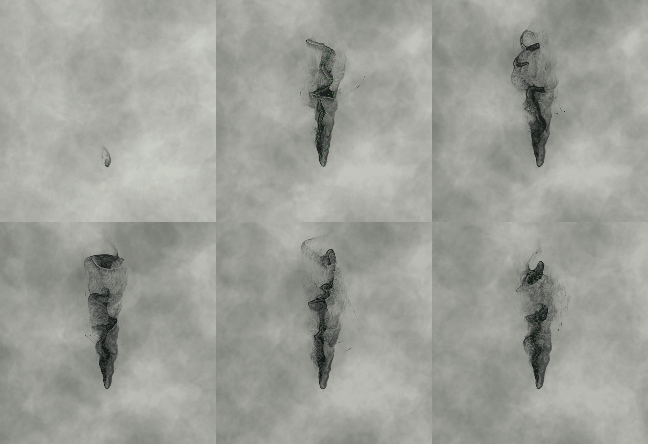
In-game footageThe picture on the left shows the final ink animation in Unity, after working with the shuriken system and applying the ink shader. On the right you can see an ink projectile that was made using a similar technique (shitty GIF quality tho)

What’s next?While I am still nowhere close to where it would have liked to be, I am kind of satisfied with the basis that I have right now. I learned a lot while approaching this challenge and I have had tons of fun so far. I will try to make the effects more coherent and clear readable to the player and I am looking forward to continously improve the quality since I think this has a lot of potential. Thank you for your time reading this blog entry! Until next week, where I will talk about how playtesting has effect our project. Cheers //Alexander Sinn  |