Dmesh and Player Avatar
|
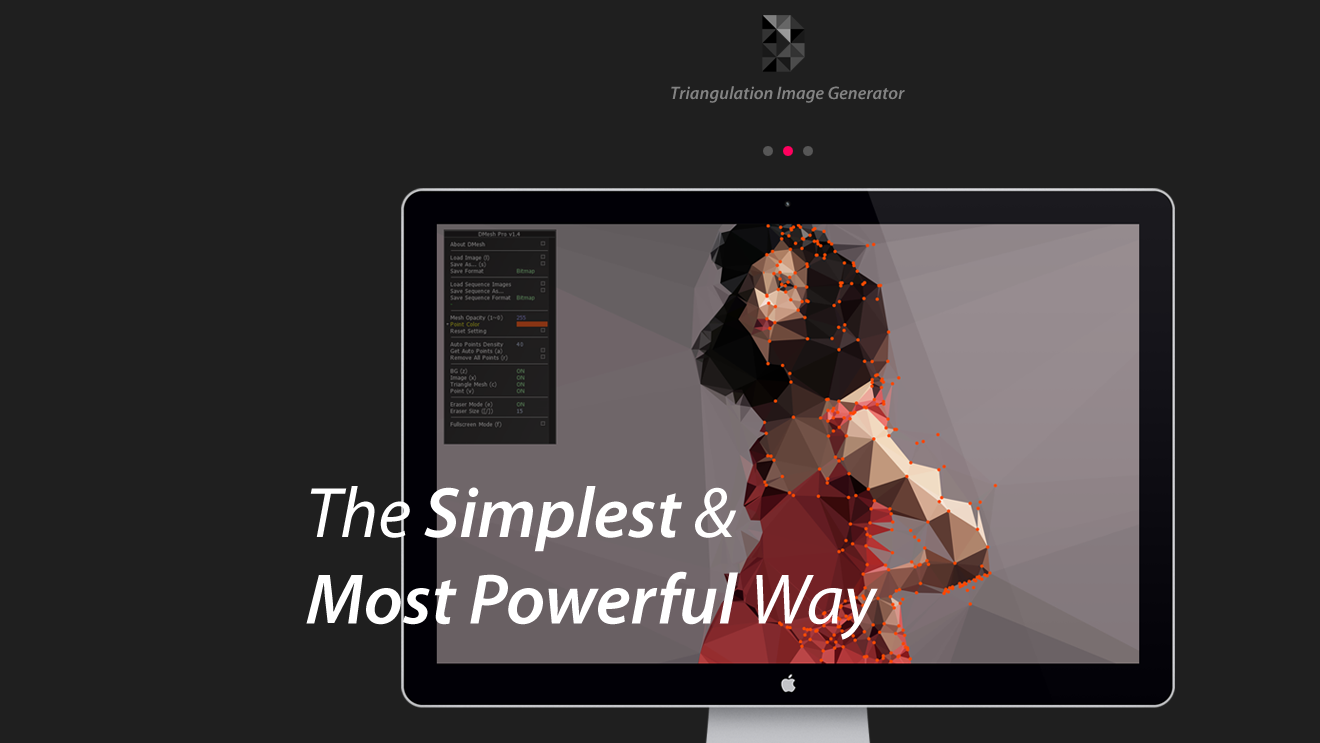
Dmesh is a software used to make low poly images from pictures. How does it work? Every 3 dots, the software makes a triangle with the average colour contrained between those 3 dots. Setting the points manually is preferred for the best results, as it usually makes the most freaky combinations automatically. You better do it fast, though, because it usually stops working with no reason, loosing all the progress. High five! Fun times.
The same style can be achieved in photoshop or Illustrator, but it takes at least 5 times longer, so it wasn’t really useful for production. There is a tool to make an average colour from your selection in Photoshop, but it’s easier to set dots on the image and let the software (in this case, Dmesh) do it. For the behemoth, I made a base shape, and colour scheme, with some textures, lighting and shading, following the colour palettes (always subject to future changes). I made a bright side and a shadow side based on sunset colours (yellow-ish lights, purple-ish blue-ish shadows). All the assets have increased brightness on the same side, for the sake of consistency. 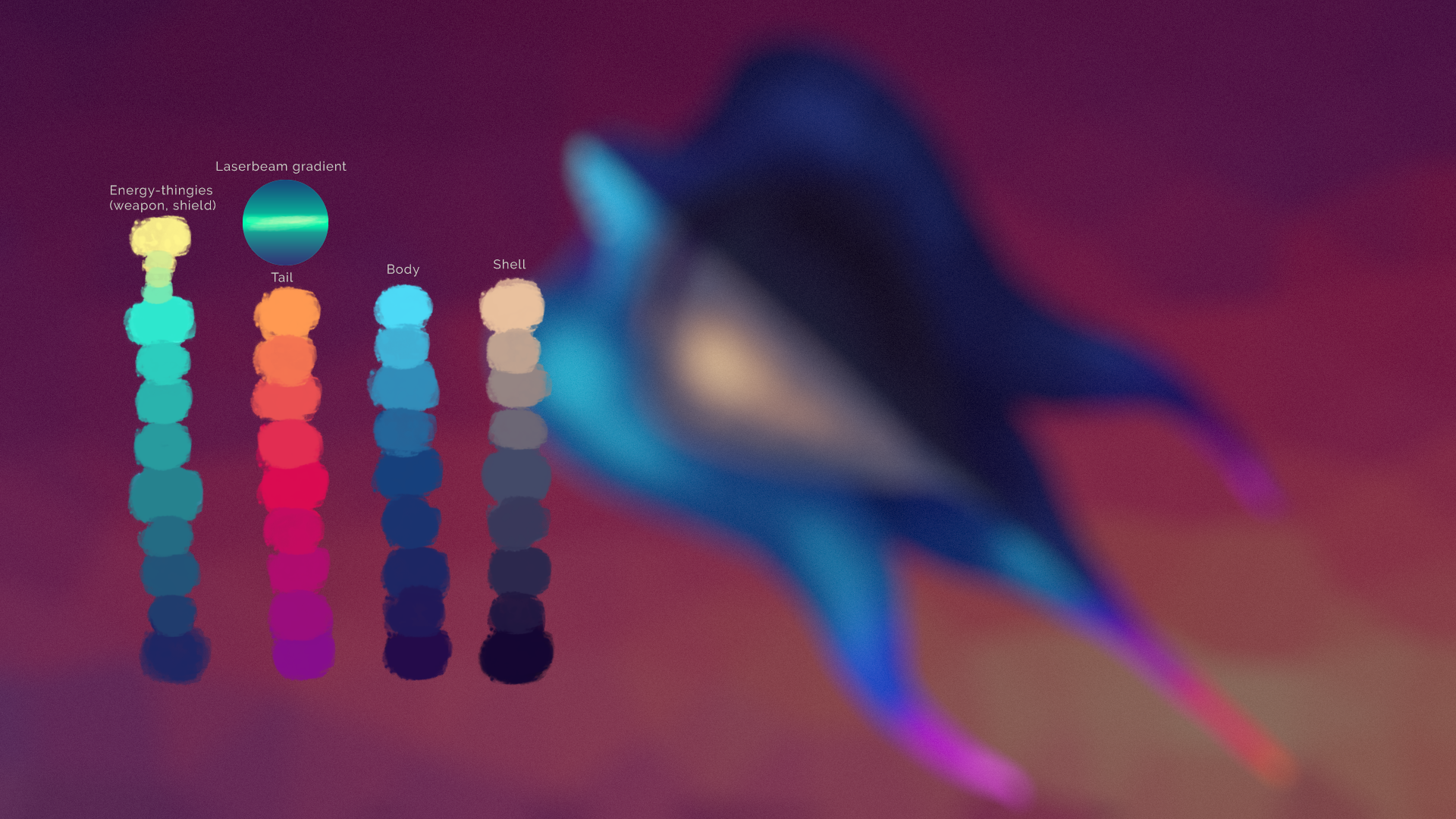 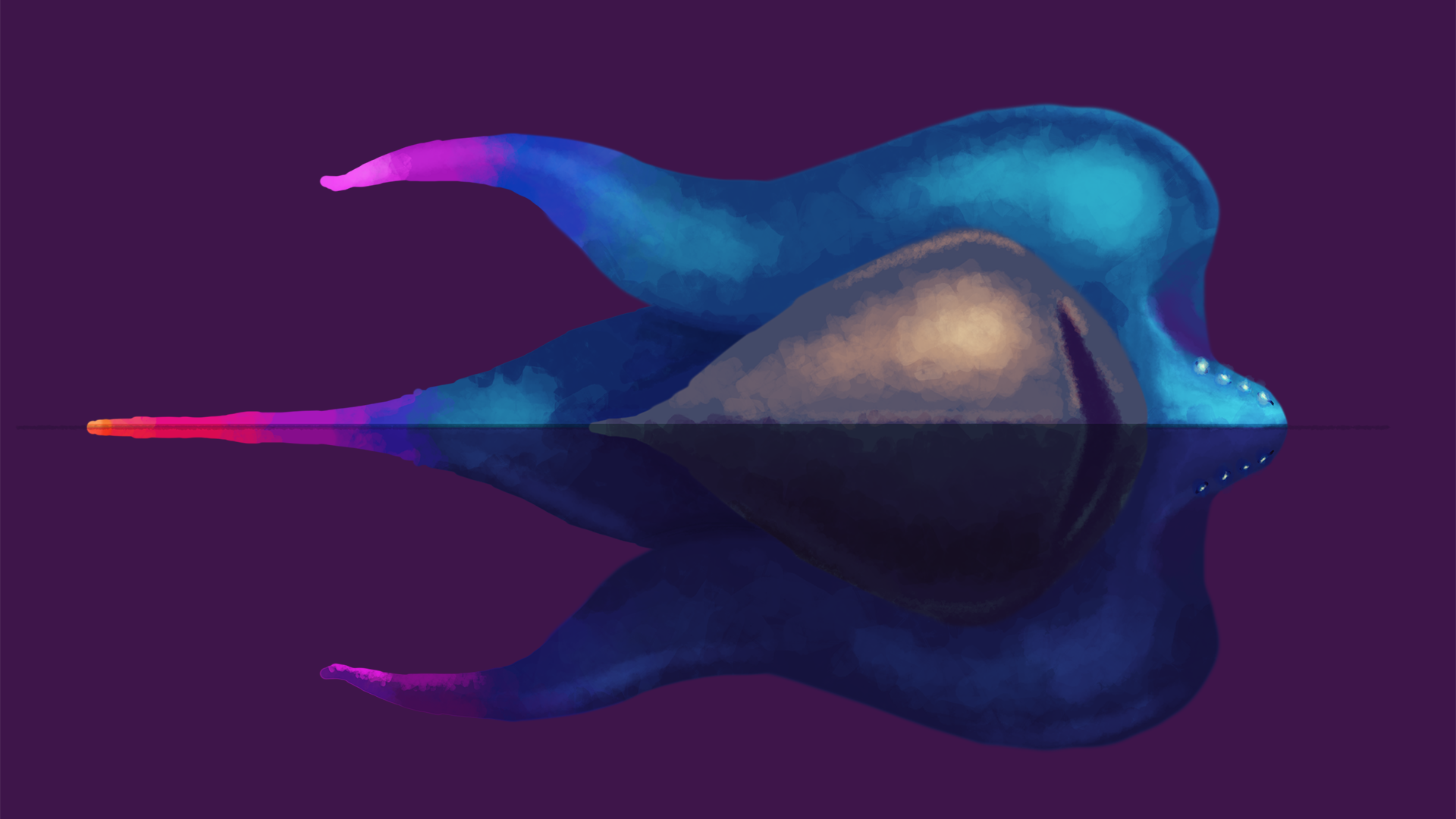 Then I proceeded to import it to Dmesh, erase all the dots added automatically and start making the low poly look. First, I made dots along the central line that divides areas exposed to light and in shadows, because I wanted them clearly defined. Then, it’s just a question of adding the points strategically to make sure the triangles show the shapes you want to show clearly. We don’t want super sharp and thin triangles resembling teeth! …do we? At least not now. Depending on the amount of detail and corrections, this can take from 5-10 mnts to 40-50 mnts, without counting all the times the software crashes. Below, you can see all the dots added manually and the final image you get from Dmesh. When the Dmesh is finished, I then move it to photoshop on top of the base colour layer, cut the borders carefully, preferably with a mask. I add the same mask to the base colour layer and lower the opacity a bit…and done! Now we have a low poly stylised image with a slight texture. 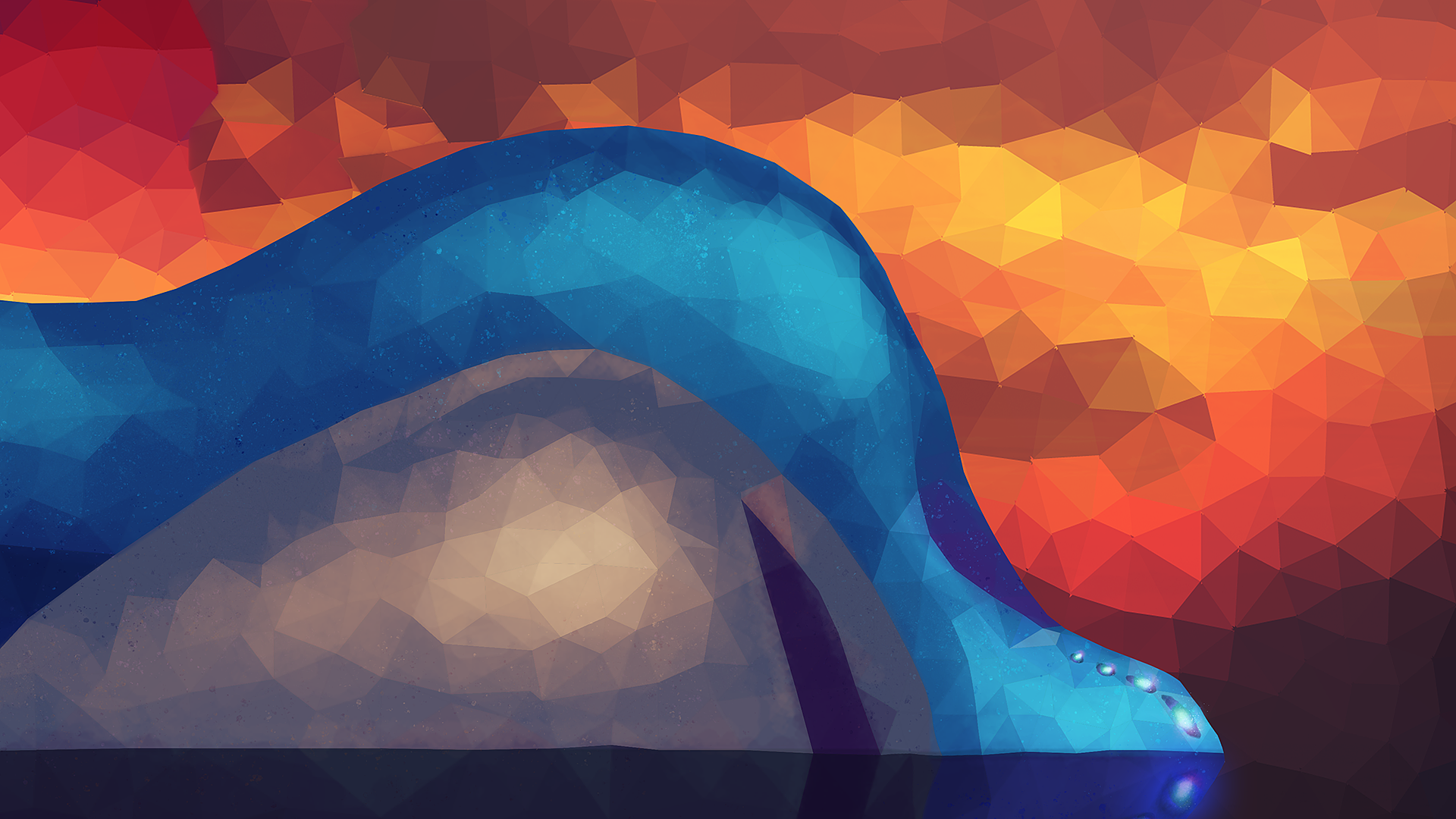 After that, I proceeded to add the eyes (which also required a lot of testing and sketching, most of them made the Behemoth look evil or cross-eyed) and made the cannon and projectile in separate sprites. Next step? Figure out how to animate it in a preferably non-horribly-ugly way. For now, I’ll be animating the rest of the assets, because all the action will be focused on them!   |